I'm a lead designer who thrives on guiding creative teams to do their best work. I bring a balance of strategic thinking and empathy, helping designers grow while shaping impactful, user-centered experiences.

I'm a lead product designer working as an individual contributor — hands-on in the craft while operating at a strategic level. I've shipped products for government ministries, enterprise banks, and consumer apps across a 12+ year career.
I'm always open to meaningful conversations — whether it's a new opportunity, a collaboration, or just a chat about design.
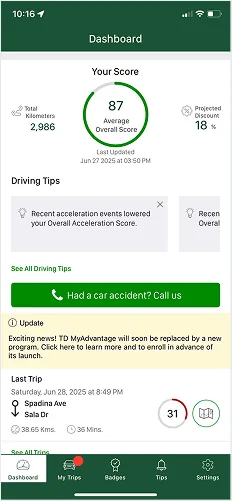
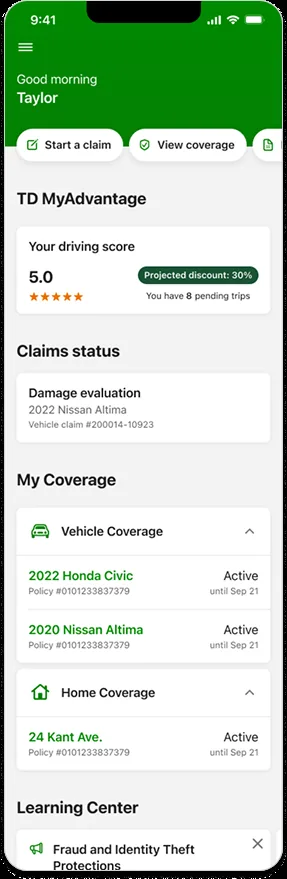
TD MyAdvantage rewards safer driving with personalized discounts. With ~150,000 active users and a 40% closing ratio, the program had strong adoption — but engagement had plateaued. Users lacked confidence in what was being tracked, didn't trust the scoring system, and found it frustrating to toggle between apps.
As UX Lead, I was tasked with integrating MyAdvantage into the main TD Insurance mobile app — a full experience rethink built to address real user concerns, preserve existing functionality, and support future growth.
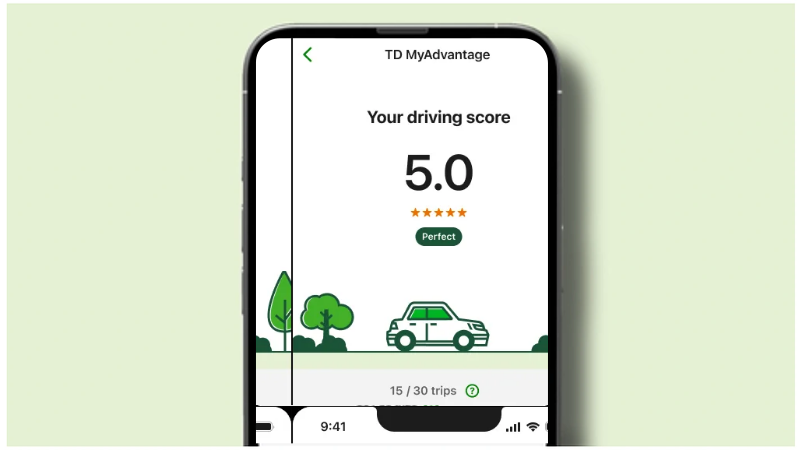
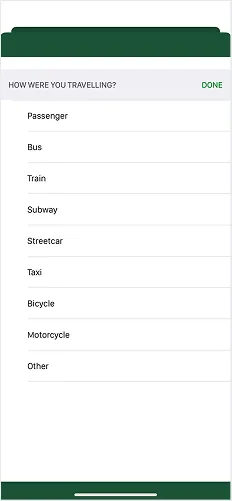
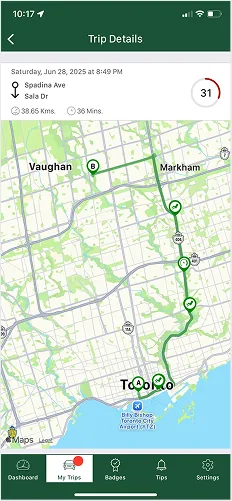
The original standalone MyAdvantage app — showing the score-only dashboard with no breakdown, no context, and no connection to the main TD Insurance app.
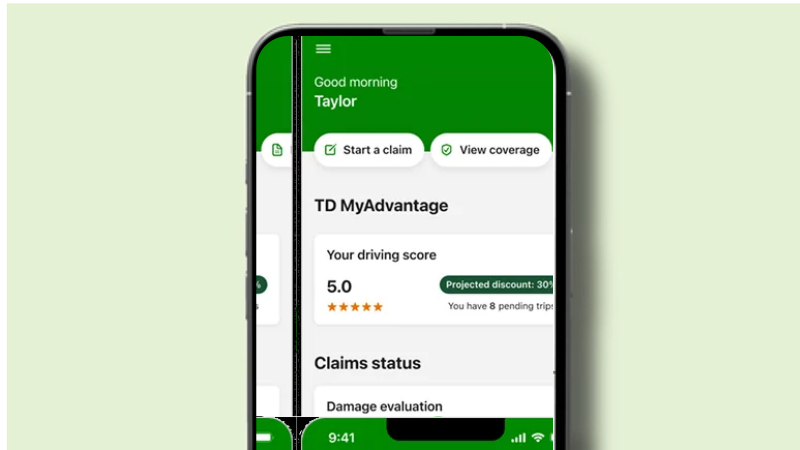
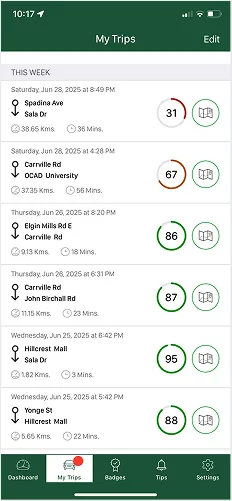
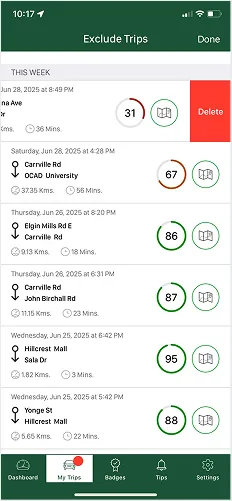
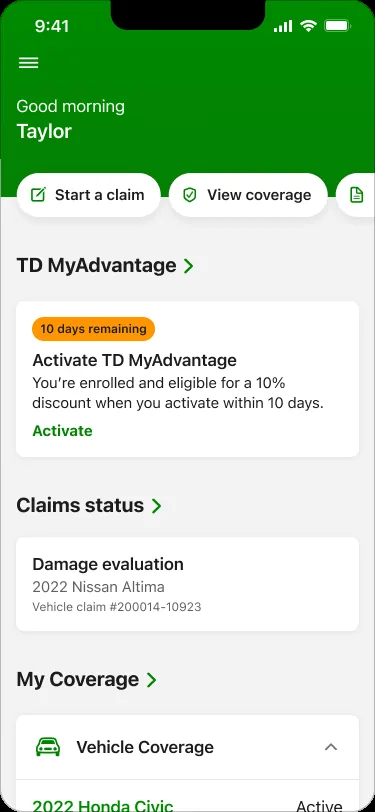
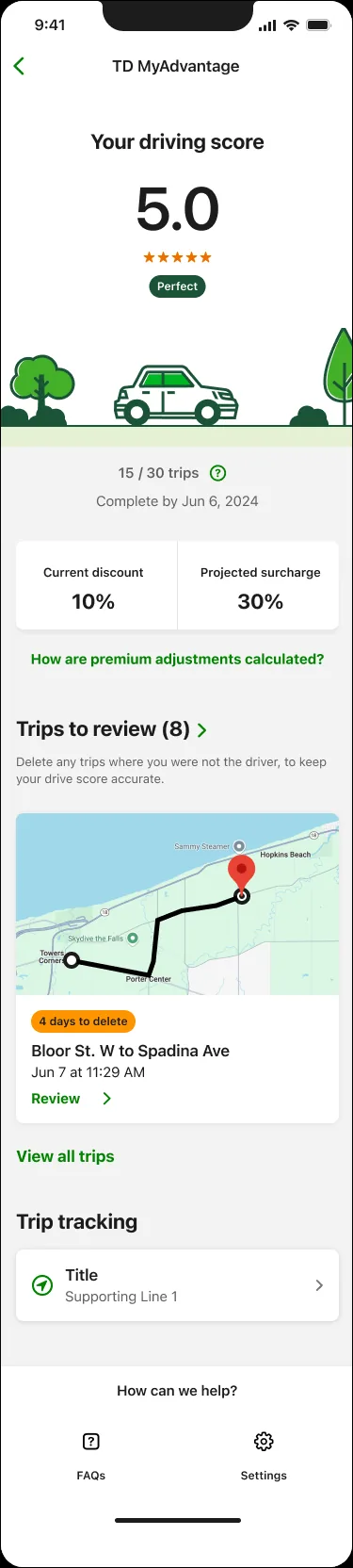
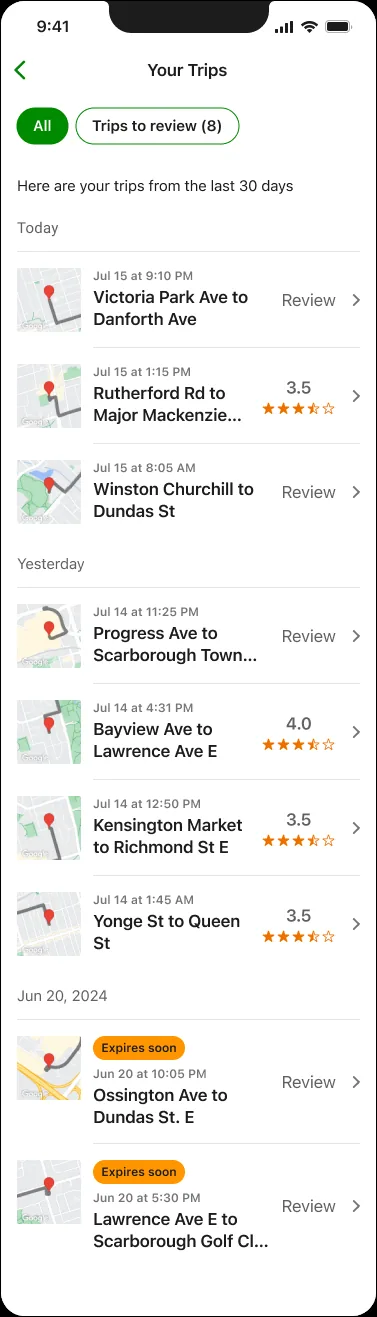
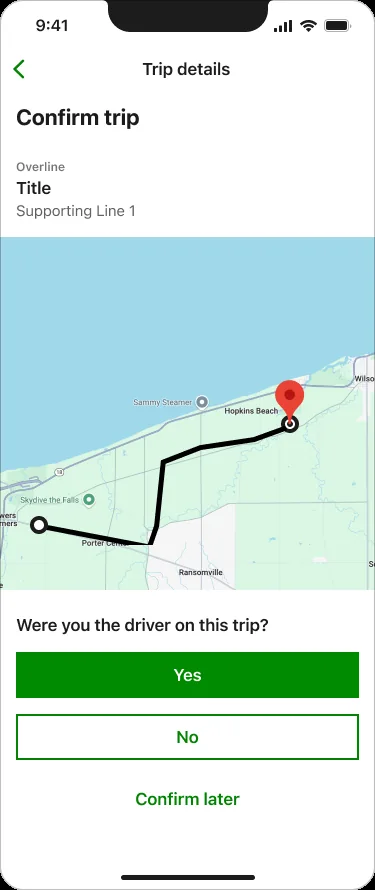
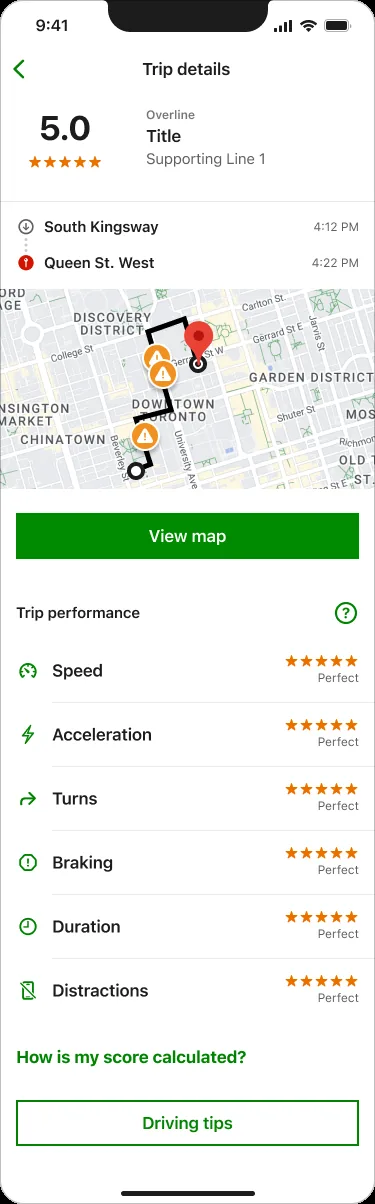
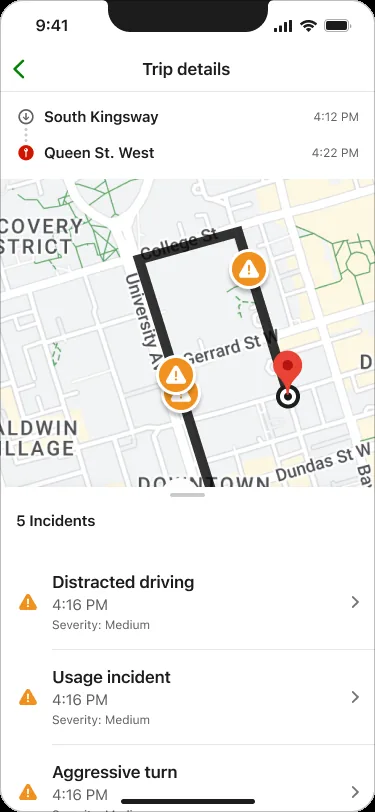
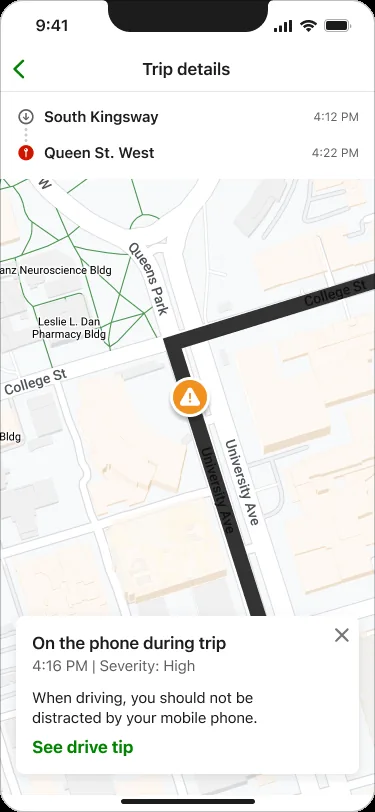
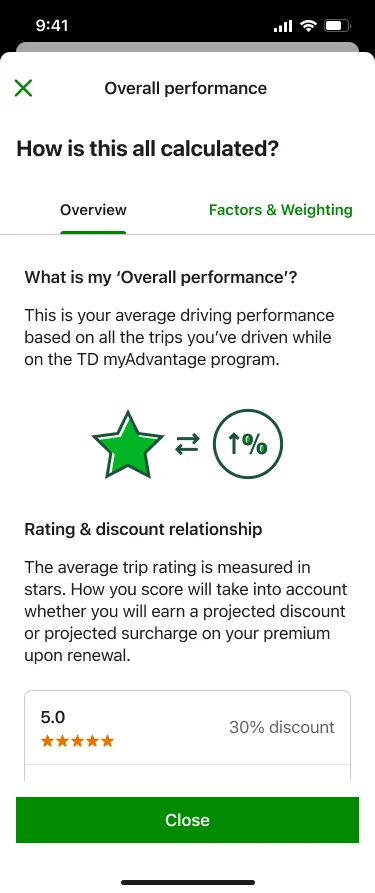
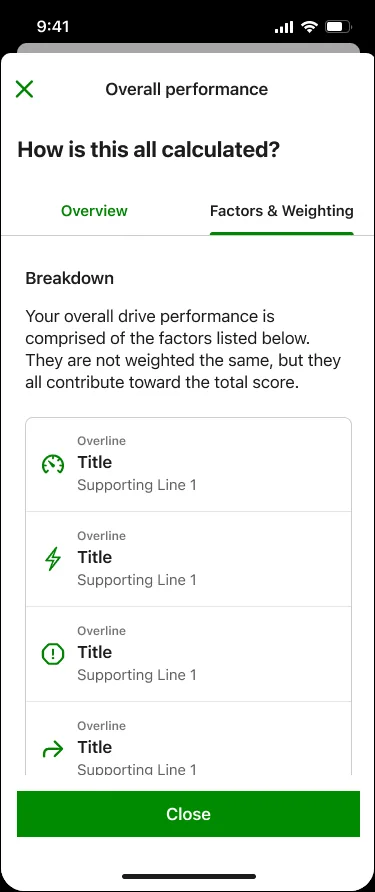
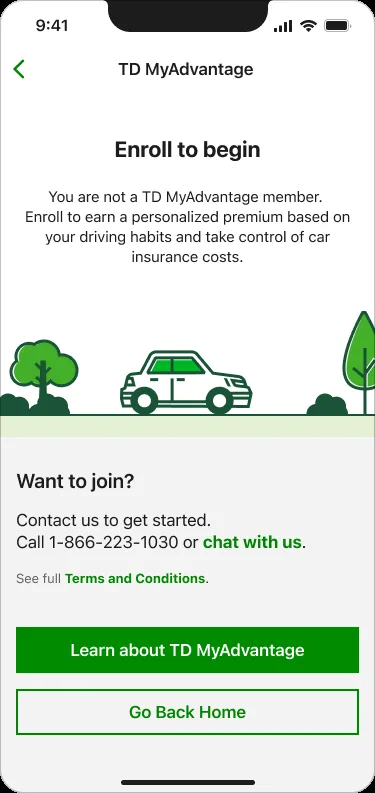
The new integrated experience — transparent score breakdown, trip progress, personalised tips, and a unified home inside the TD Insurance app.
As Lead Experience Designer, I led the transformation of TD Insurance's mobile and web experiences — elevating how over 3 million customers interact with their home and auto policies. Historically, the app served as a basic gateway to a responsive web view, lacking native interactions and personalization.
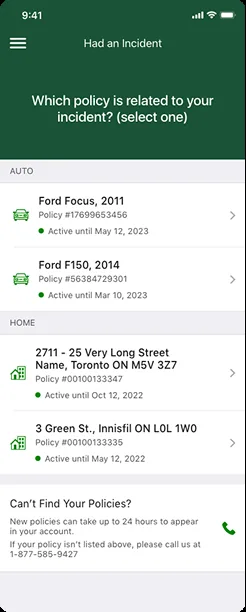
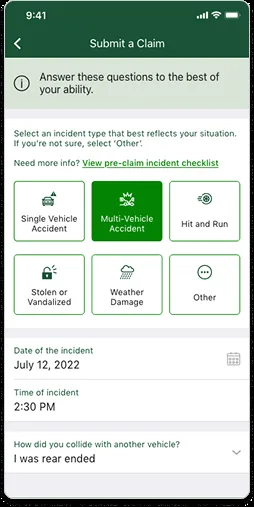
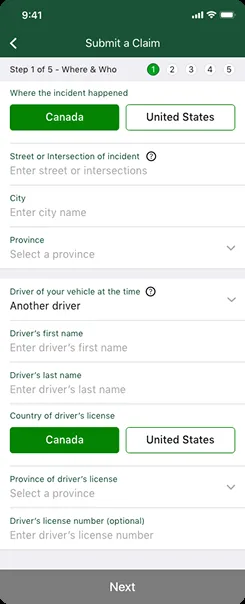
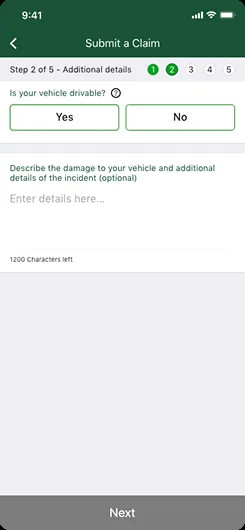
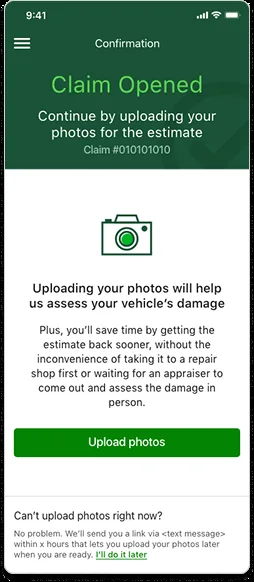
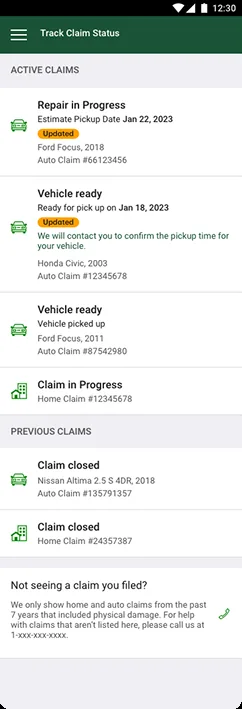
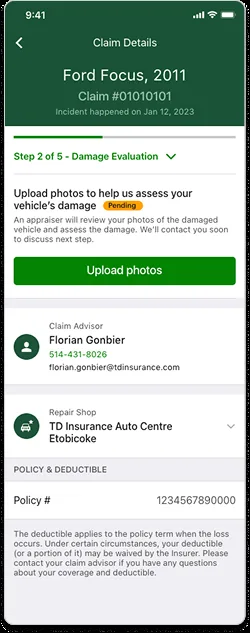
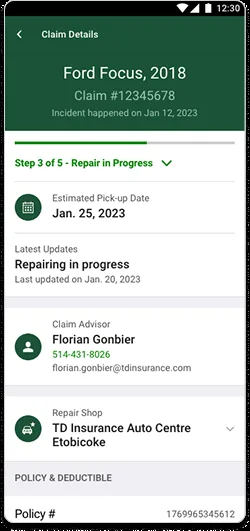
I partnered closely with product and engineering to identify user pain points, leverage the new design system, and deliver modern self-serve features that enabled customers to confidently manage policies, submit claims, and handle billing — all from their devices.
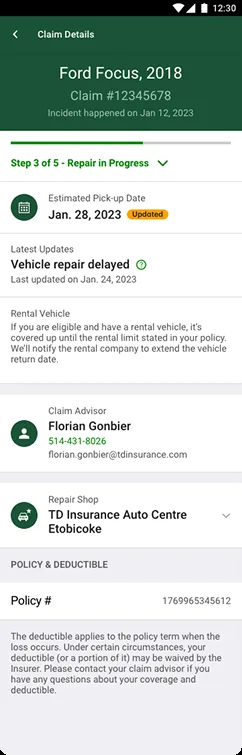
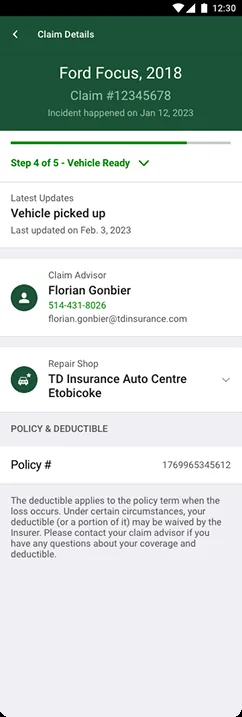
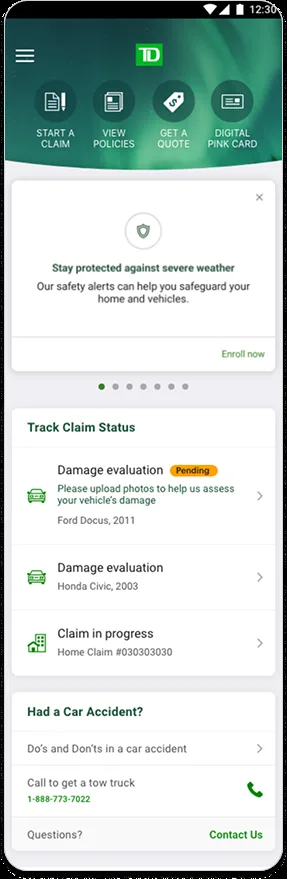
The auto claim process was confusing and disconnected. Users had to re-enter information they'd already provided, navigate a fragmented flow, and deal with poor visibility into claim status — leading to frustrated customers and a spike in call center dependency.
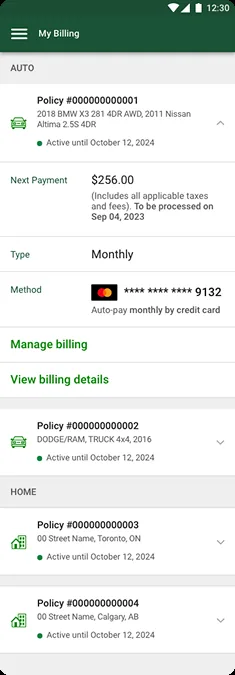
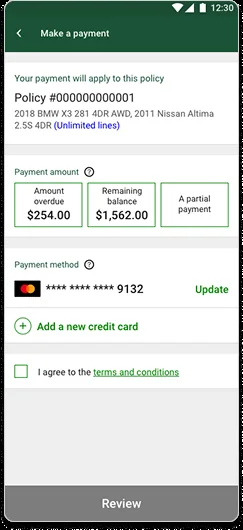
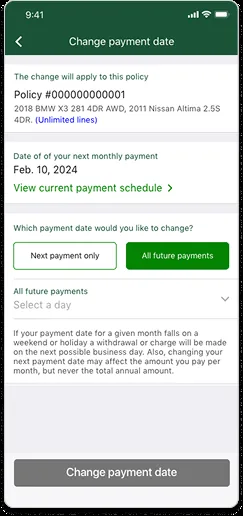
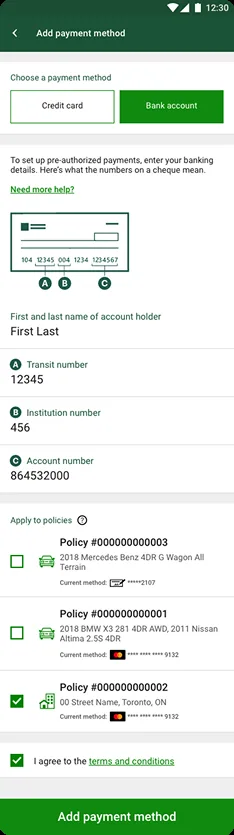
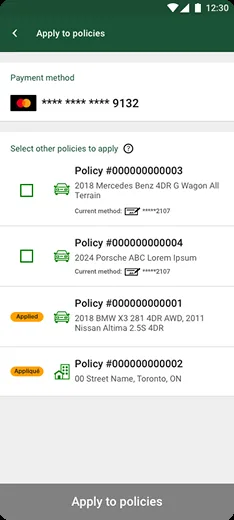
The embedded web iframe used for billing created a disjointed, slow, non-native payment experience — leading to drop-offs, payment errors, and diminished trust.
The original dashboard lacked personalization and wasn't aligned with the new design system. It offered limited navigation and failed to surface relevant entry points tailored to individual user needs.
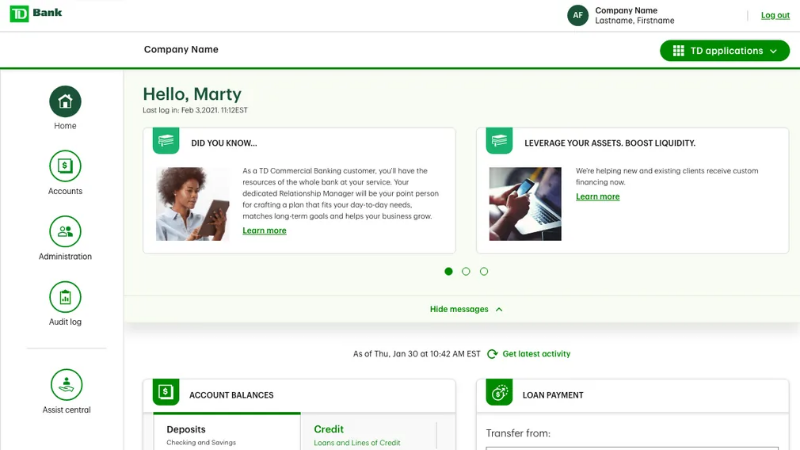
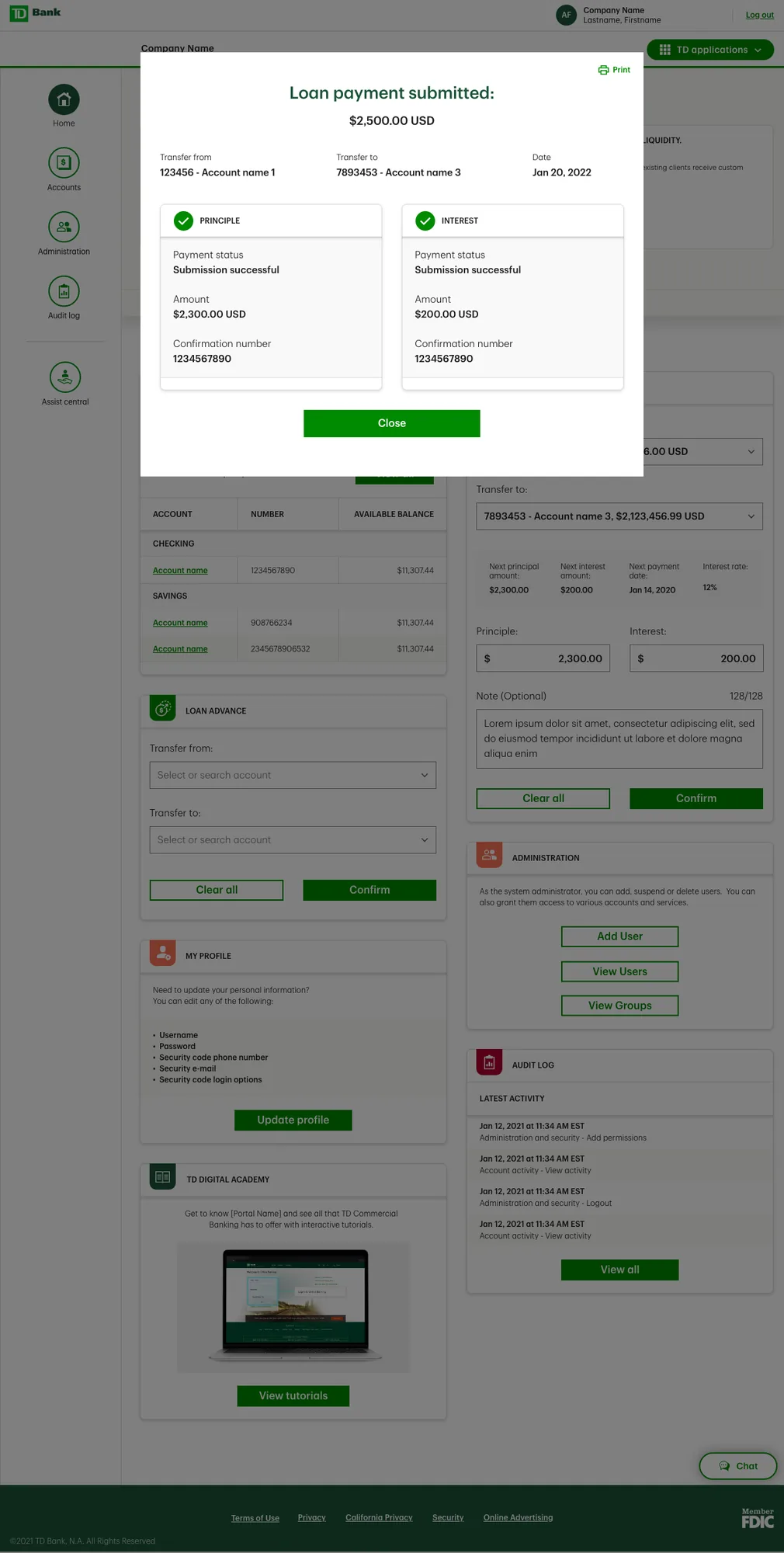
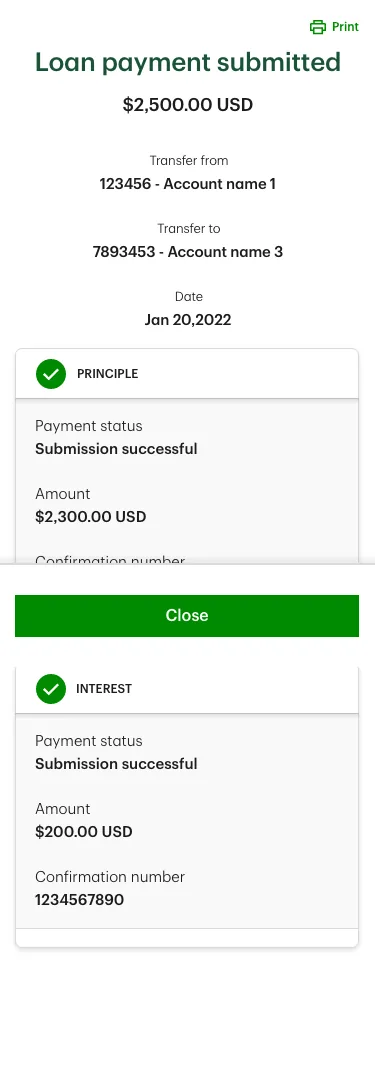
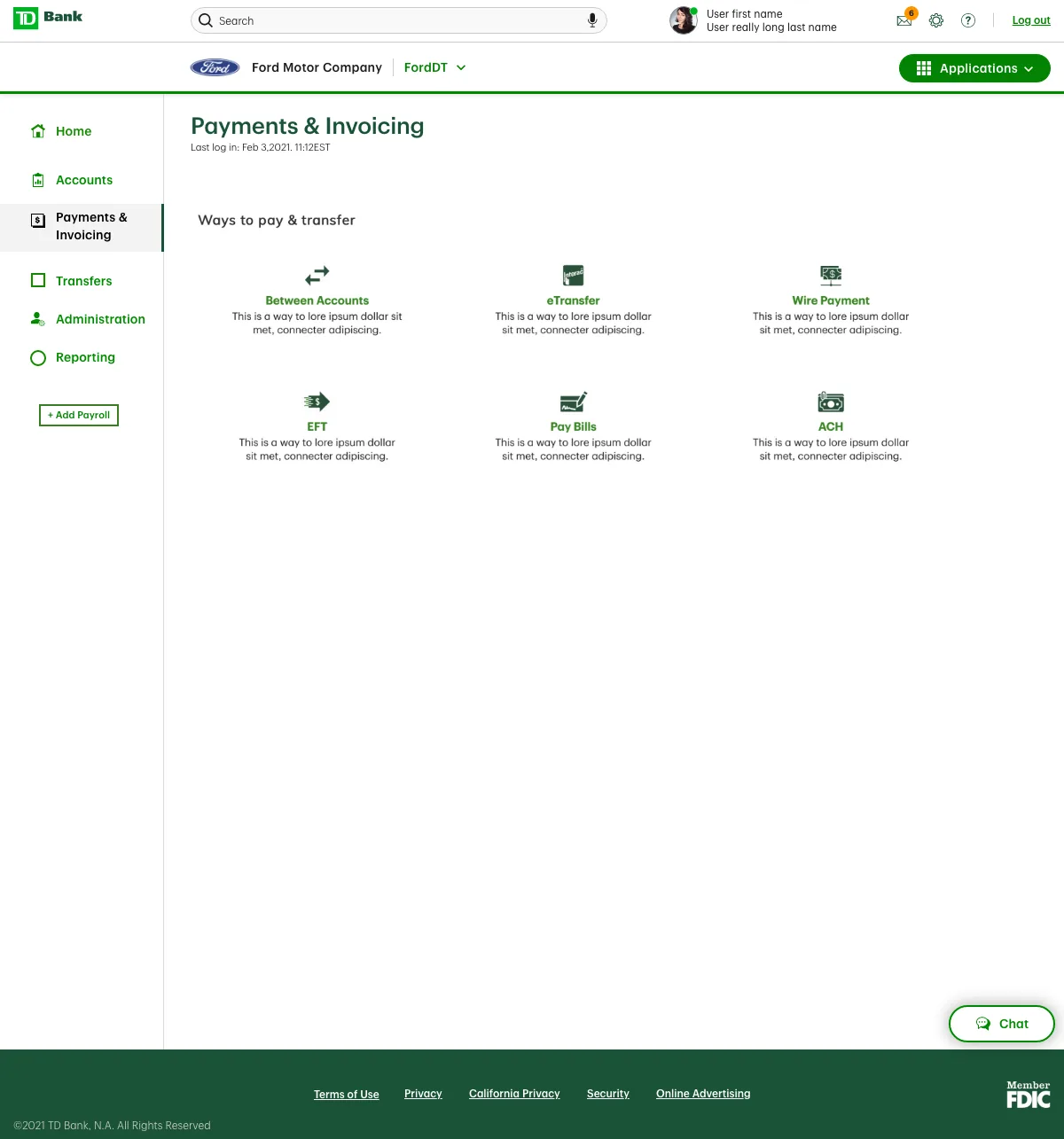
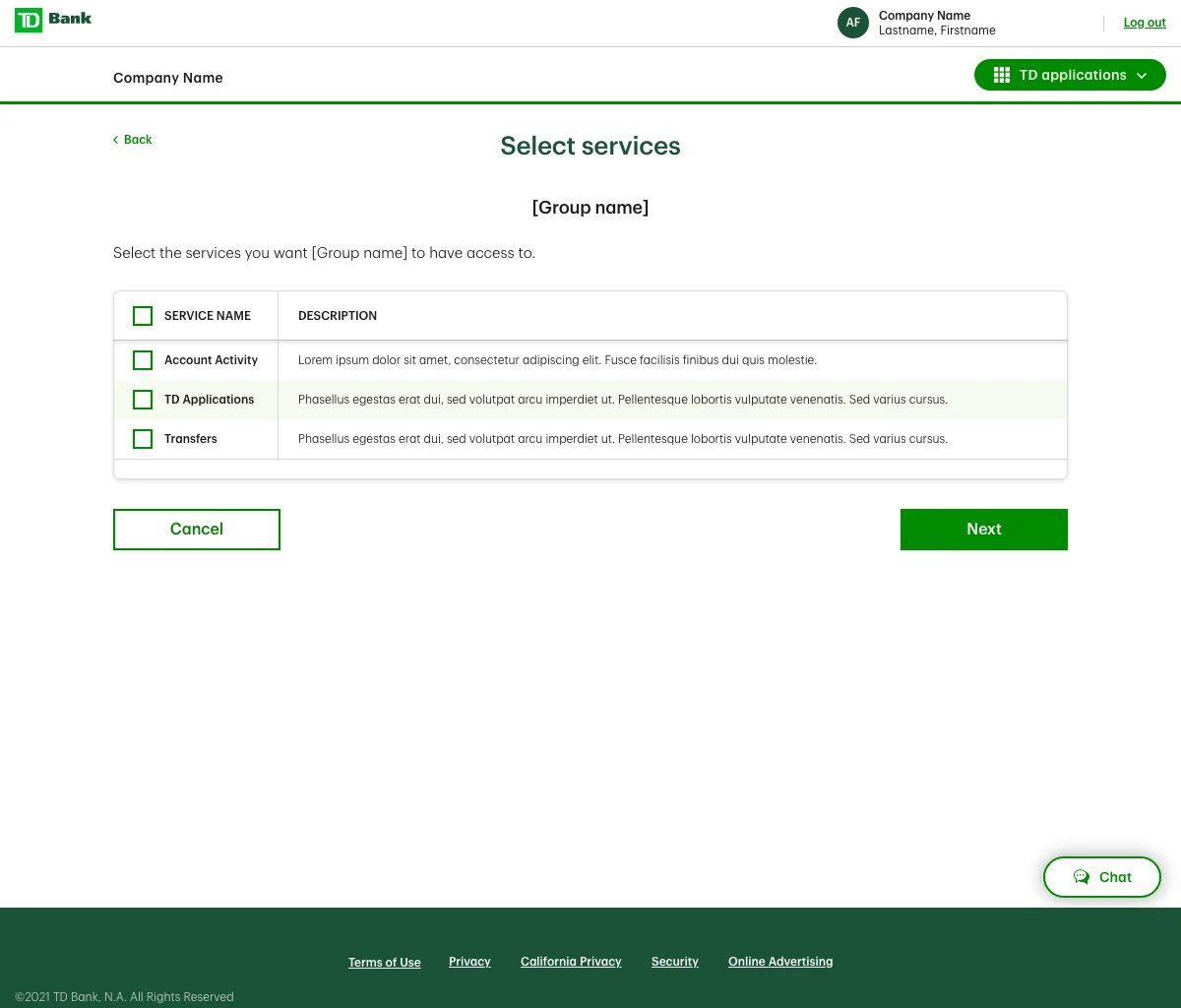
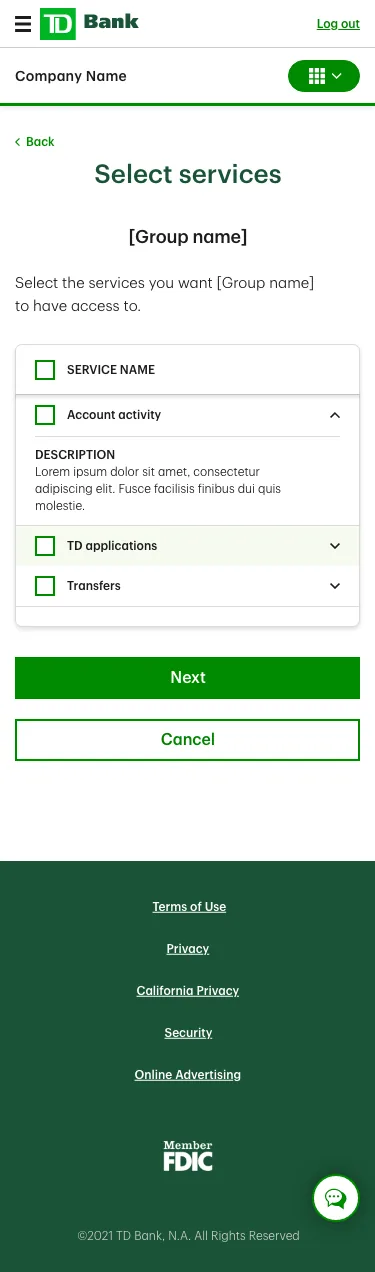
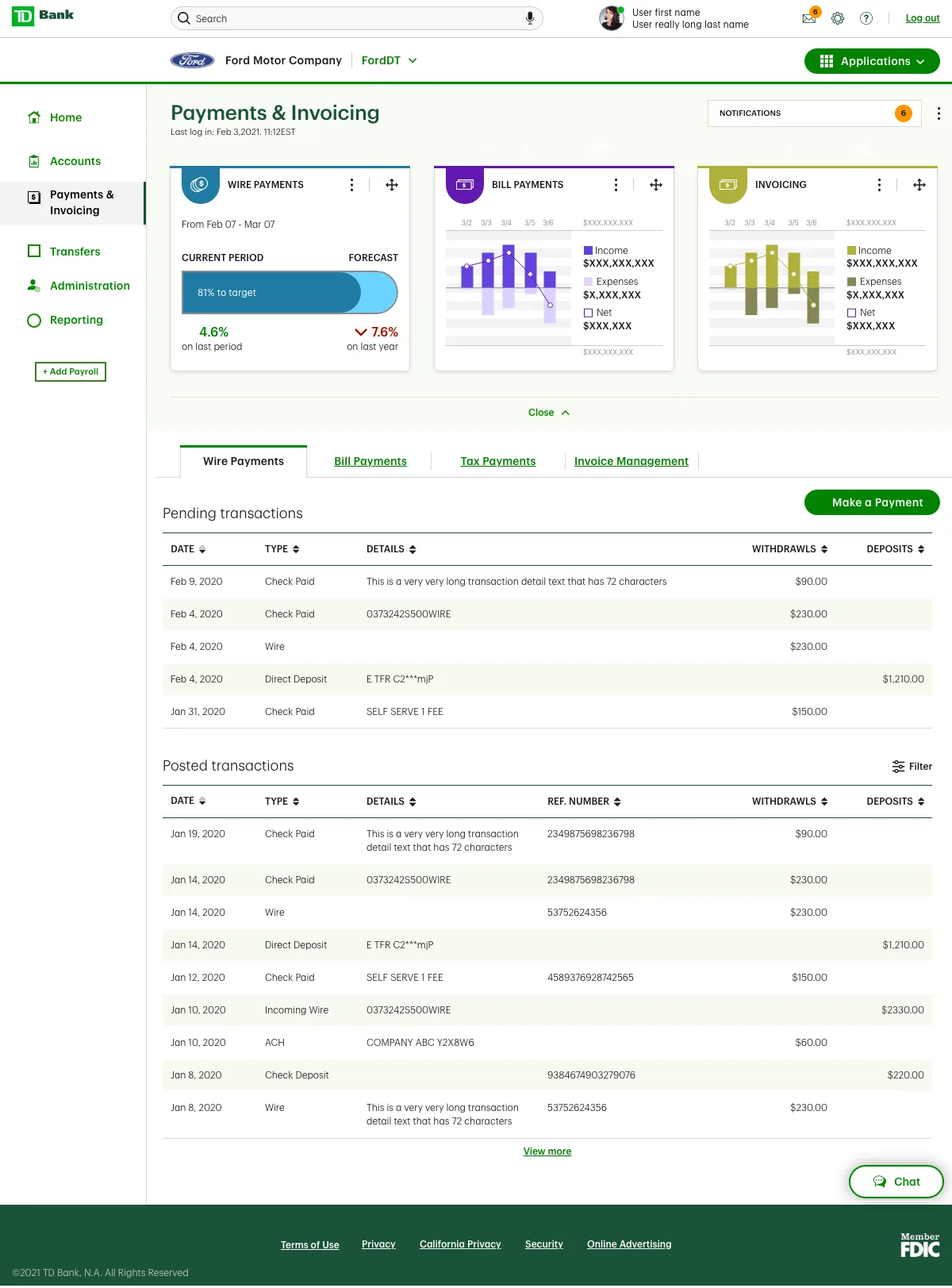
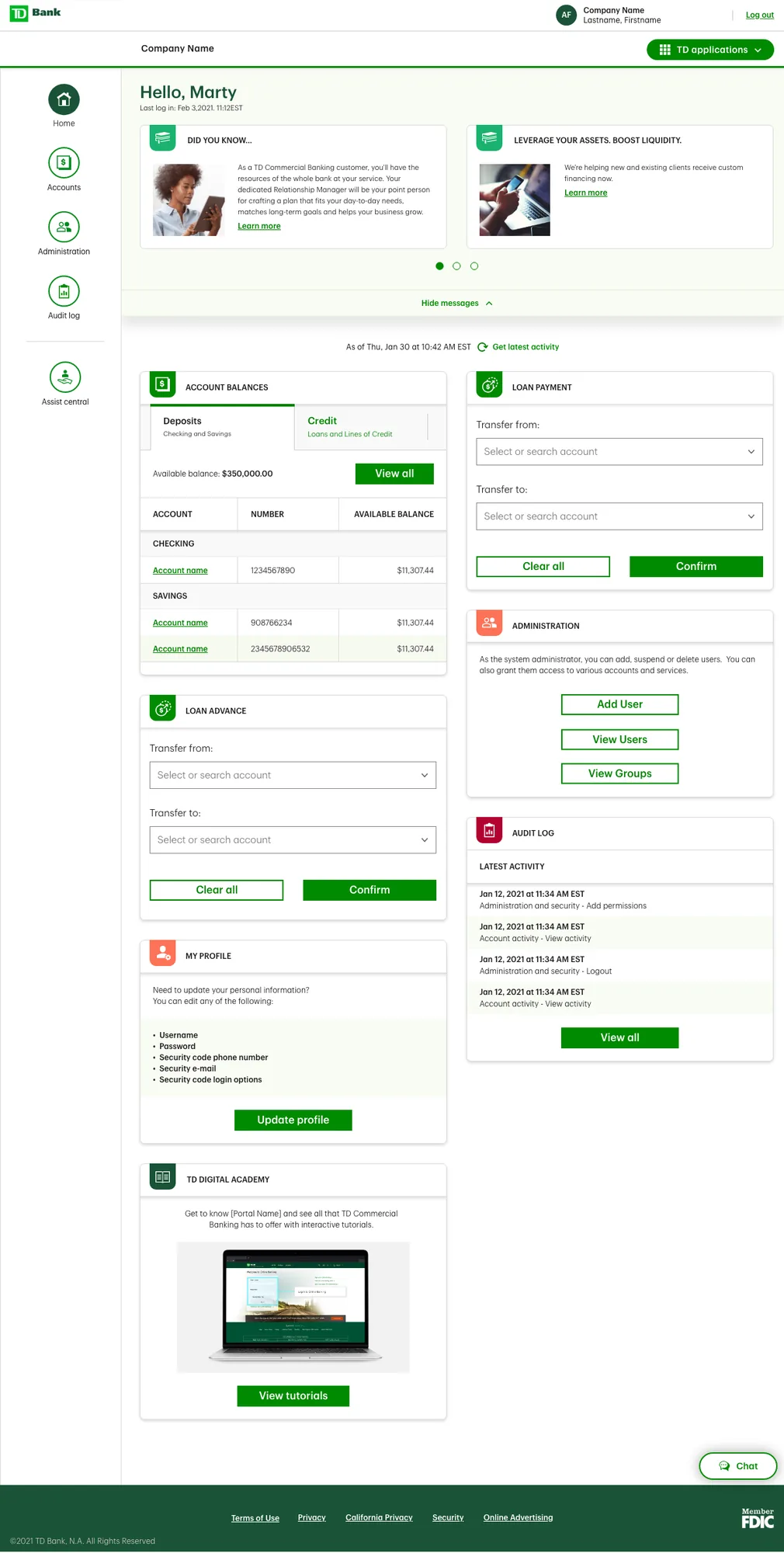
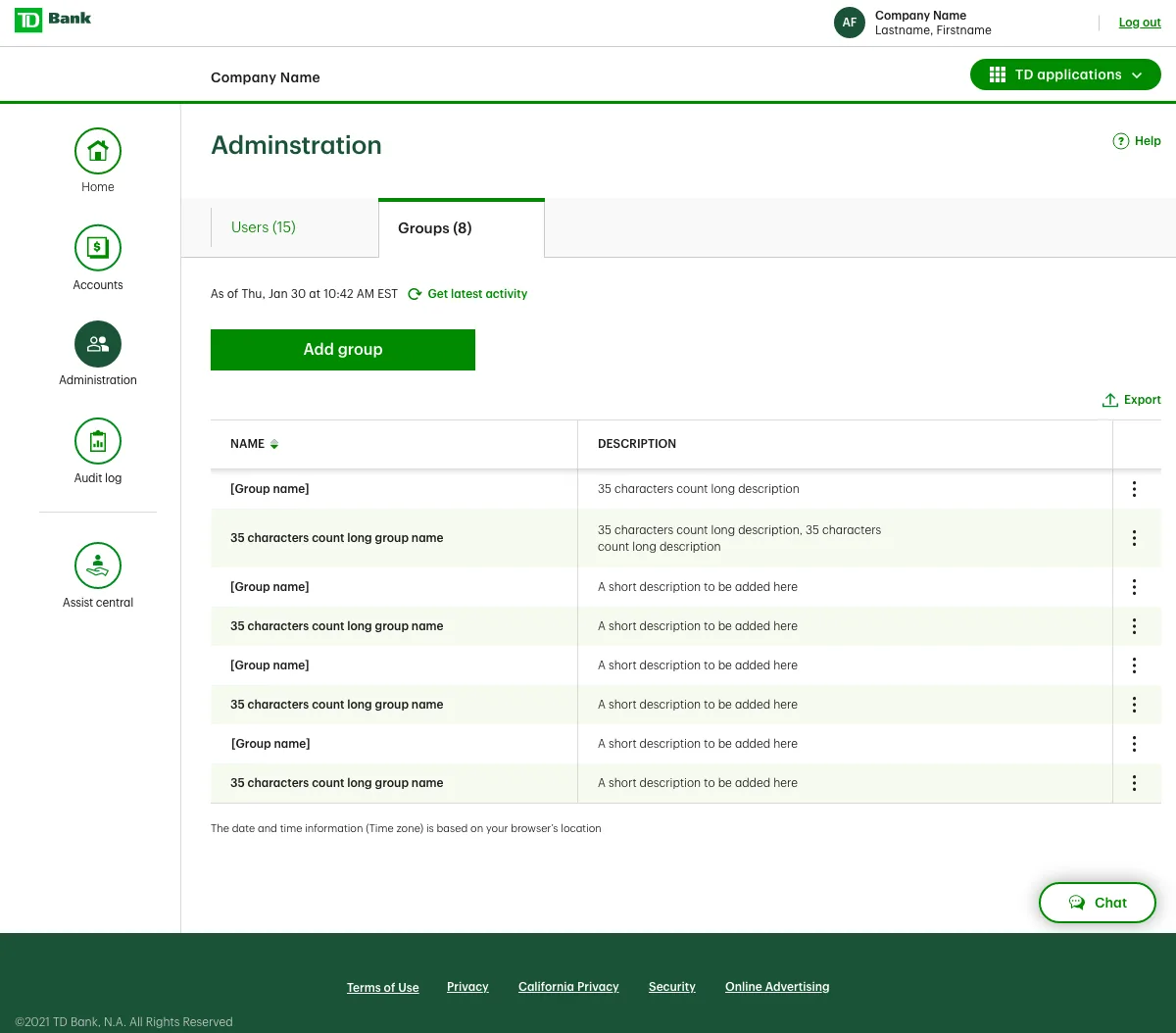
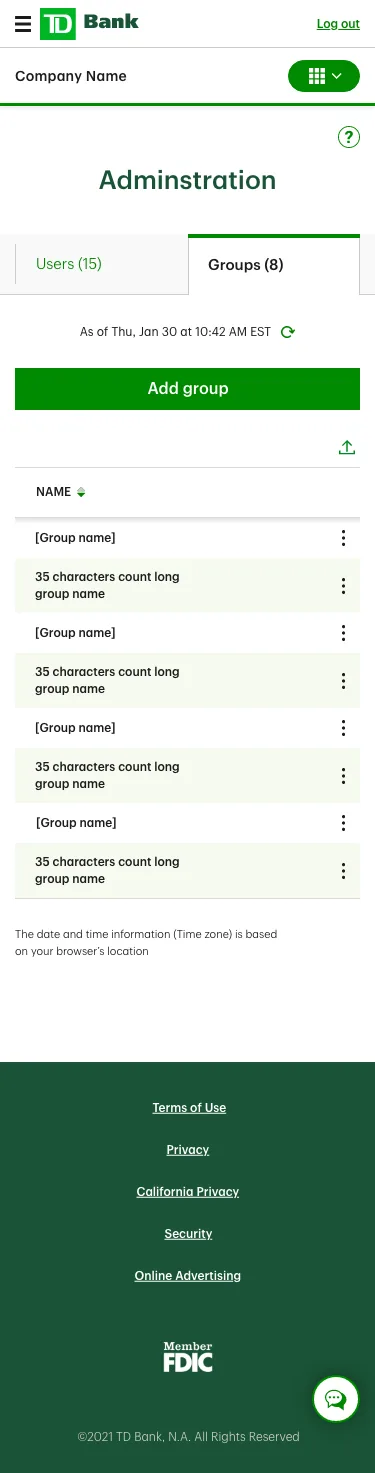
I led the end-to-end redesign of TD's Canadian Commercial Banking platform, focusing on simplifying complex workflows and aligning the experience with the evolving needs of over 1 million business clients. Our mandate was to modernize core digital banking experiences across money movement, account activity, and user management — and design a scalable future-state vision for ongoing business innovation.
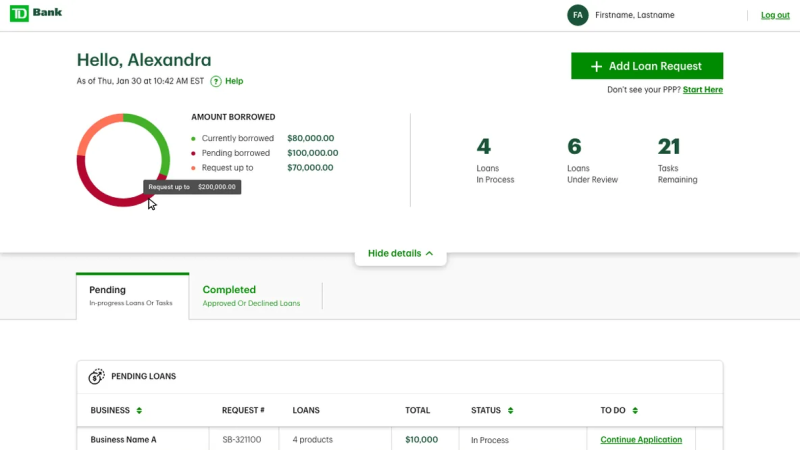
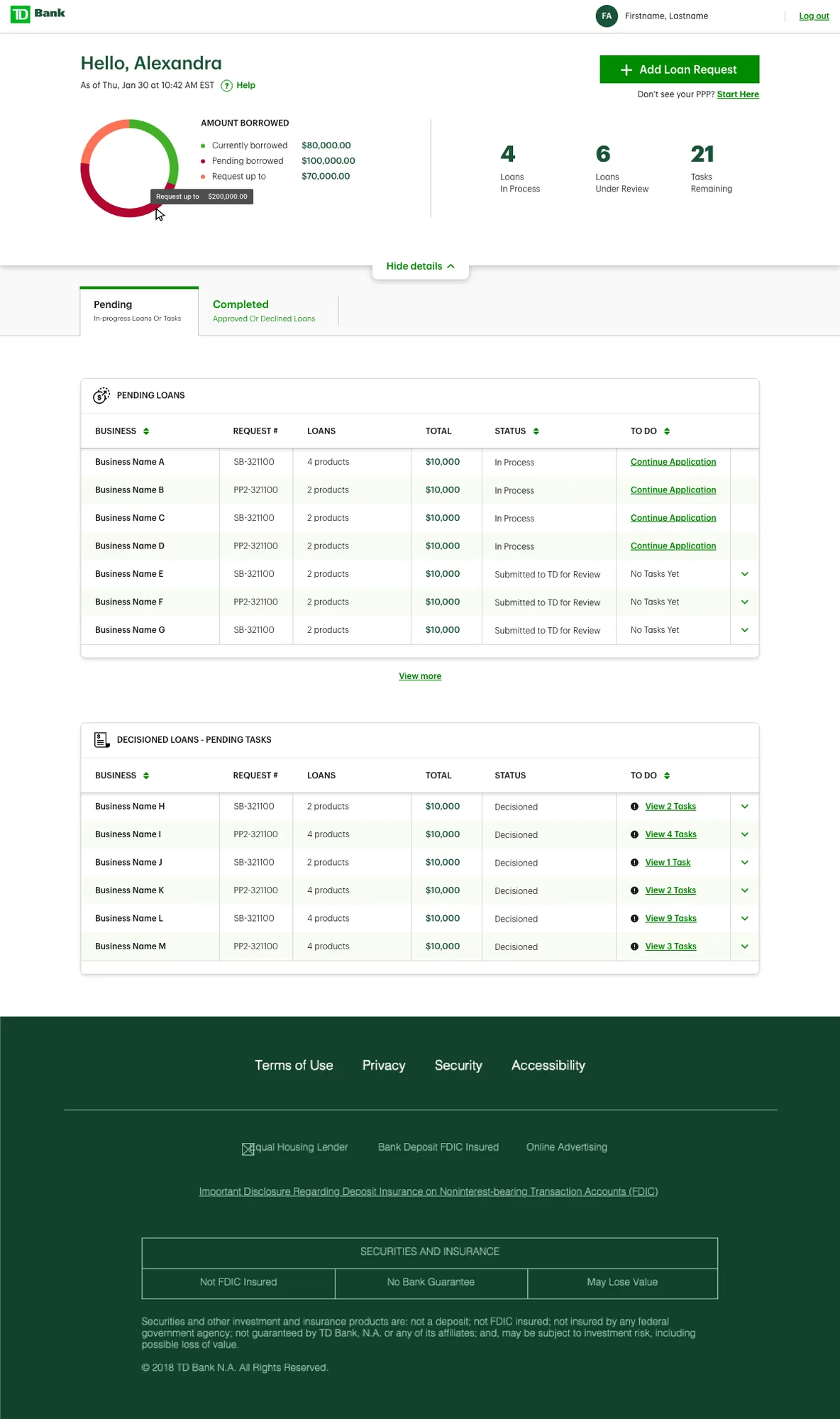
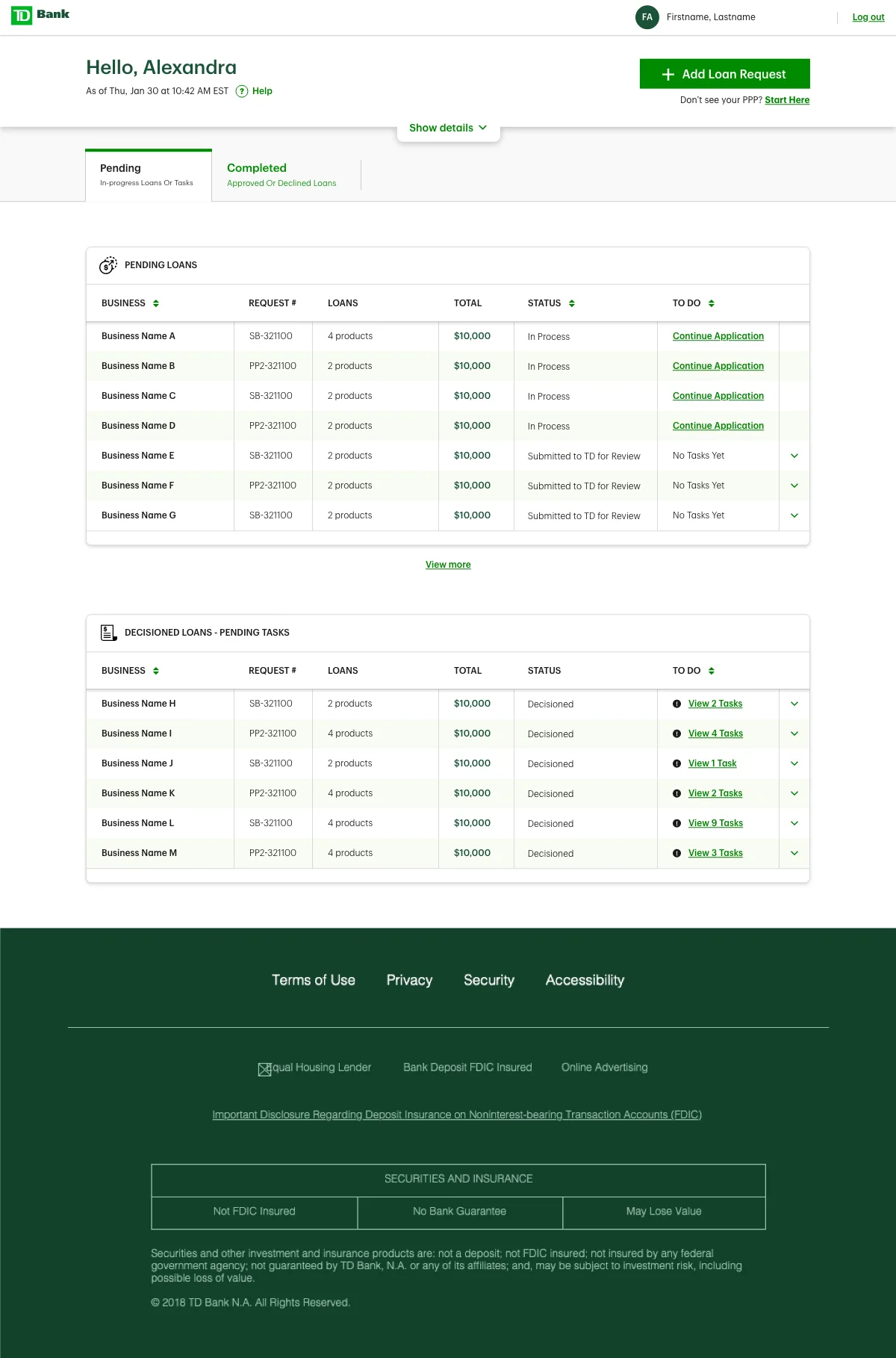
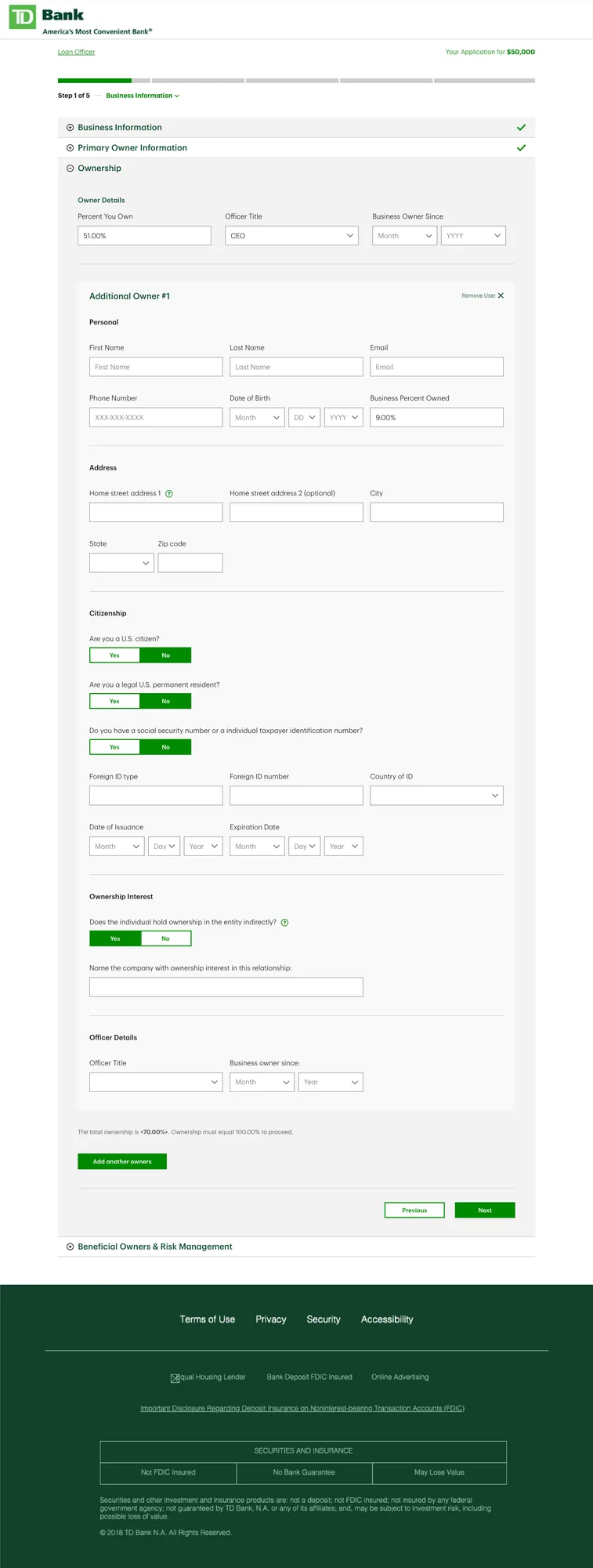
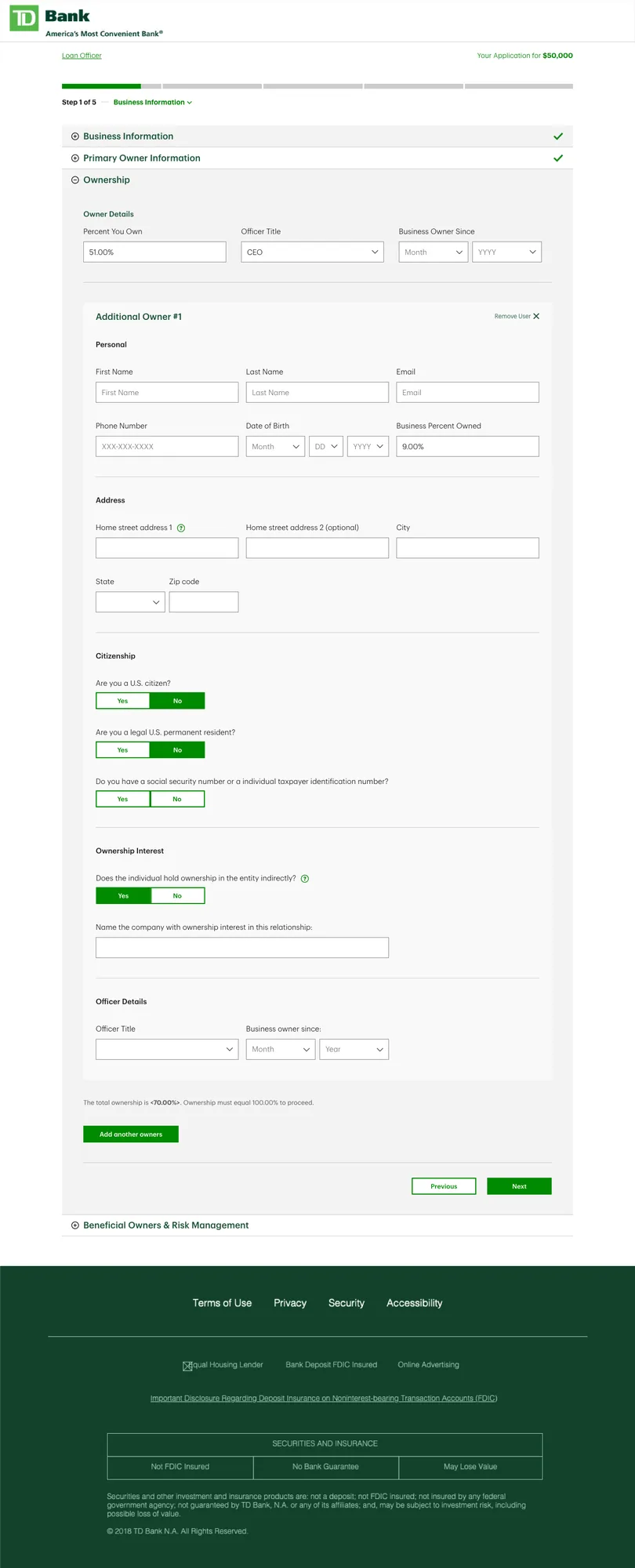
I led the redesign of the digital loan application experience for TD's U.S. small business customers — supporting multiple loan products within a single, scalable interface. By rethinking the end-to-end flow, we significantly reduced friction and elevated digital adoption, enabling business clients to apply confidently without branch support.
Imagine a small mom and pop shop with five employees. They're not sure of Ontario's employee regulations, so for the past four statutory holidays they haven't paid overtime. This is a violation.
The Ministry of Labour has Officers who investigate companies to ensure they're abiding by Ontario regulations. Sometimes Officers request a company complete a "Self Audit" — reviewing their own records to get up to compliance standards. Before this project, Self Audits were done manually on Excel, paper, or even napkins.
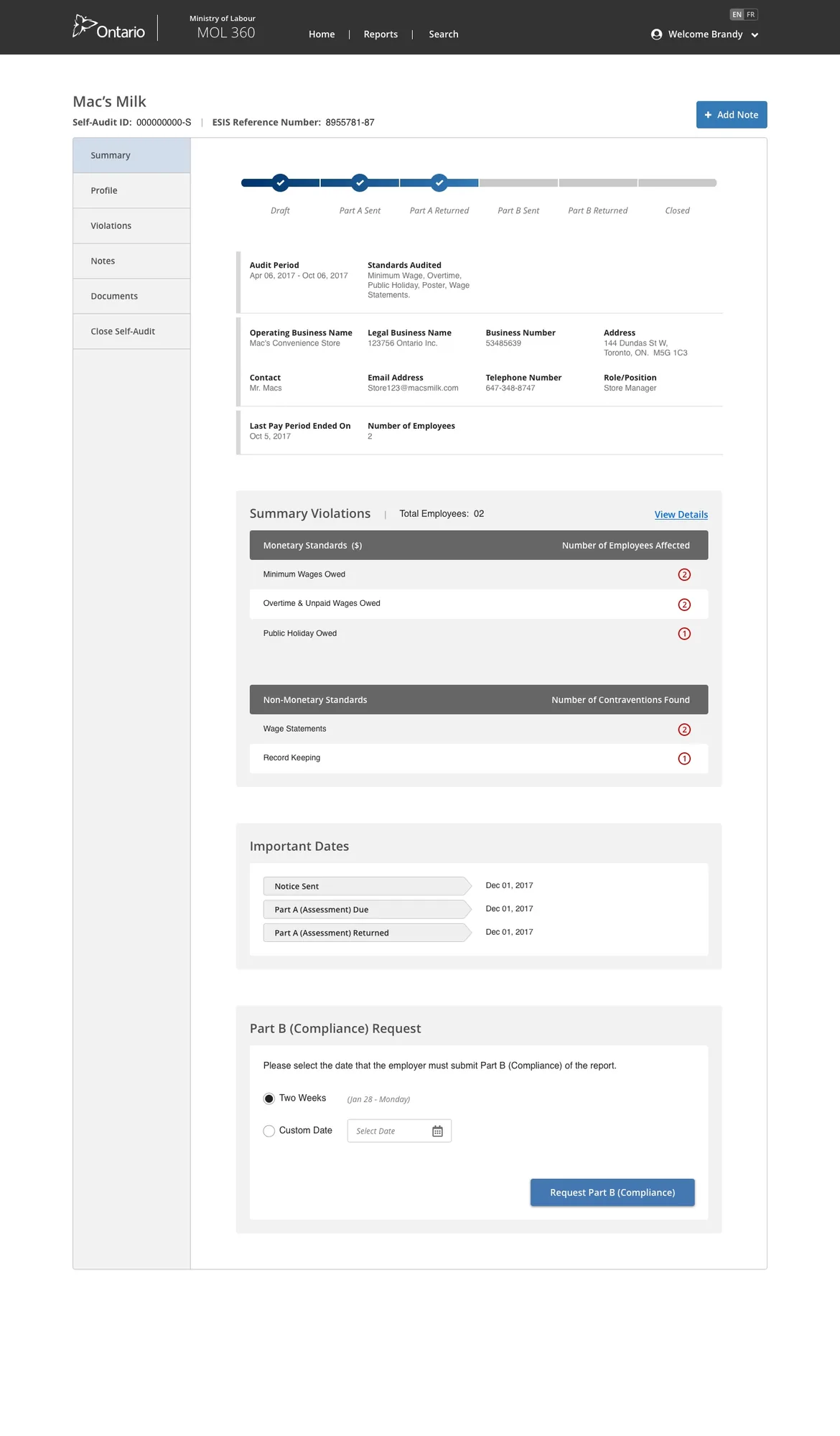
I set out to digitize the Self Audit — allowing Officers to request audits digitally, employers to enter data online, and the system to automatically calculate whether they're meeting compliance standards.
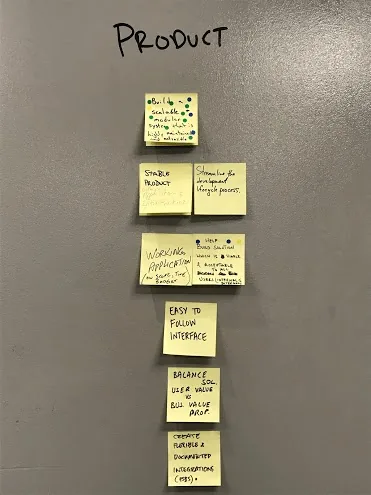
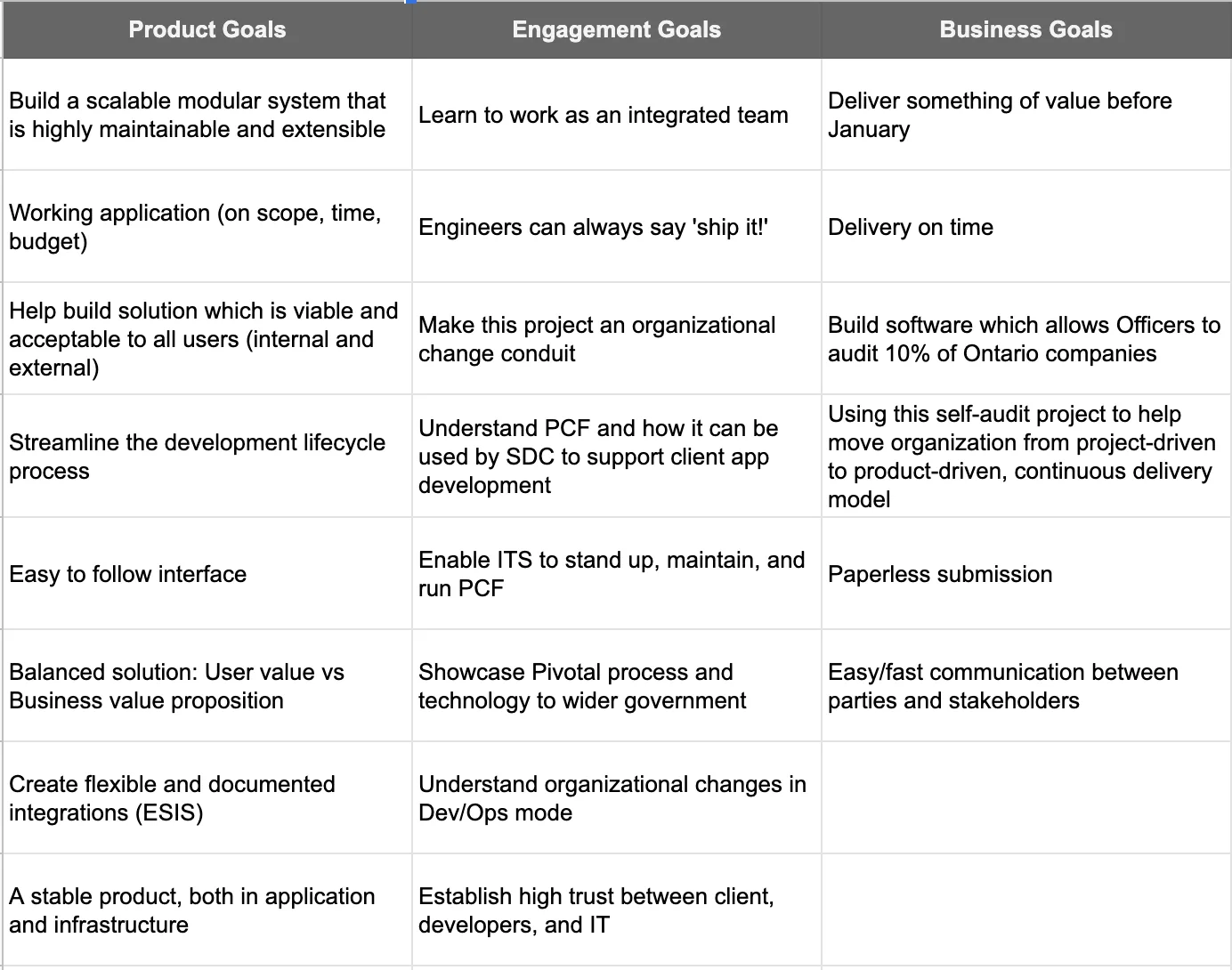
I led the Goals exercise as early as possible to gain a shared understanding of high-level goals and surface competing priorities. This helped the team decide where to focus time and effort throughout the project.
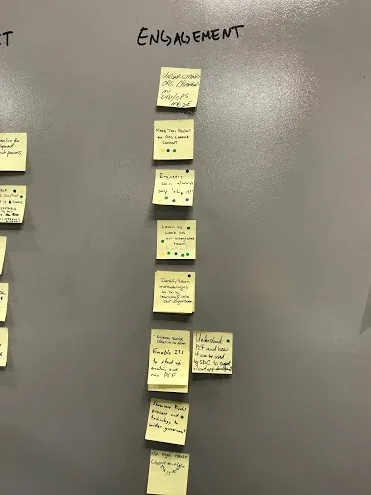
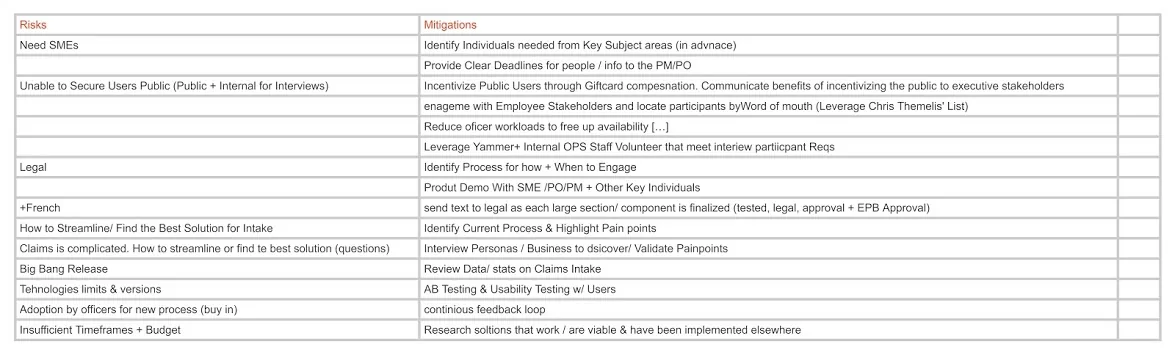
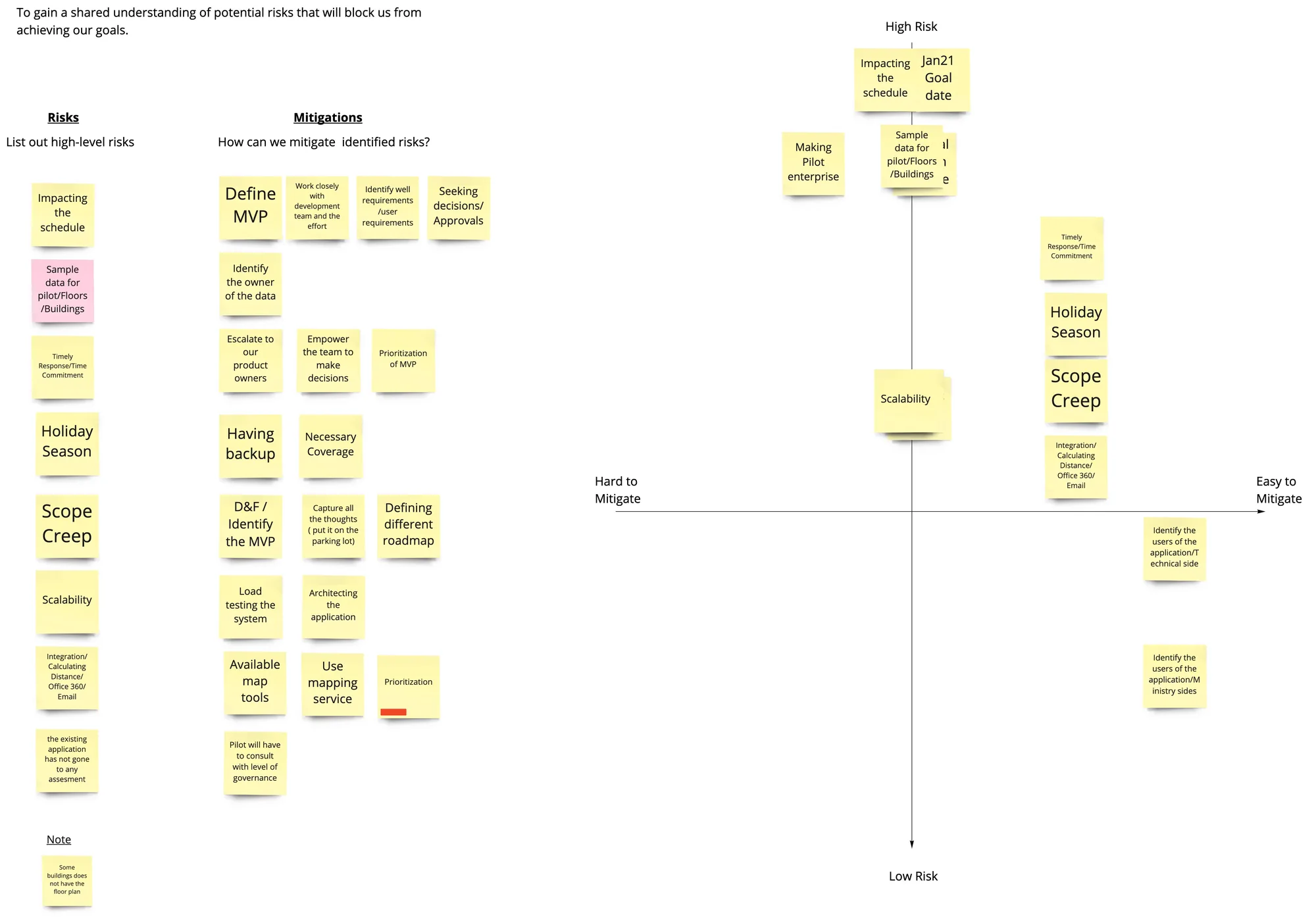
I led a session that gave the team a forum to share fears and concerns openly and proactively mitigate issues — producing a prioritized list of action items to get ahead of risks before they became blockers.
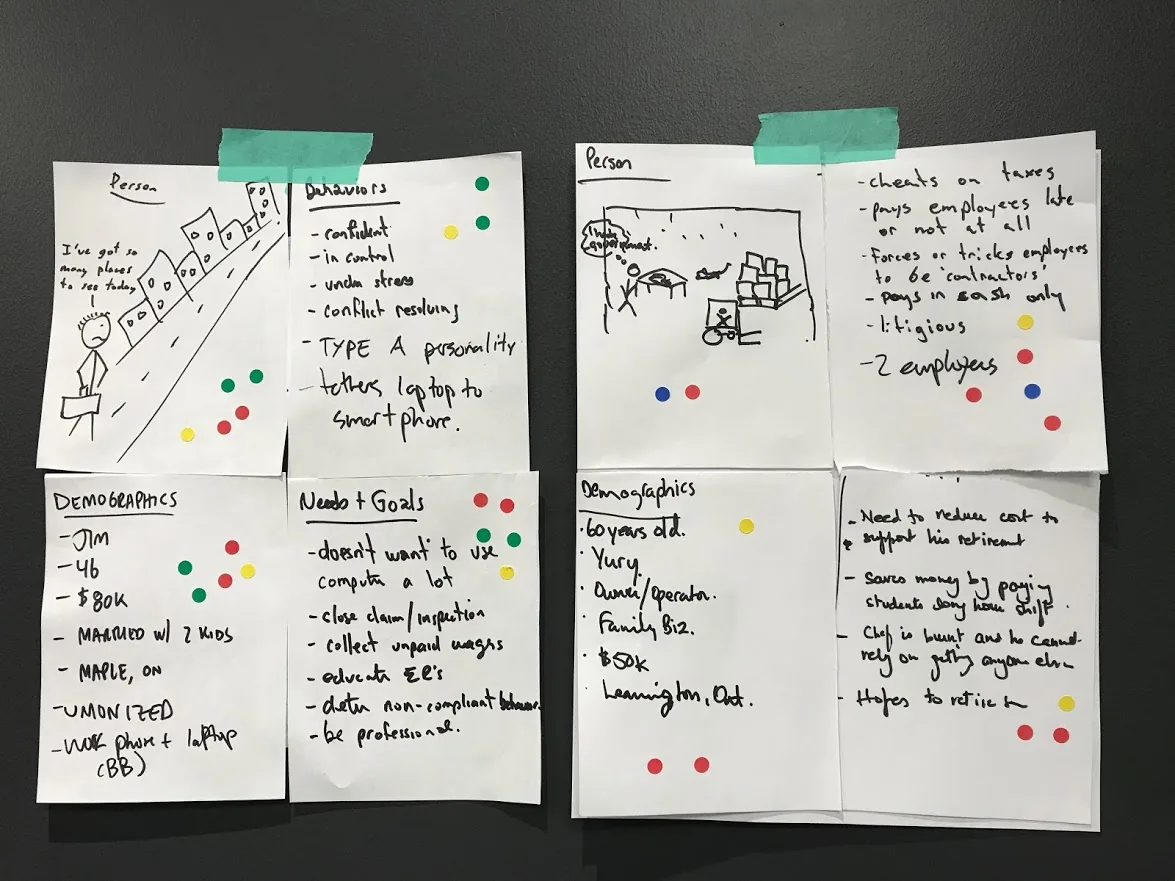
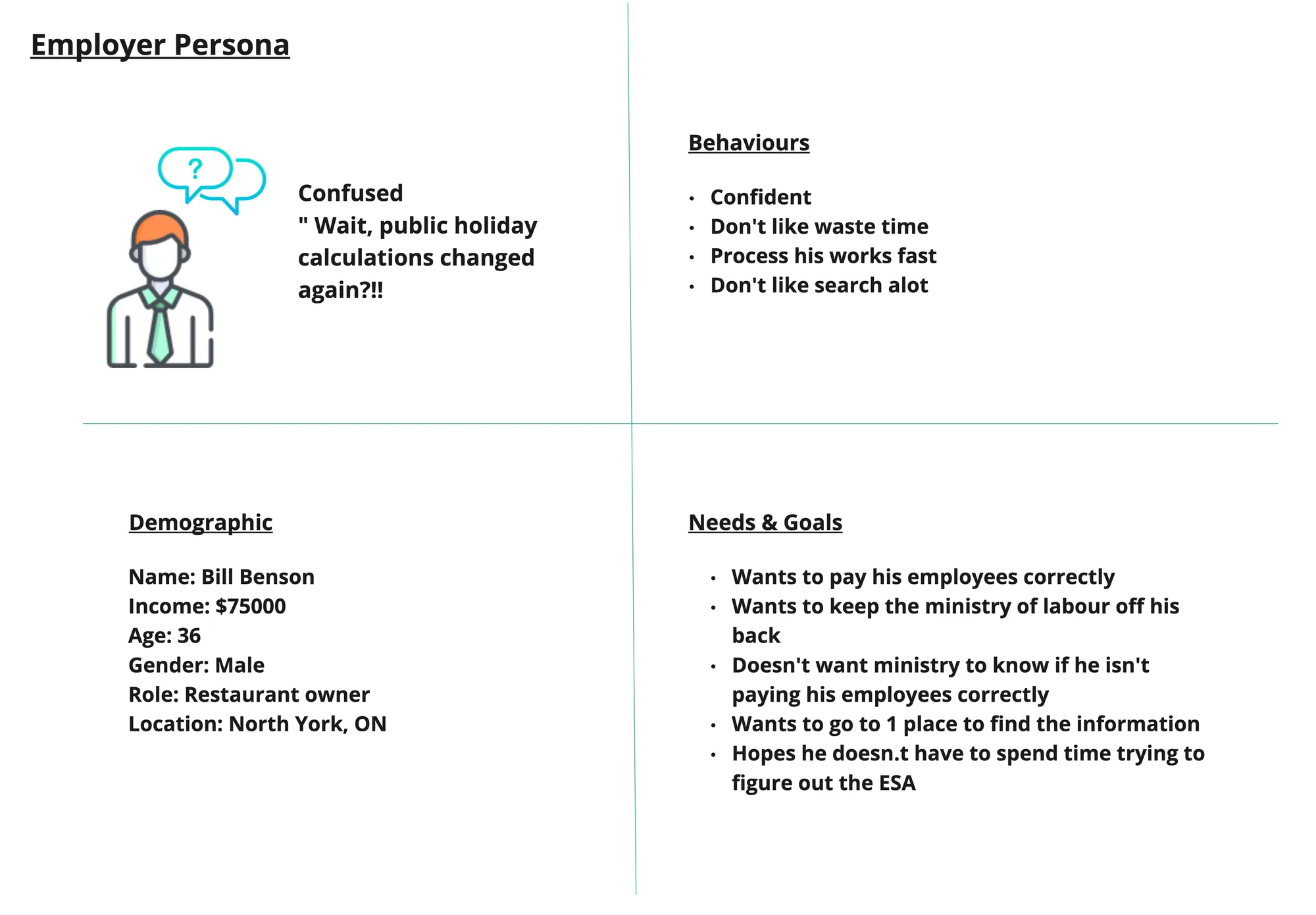
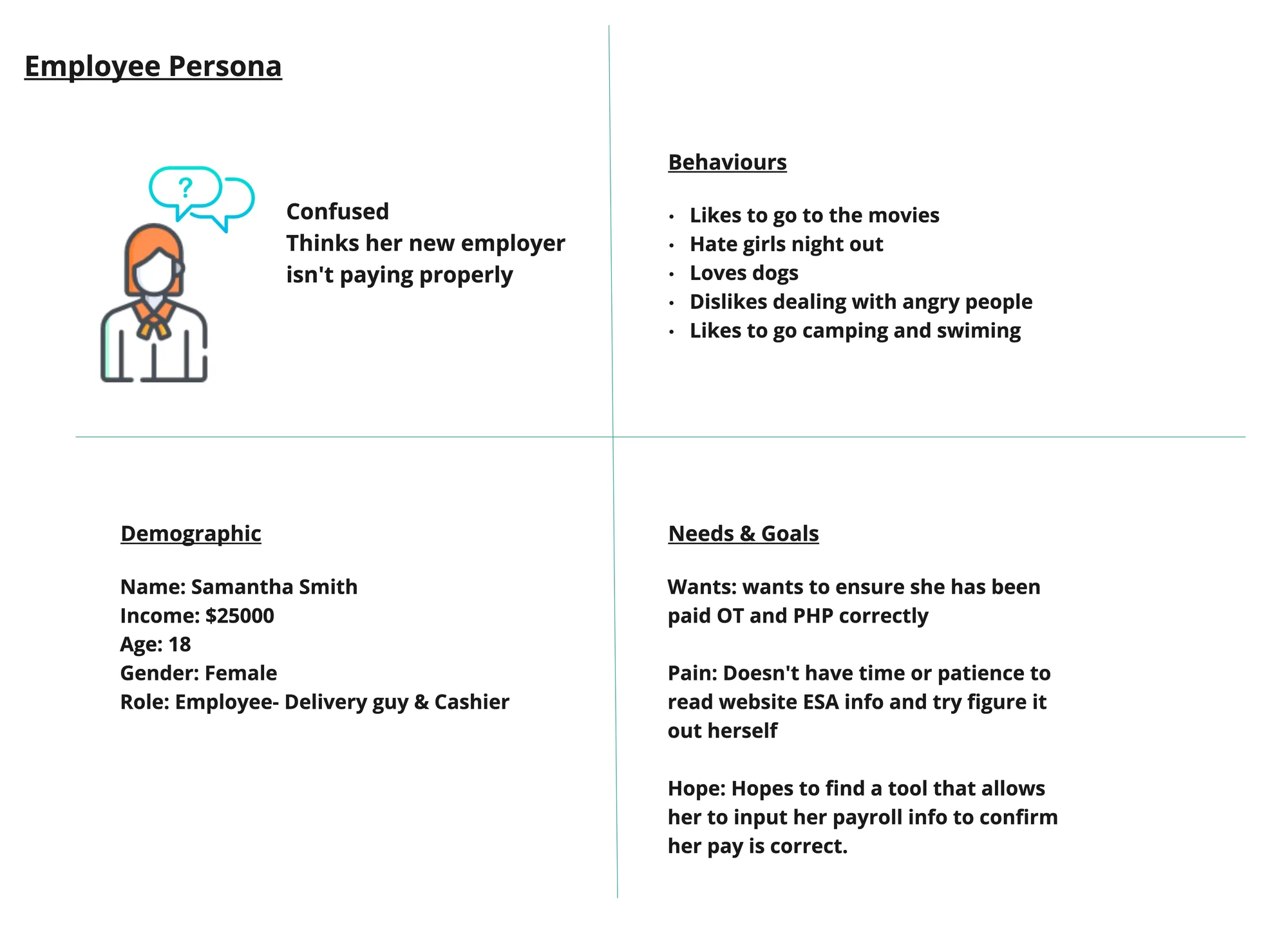
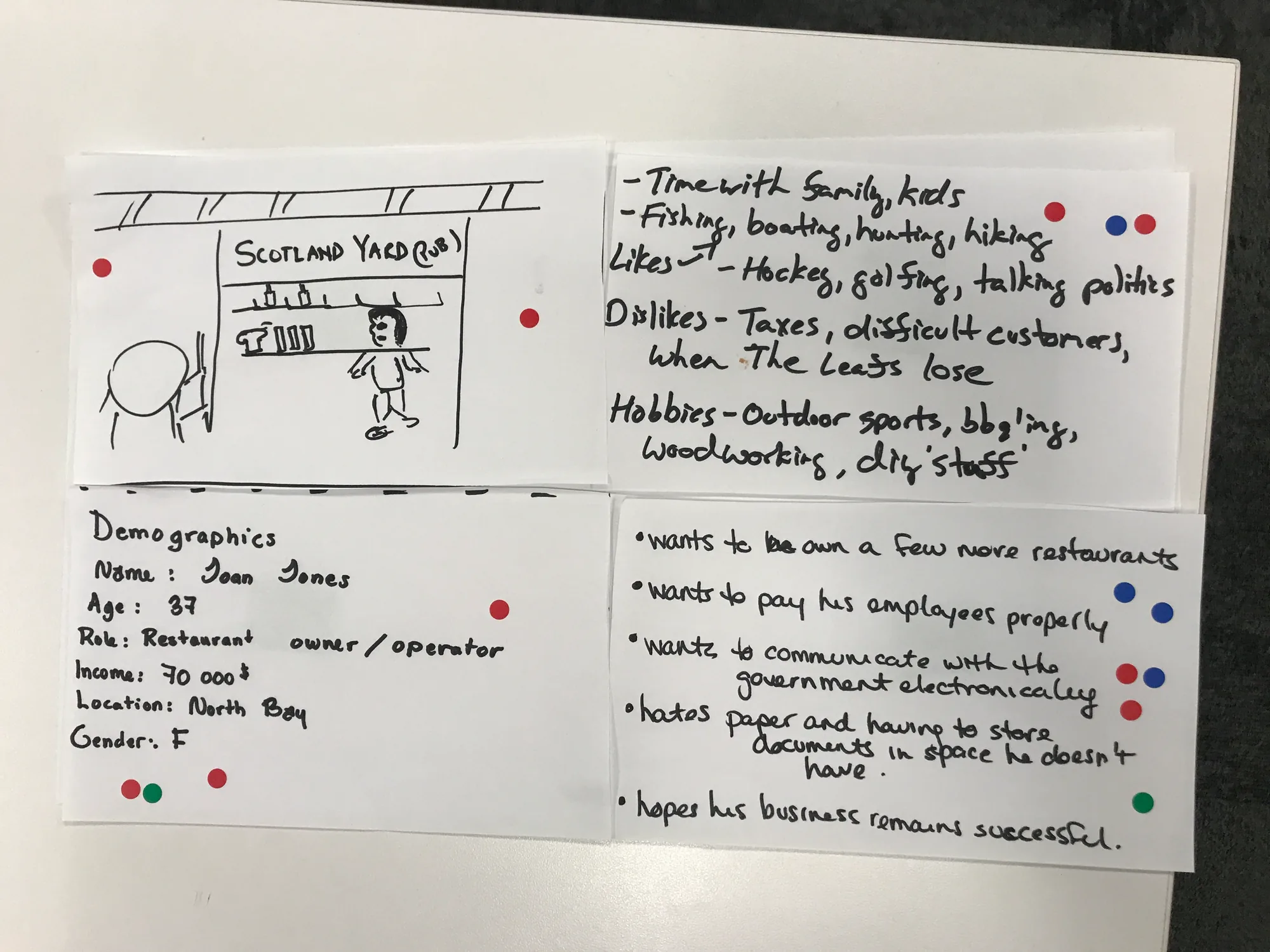
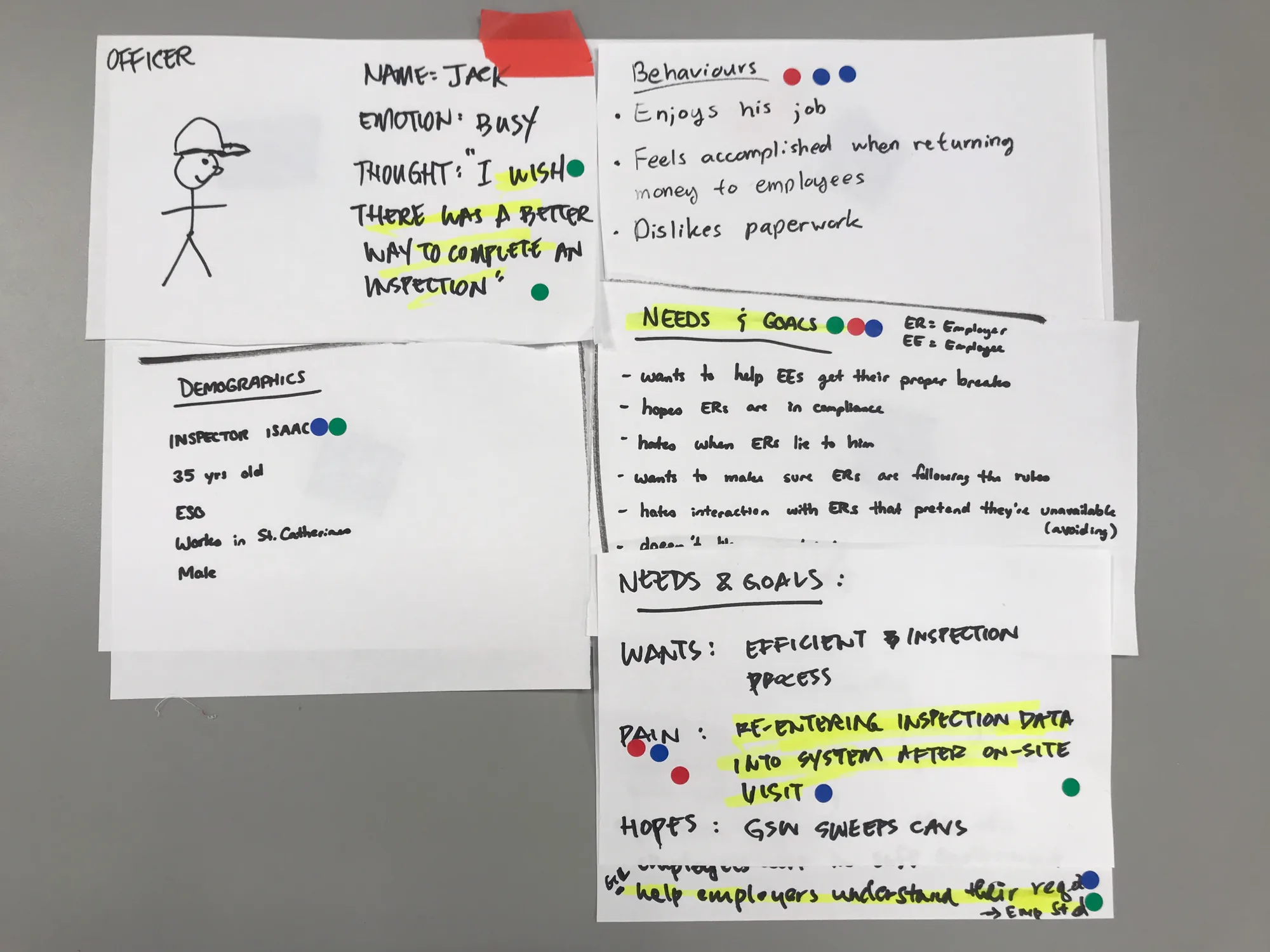
I led the team in building two personas — an Employment Standards Officer and an Ontario Employer — to give everyone a clear vision of the people using this software and build genuine empathy for their very different needs.
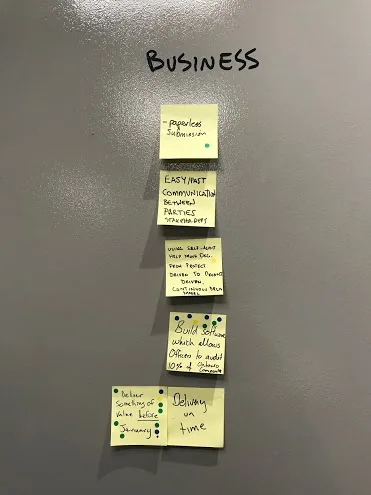
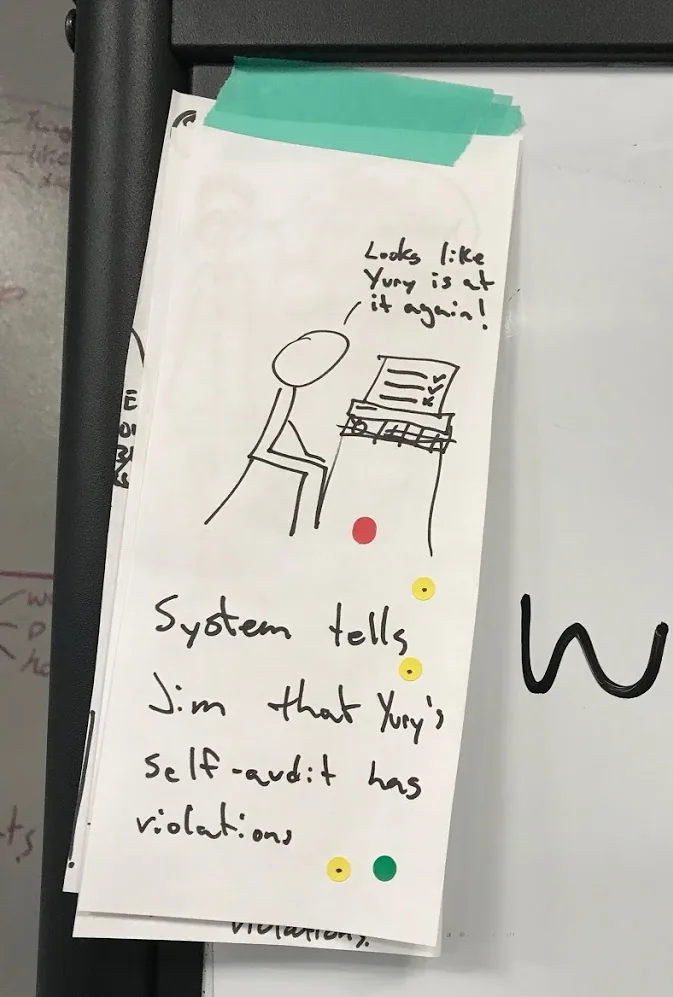
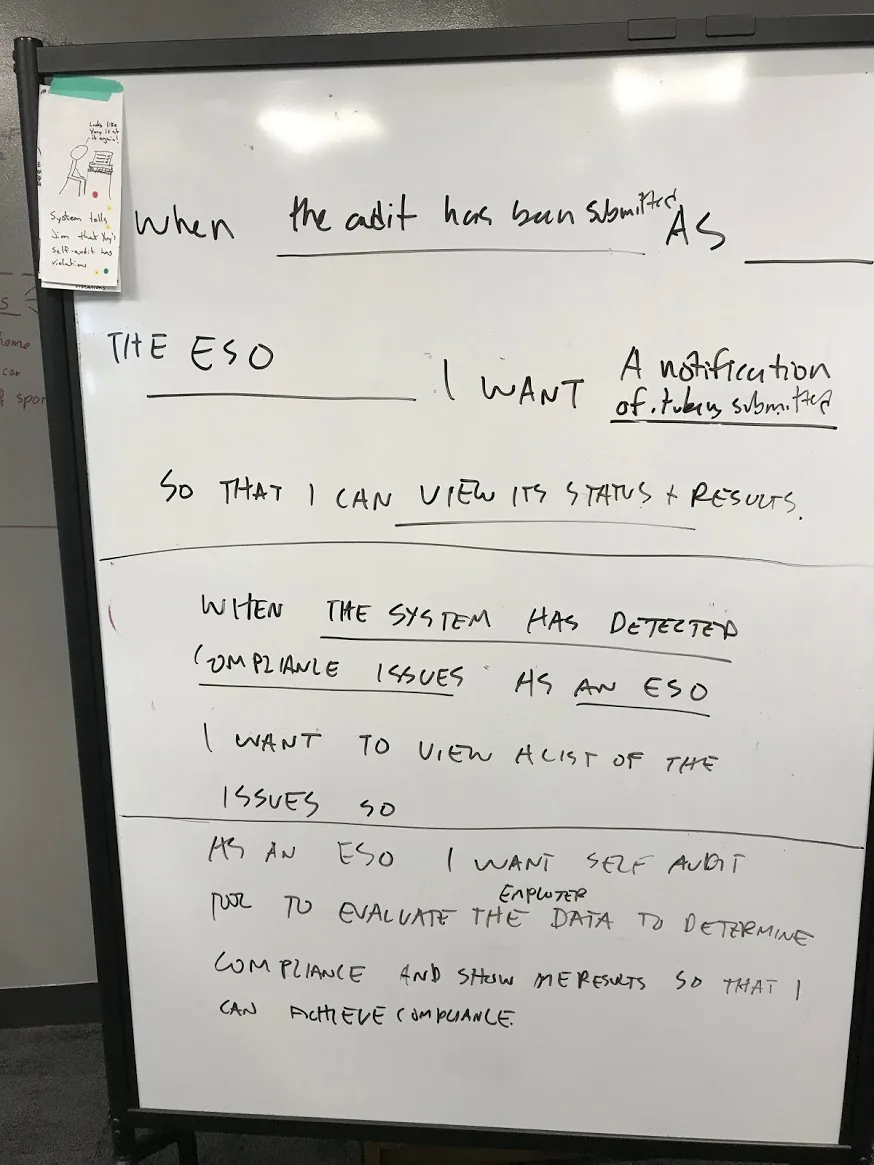
Starting as a sketching activity to generate moments of delight, then turning into a writing activity, I led the team in defining the highest value this product could deliver for both the Officer and the Employer.
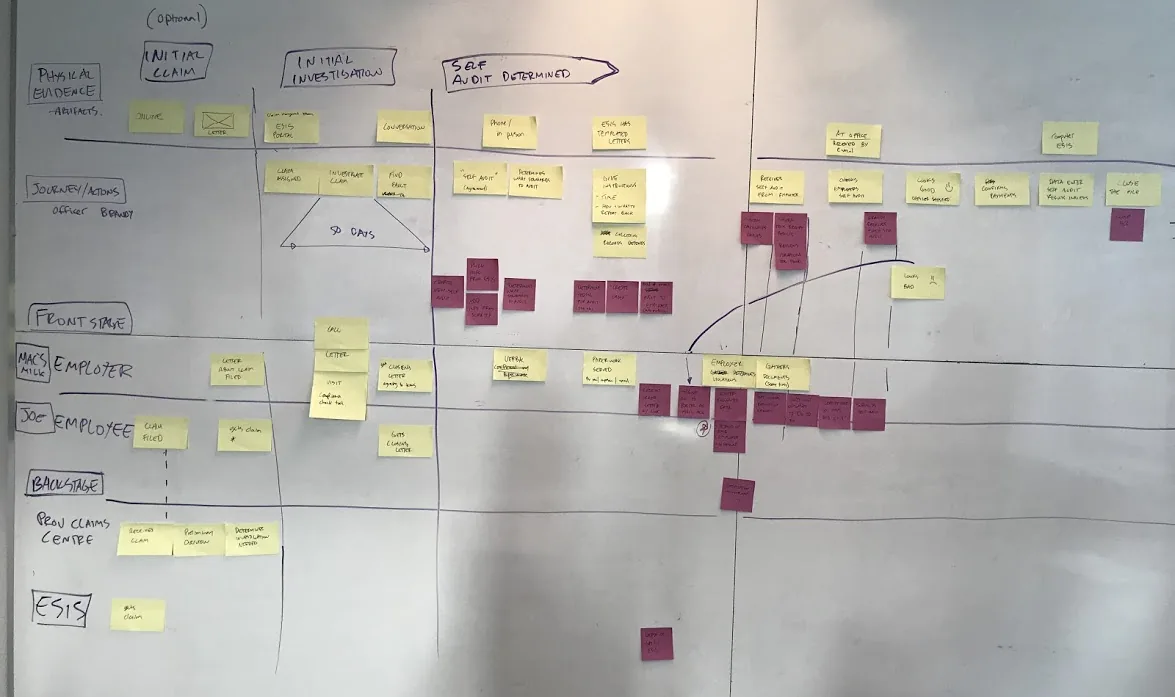
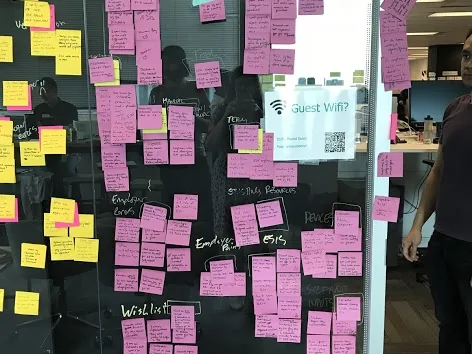
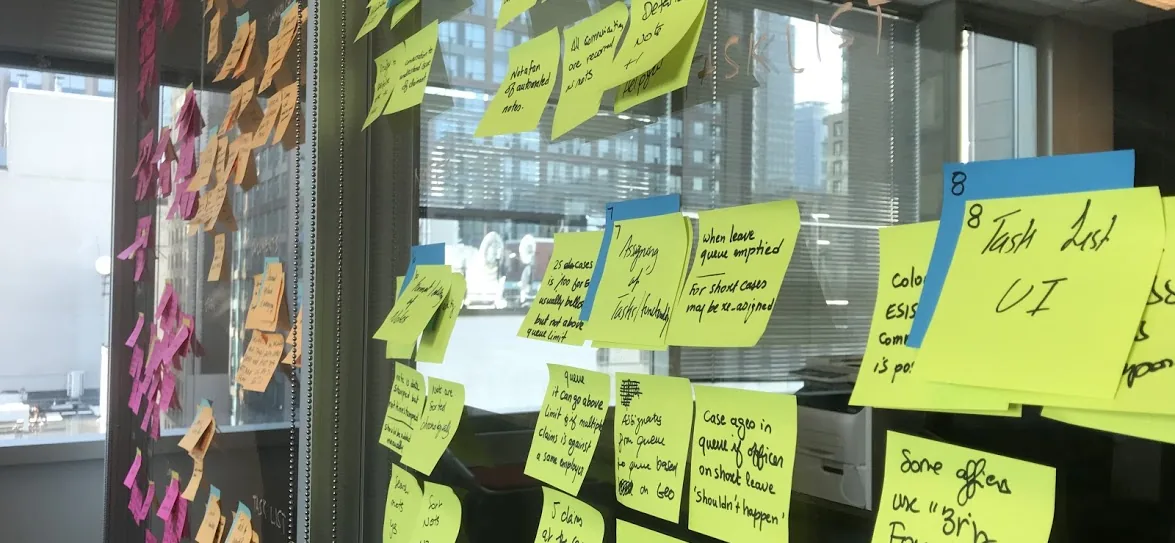
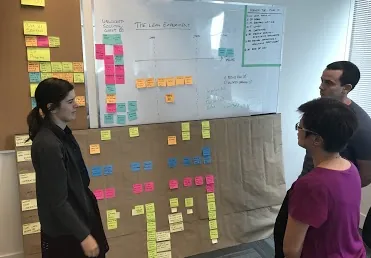
I led the team in mapping all steps of a self-audit from the Officer's and Employer's perspective. Yellow post-its = current experience. Purple post-its = future digital experience. This gave the whole team a shared understanding of the audit process complexity and a document to reference throughout delivery.
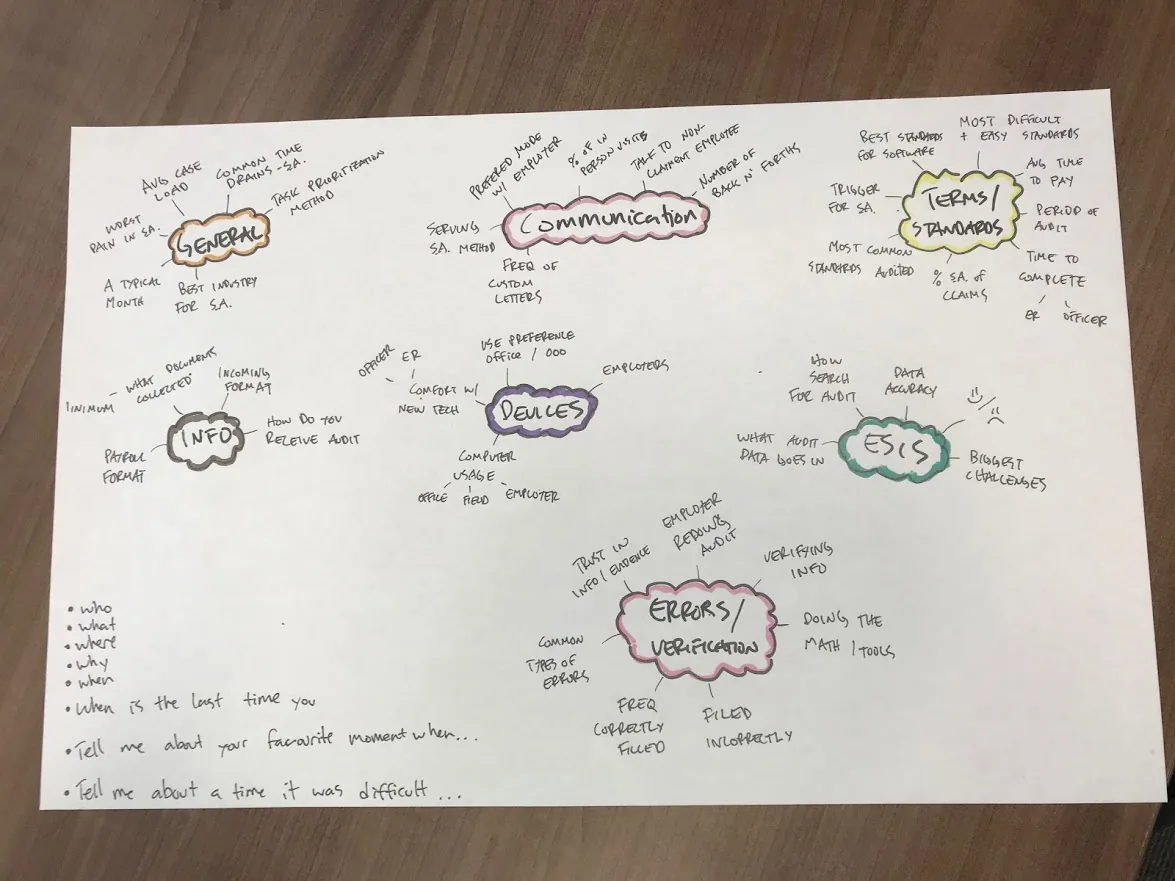
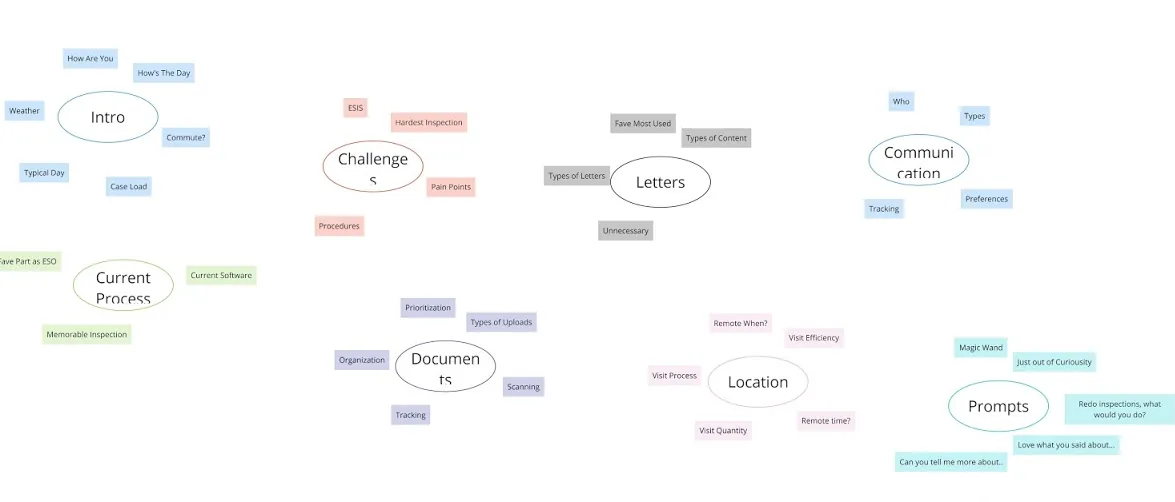
Instead of a rigid questionnaire, I organized interview questions into a topic map — clusters of related themes so conversations felt natural. I then led 6 exploratory interviews with Officers from across Ontario.
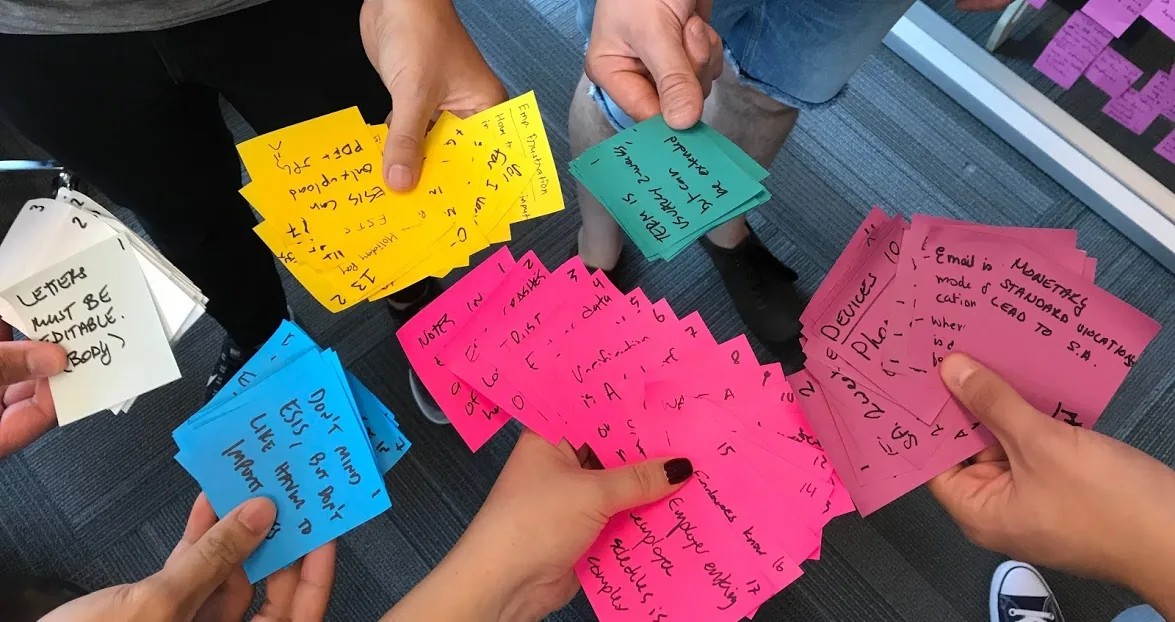
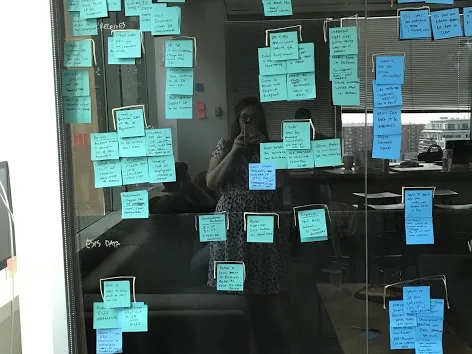
After completing interviews with Officers from across Ontario, I led the synthesis — color-coding each interview and grouping insights by key themes to surface patterns and design priorities.
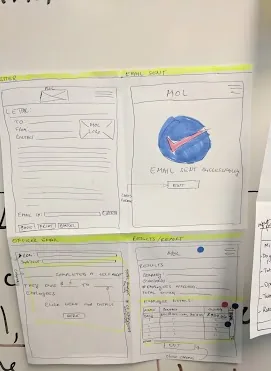
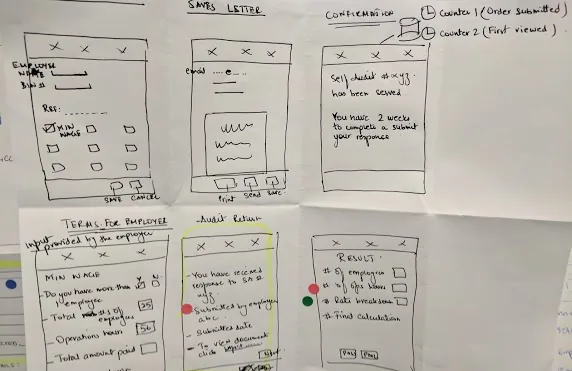
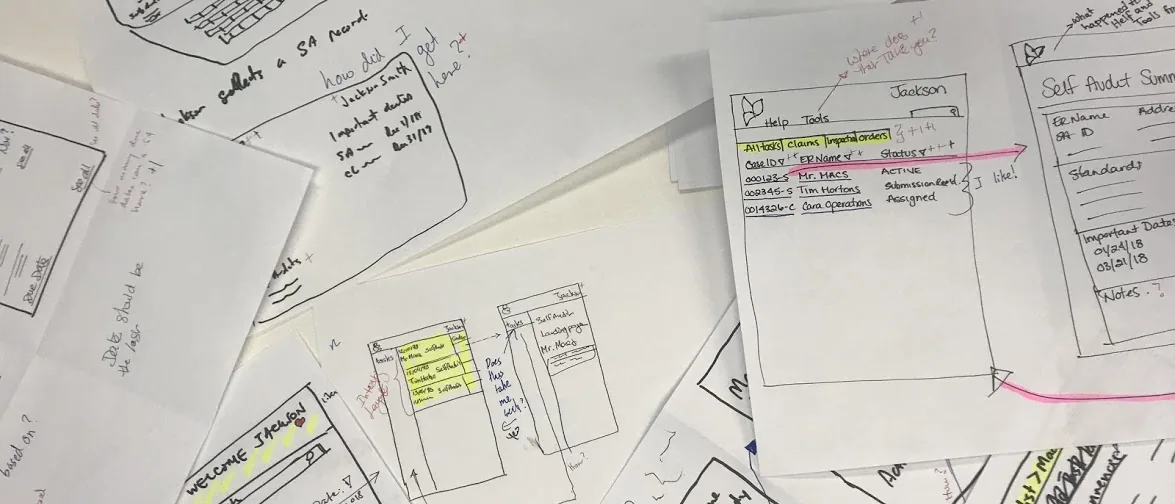
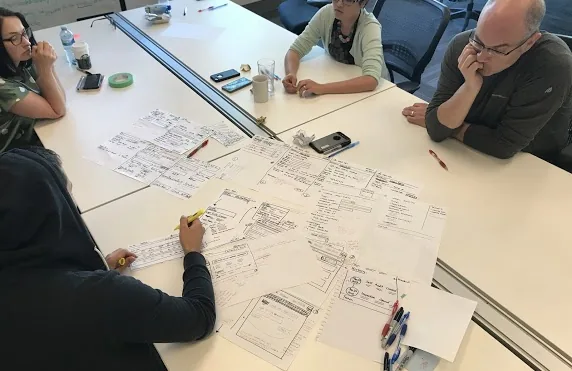
I ran a sketching workshop where the entire team — not just designers — sketched basic wireframes to express ideas visually. This aligned the team on direction before investing time in digital wireframes, reducing rework significantly.
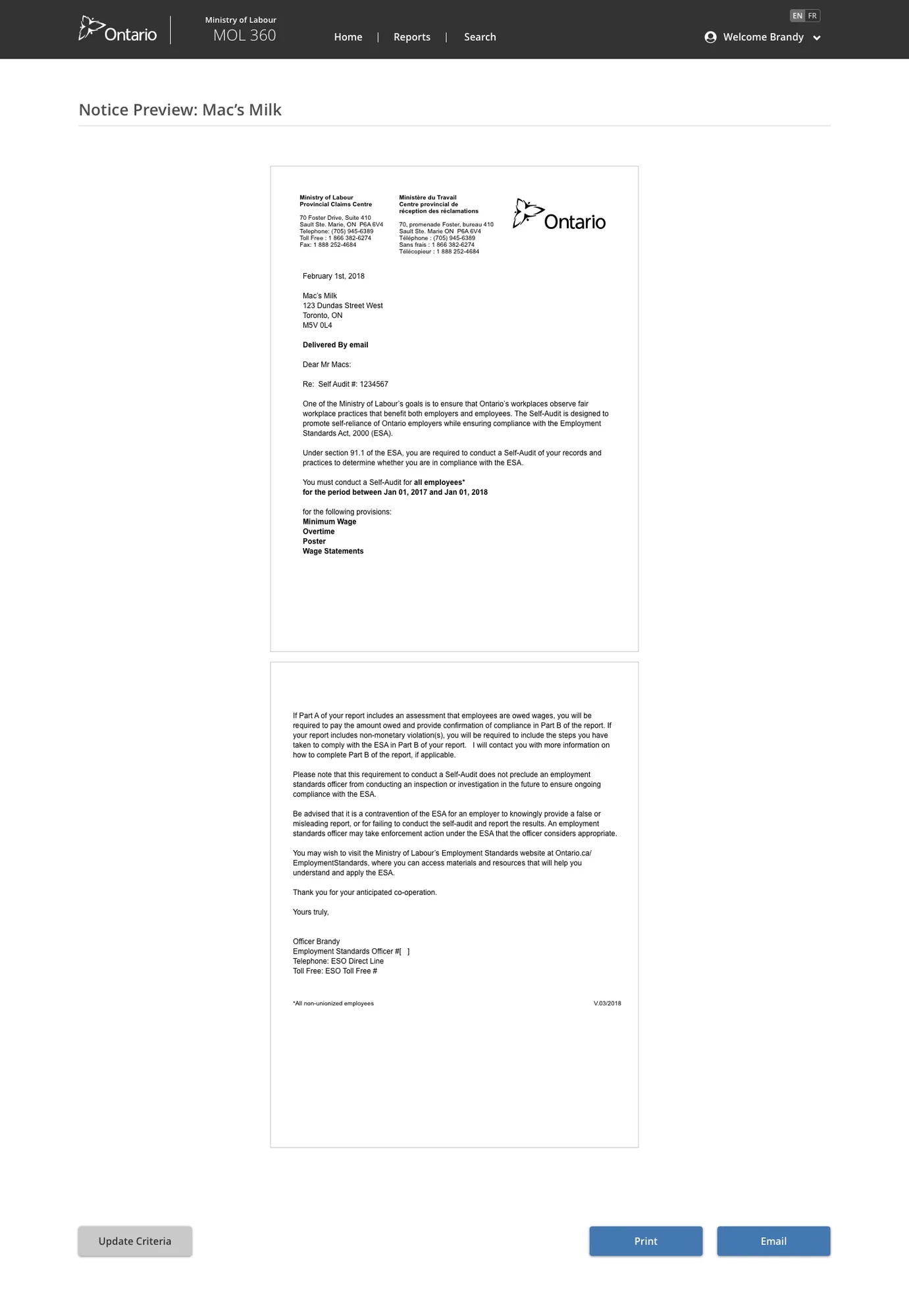
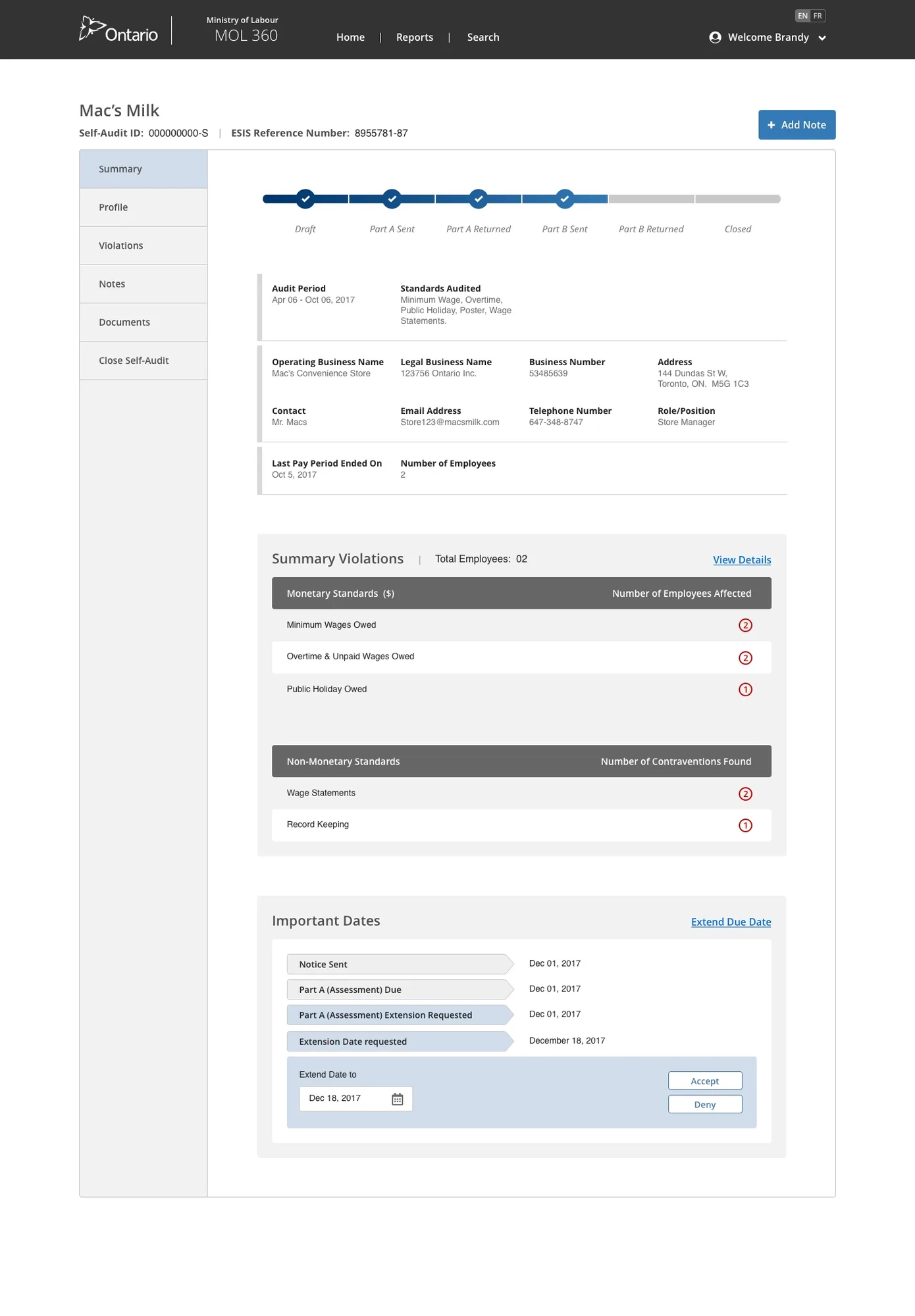
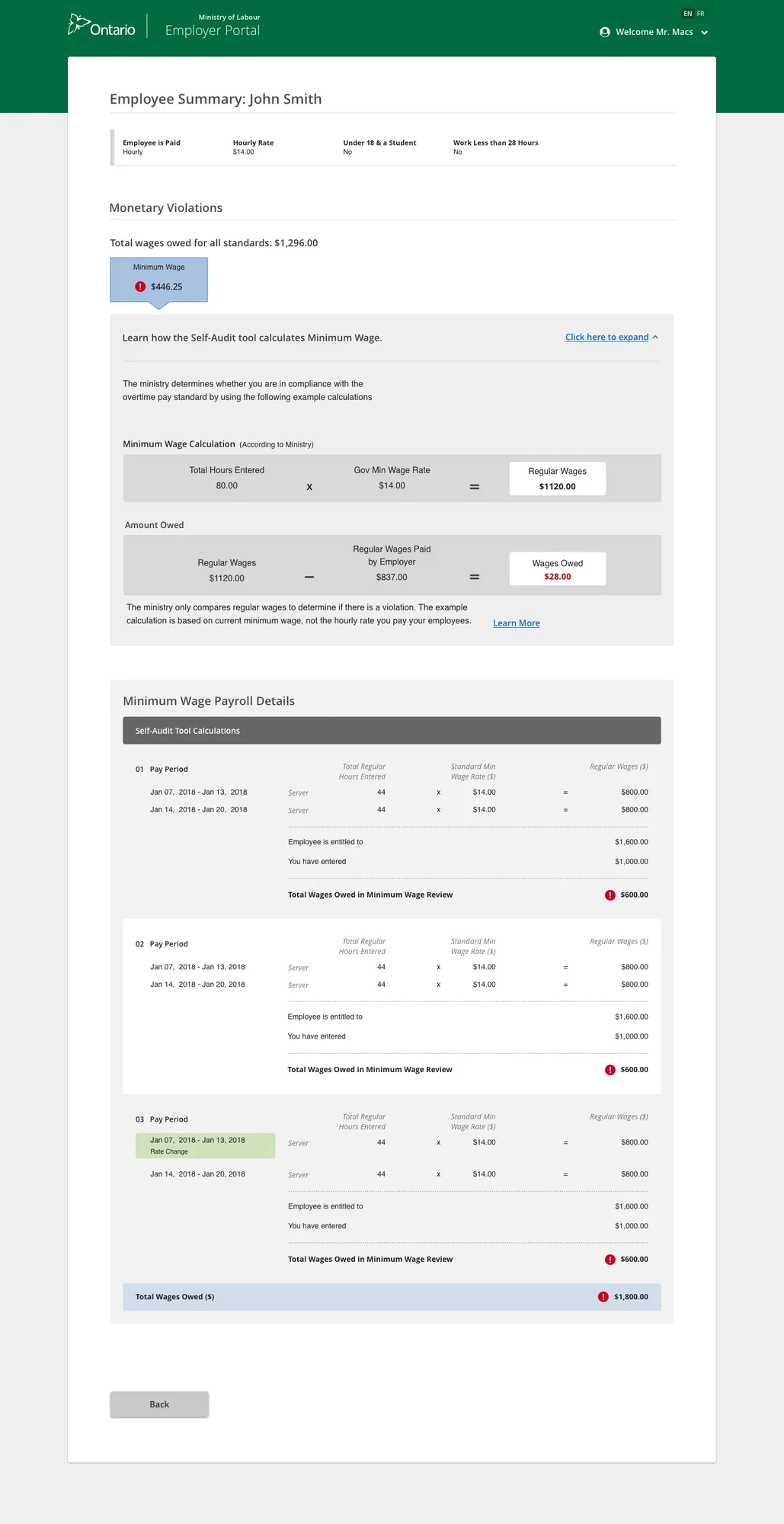
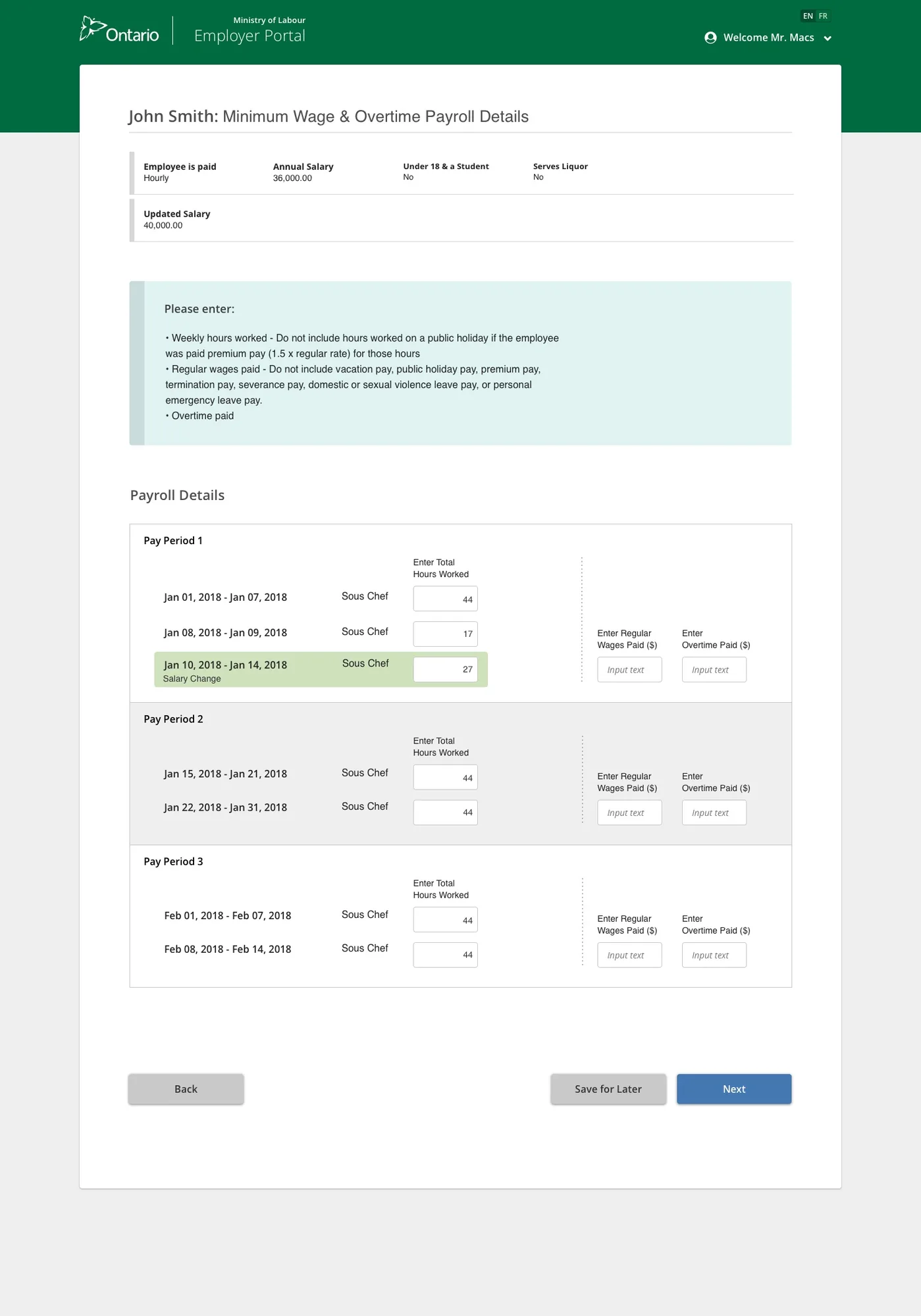
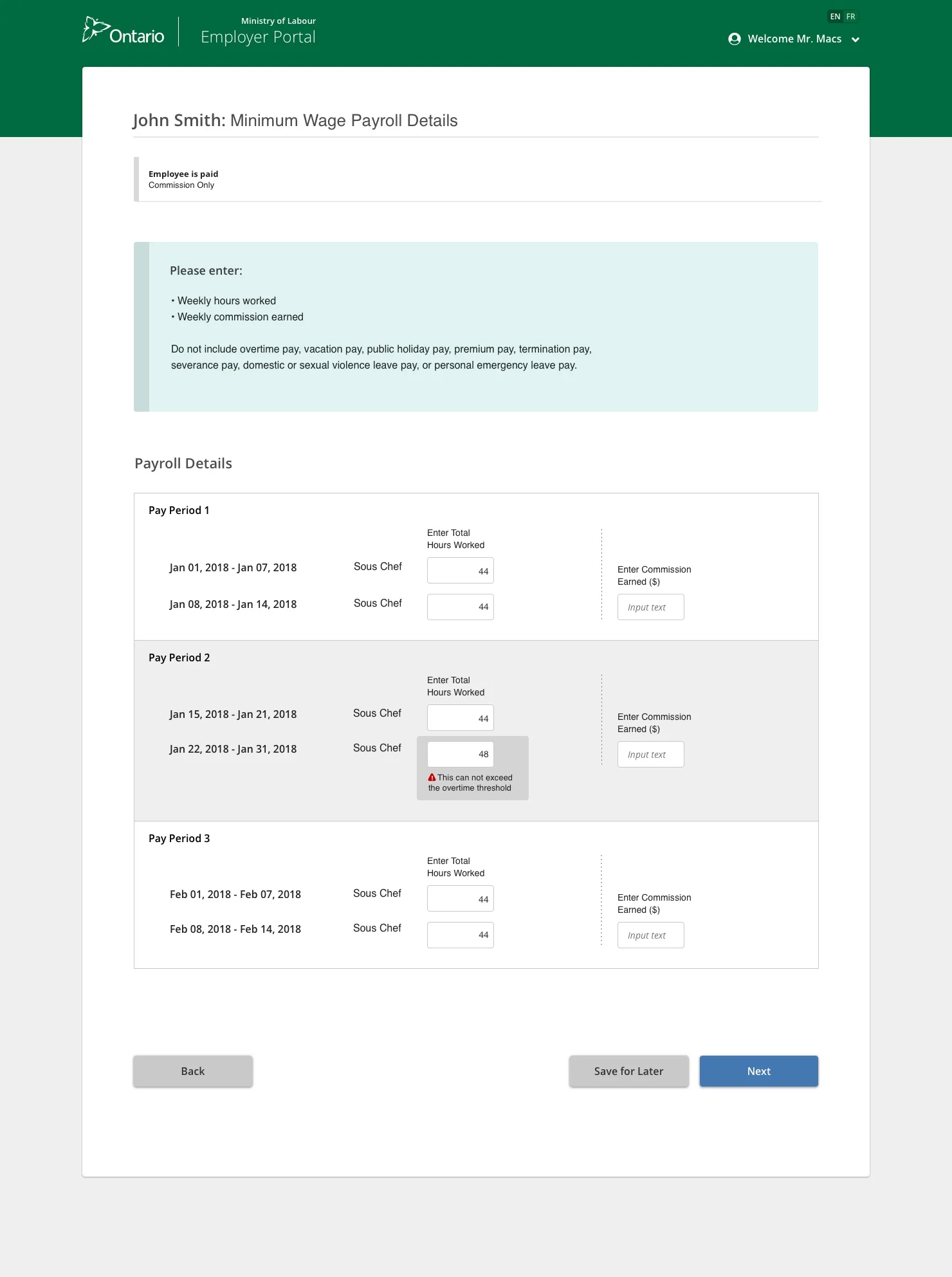
I designed a guided, step-by-step digital self-audit experience — from the Officer's letter request through to the employer completing the audit and the system calculating compliance automatically.
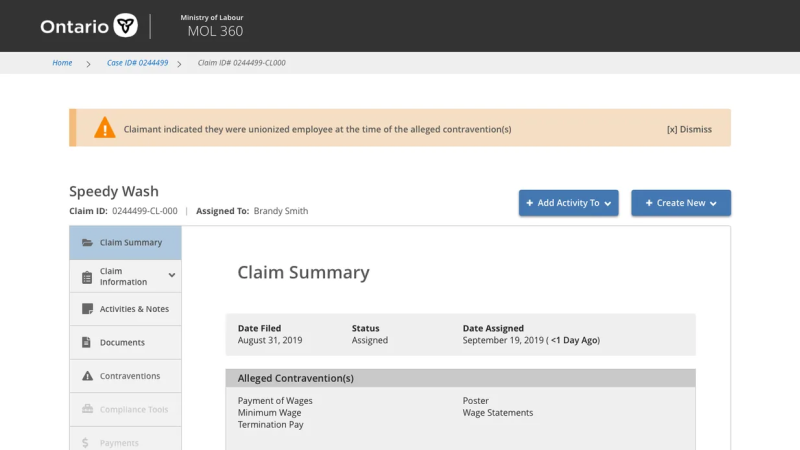
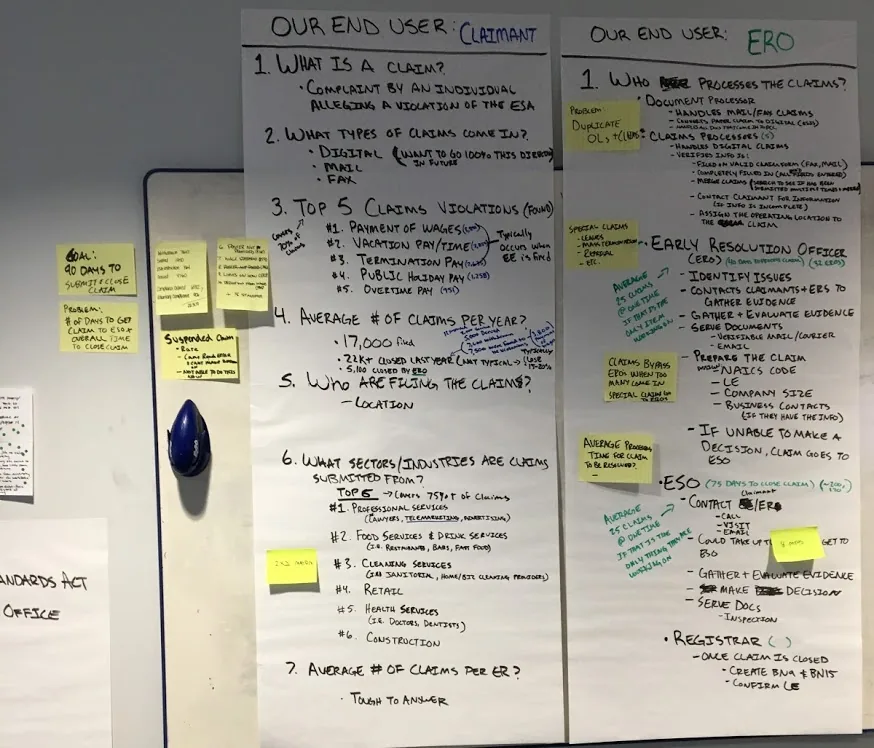
A claim is a complaint by an individual alleging a violation of the Employment Standards Act. With an average of 17,000 claims filed per year, the Ministry needed a digital system to handle intake, processing, officer review, and resolution — replacing a largely manual, paper-based process.
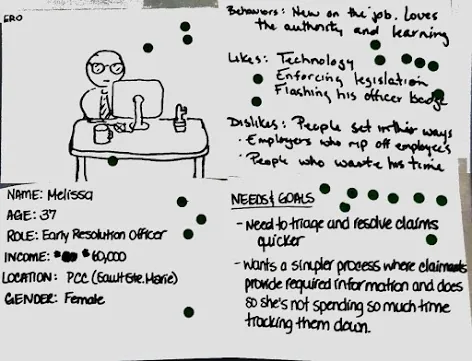
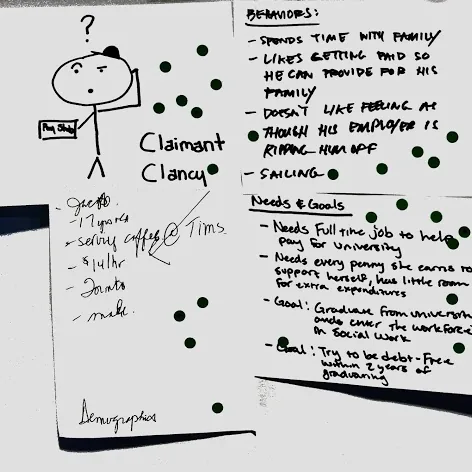
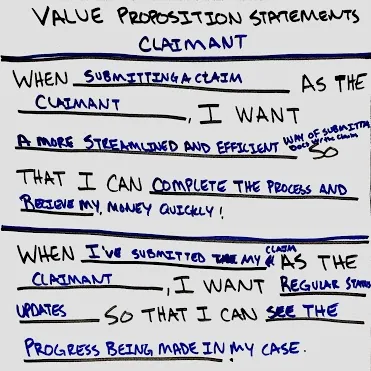
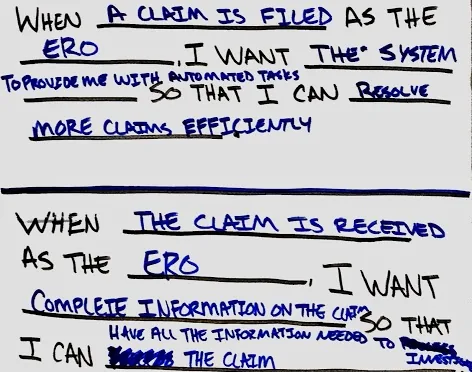
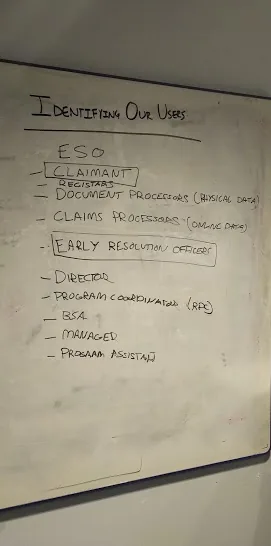
I focused the work on two key user groups: the Claimant (Clancy) — the person filing the claim — and the ERO (Melissa) — the Early Resolution Officer who investigates and resolves claims.
I ran the kickoff to align stakeholders and the team. Through a series of workshops I led, the team learned about the business, stakeholder goals, and the claims process before any design began.
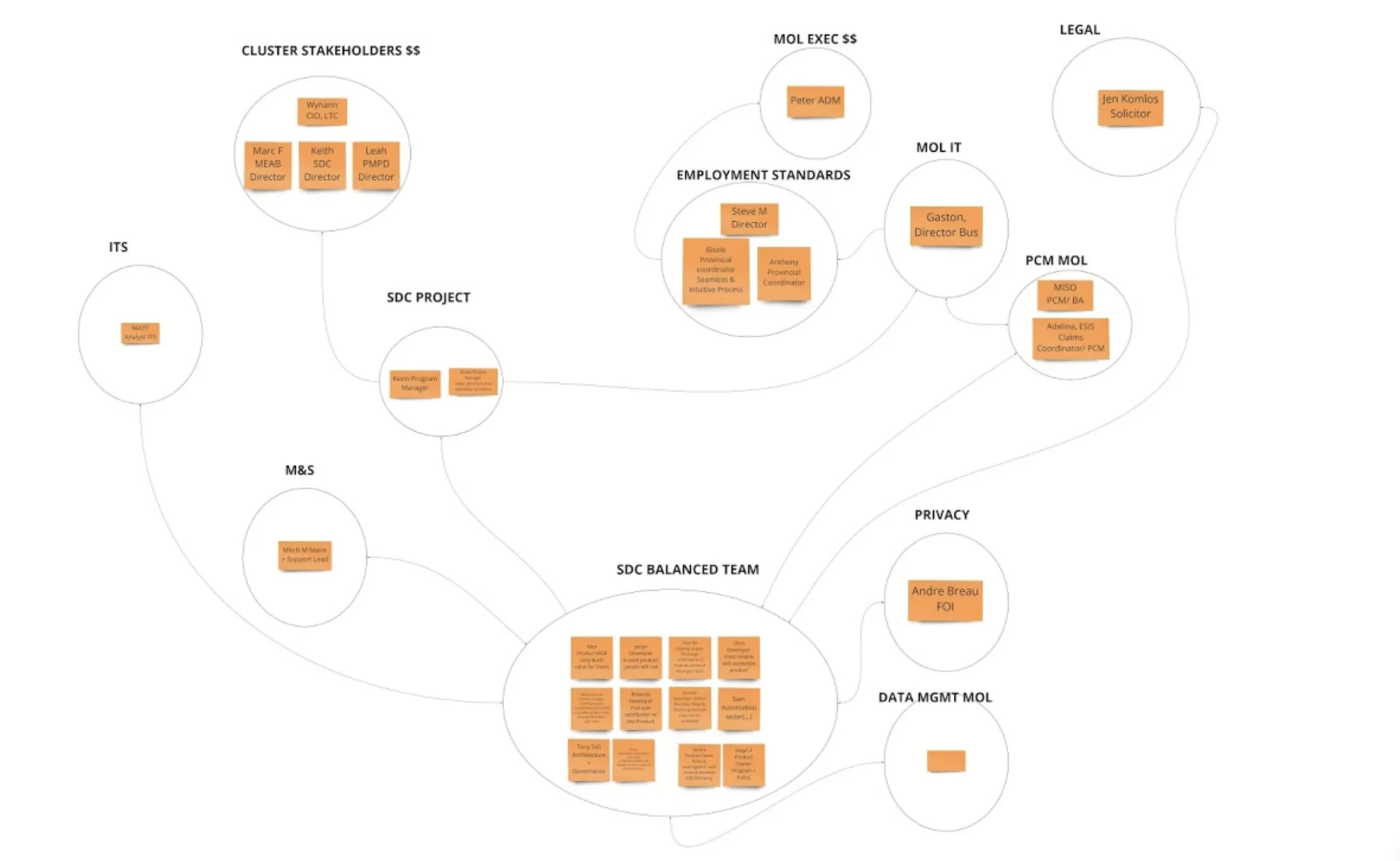
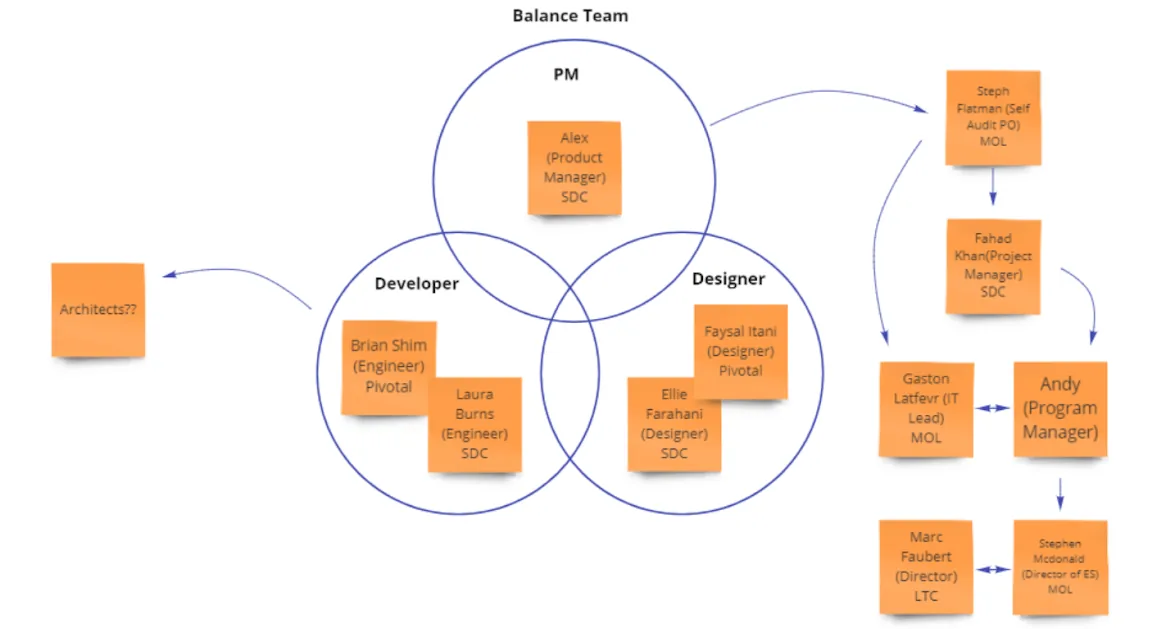
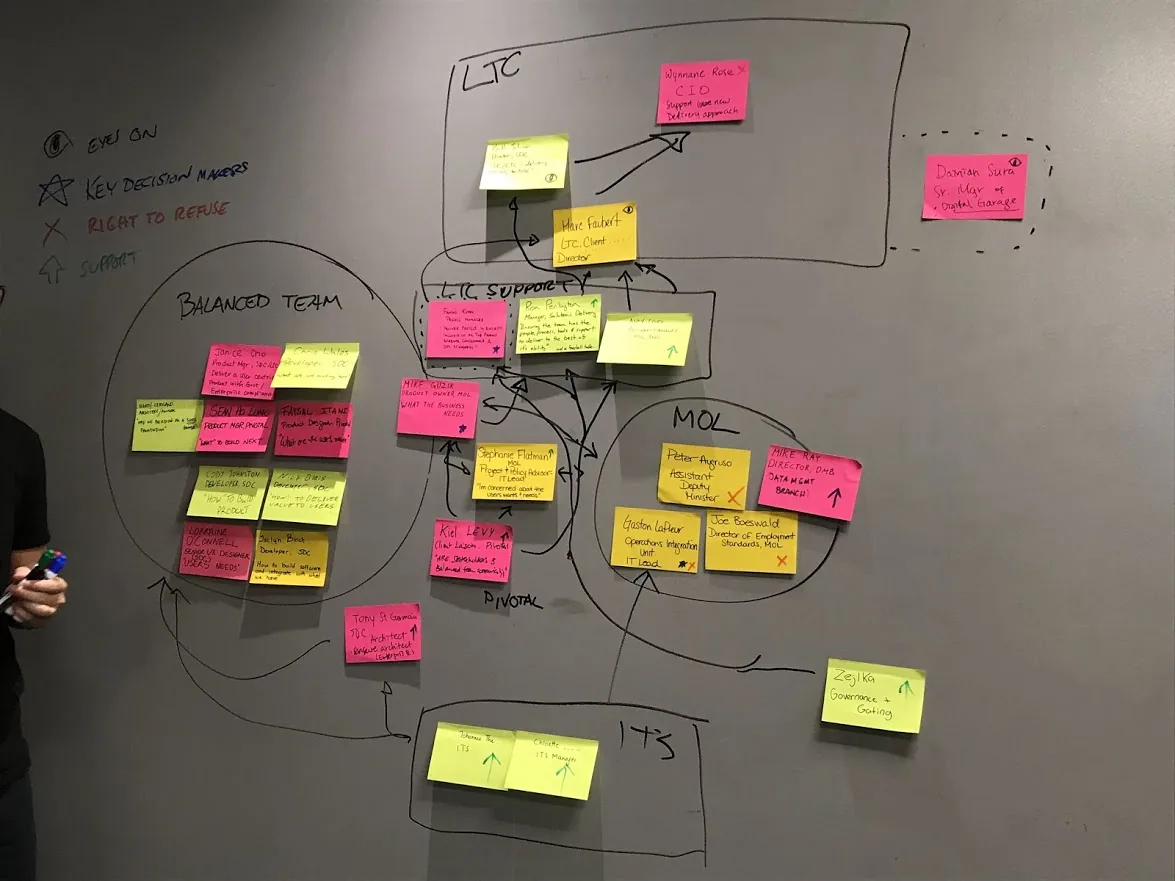
I led a stakeholder-mapping session where the team wrote names, roles, and key project interests on sticky notes, grouped teams together, and used arrows to show connections. Key groups: LTC Cluster, ITS, SDC Project Team, MOL Execs, Employment Standards, Legal, Privacy, and Data Management.
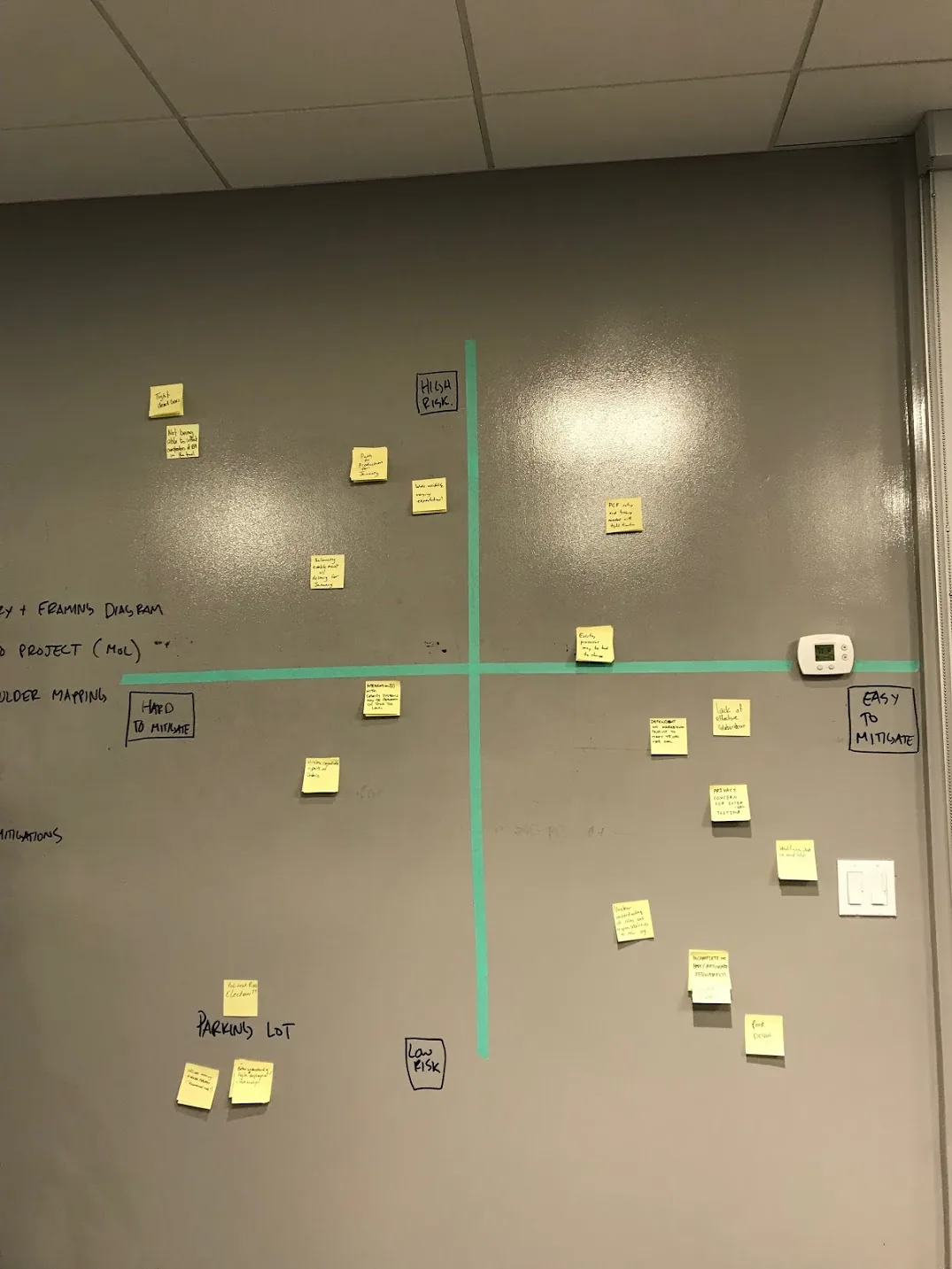
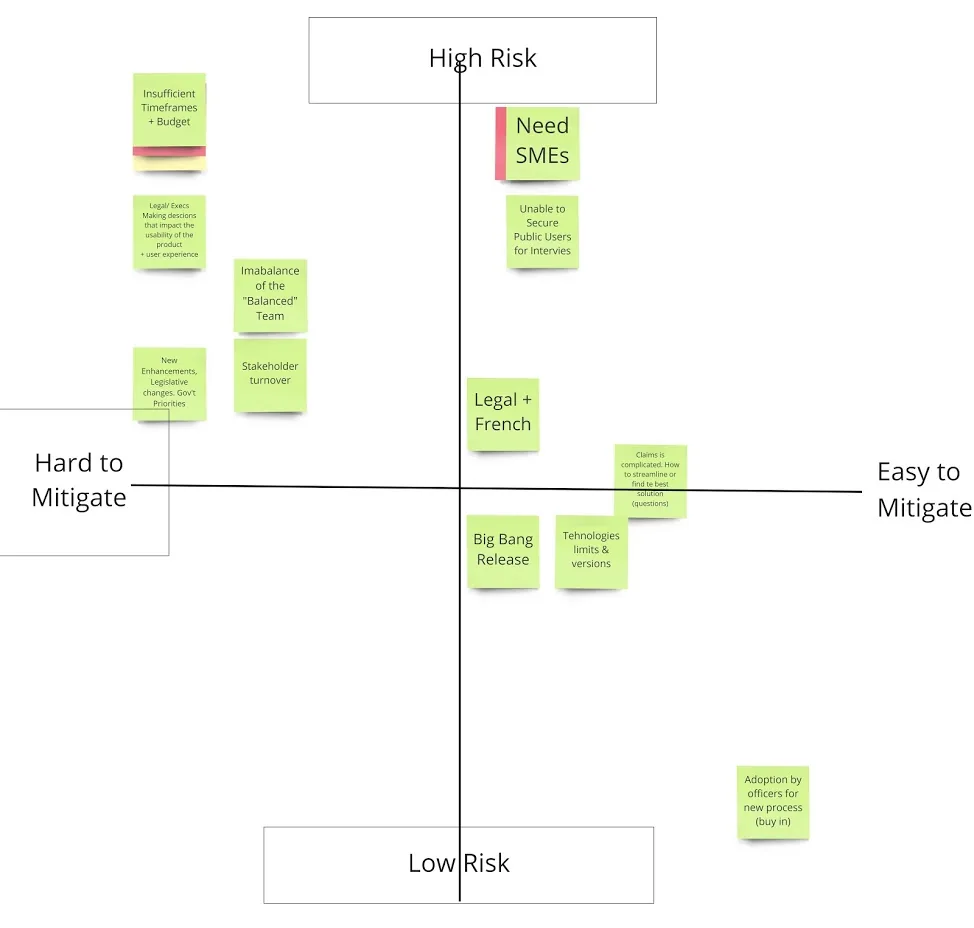
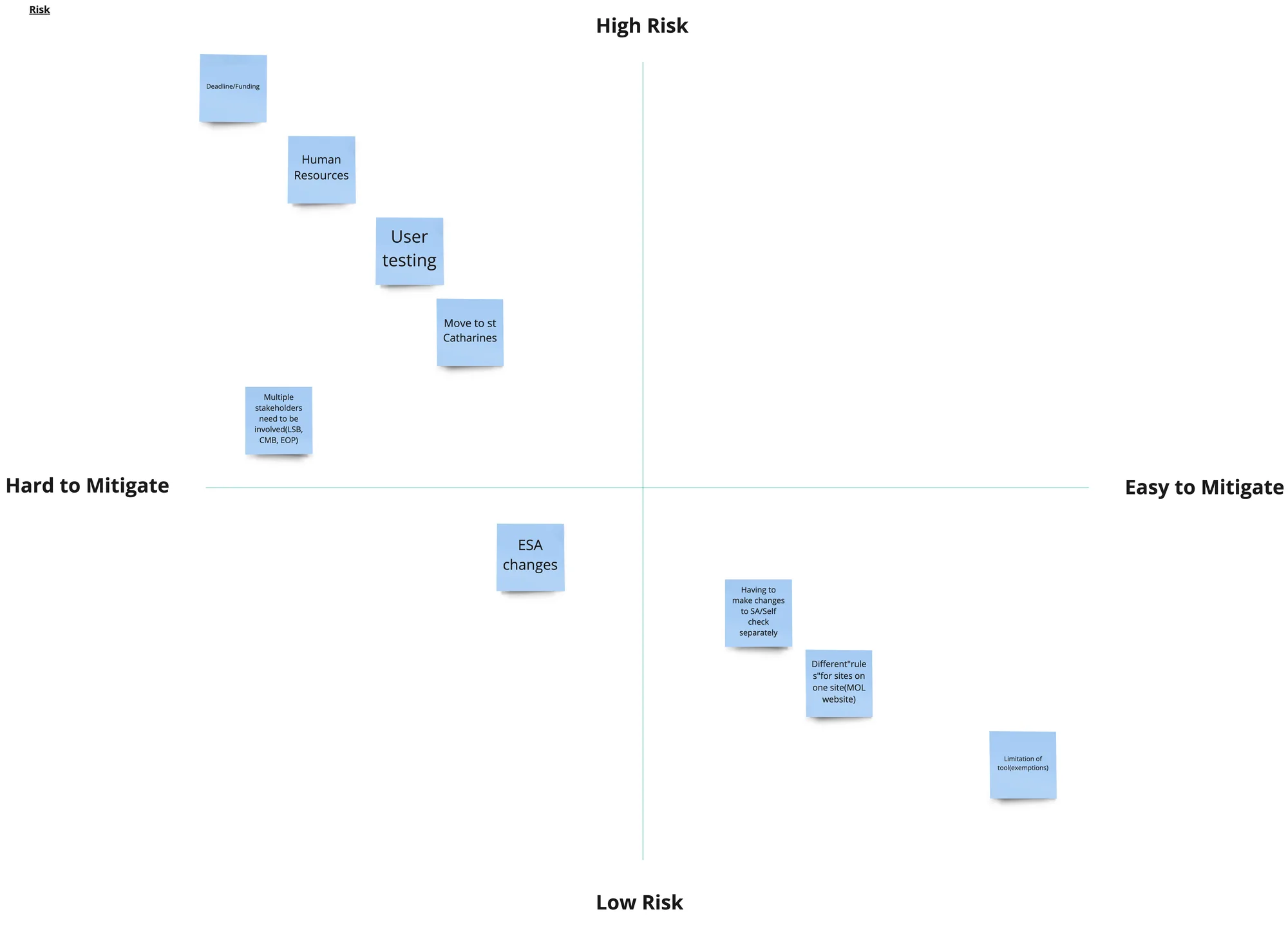
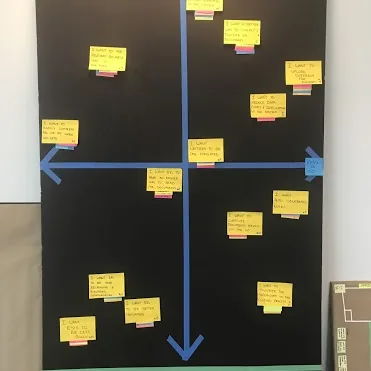
I hosted a risk workshop where each team member listed their top 5 risks, then guided the team in ranking them on a 2×2 grid: Y-axis (high vs. low risk) and X-axis (easy vs. hard to mitigate).
I guided a personas workshop that created real people the team could relate to and build empathy for. Claimant Clancy and ERO Melissa shaped every design decision throughout the project.
I chose to focus on Claimants and EROs — the two groups most involved in the claims process that we knew the least about.
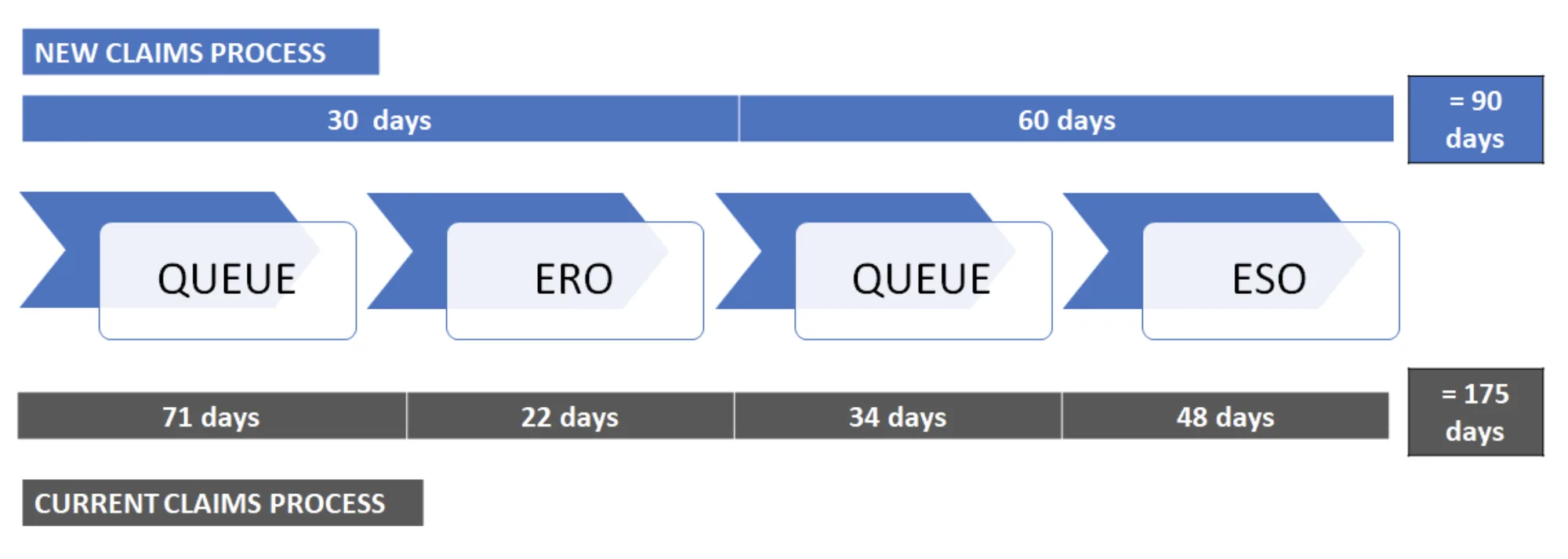
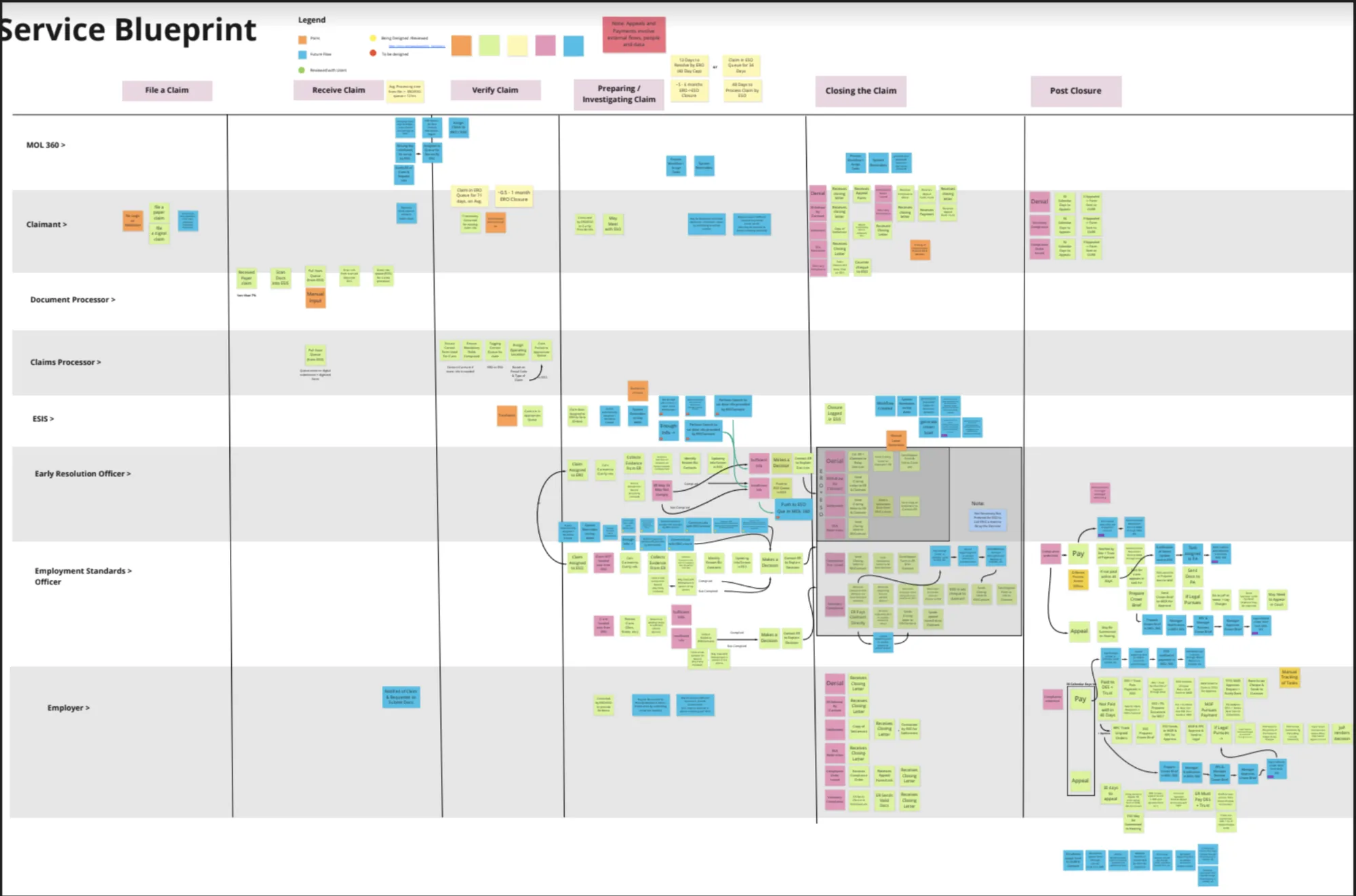
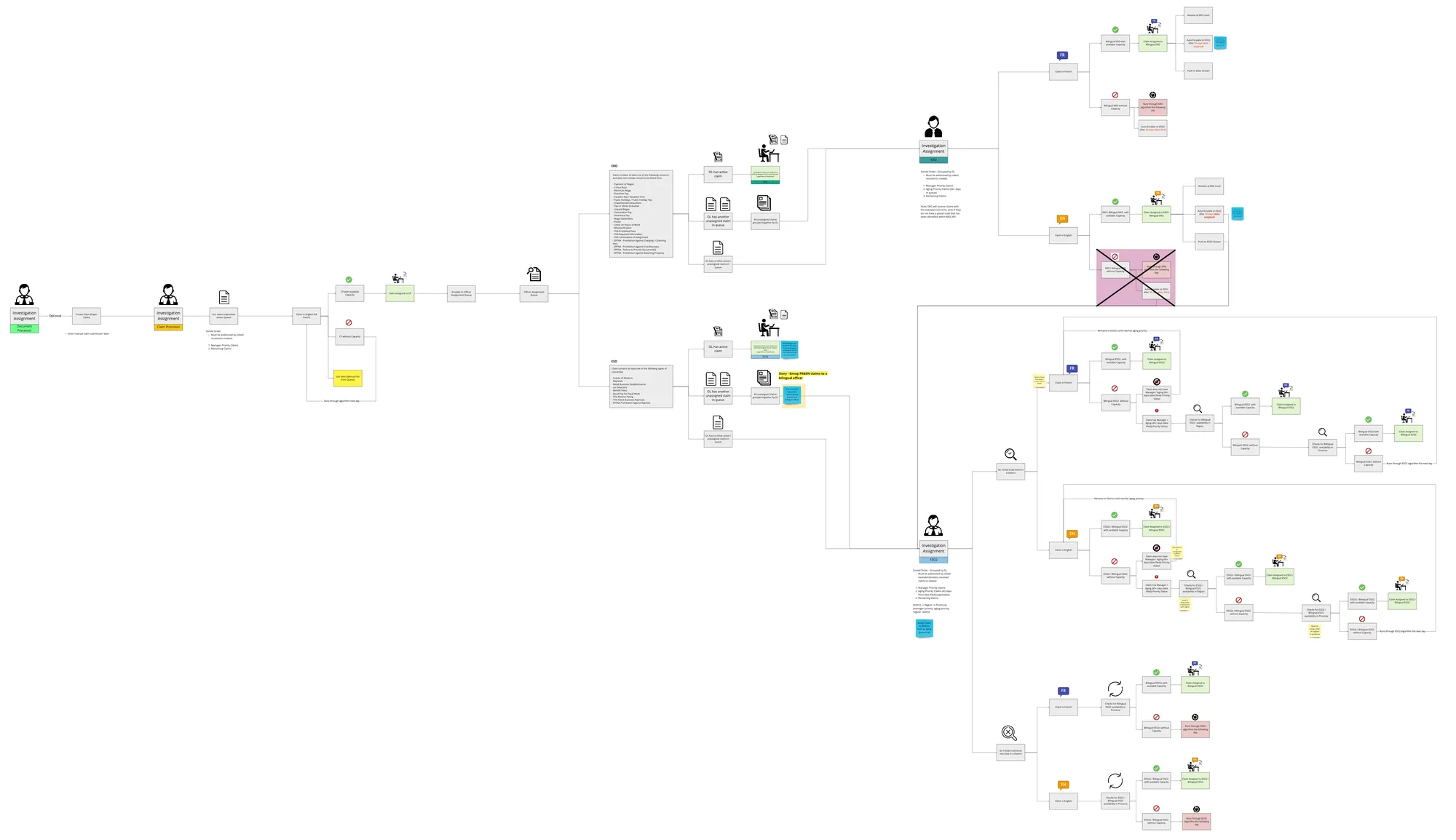
I mapped the current paper process from claim submission to closure — highlighting all key players, stages, and average time in each queue. This service blueprint became our north star throughout the project.
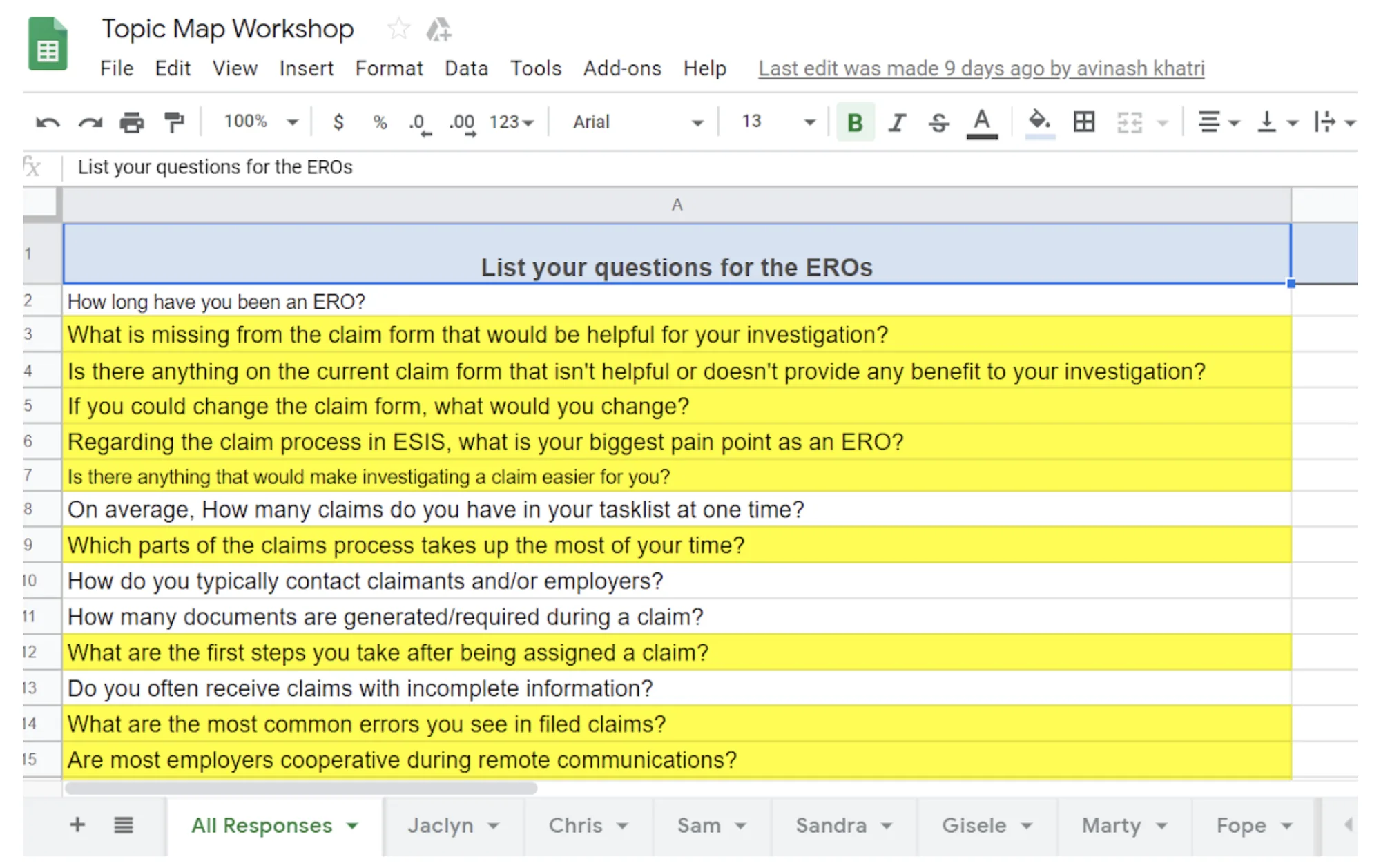
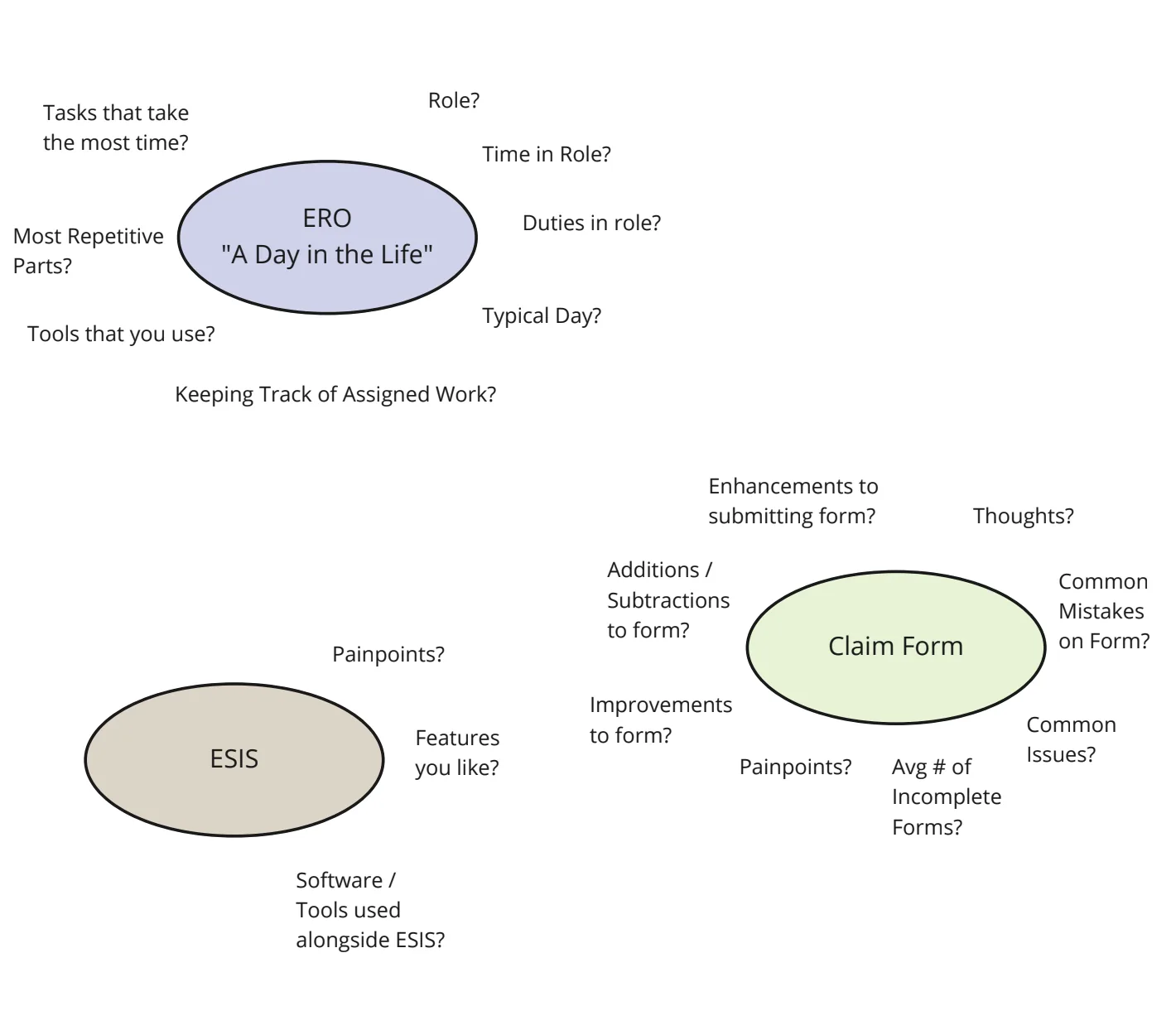
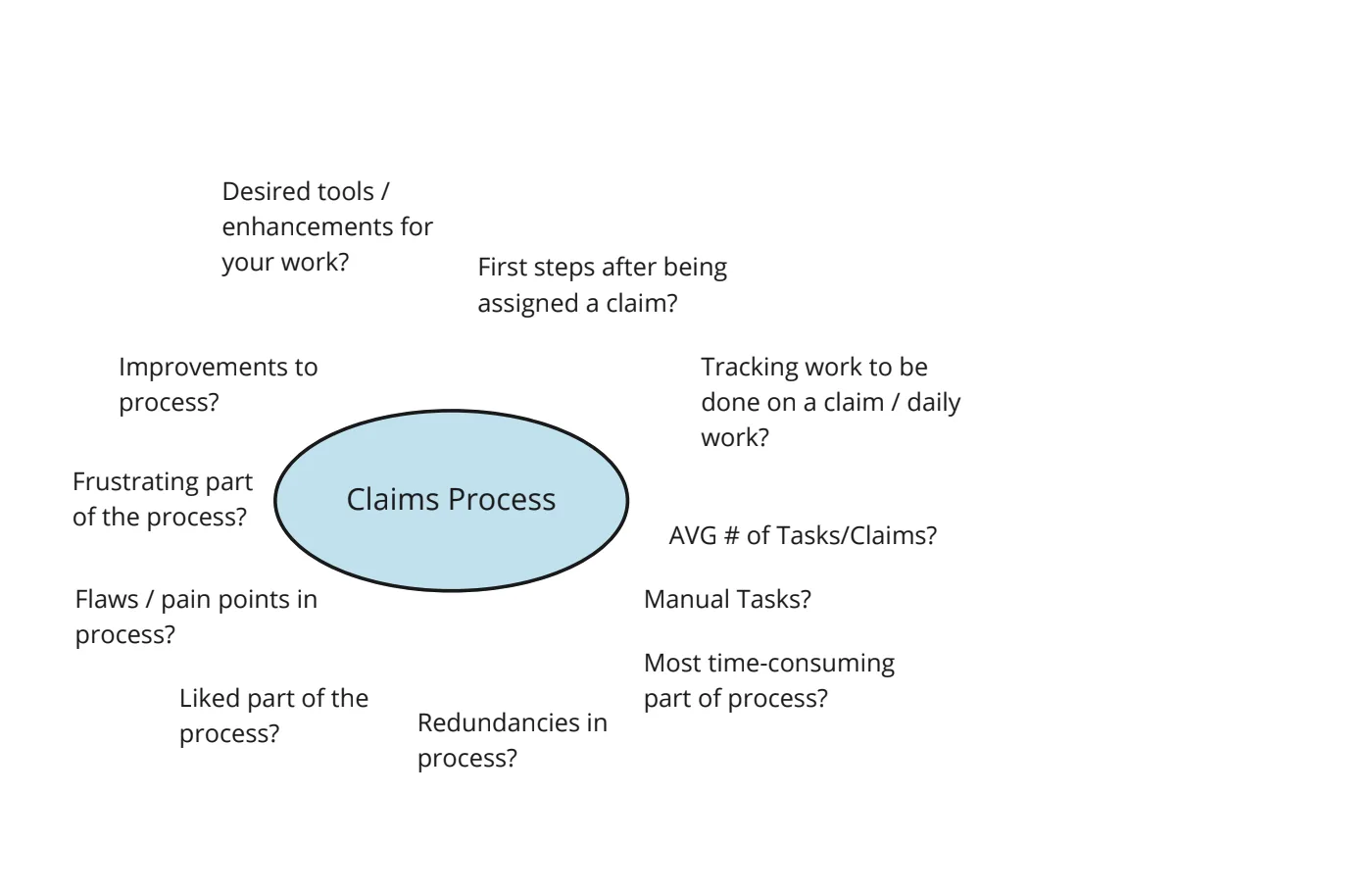
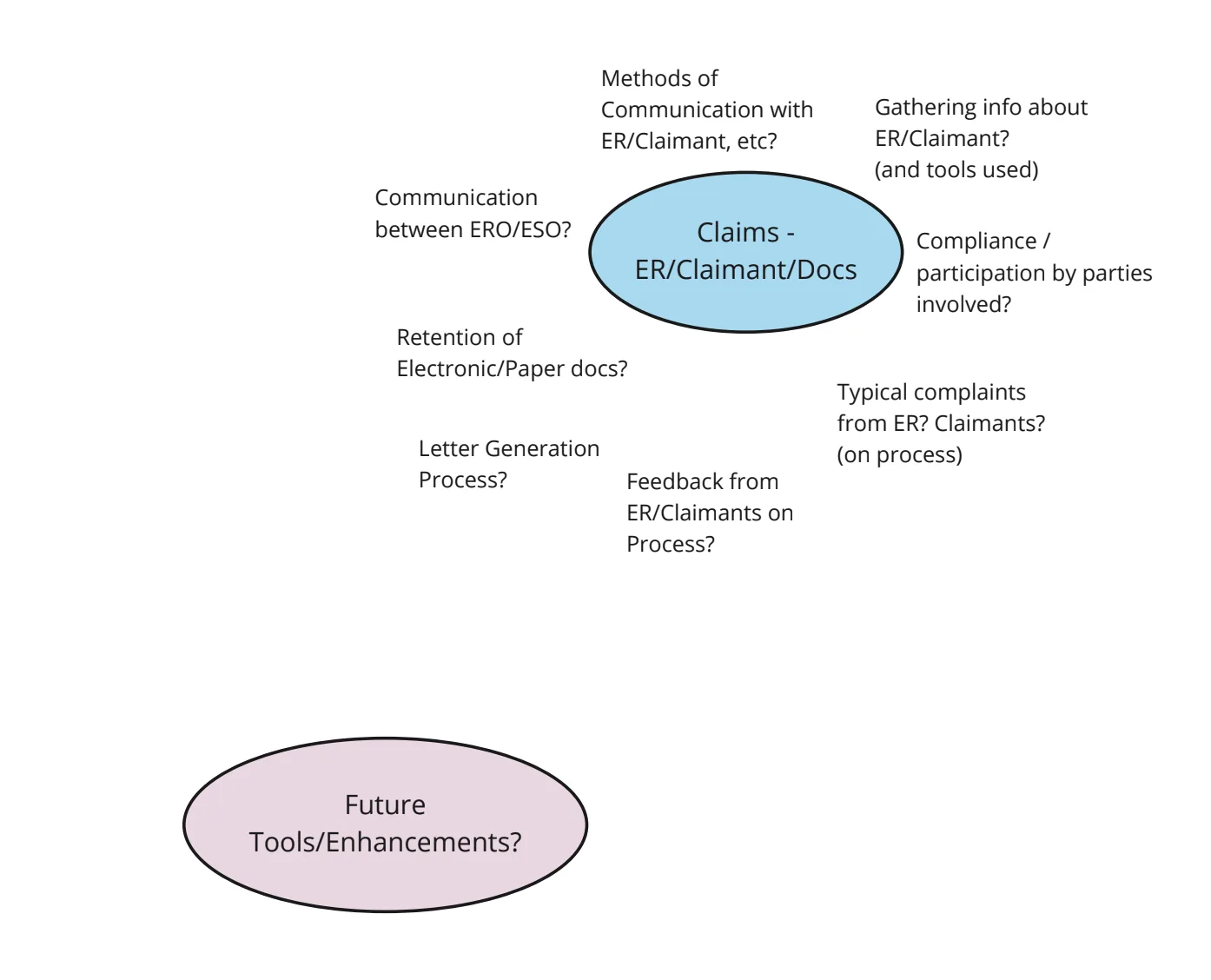
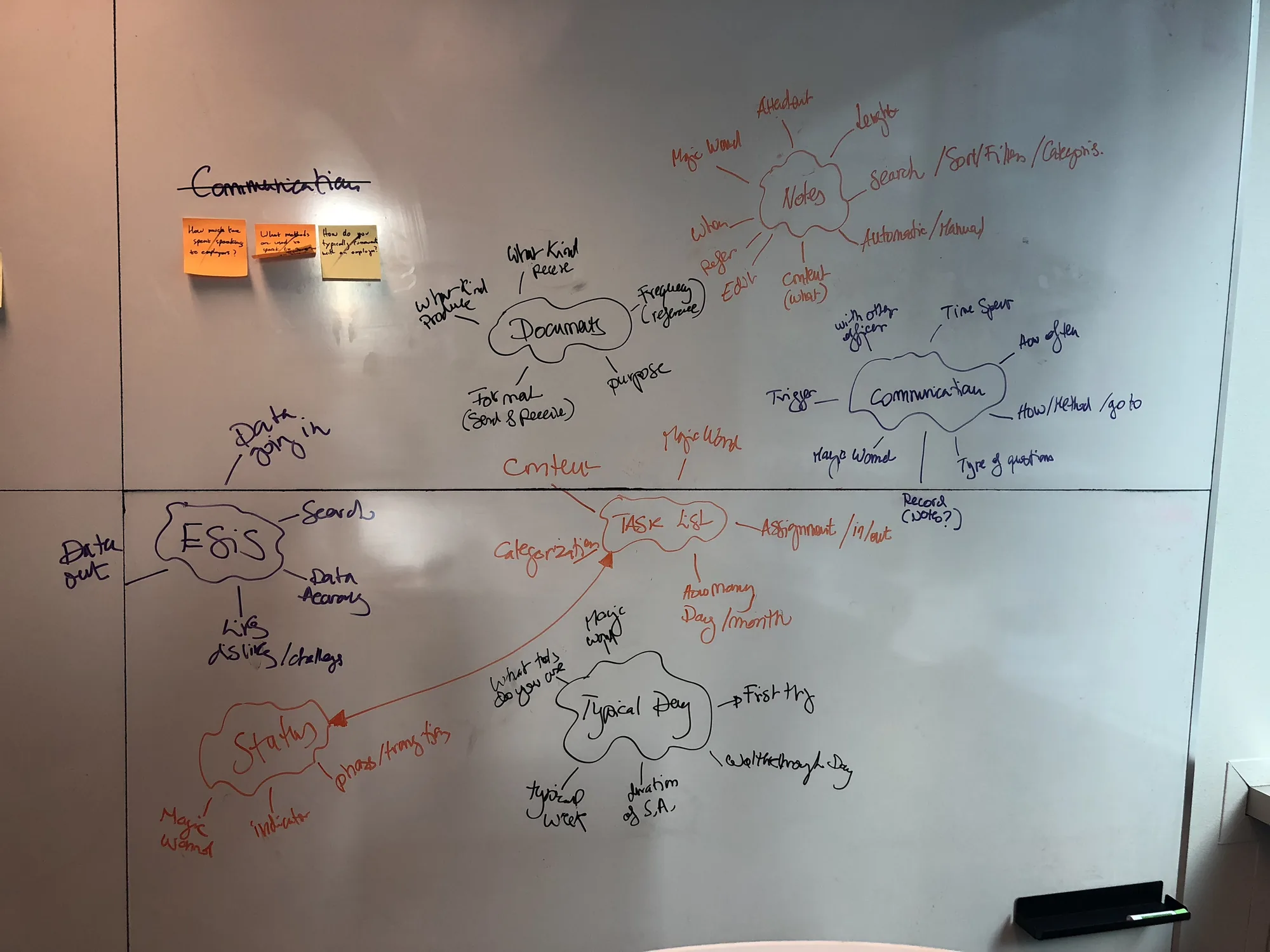
I led interviews with 5 EROs across a full day. Beforehand, I organized a session where each team member wrote potential questions, then consolidated the top ones into a topic map — clustering by themes: a day in the life of an ERO, the current system (ESIS), the claims form, claims process, and employers/claimants/documents.
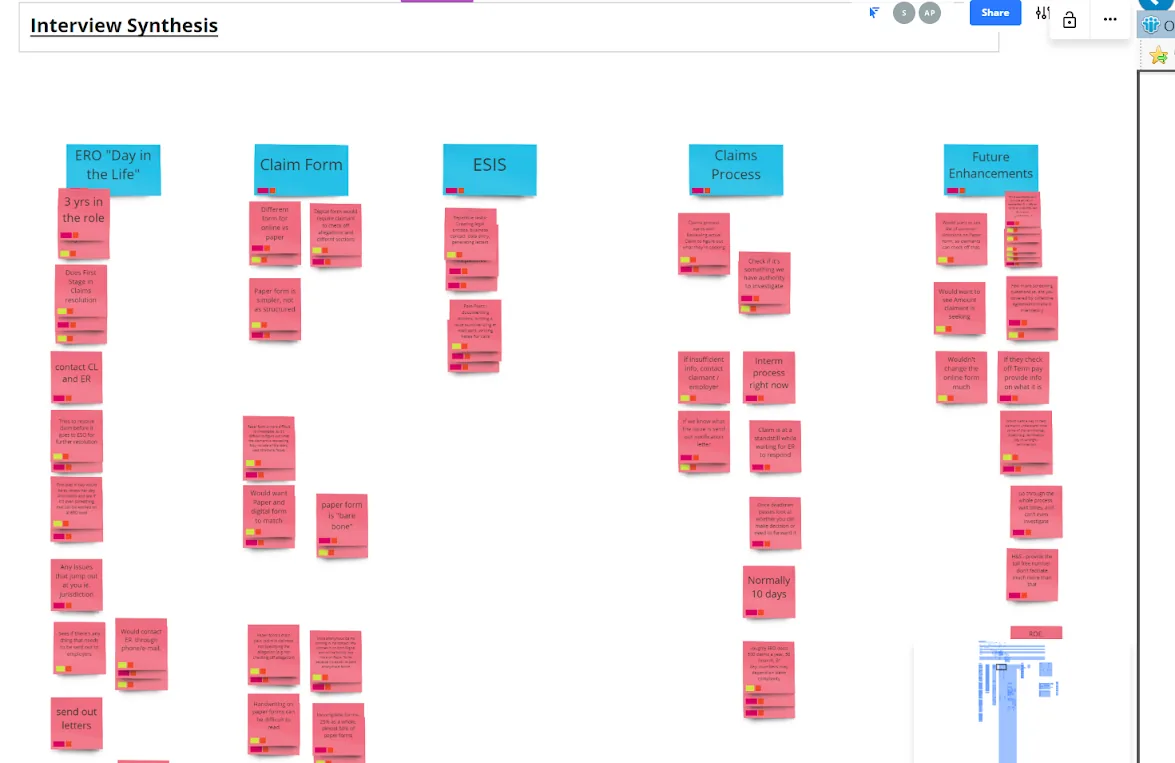
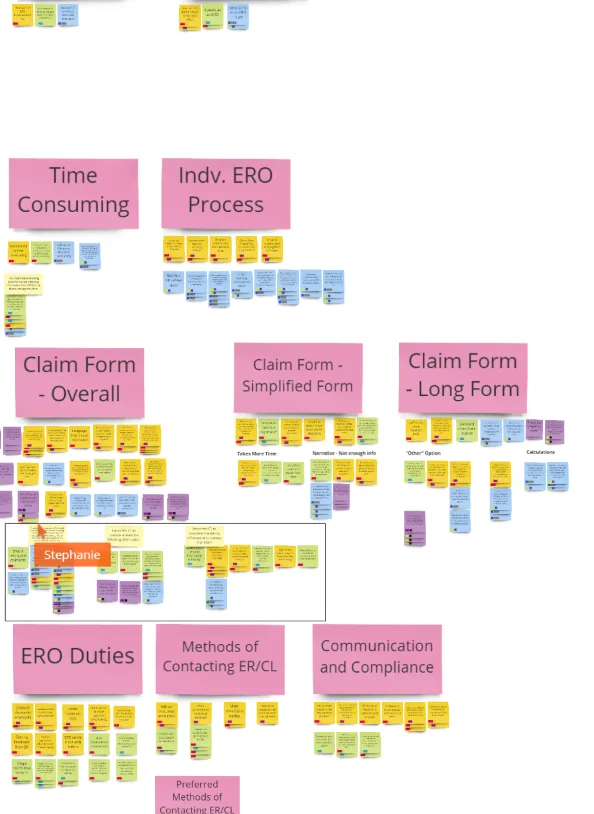
I ran a synthesis session where each interview was color-coded and key insights grouped by theme. This affinity mapping surfaced the patterns that drove our design priorities.
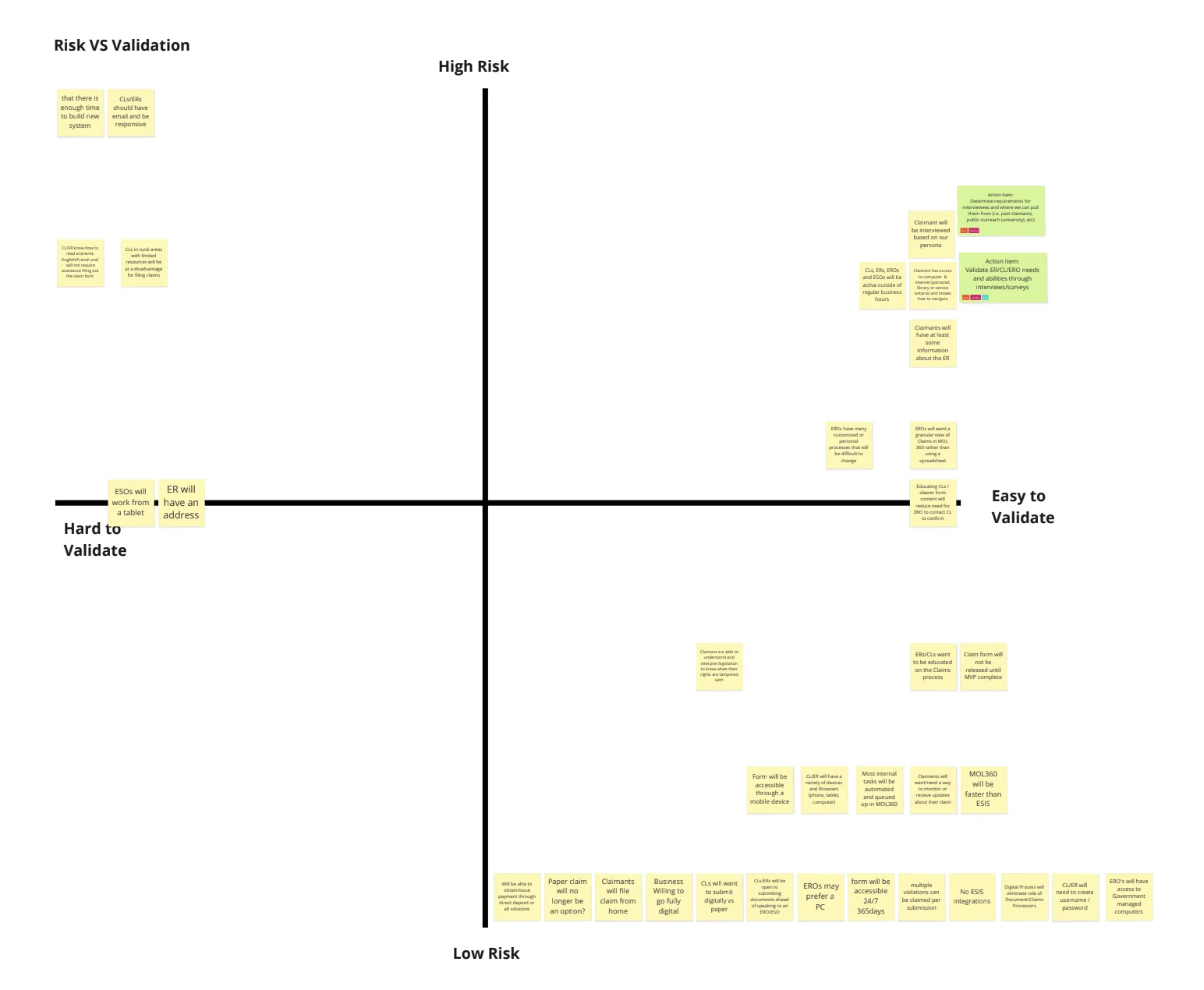
I guided the team in mapping assumptions on a 2×2 grid: Y-axis (high vs. low risk) and X-axis (hard vs. easy to validate) — to prioritize what needed research before we could make decisions.
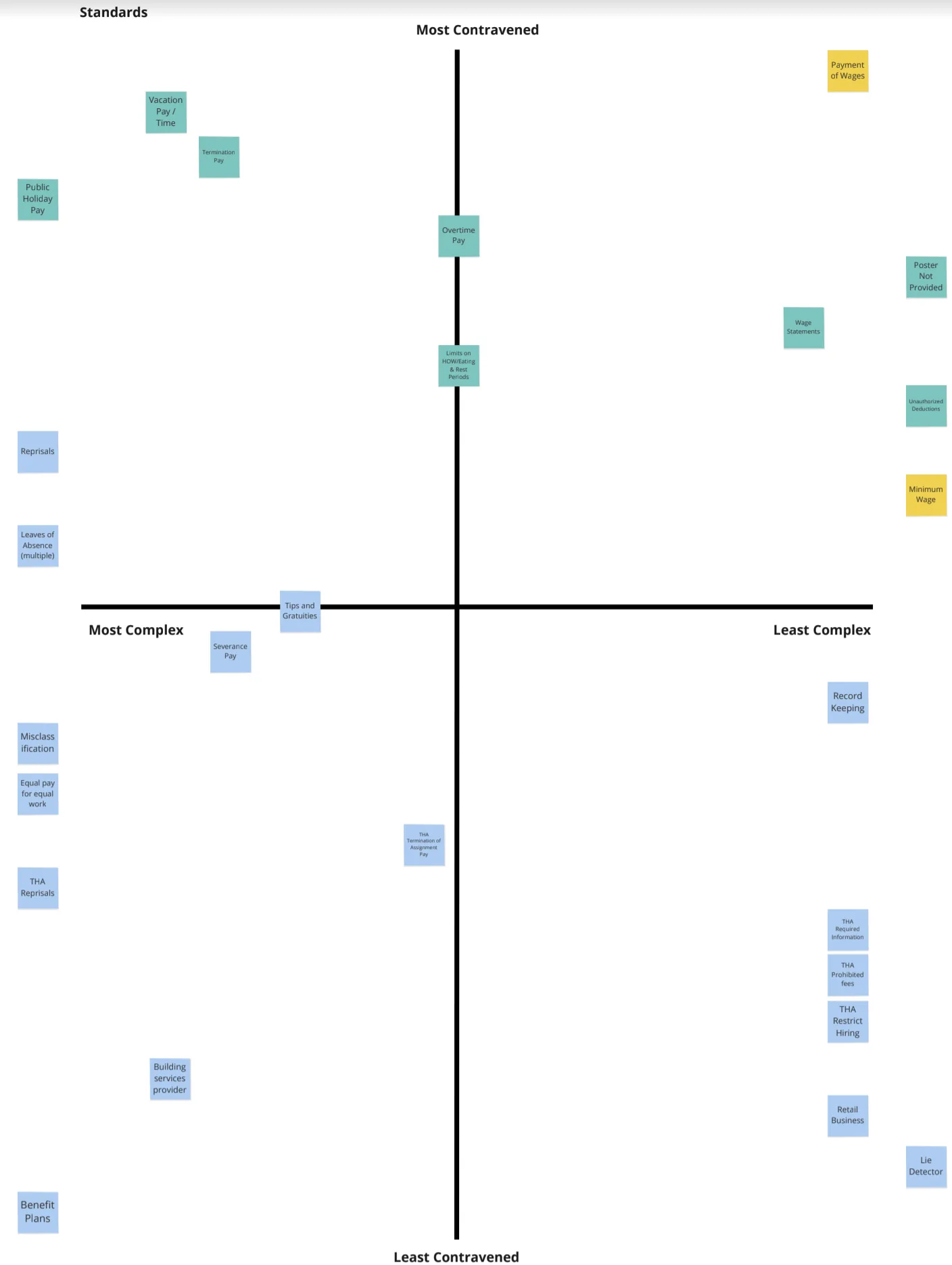
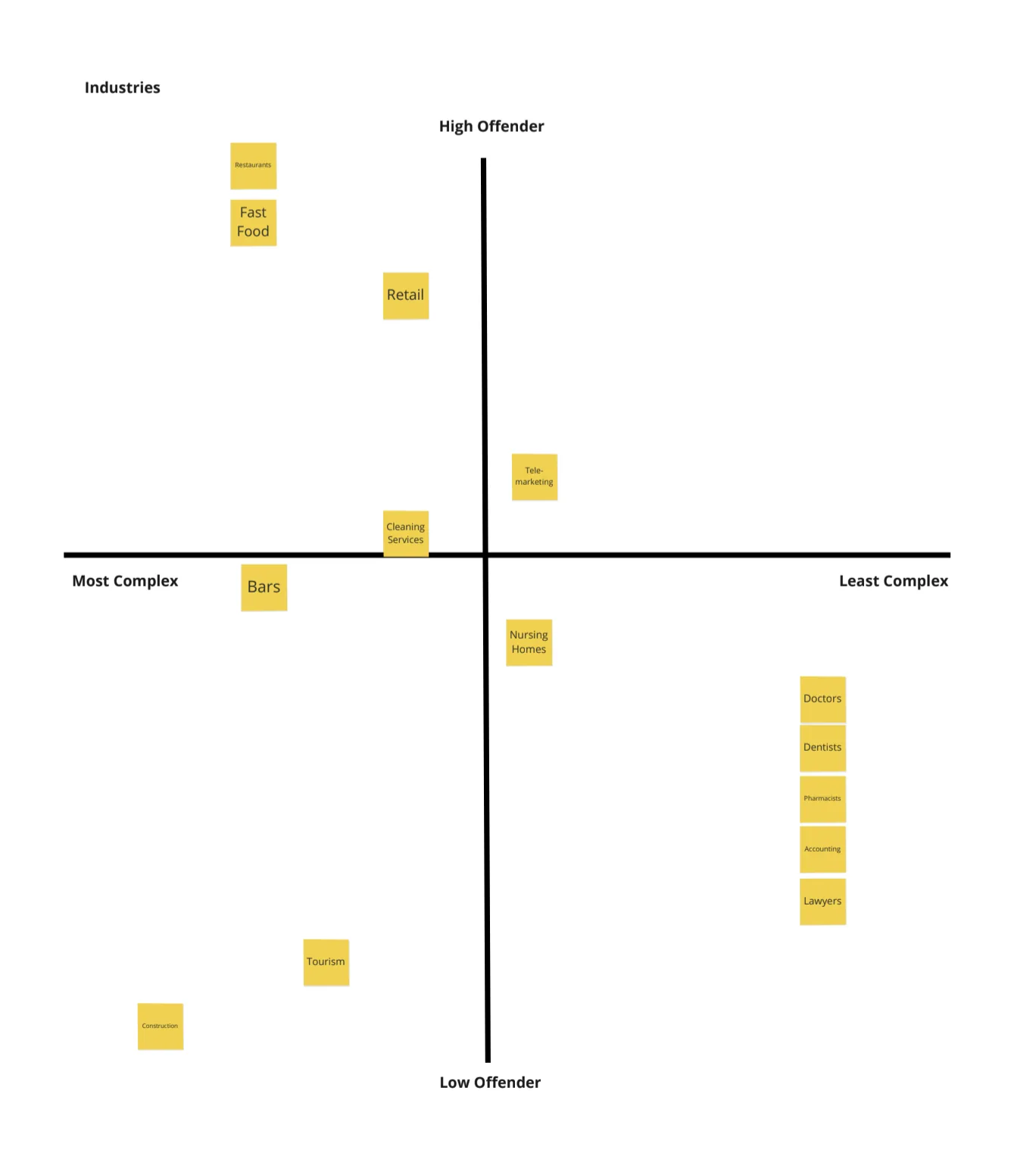
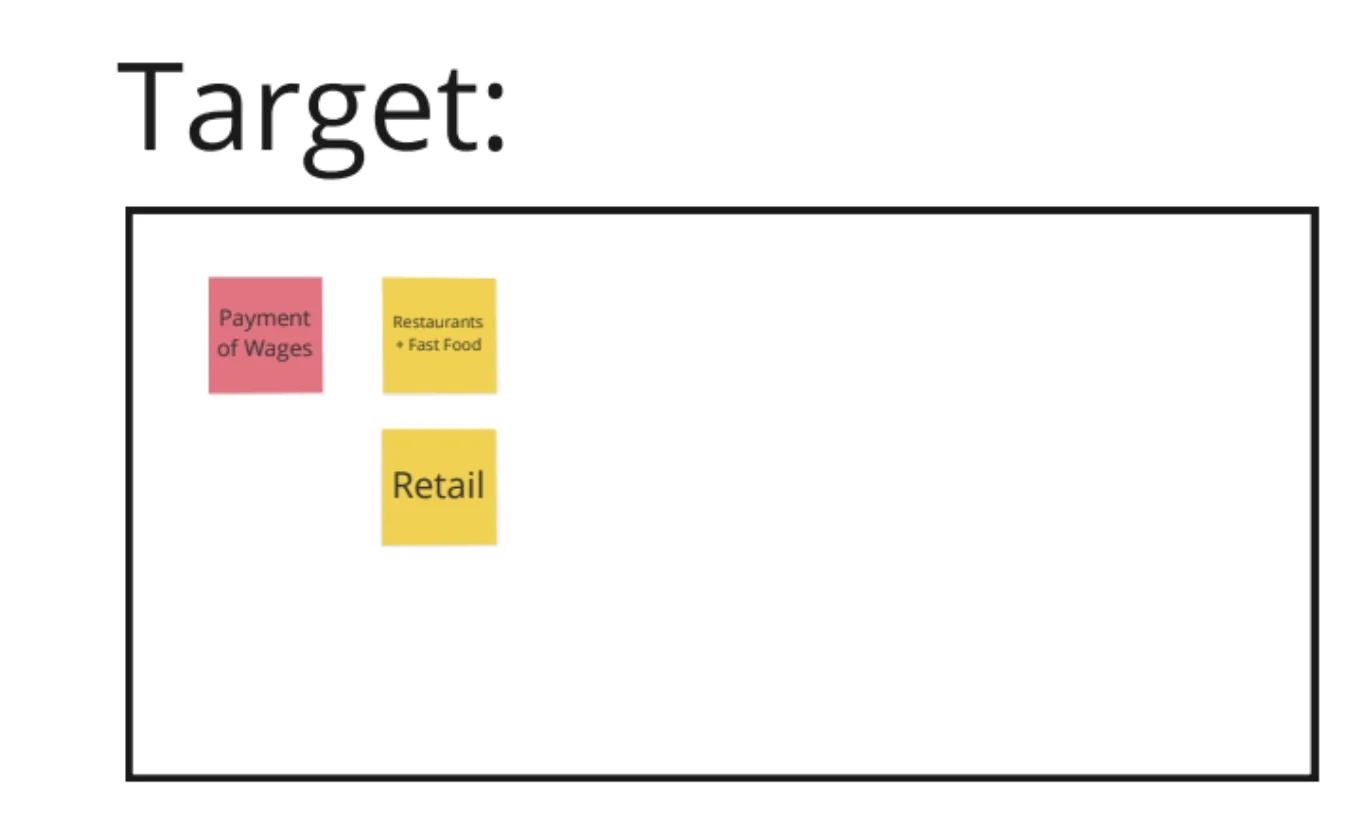
I partnered with MOL Subject Matter Experts to rank employment standards on a 2×2 grid — most contravened vs. least contravened on Y-axis, and most complex vs. least complex on X-axis. We did the same for industries.
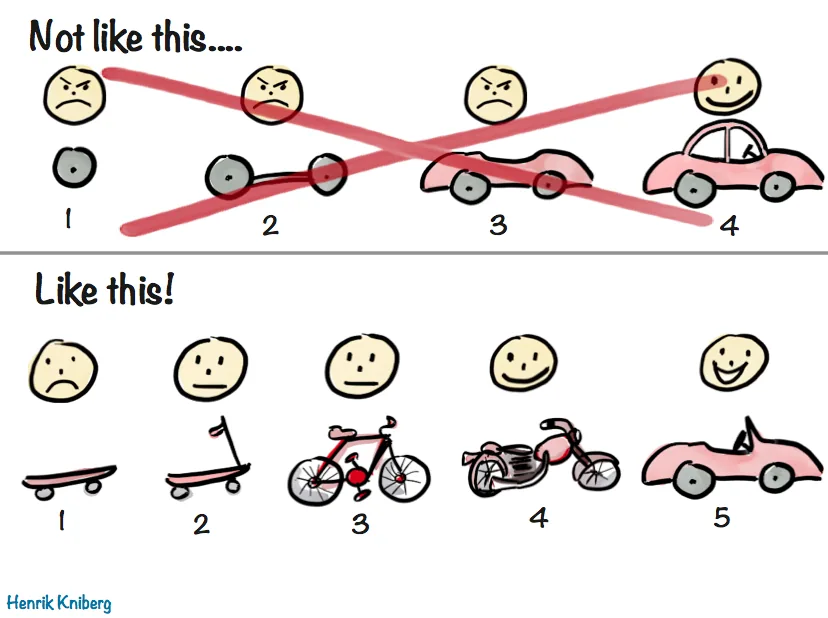
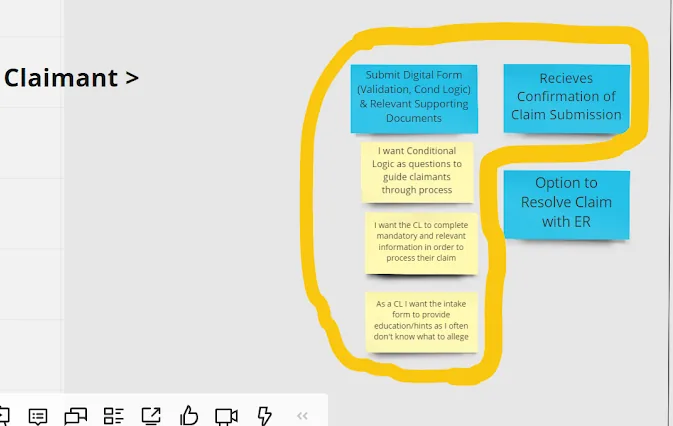
I led the team to our "golden nugget" — inspired by the Agile skateboard analogy — the portion of the future service blueprint where we chose to start. We focused on collecting better data and guiding Claimants through the claims process as the highest-value starting point for both Claimants and EROs.
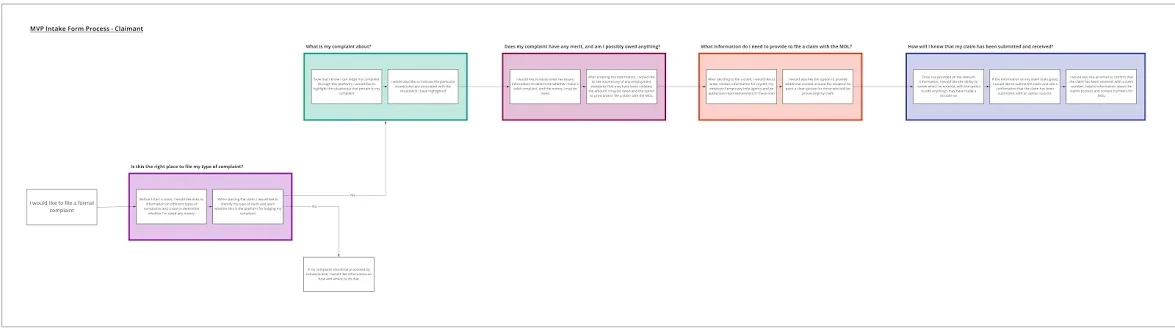
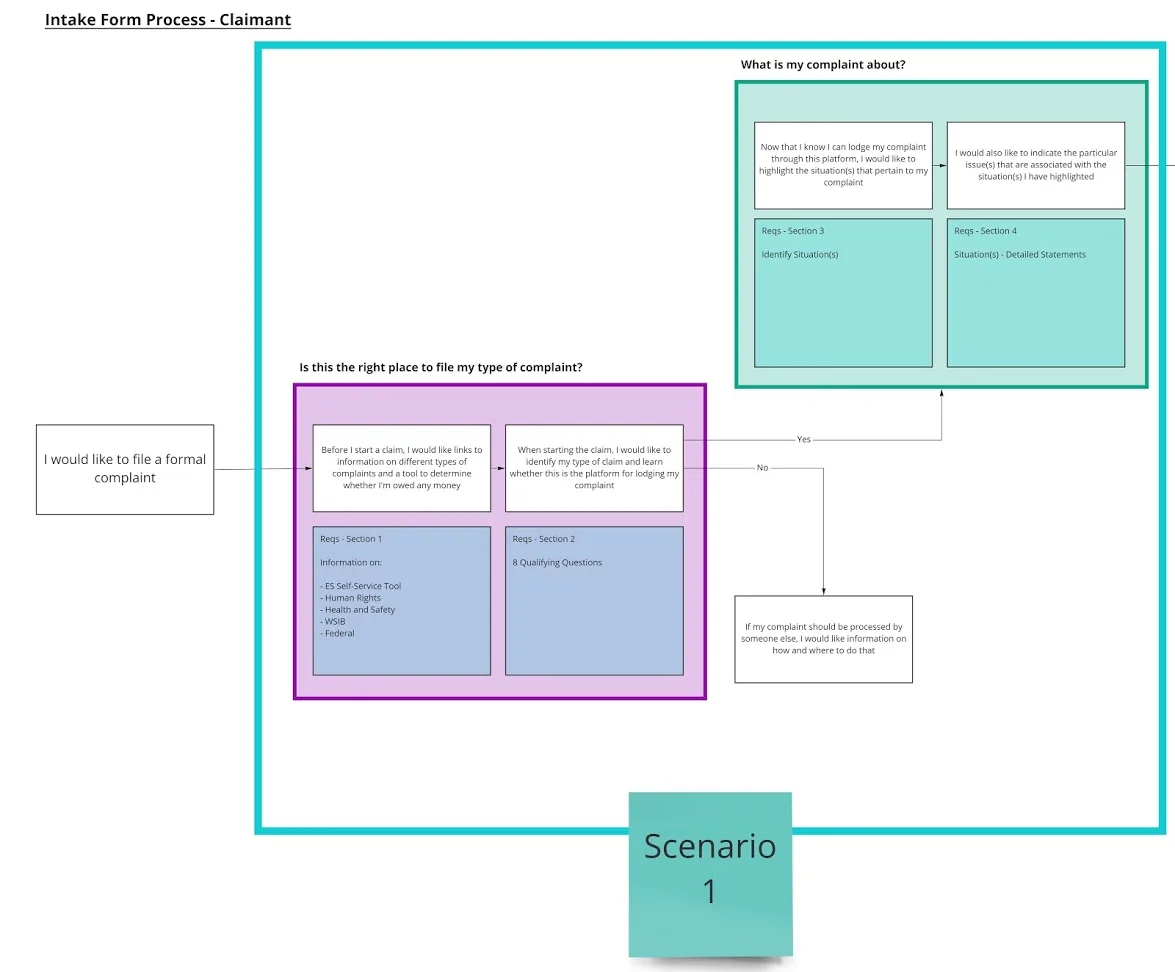
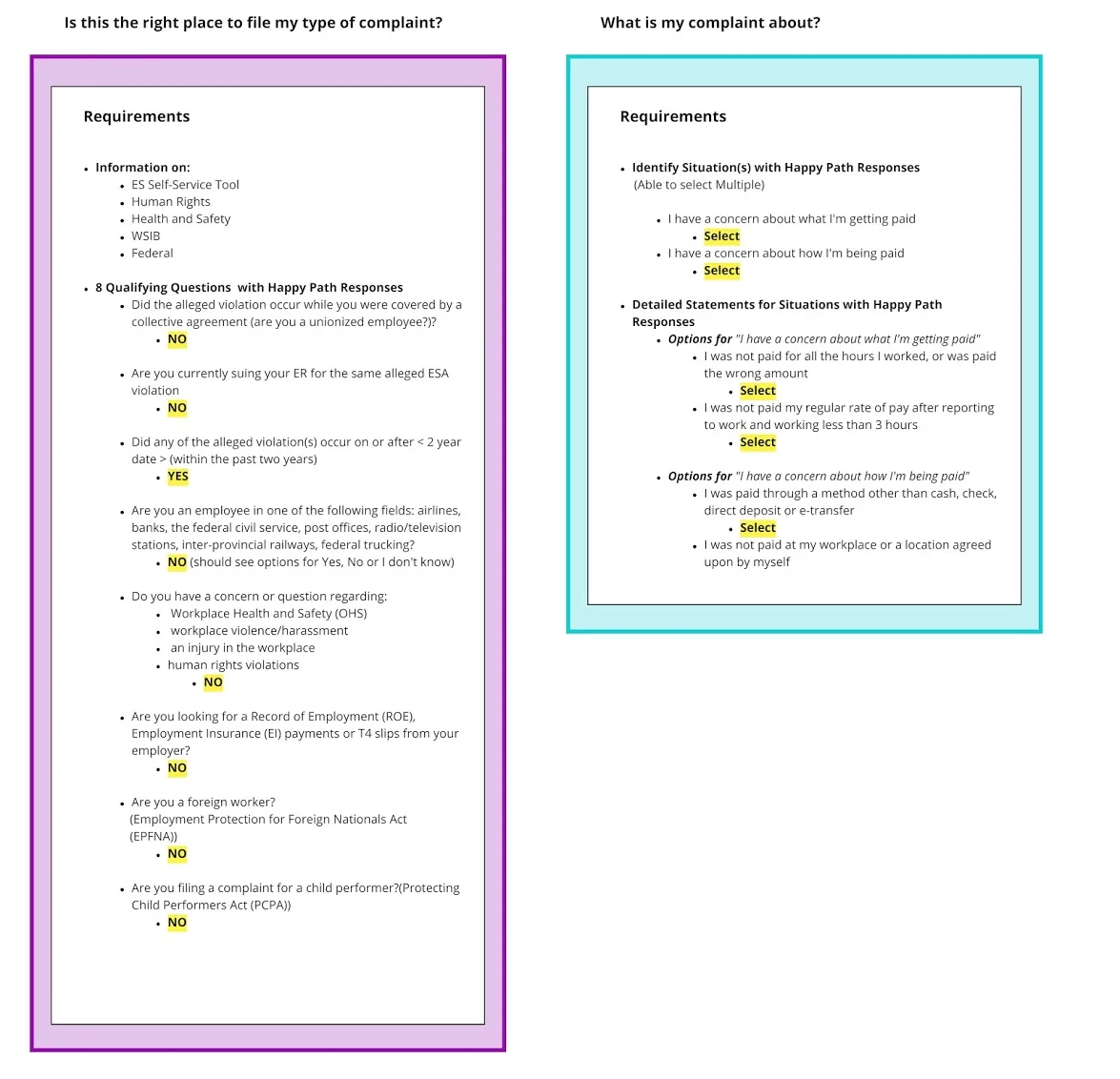
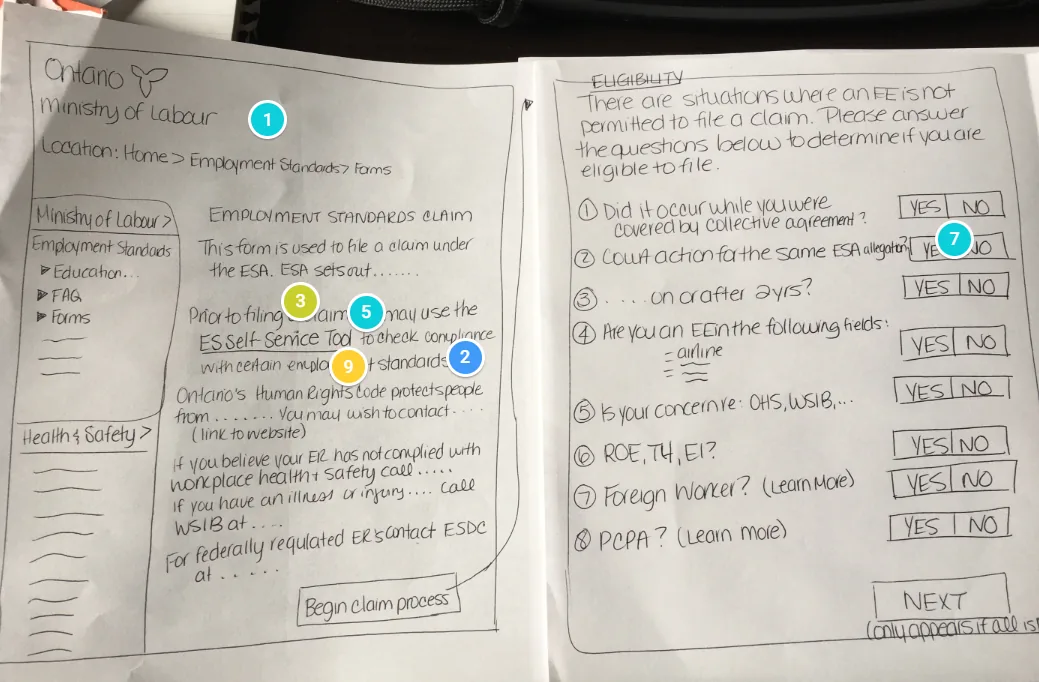
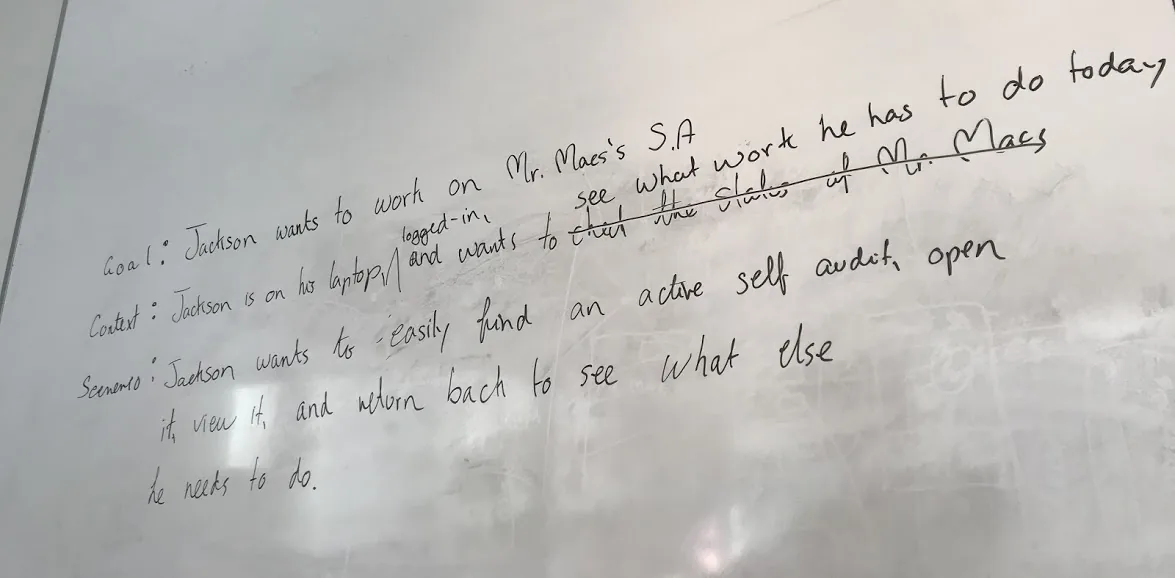
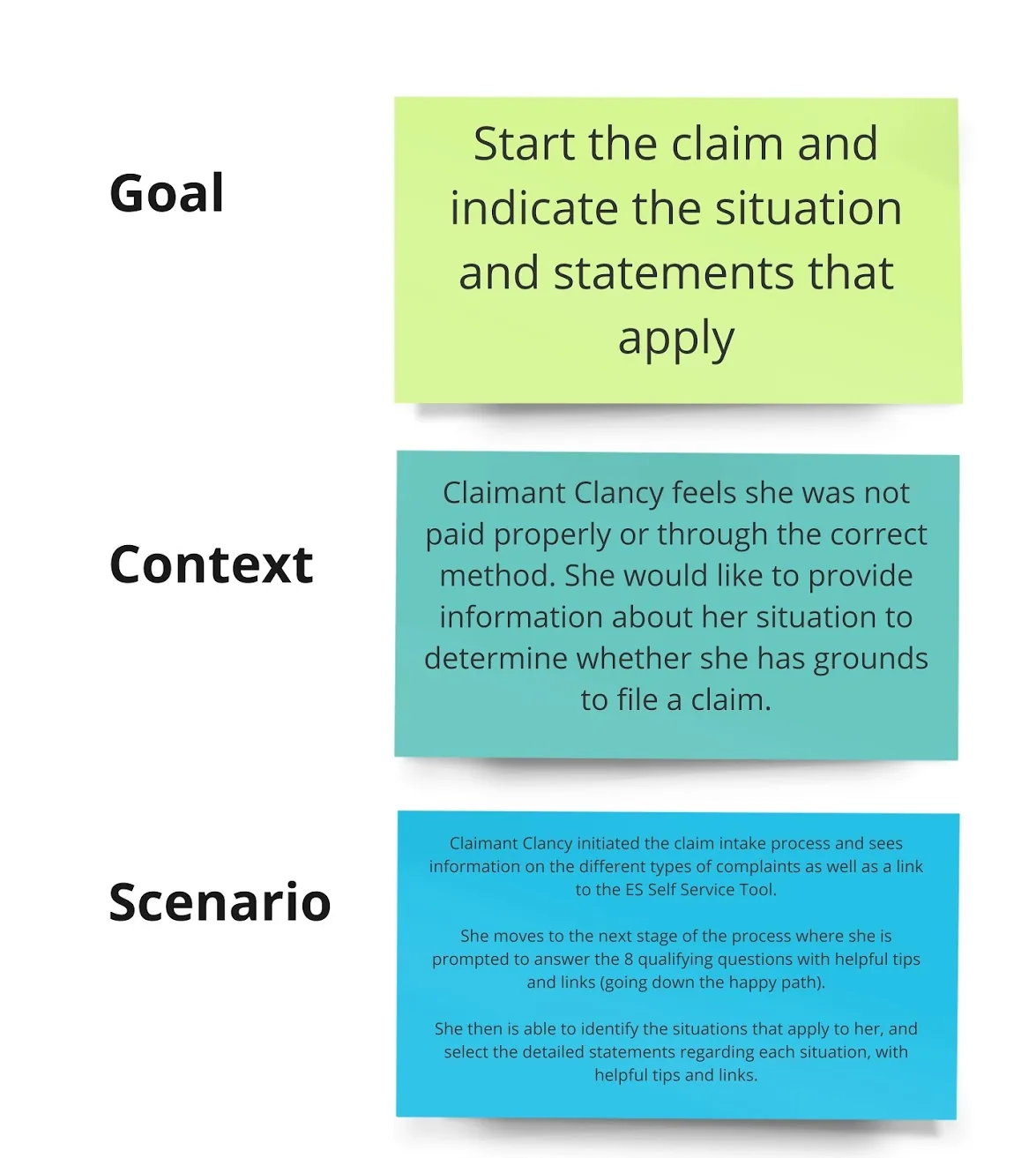
I broke the intake form into scenarios, wrote goals for each, and created a real-life scenario for Claimant Clancy. I then ran a sketching-and-critique workshop where the team sketched solutions and critiqued them digitally using Zeplin.io.
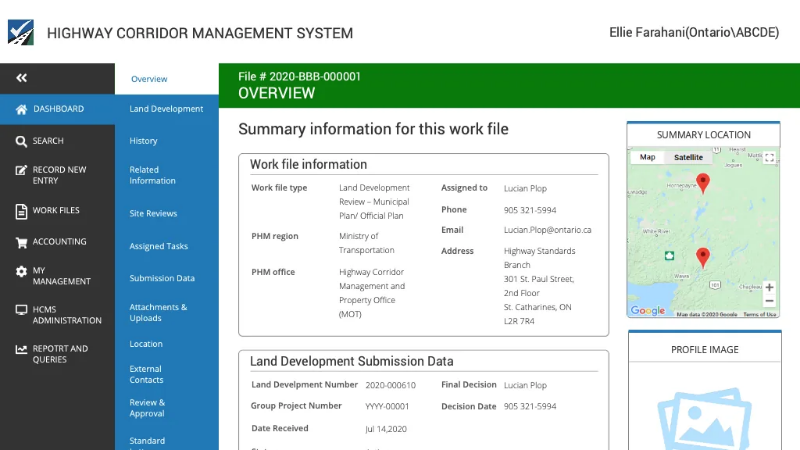
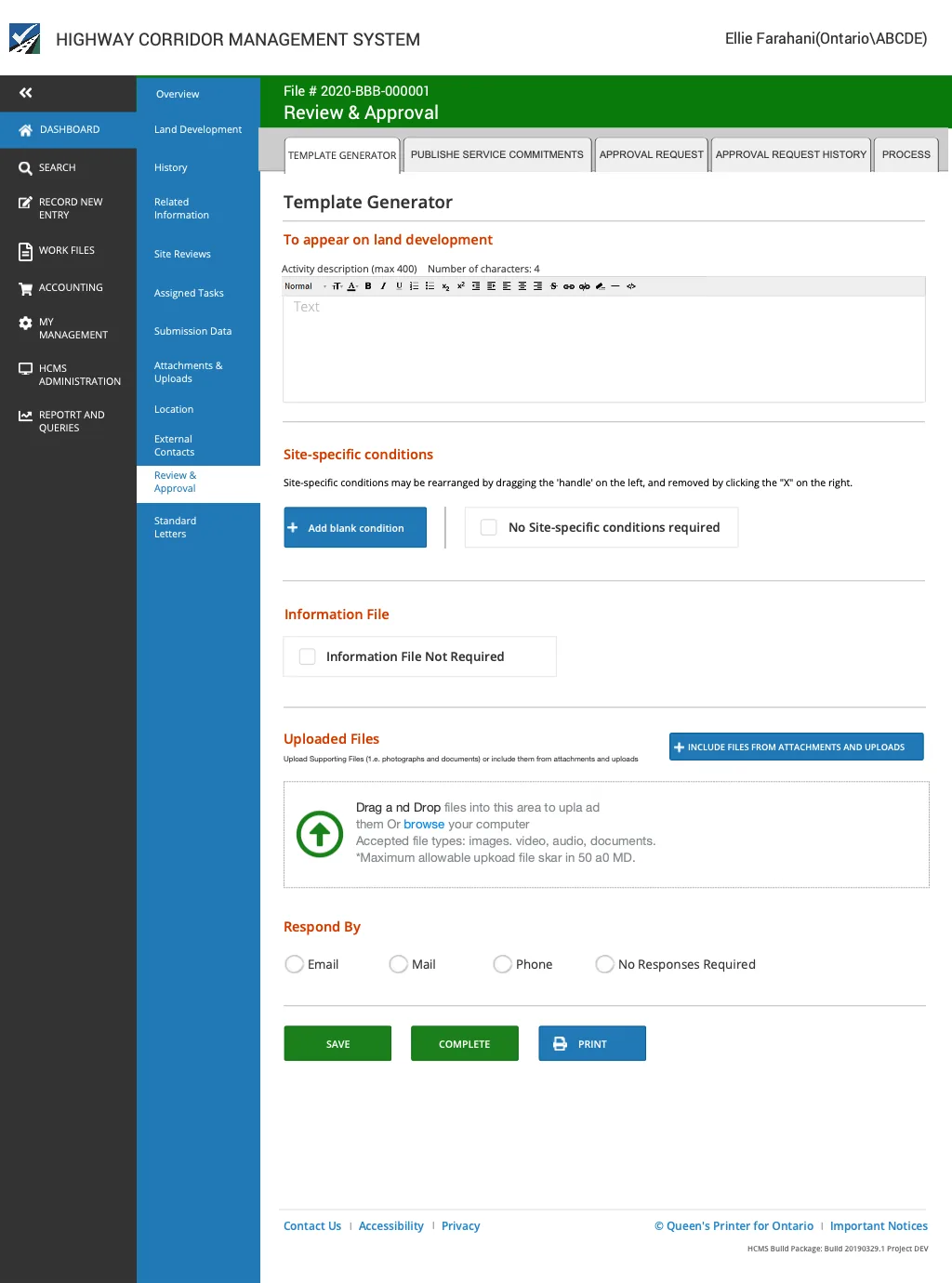
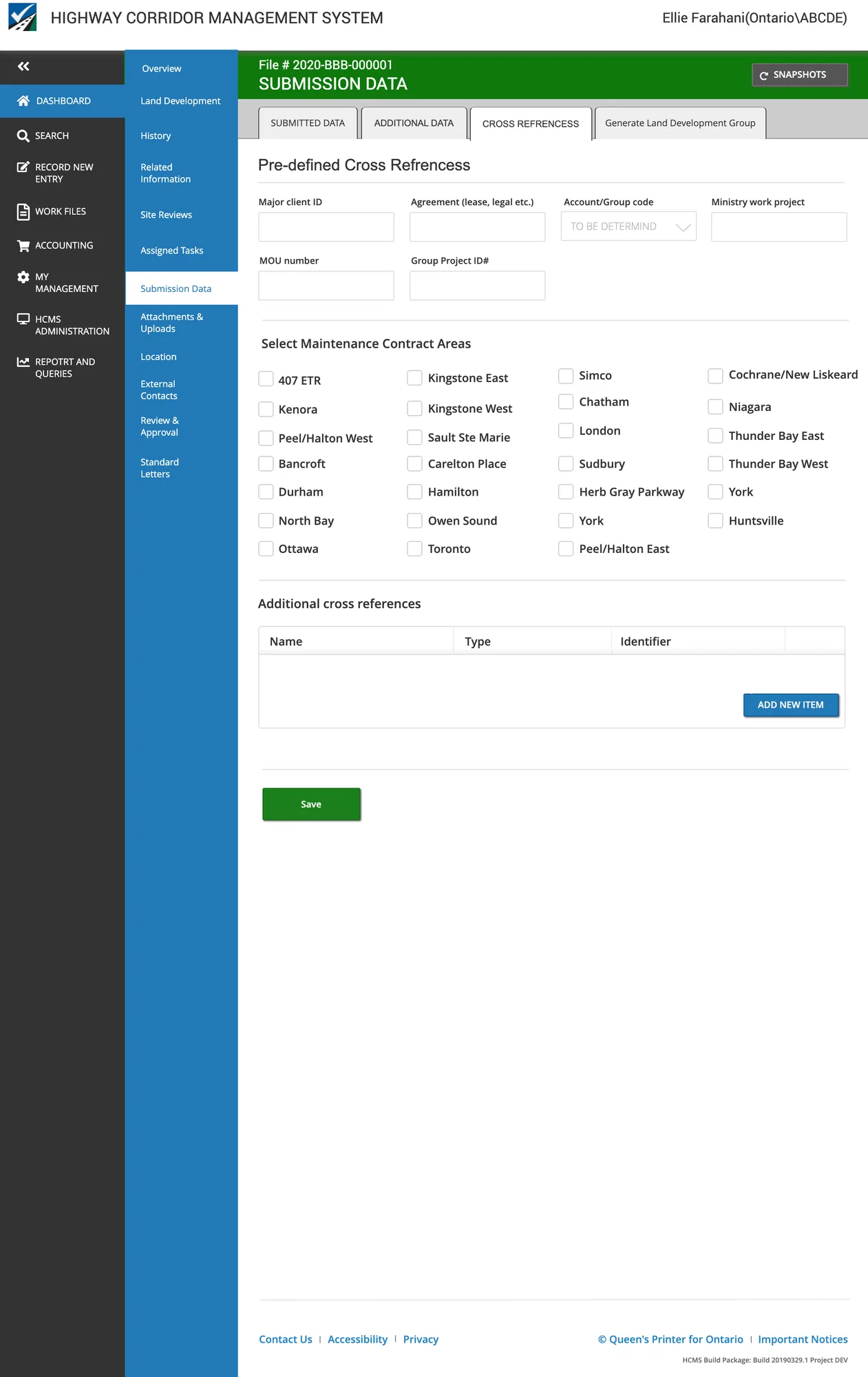
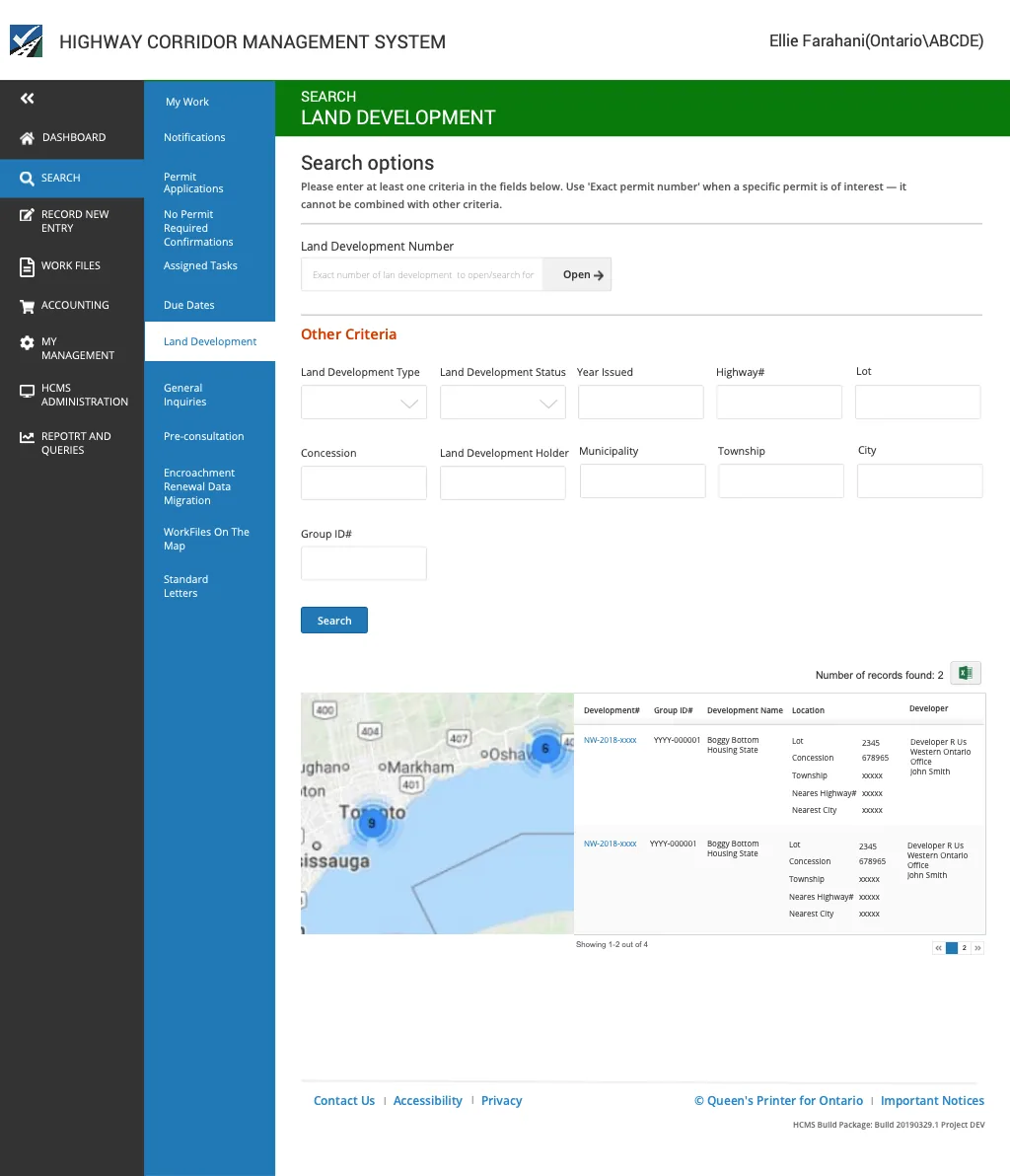
The Ministry of Transportation implemented HCMS in 2017 — a web platform where clients submit permit applications, connect with MTO staff, track reviews, pay fees, and receive permits entirely online. MTO then sought to expand HCMS to support the full land development review process: from pre-consultation through to permit issuance.
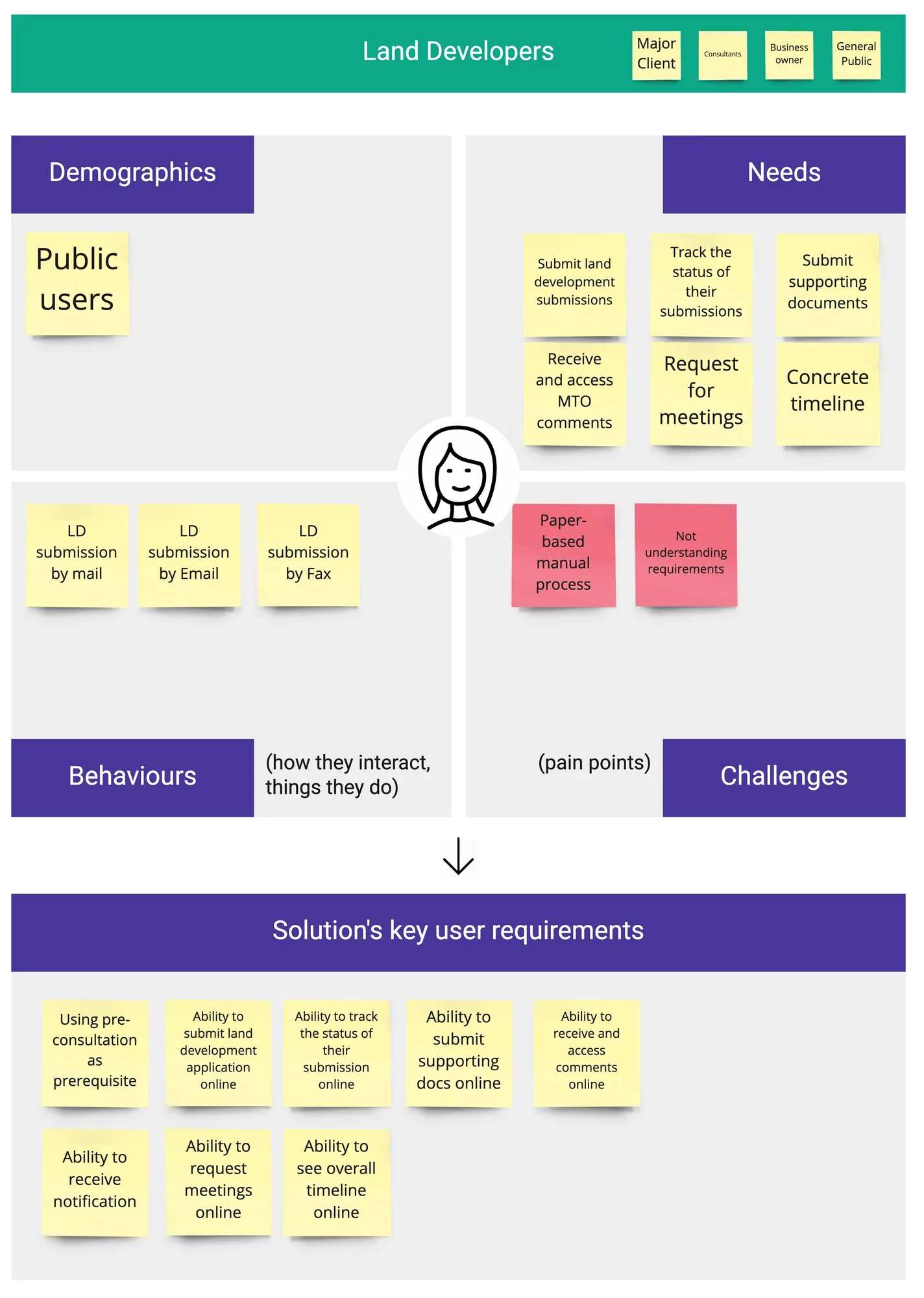
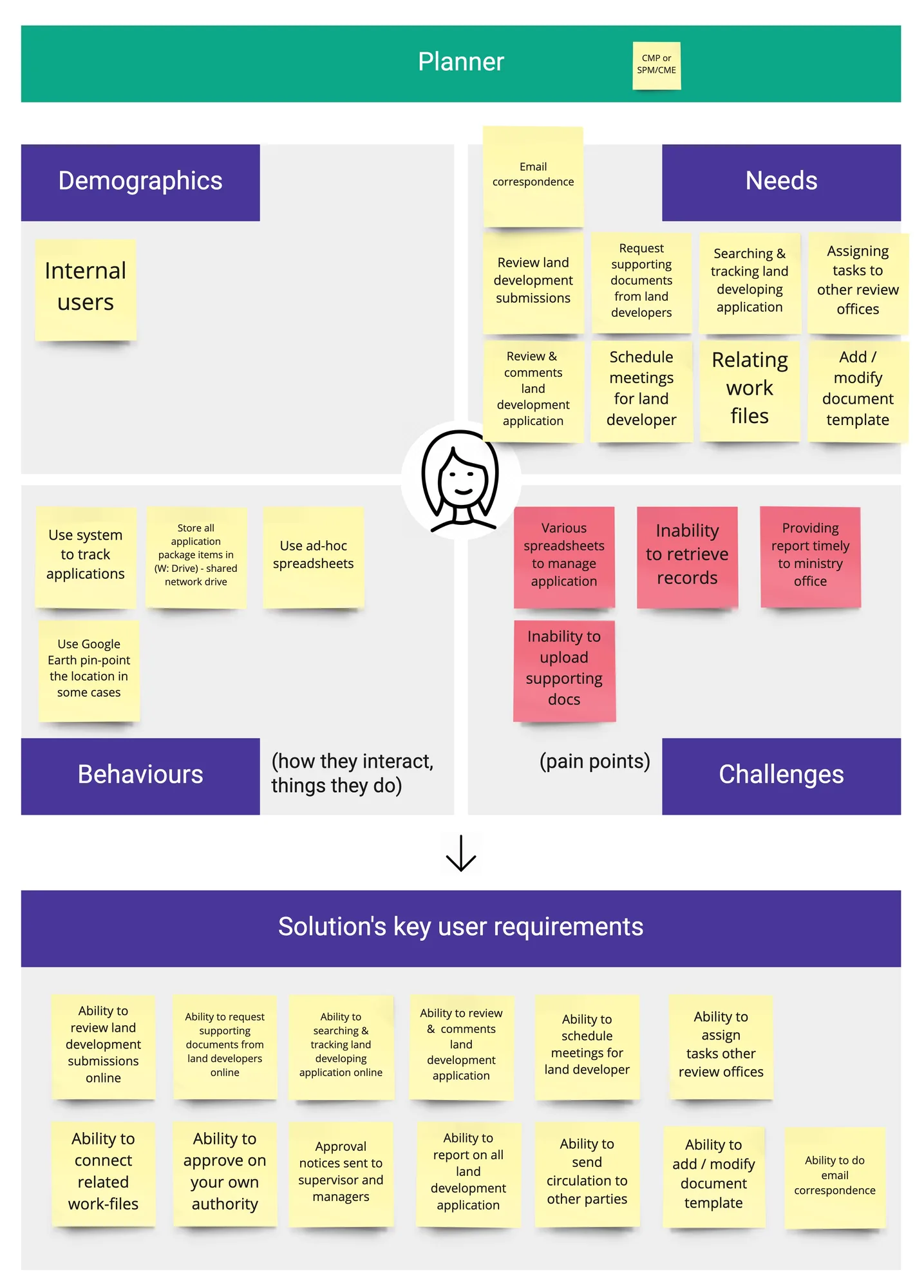
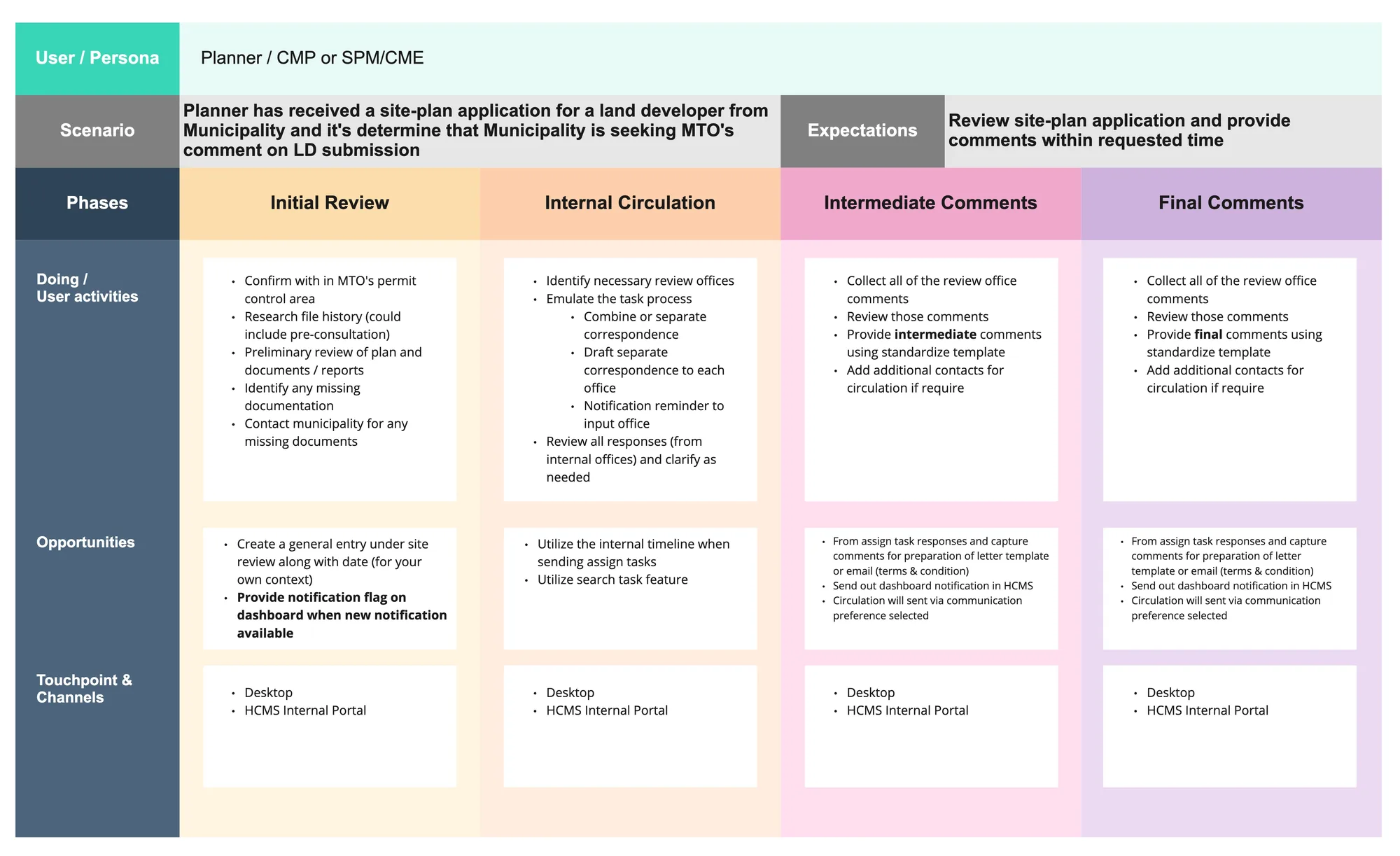
I facilitated a sprint to map out the key user personas — land developers, municipalities, and MTO staff — capturing their goals, frustrations, and workflows before touching any design.
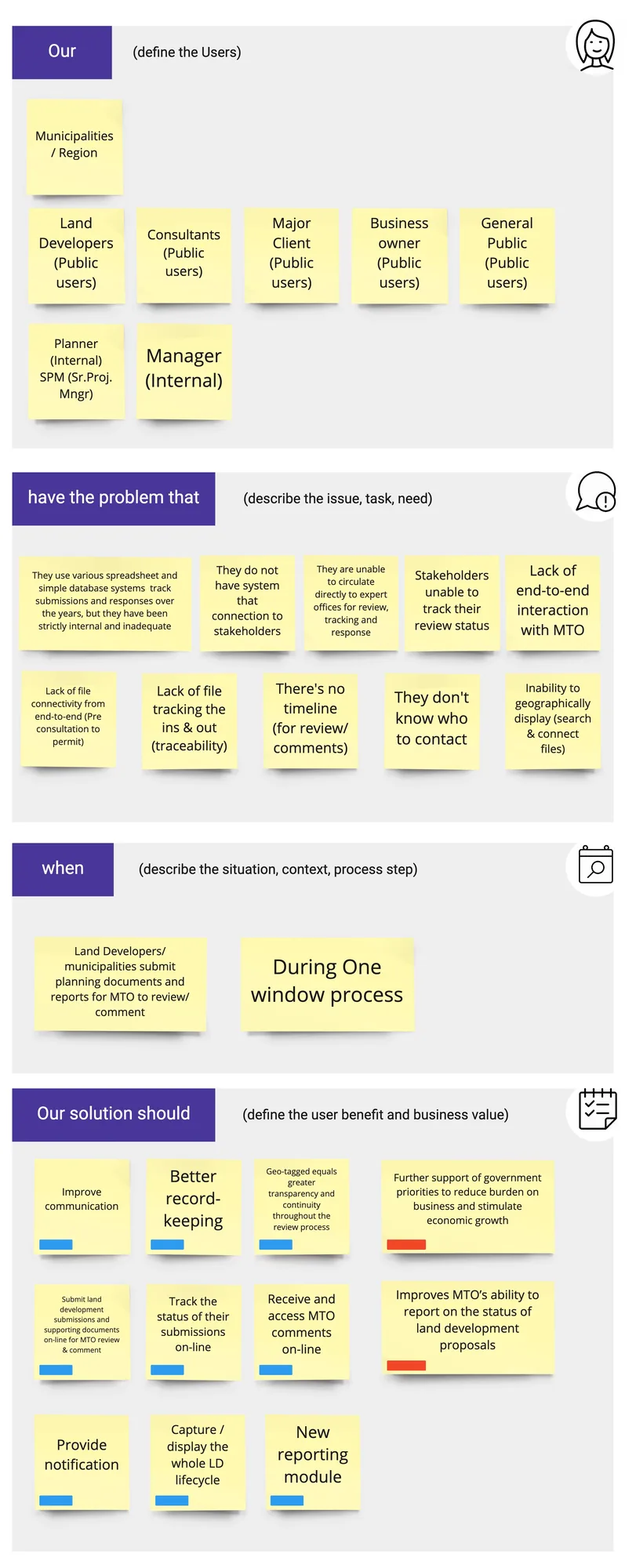
I facilitated the workshops where the team documented the full problem statement — mapping all the gaps, pain points, and missing capabilities that needed to be addressed in HCMS 2.0.
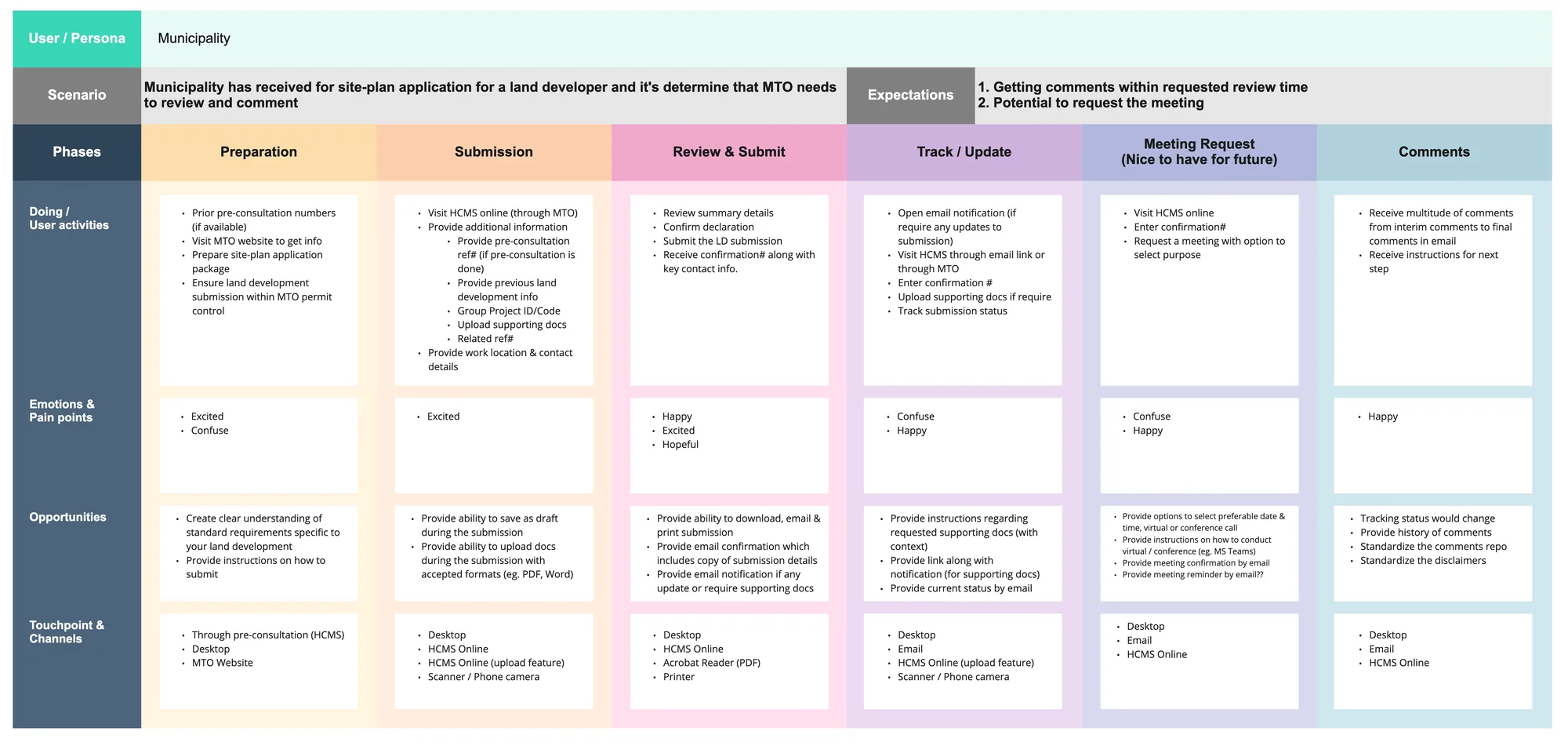
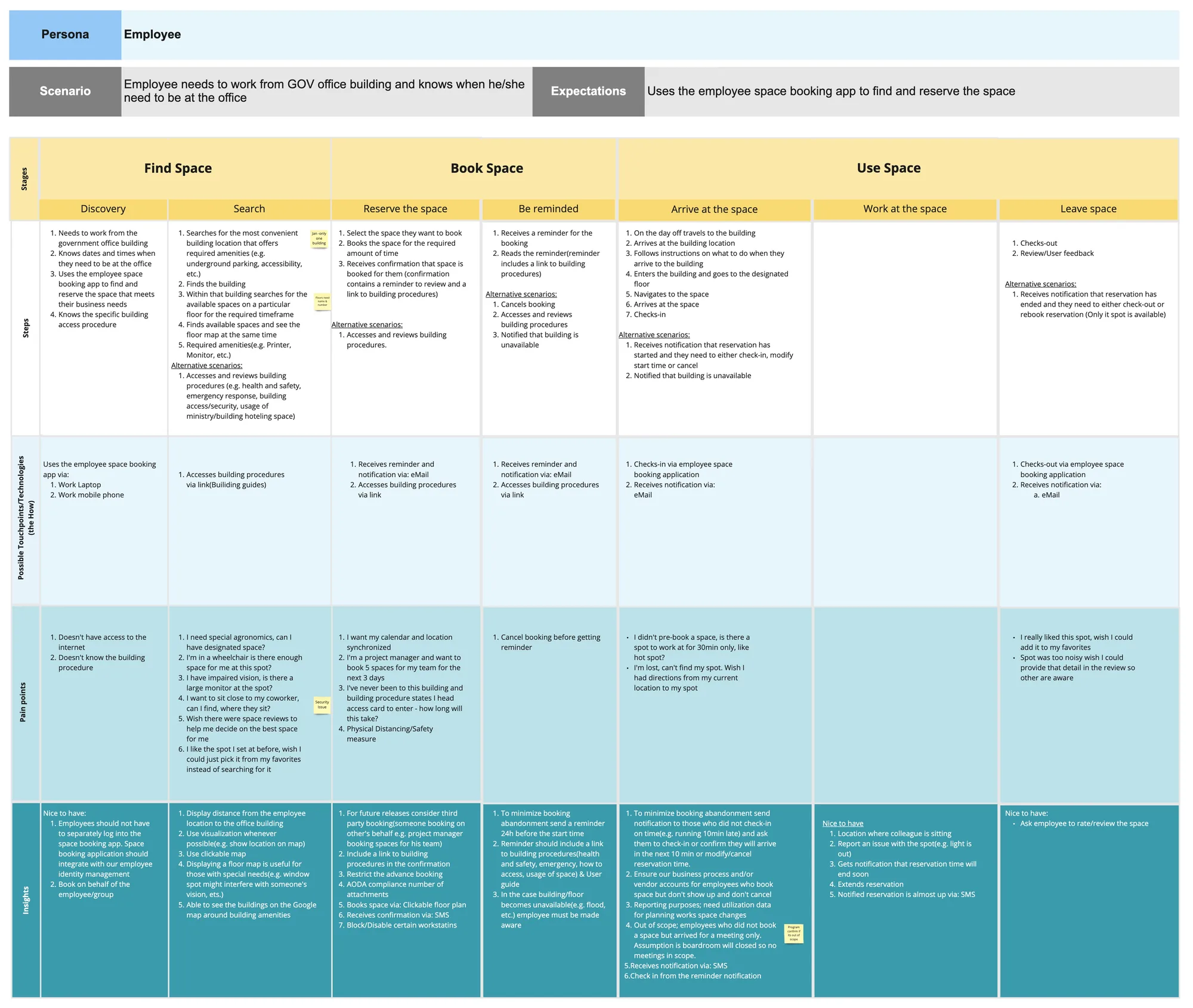
I facilitated the mapping of the complete end-to-end user journey — from initial pre-consultation through land development review to final permit issuance — identifying every touchpoint, handoff, and gap in the current process.
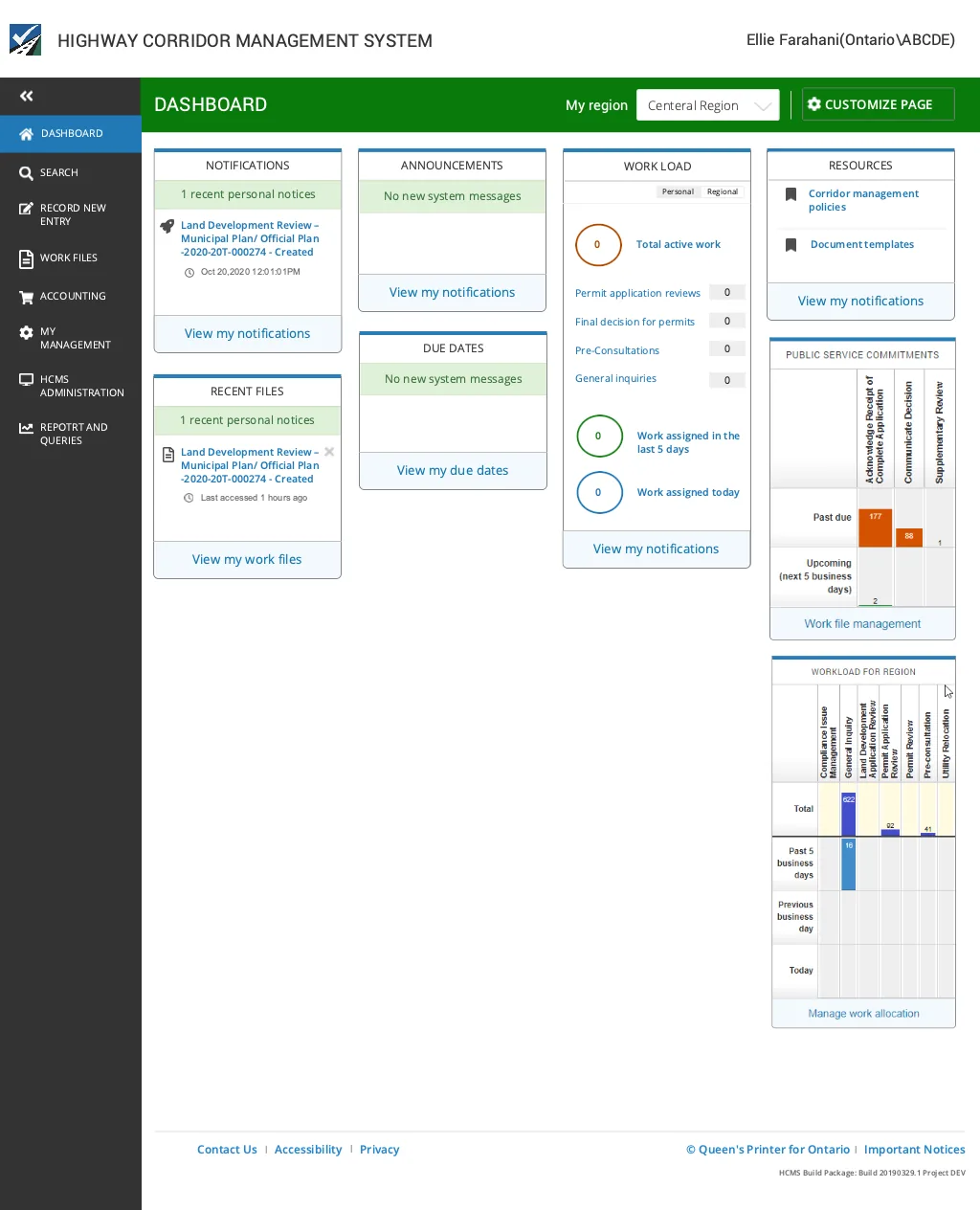
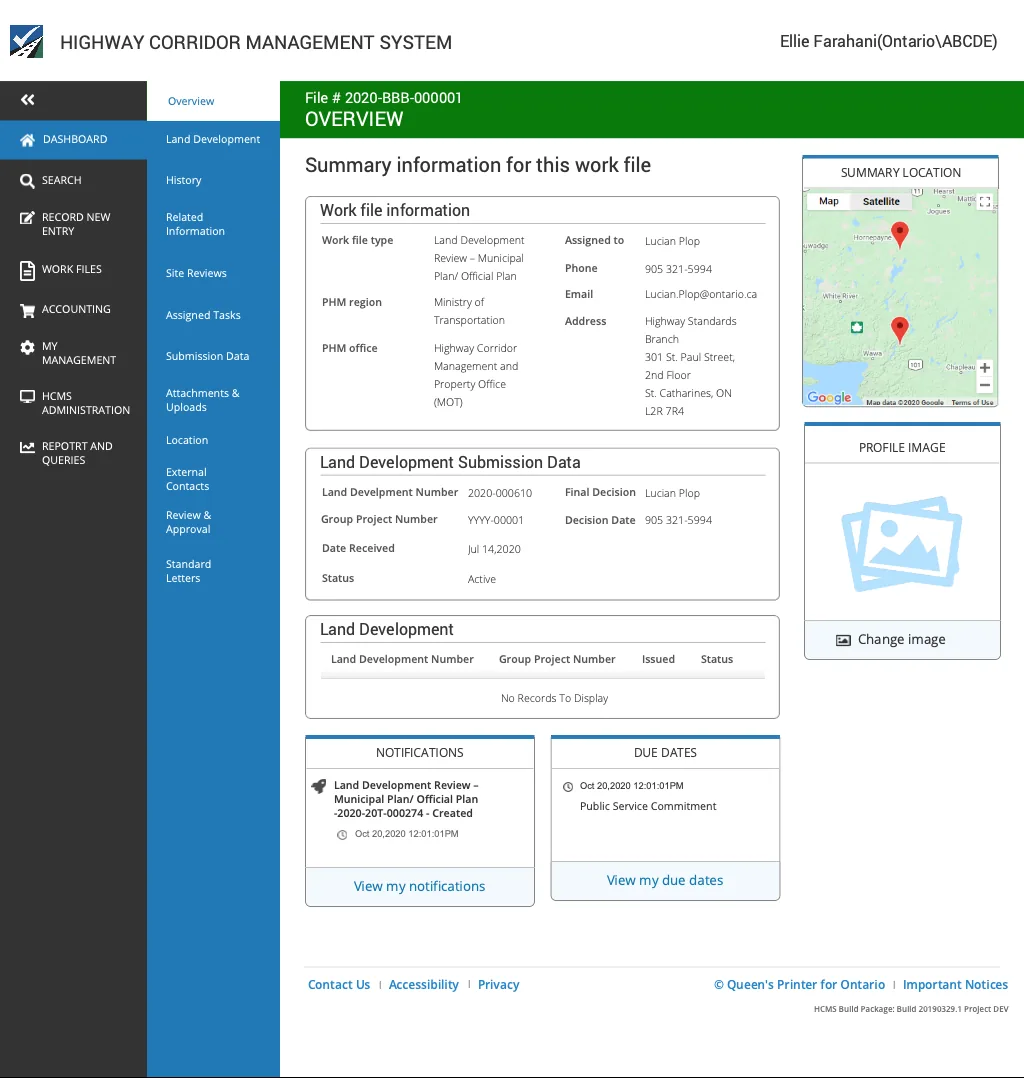
The final high-fidelity designs delivered a connected, end-to-end platform — from main menu navigation through submission, review, search, and permit management.
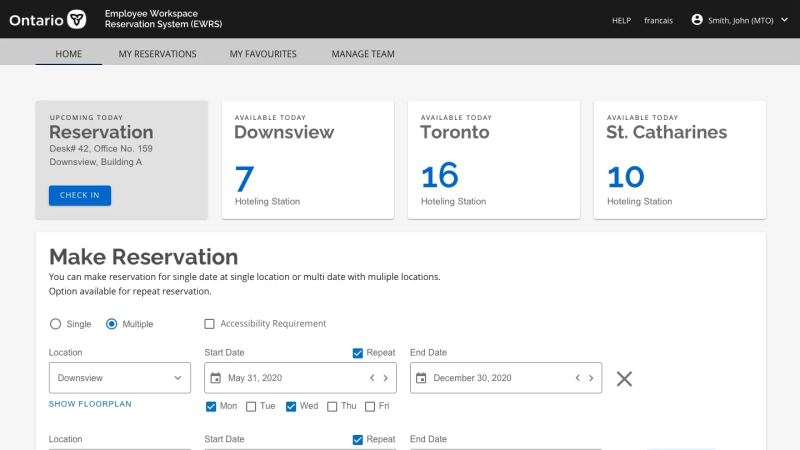
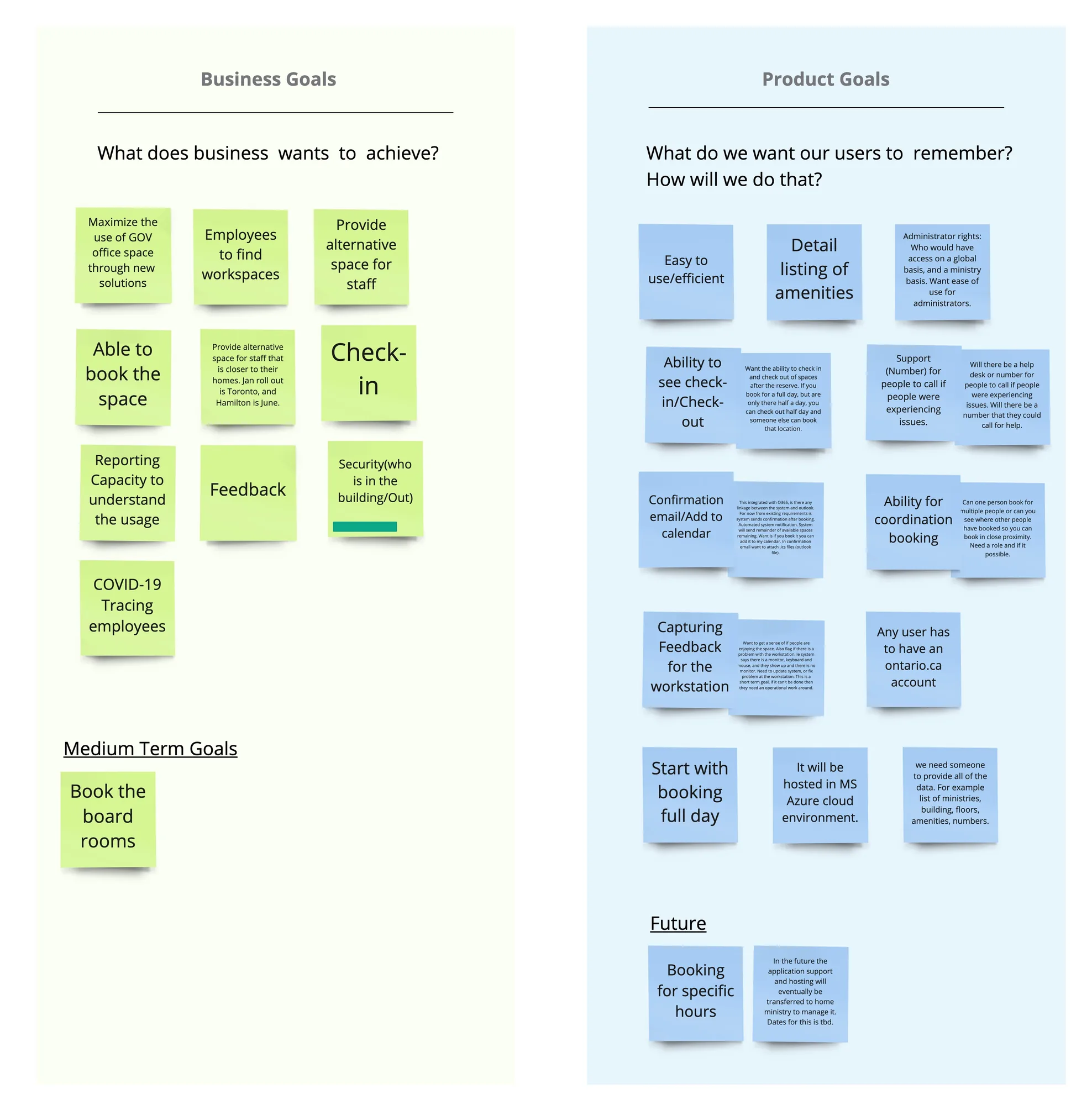
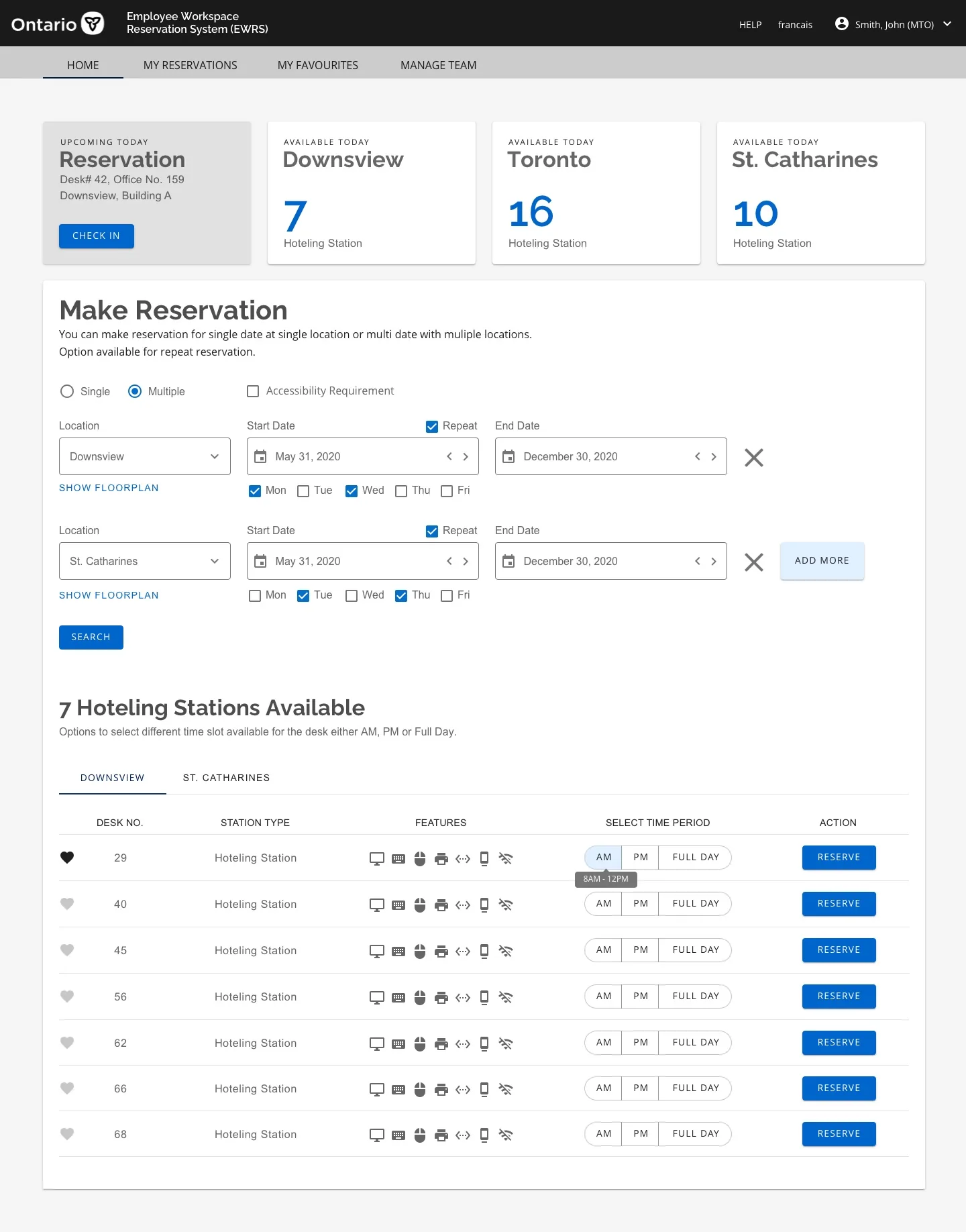
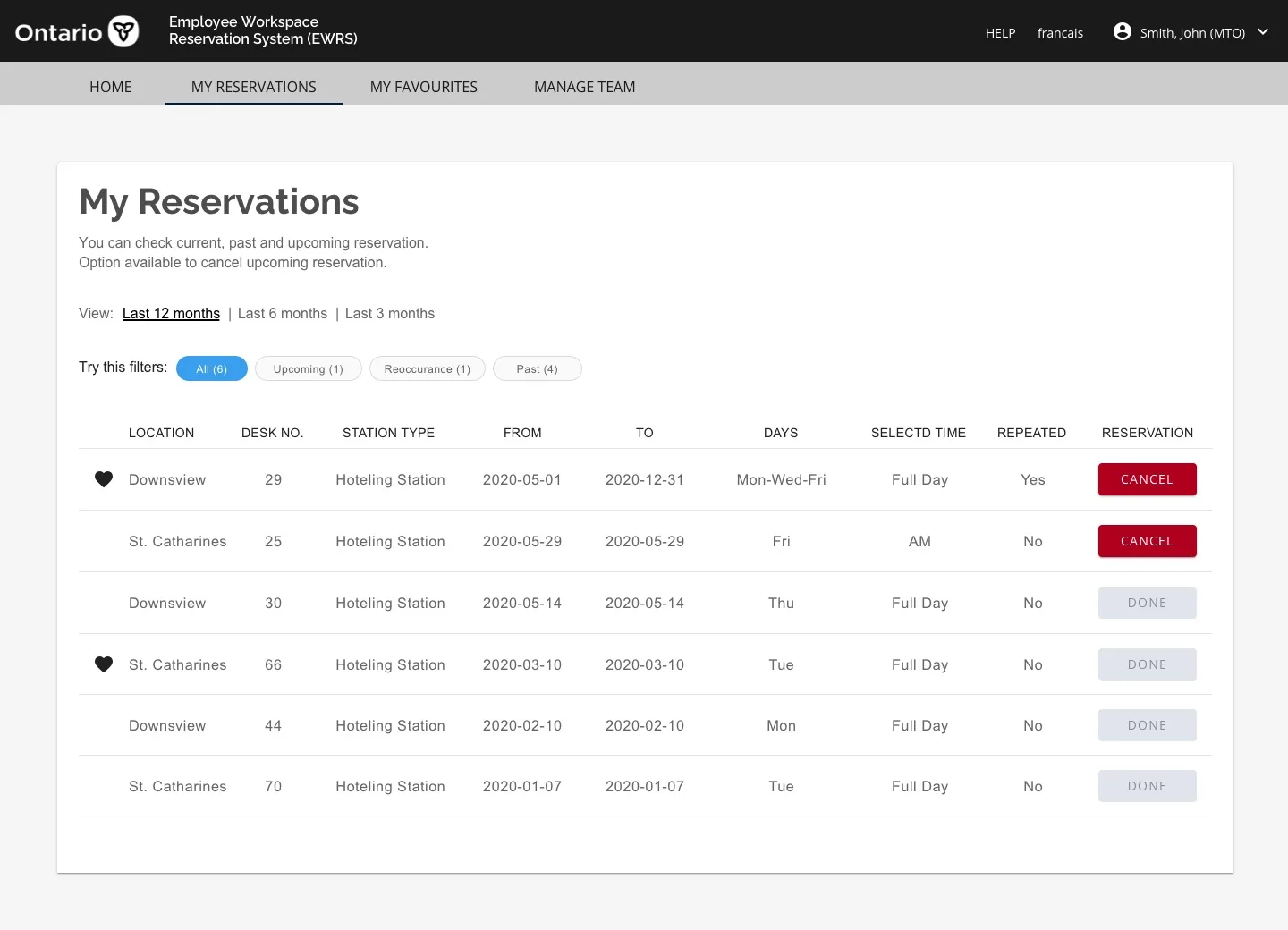
With a growing number of Ontario Public Service employees working from home, the government wanted to explore "regional hubs" — allowing employees to work from an office near their home rather than their assigned ministry. The goal was to support COVID-19 recovery by reducing transit pressure and enabling flexible working environments.
To achieve this, employees needed the ability to share desks by reserving them at different times at locations nearest to their home.
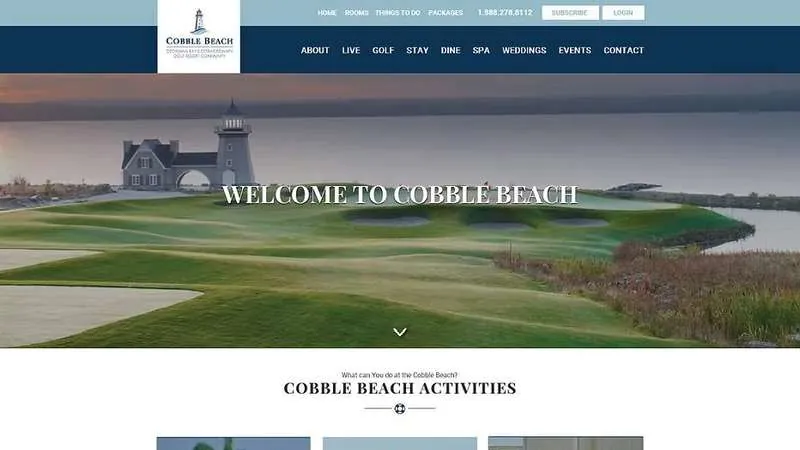
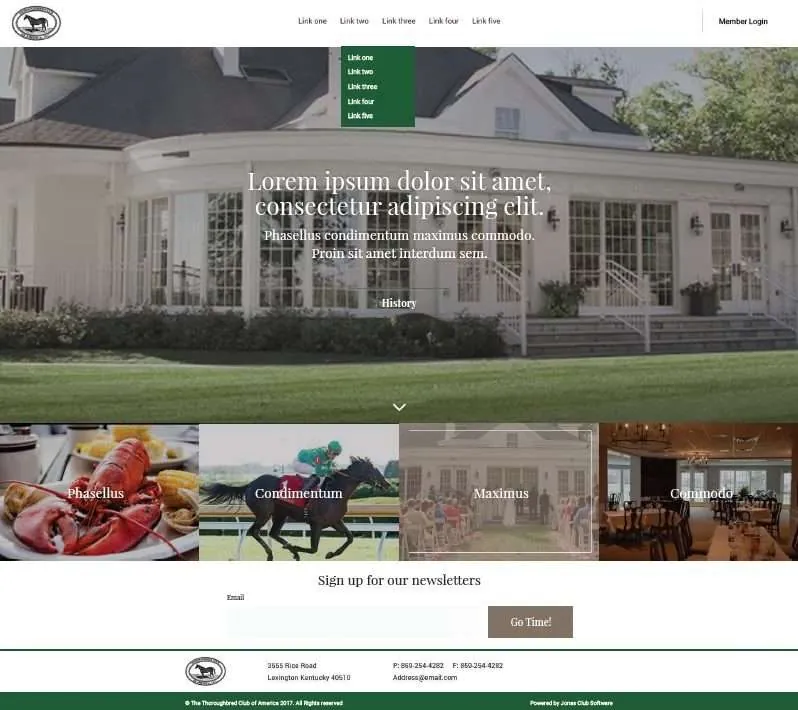
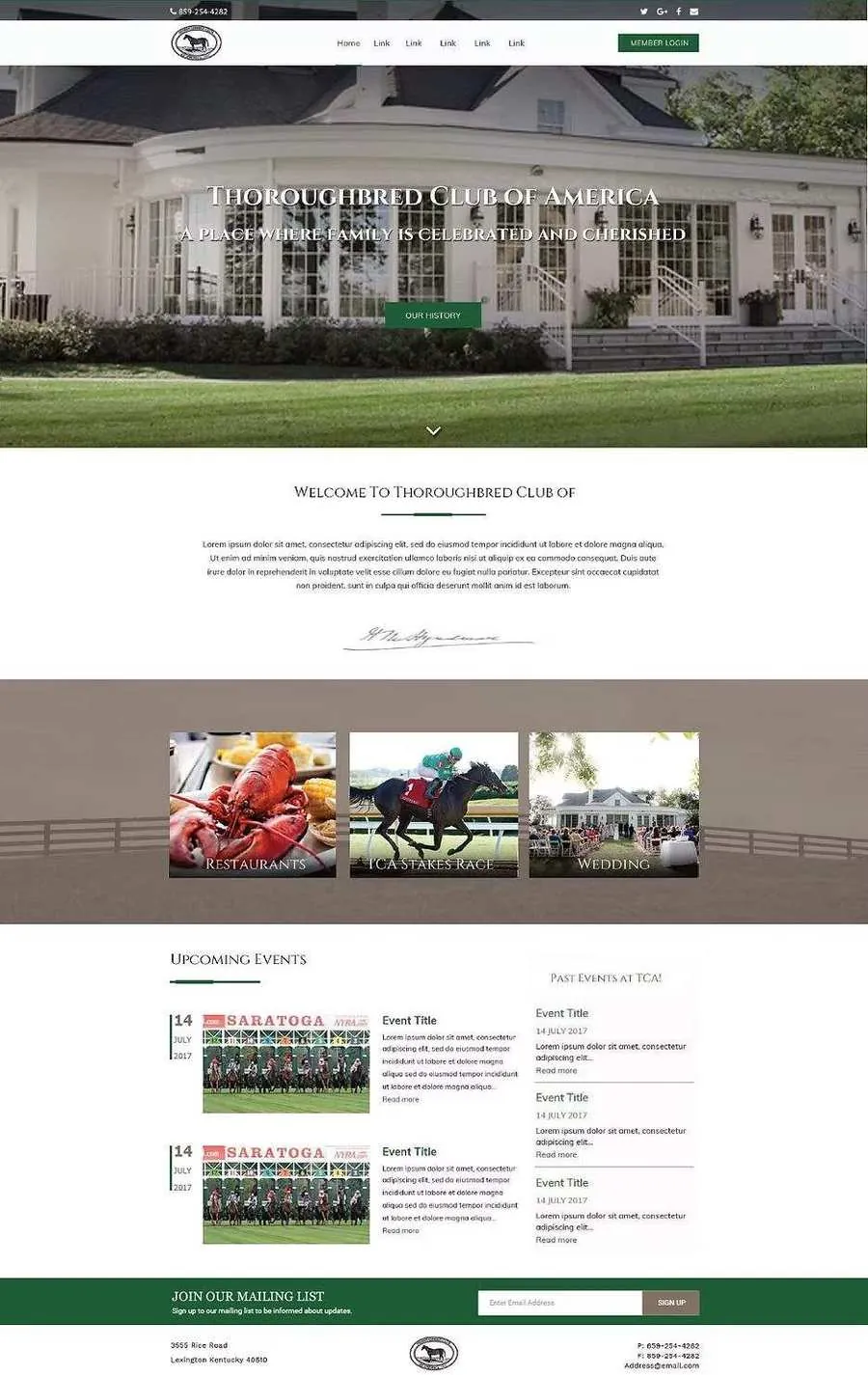
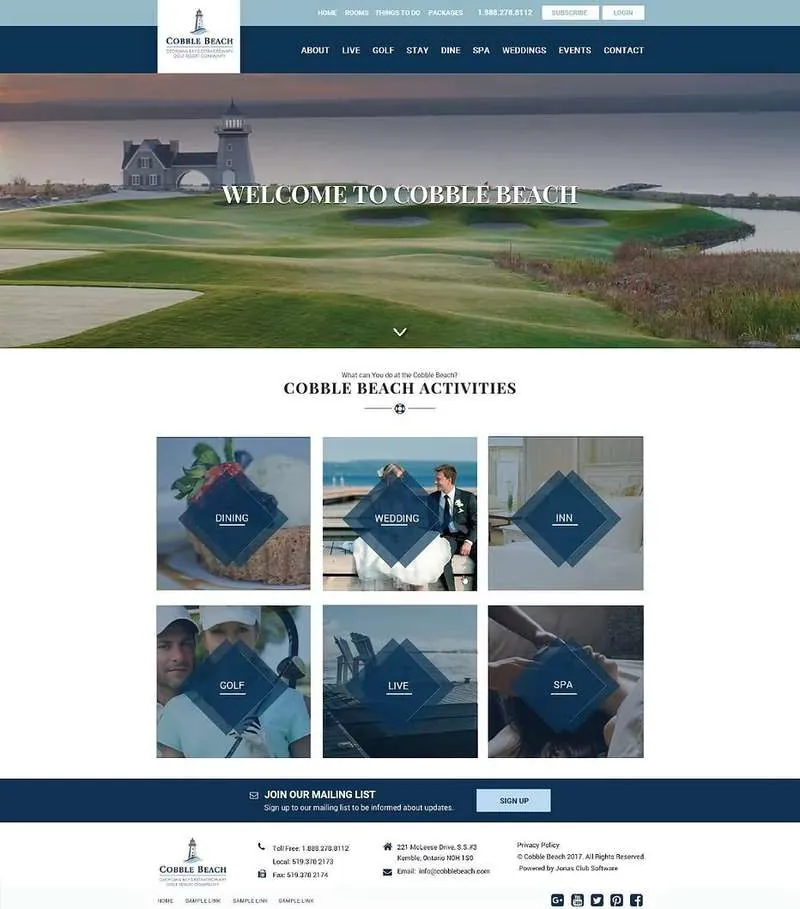
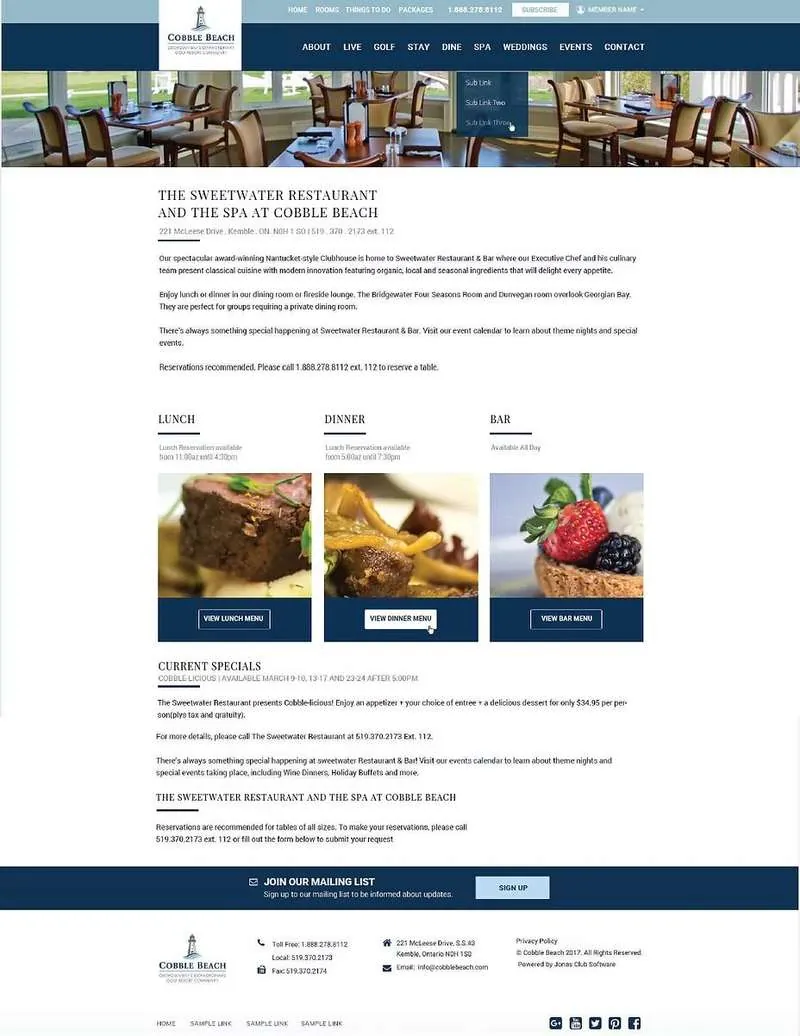
I joined the Jonas Software team to design various widgets for their platform — enabling users to easily build their custom websites by dragging and dropping components. Jonas serves golf clubs, hospitality venues, and recreational facilities across North America.
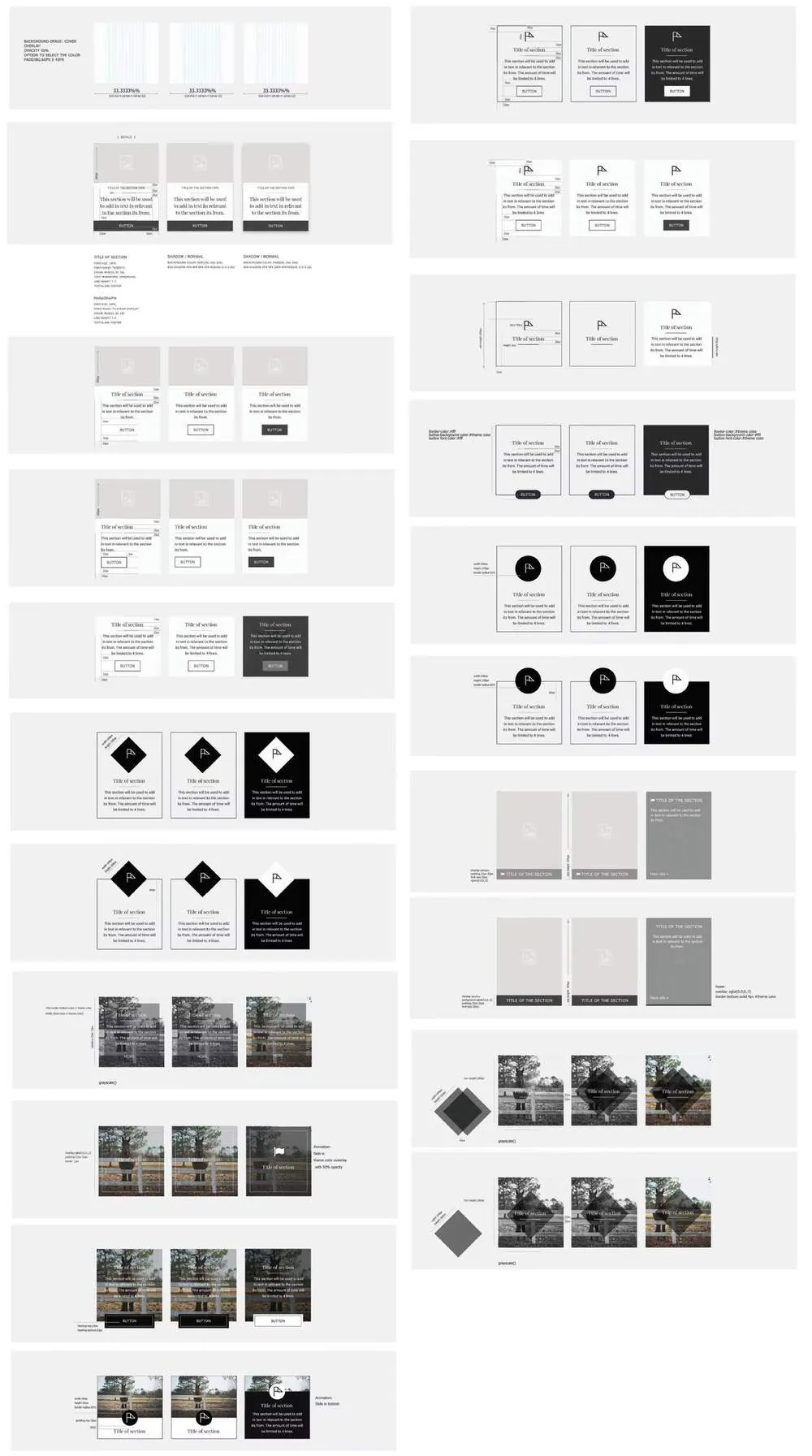
The work involved designing wireframes for each widget type and then refining into final visual designs that could be customized by clients to match their brand.
Each widget was designed starting from low-fidelity wireframes that the full team could critique and align on — before moving to high-fidelity final designs flexible enough to accommodate different club brands.
The final customized websites built using the Jonas widget system — demonstrating how drag-and-drop components come together into polished, branded club websites.
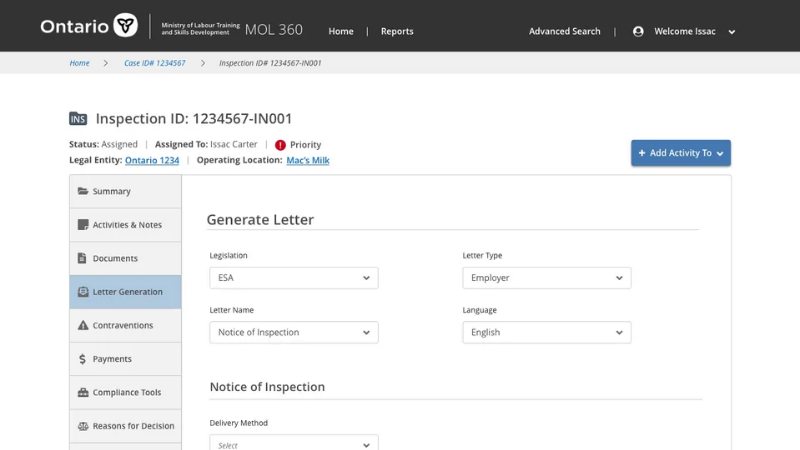
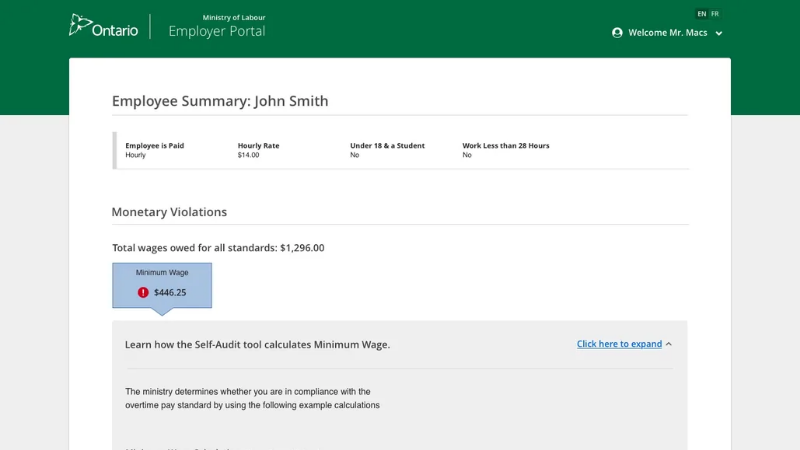
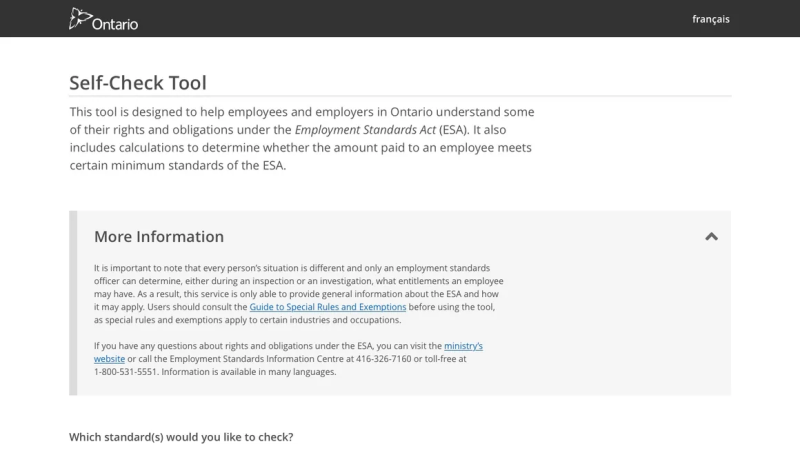
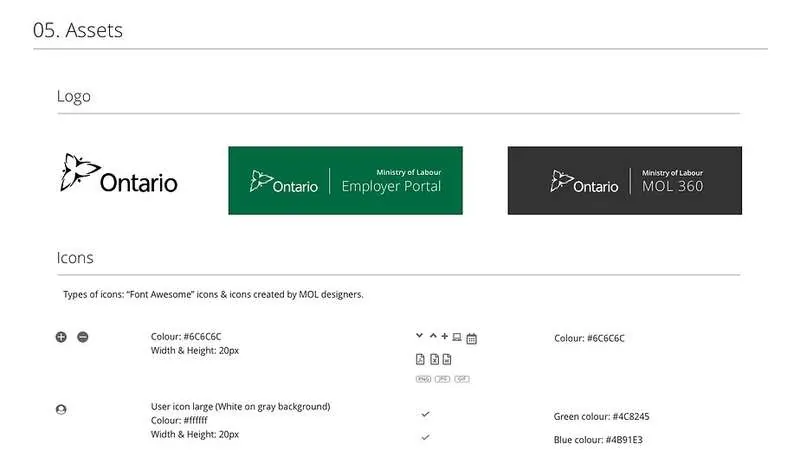
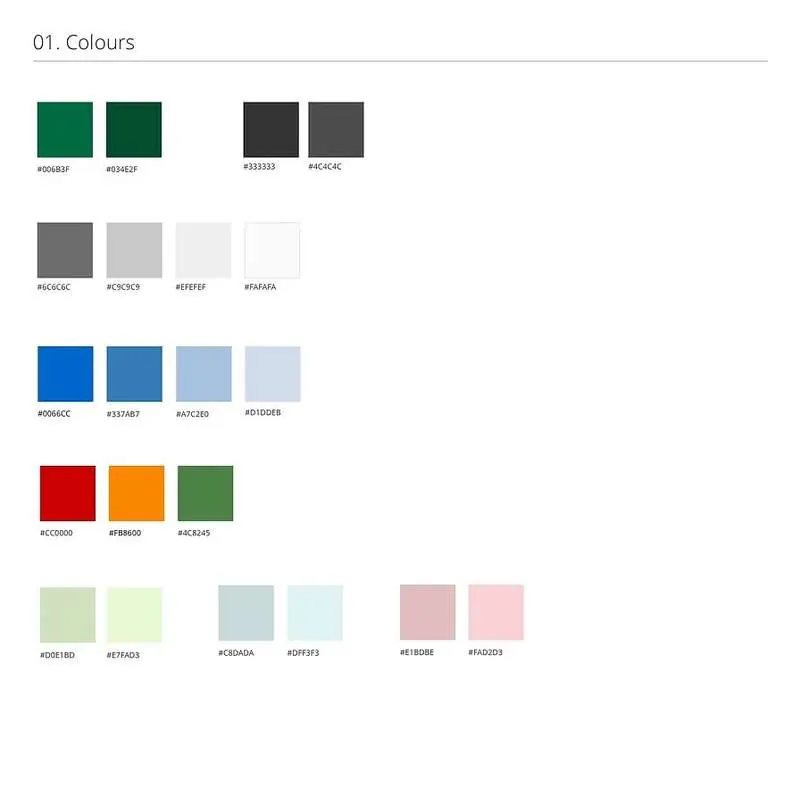
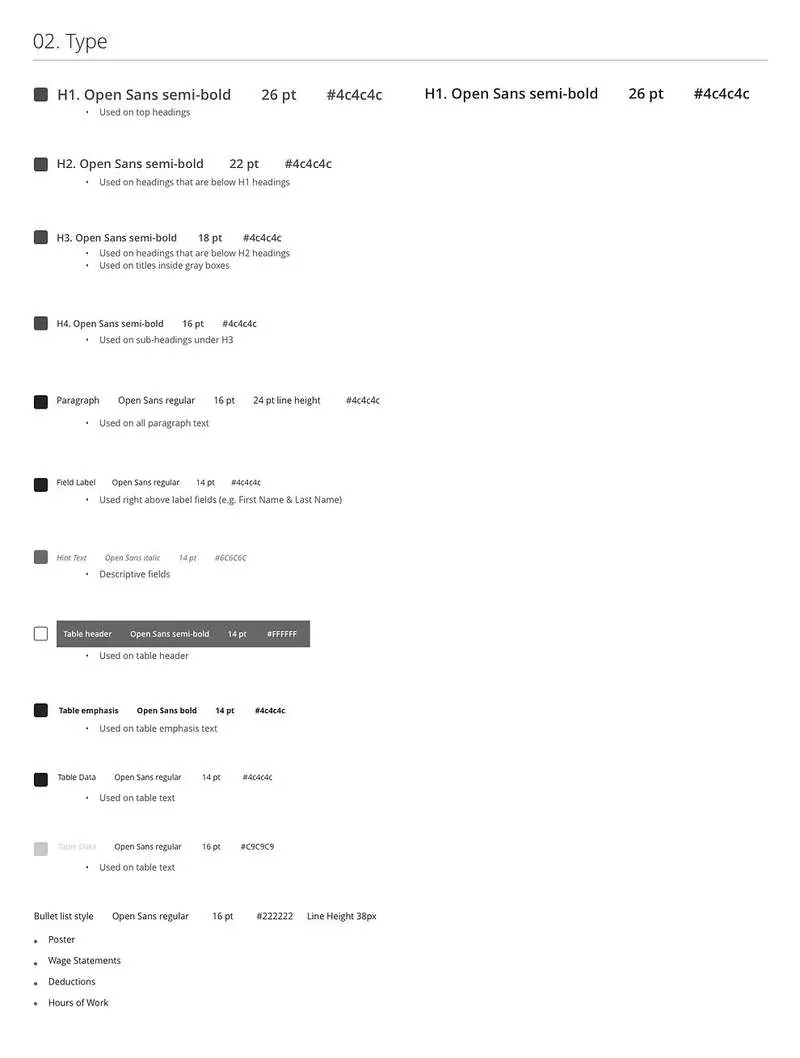
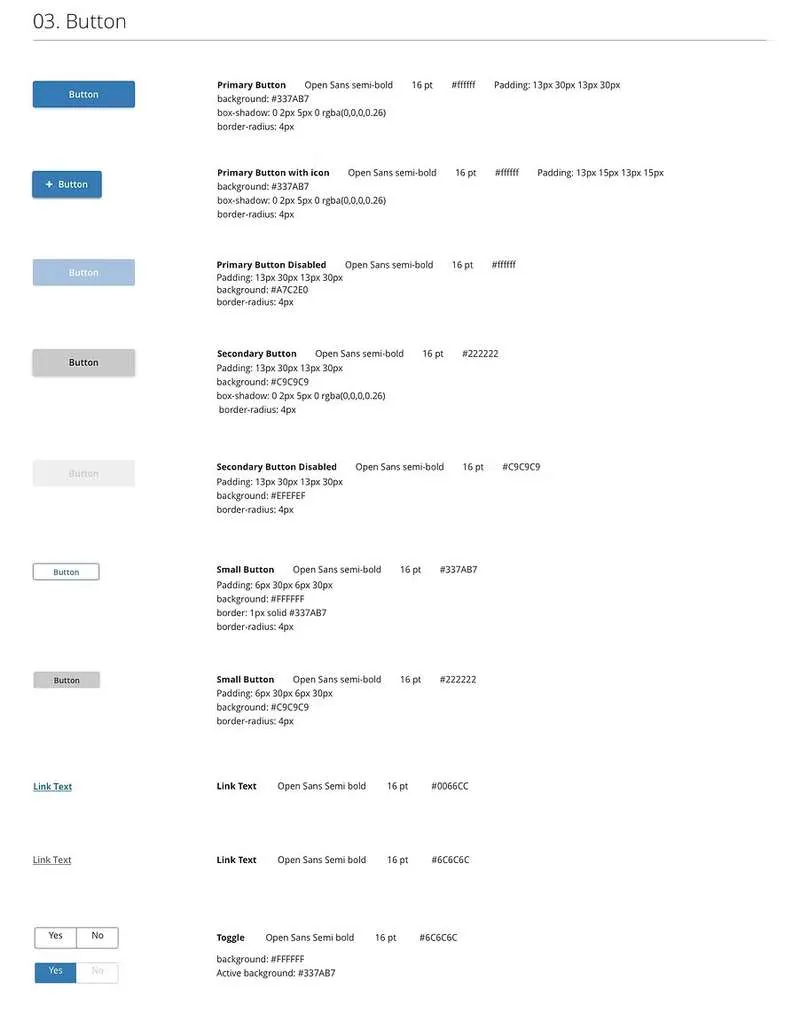
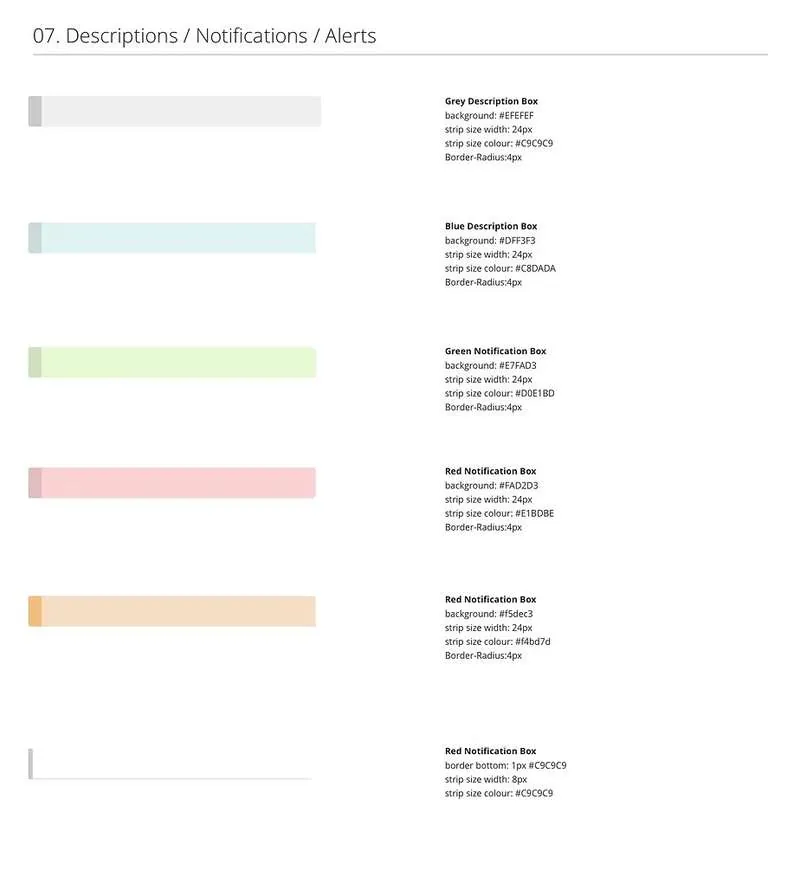
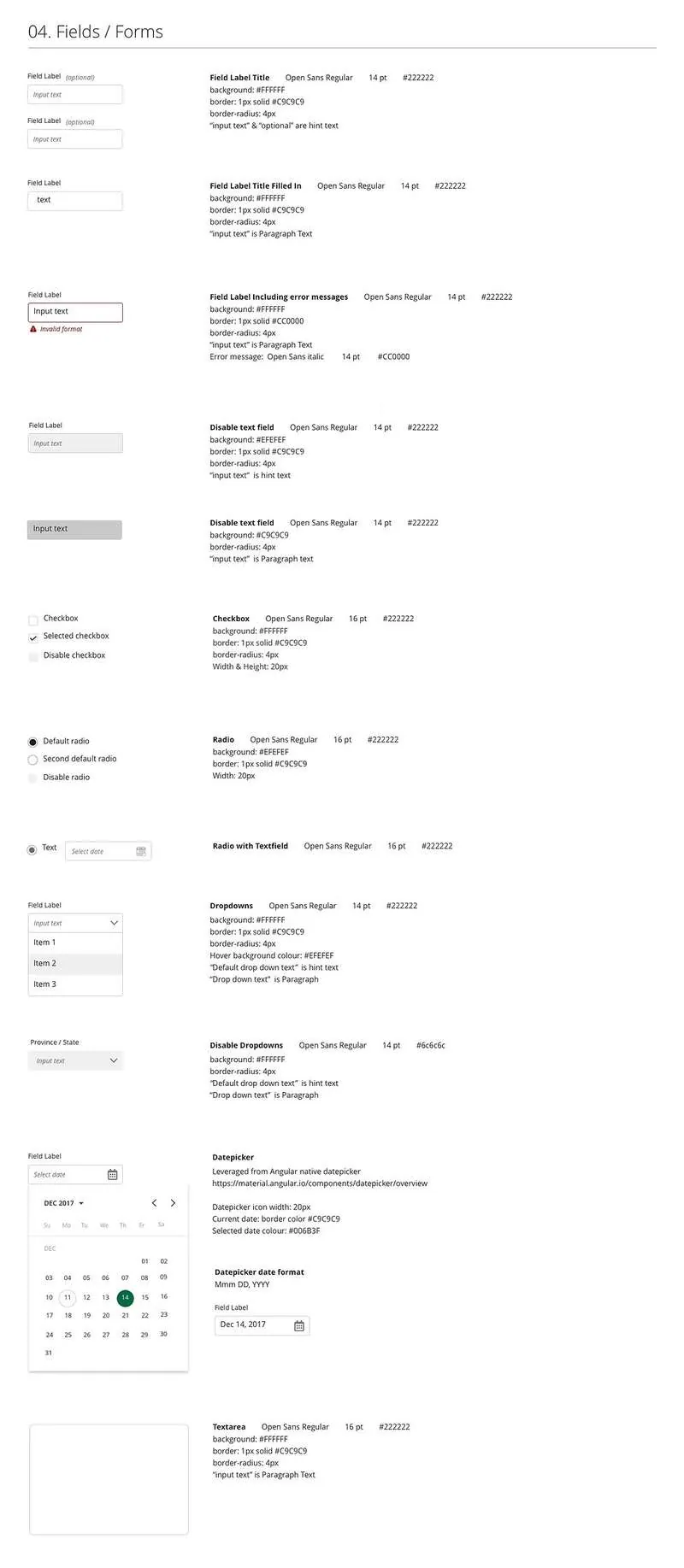
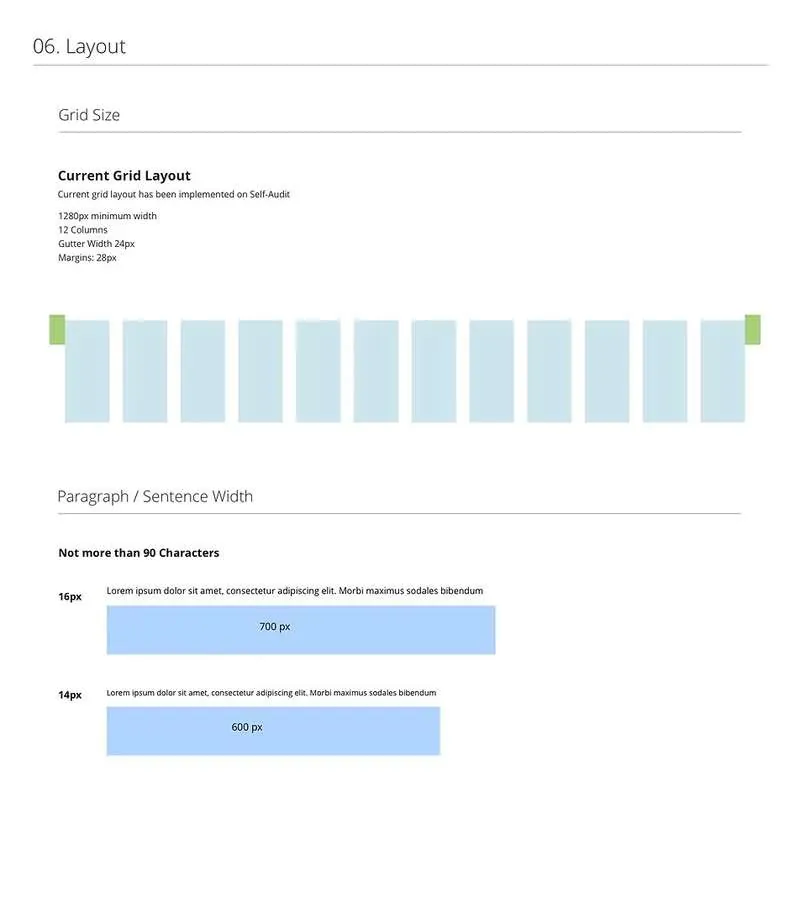
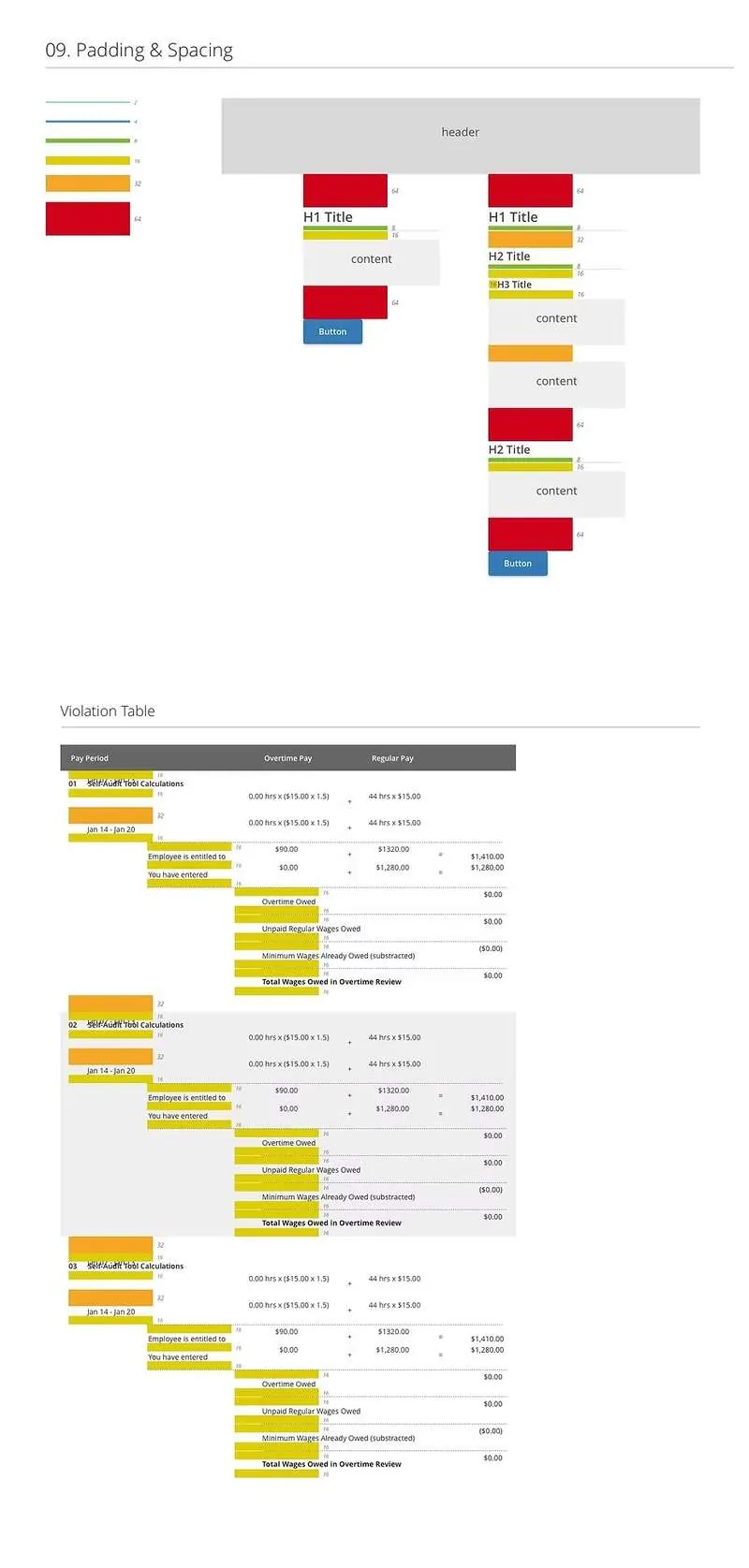
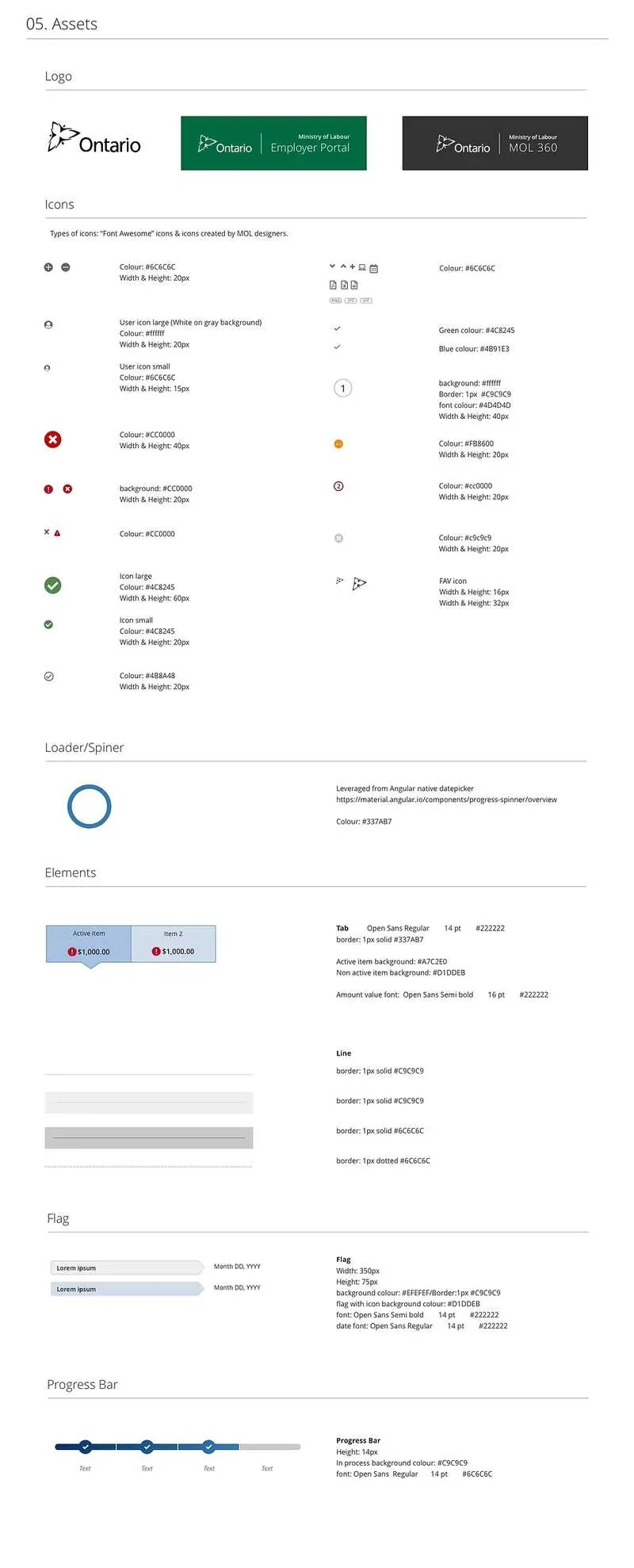
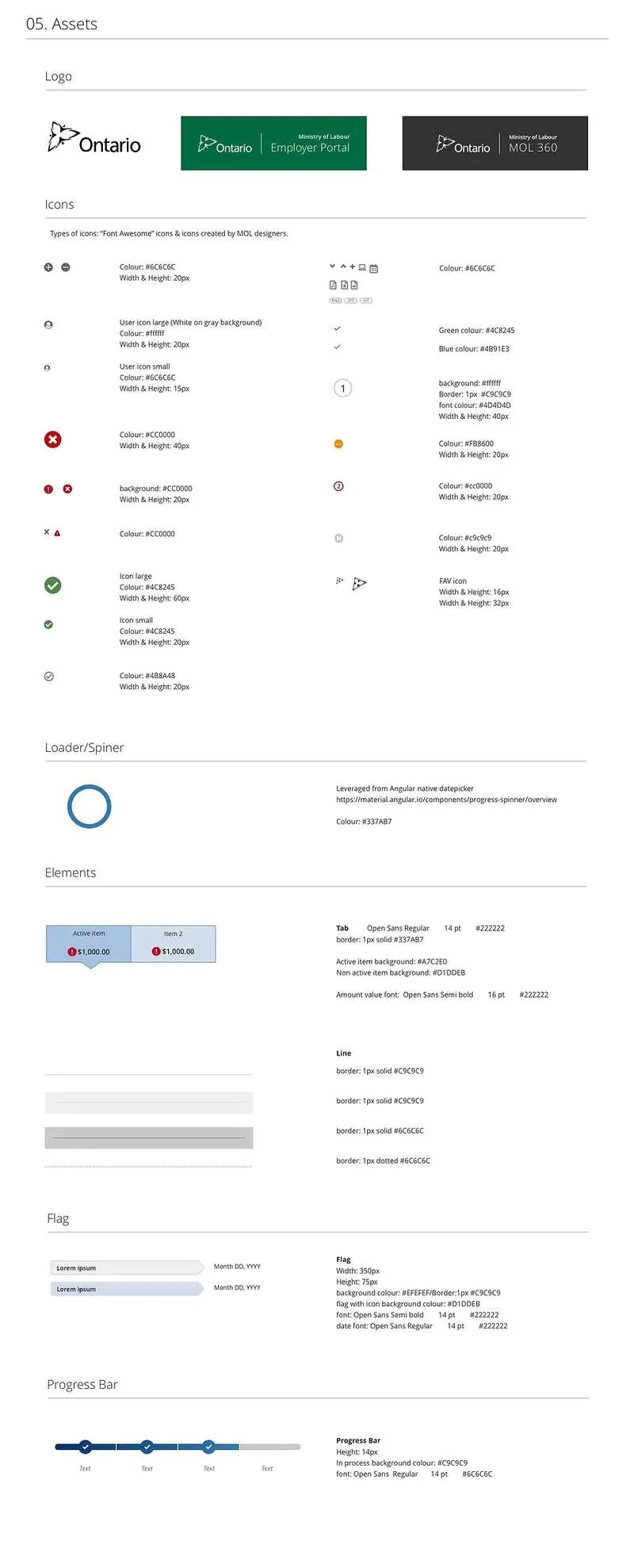
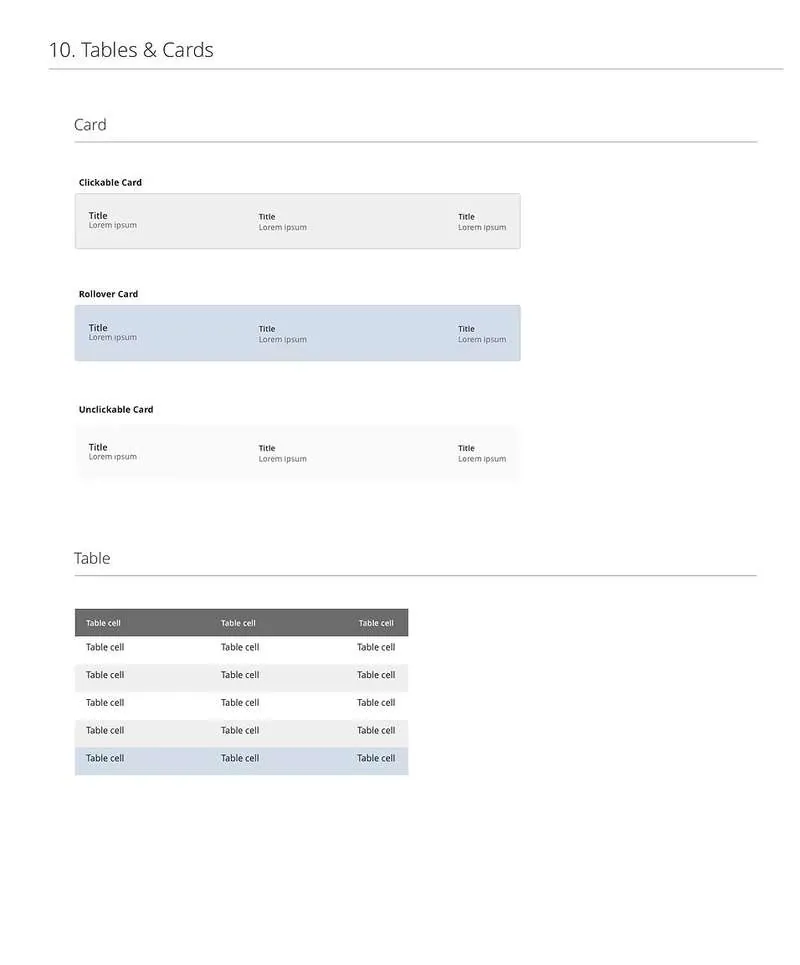
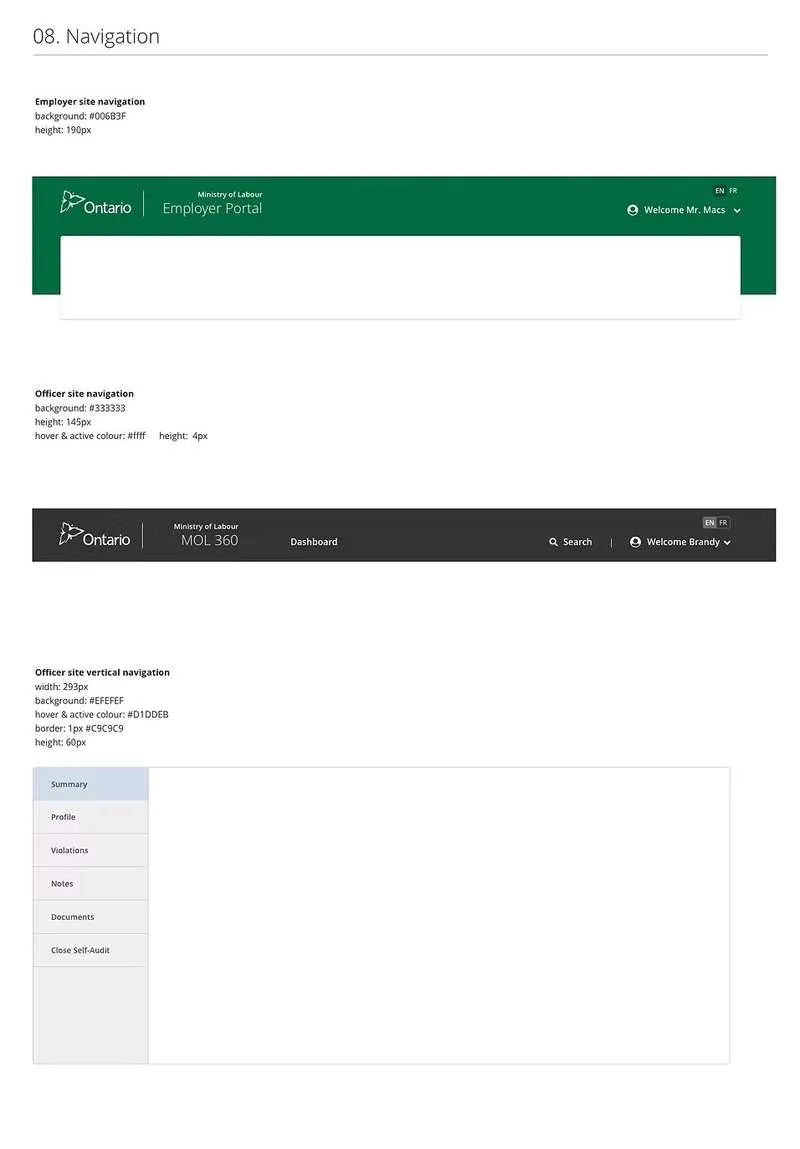
I designed and created the MLTSD Design Style Guide to ensure complete uniformity in style and formatting across all digital products built within the Ministry of Labour, Training and Skills Development.
Before this guide existed, each product team was making independent visual decisions — creating inconsistency across the self-audit tool, claims processing system, case management portal, and other Ministry products. The style guide became the single source of truth for colour, typography, components, spacing, and interaction patterns.
A consistent colour system ensuring all Ministry digital products share the same visual identity — meeting accessibility contrast requirements and aligning with Ontario government brand standards.

Defined heading scales, body text, labels, and helper text — with clear hierarchy rules to ensure readability and consistency across all screen sizes.

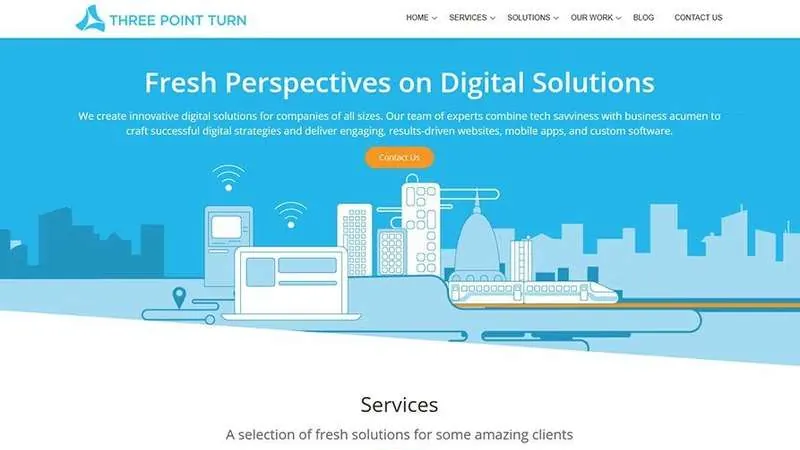
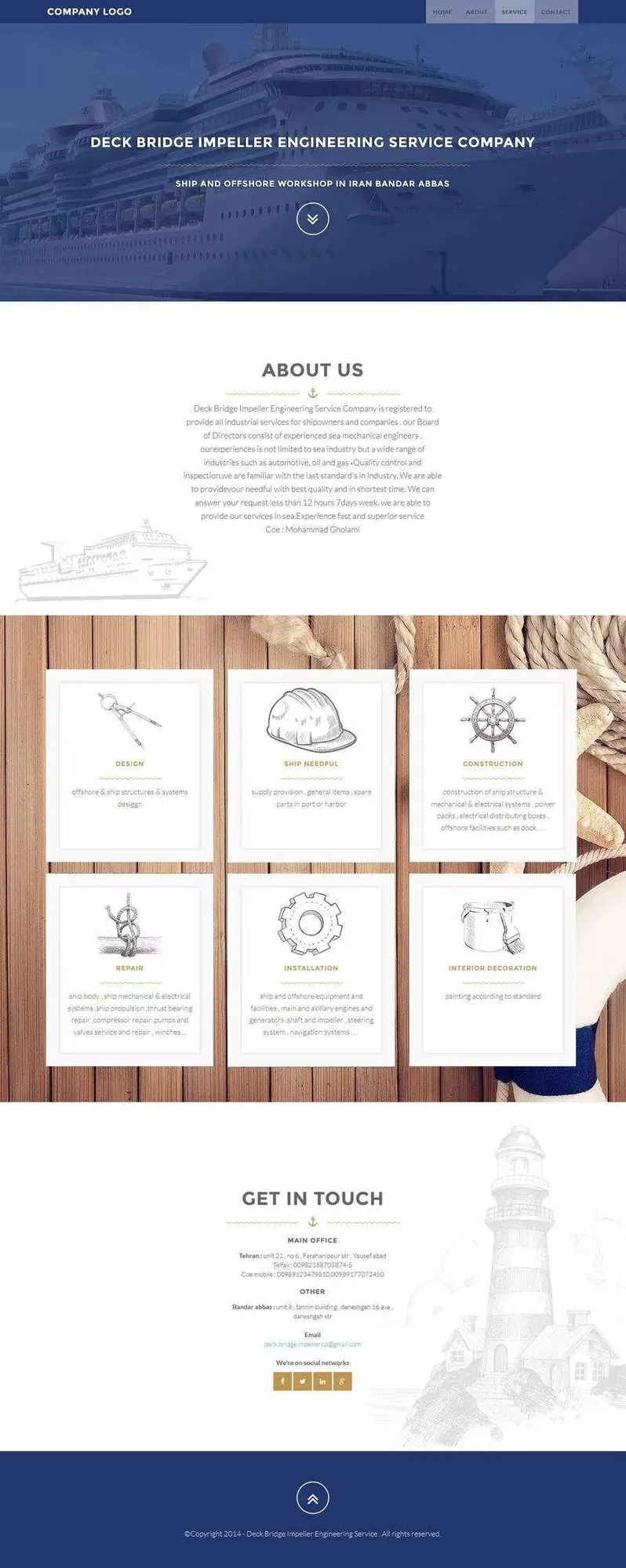
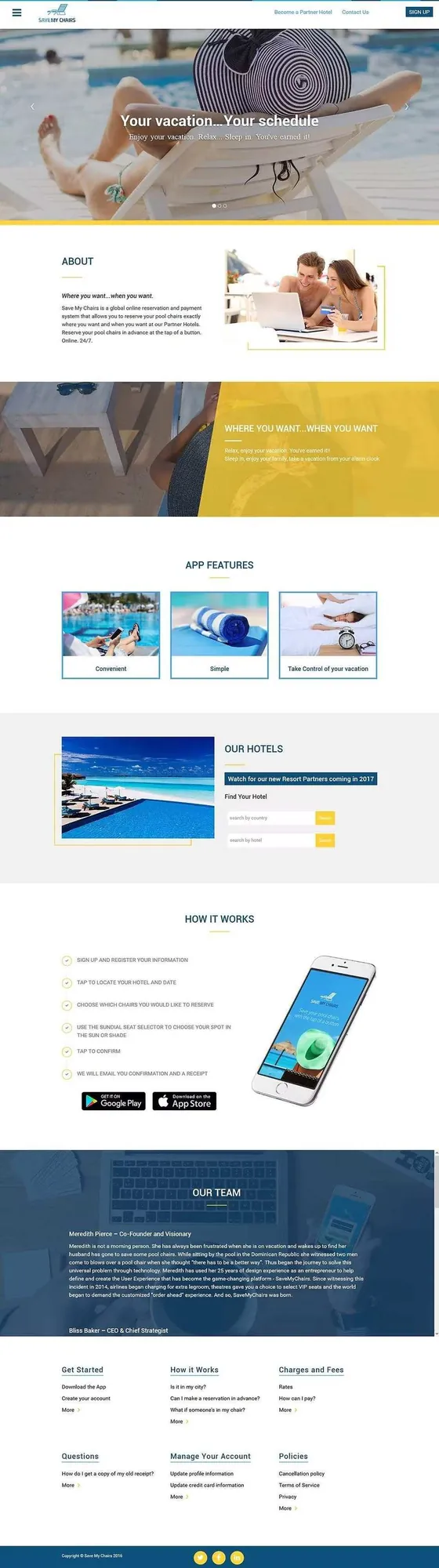
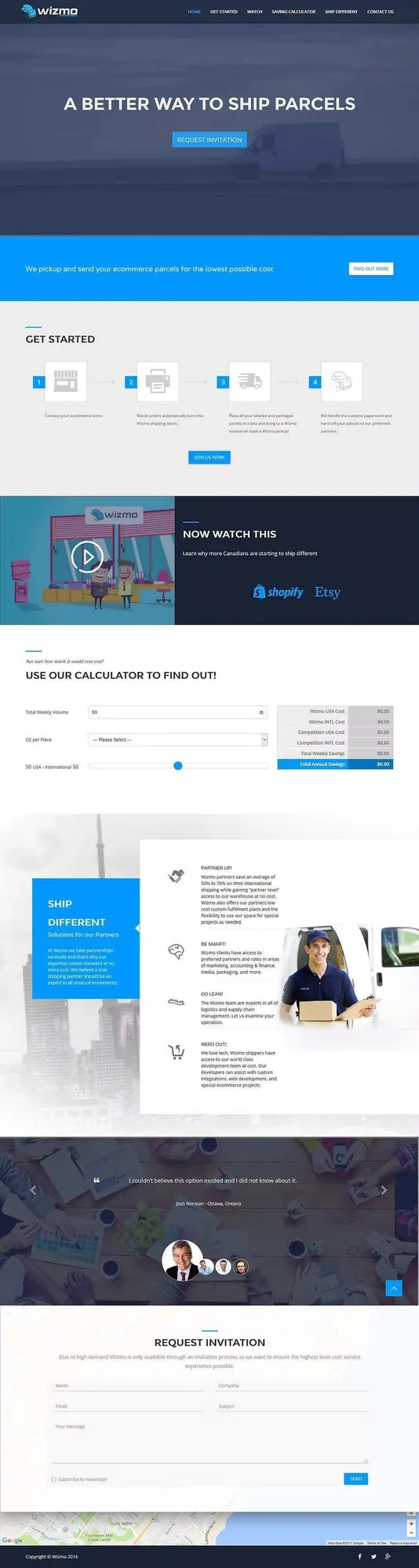
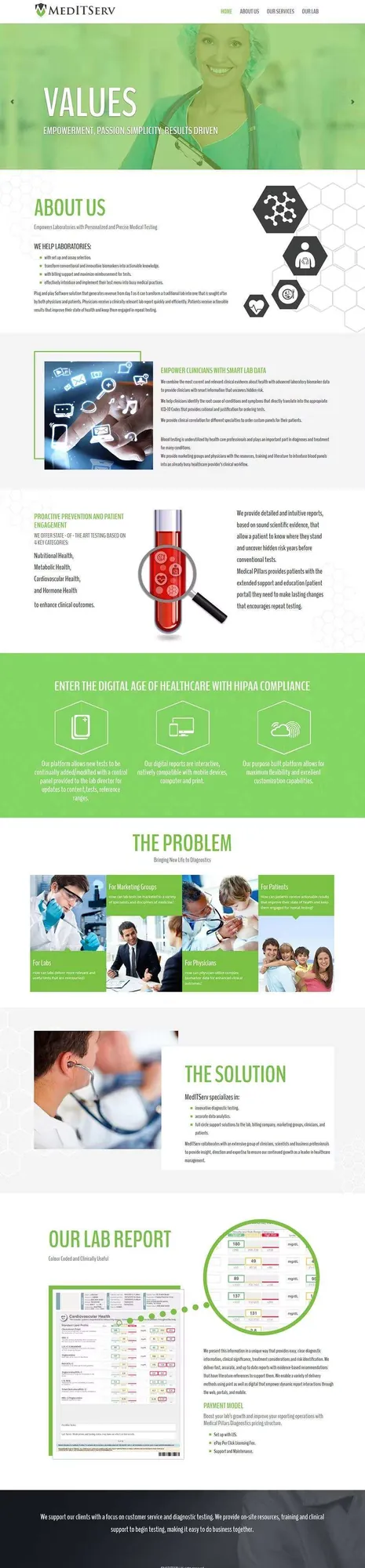
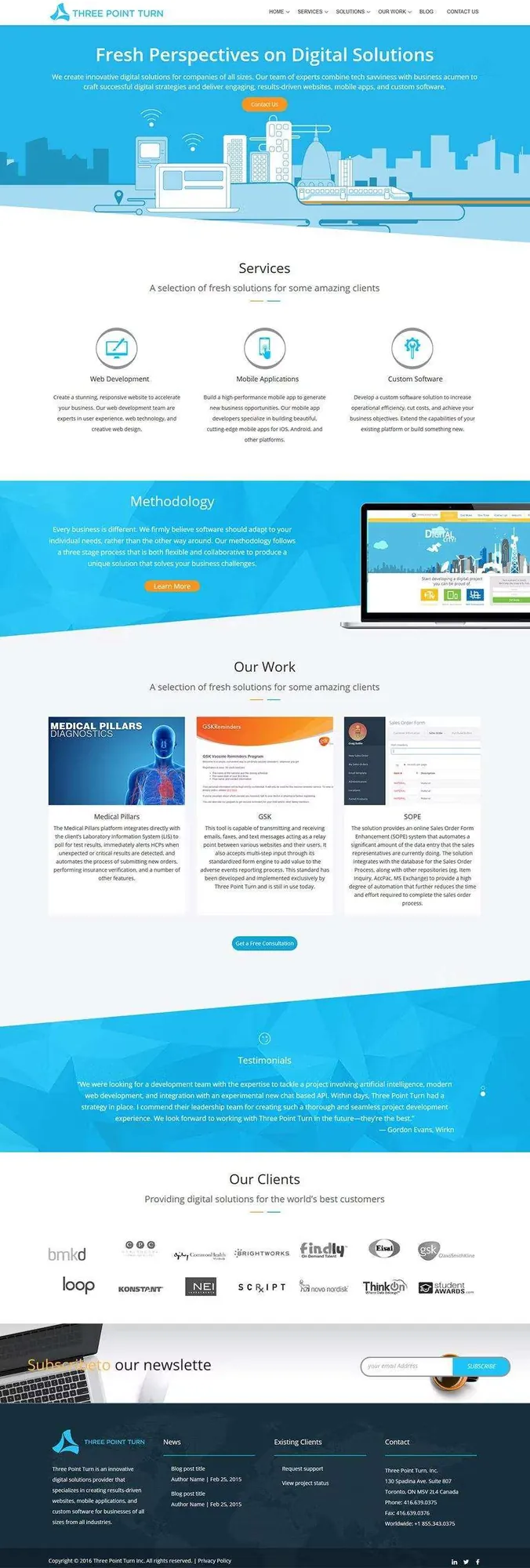
At Three Point Turn I designed and developed the frontends for over 15 prominent customer-facing companies from scratch — including all graphic assets, interactions, and responsive layouts. Each project was fully custom, built to reflect the brand identity and business goals of each client.


A large number of employees in Ontario were not being paid what they're entitled to — and many employers simply weren't educated in the Employment Standards Act. My goal was to create a tool that fills that gap.
While building the Self-Audit application, I saw in employer interviews just how difficult it is to understand complex employment standards like Public Holiday Pay. If employers were struggling, employees likely were too — which sparked the idea to leverage our Self-Audit work and build a public-facing hybrid tool.
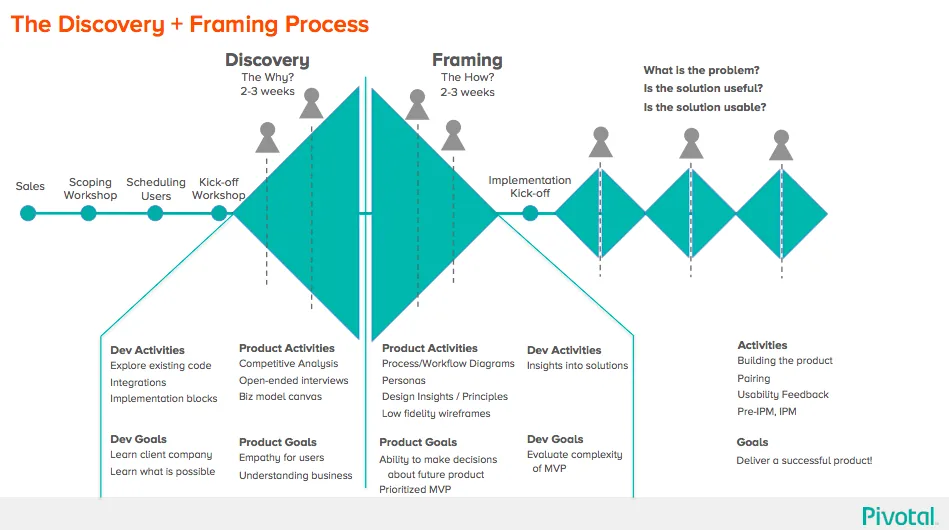
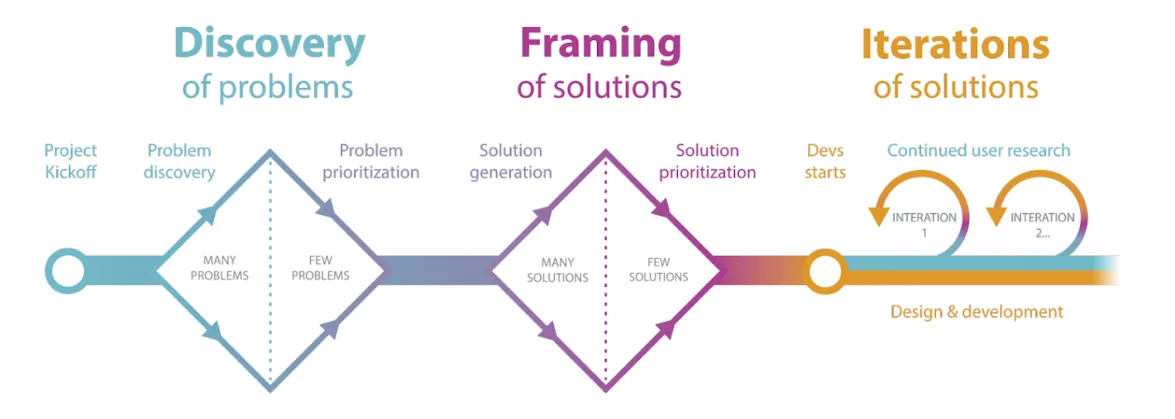
Every project at SDC starts with a Discovery & Framing phase — an intensive few weeks where the team sits together full-time to understand the software we're about to build. Coding is expensive and hard to change, so my goal was to reduce risk before a line of code is written.
I kicked off a stakeholder-mapping session: everyone wrote their name, title, and a key quote describing what they cared about on a large post-it, then I grouped teams, drew connecting arrows between relationships, and added external stakeholders and key funders — giving the whole team visibility into the ecosystem around the project.
I hosted an open forum for the team to share fears and concerns candidly. Top risks identified: funding deadline unknown with a new government forming, remote team members, no budget for user-testing incentives, an office relocation, and multiple stakeholder groups (LSB, CMB, EOP) creating red tape.
I guided the team in creating real personas — an Ontario Employee and an Ontario Employer — to give everyone a clear vision of the people using this software and build genuine empathy for their needs and anxieties.
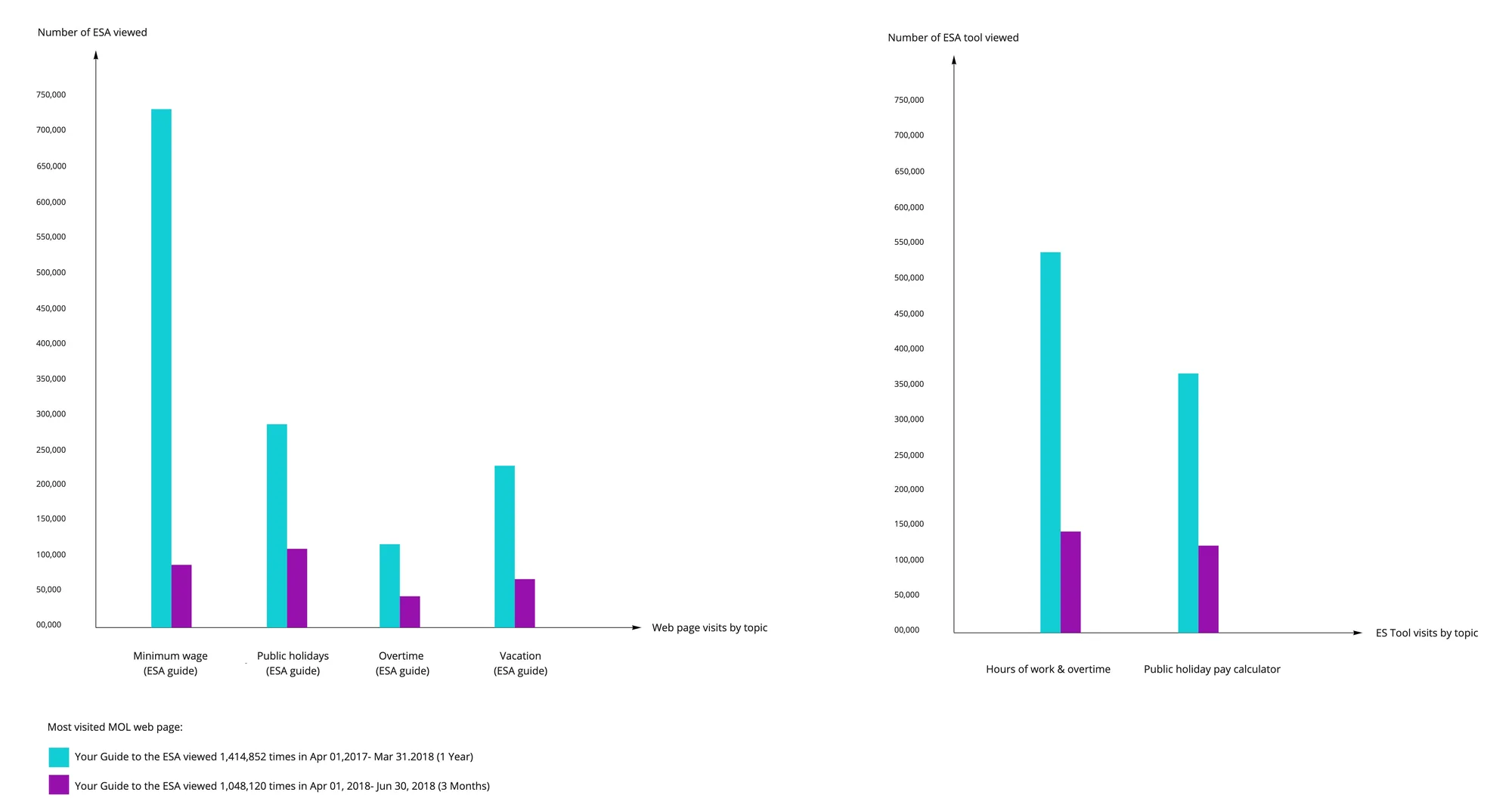
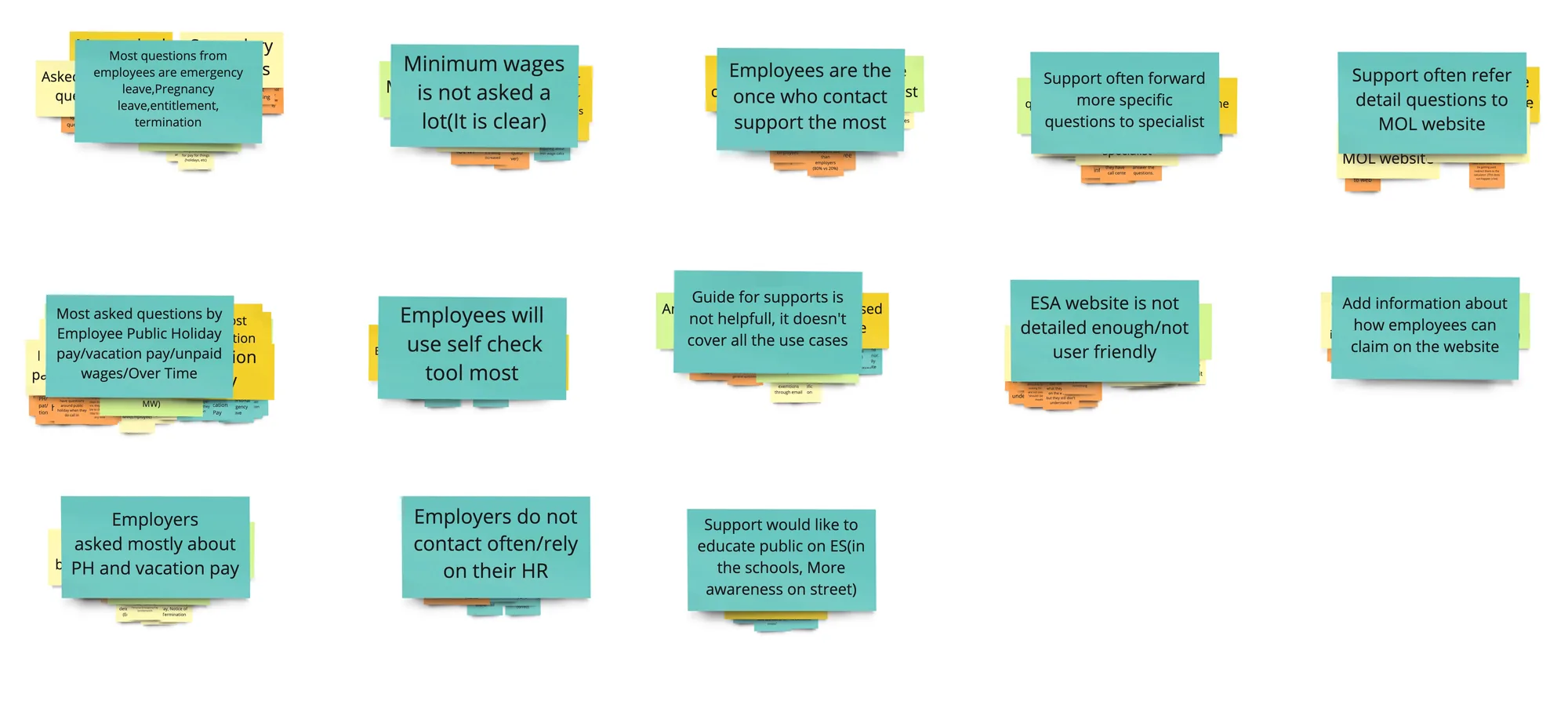
Before building anything, I dug into the existing web analytics from the Employment Standards website — pinpointing which standards users searched for most, where they dropped off, and what questions came up most often.
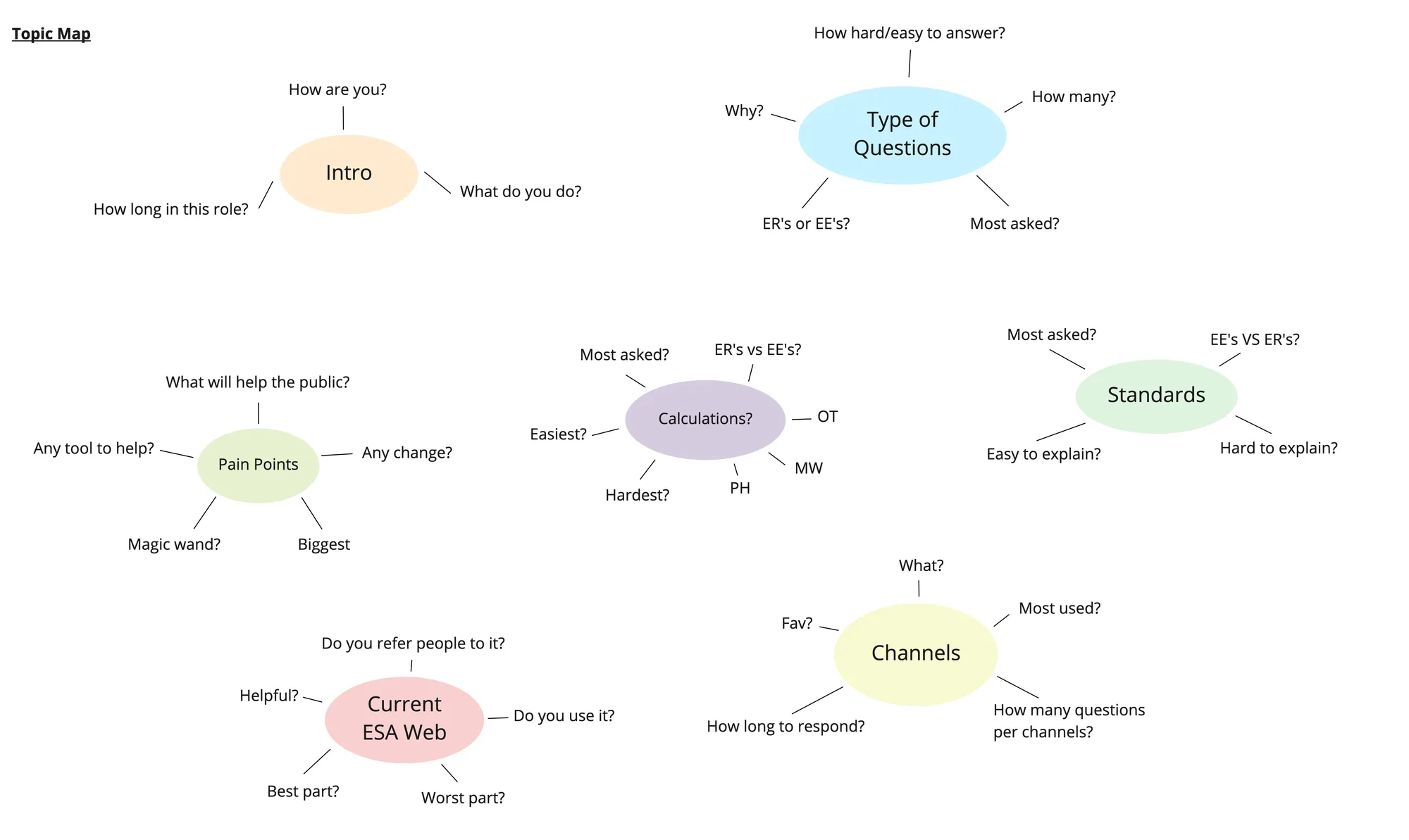
Instead of a rigid list of questions, I organized interview topics into an affinity map — clusters of related themes so conversations felt natural. It became our reference guide during interviews with both employees and employers.
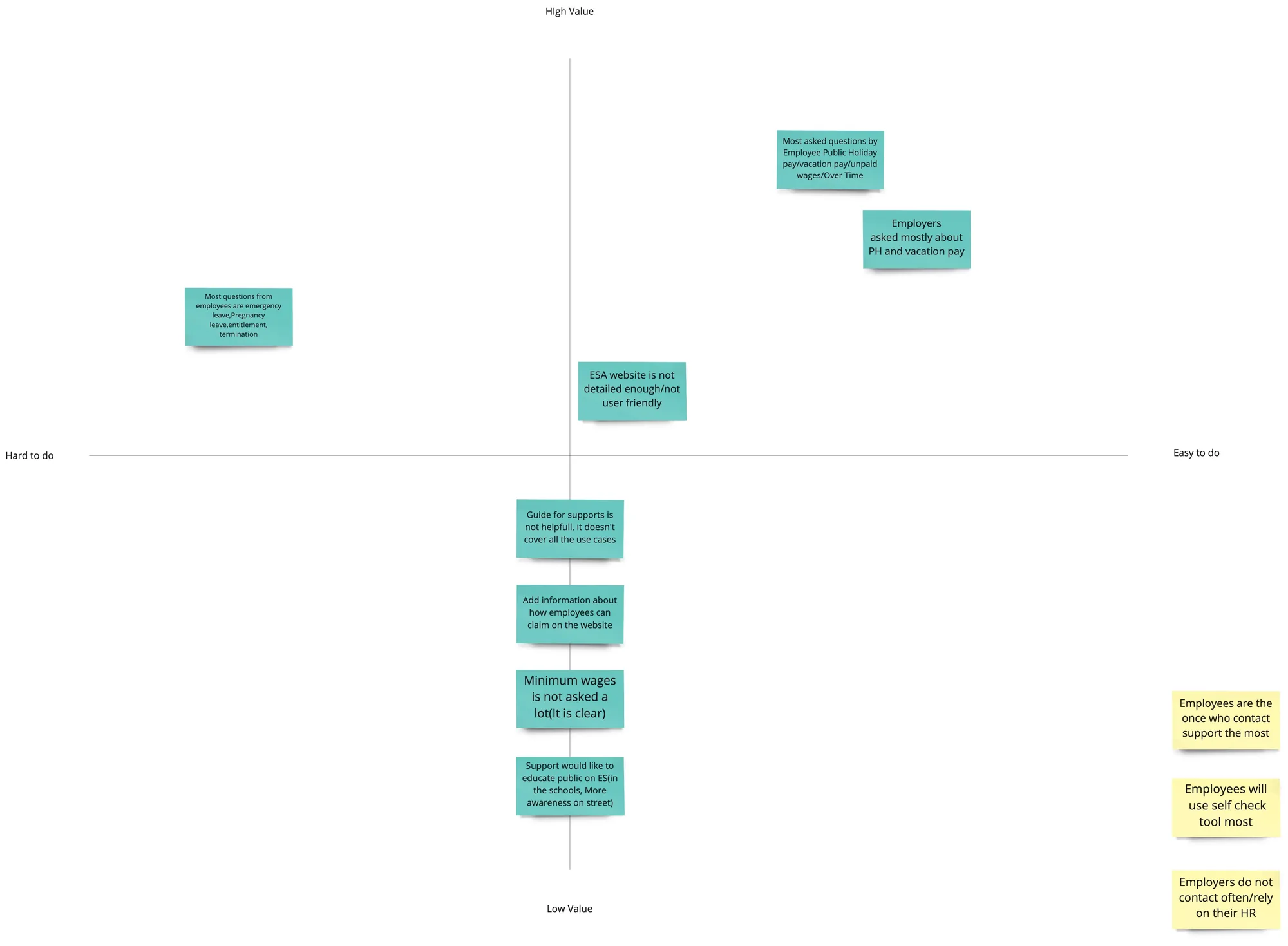
After the exploratory interviews, I drove the synthesis — grouping insights by theme and prioritizing by frequency and impact. That work directly shaped the scope and design priorities for the tool.
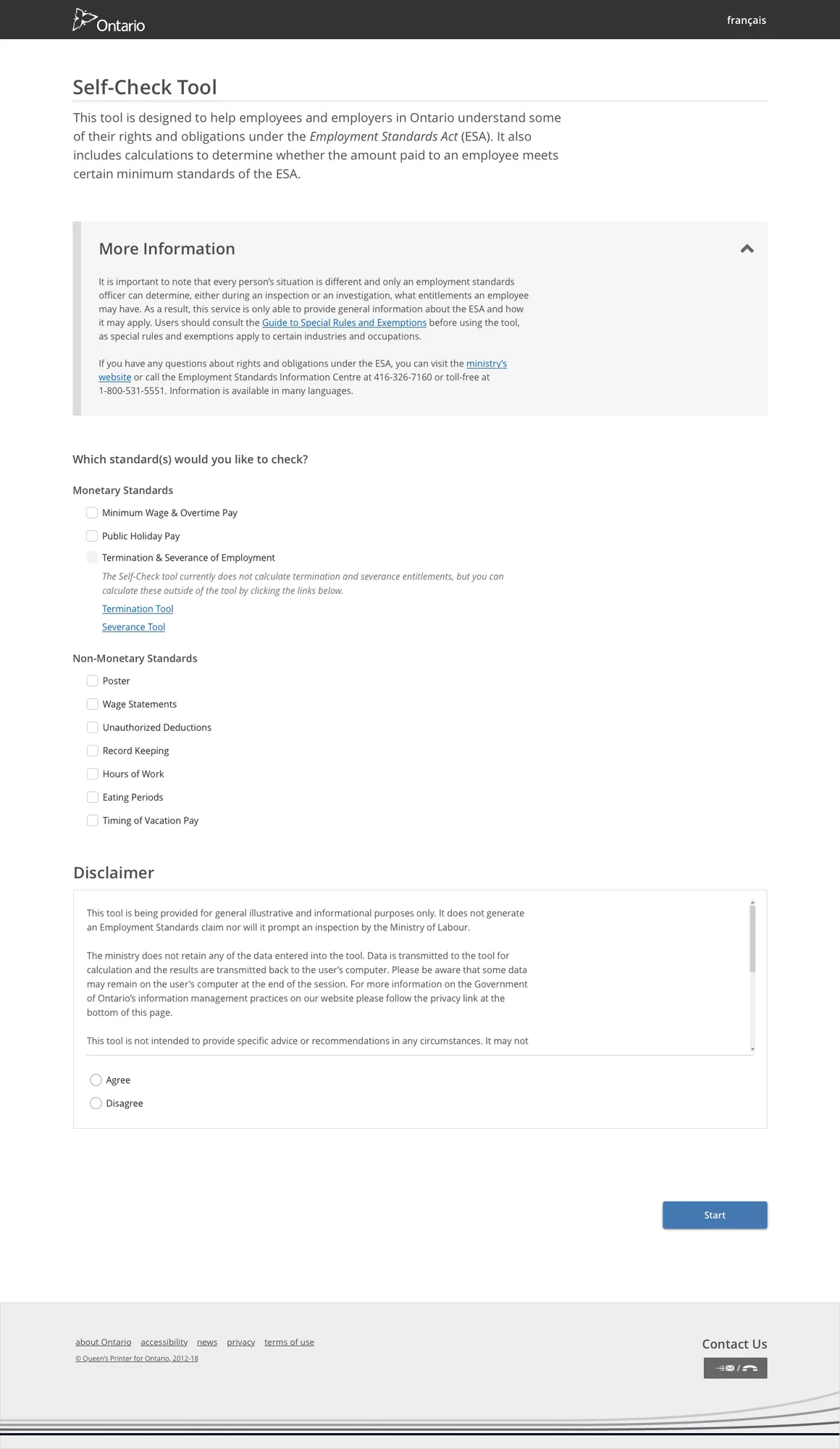
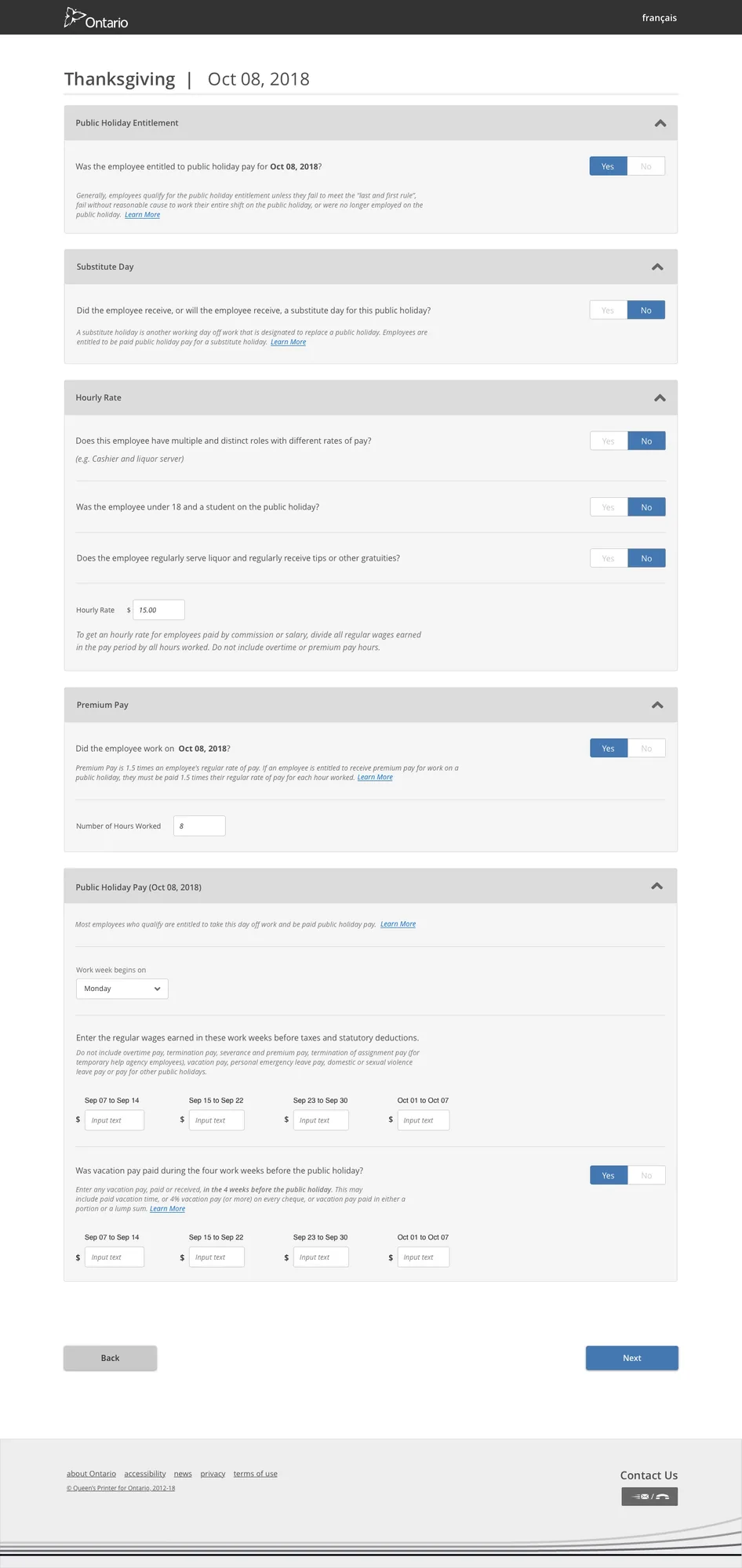
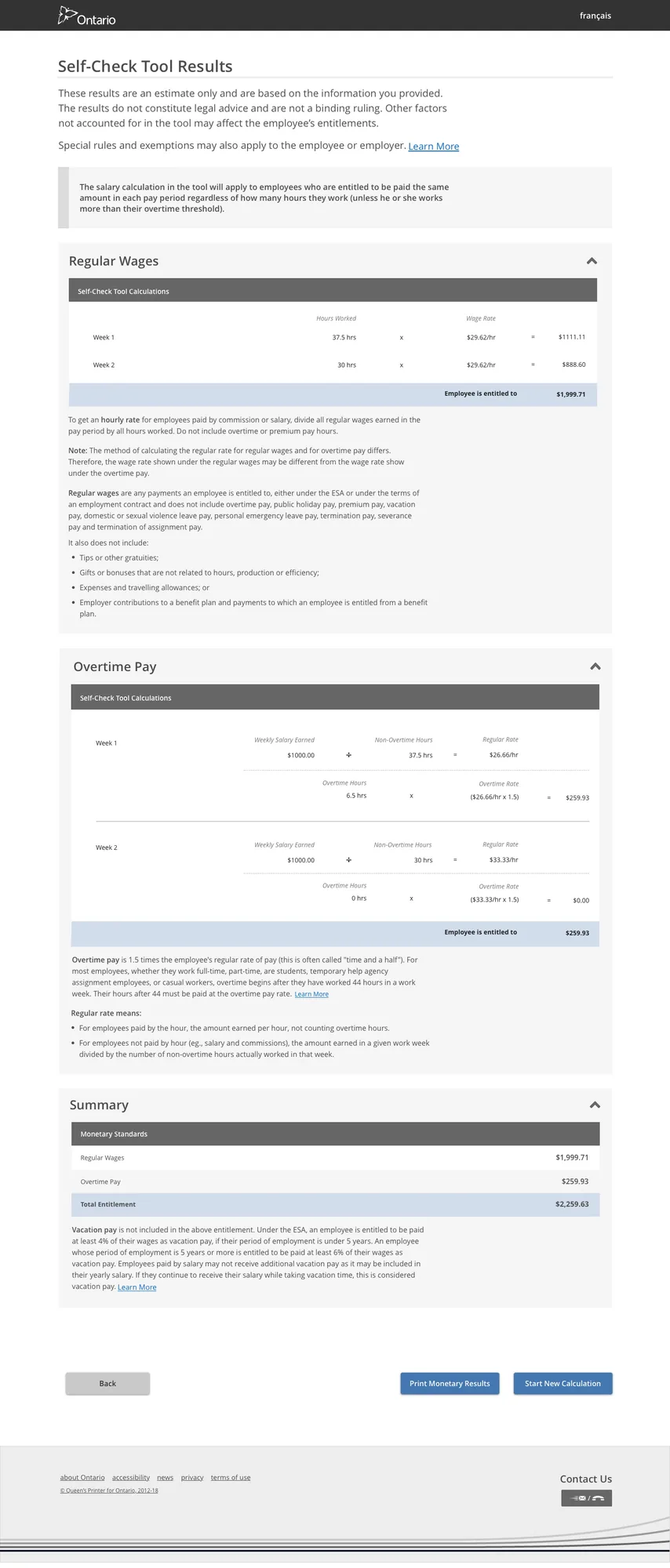
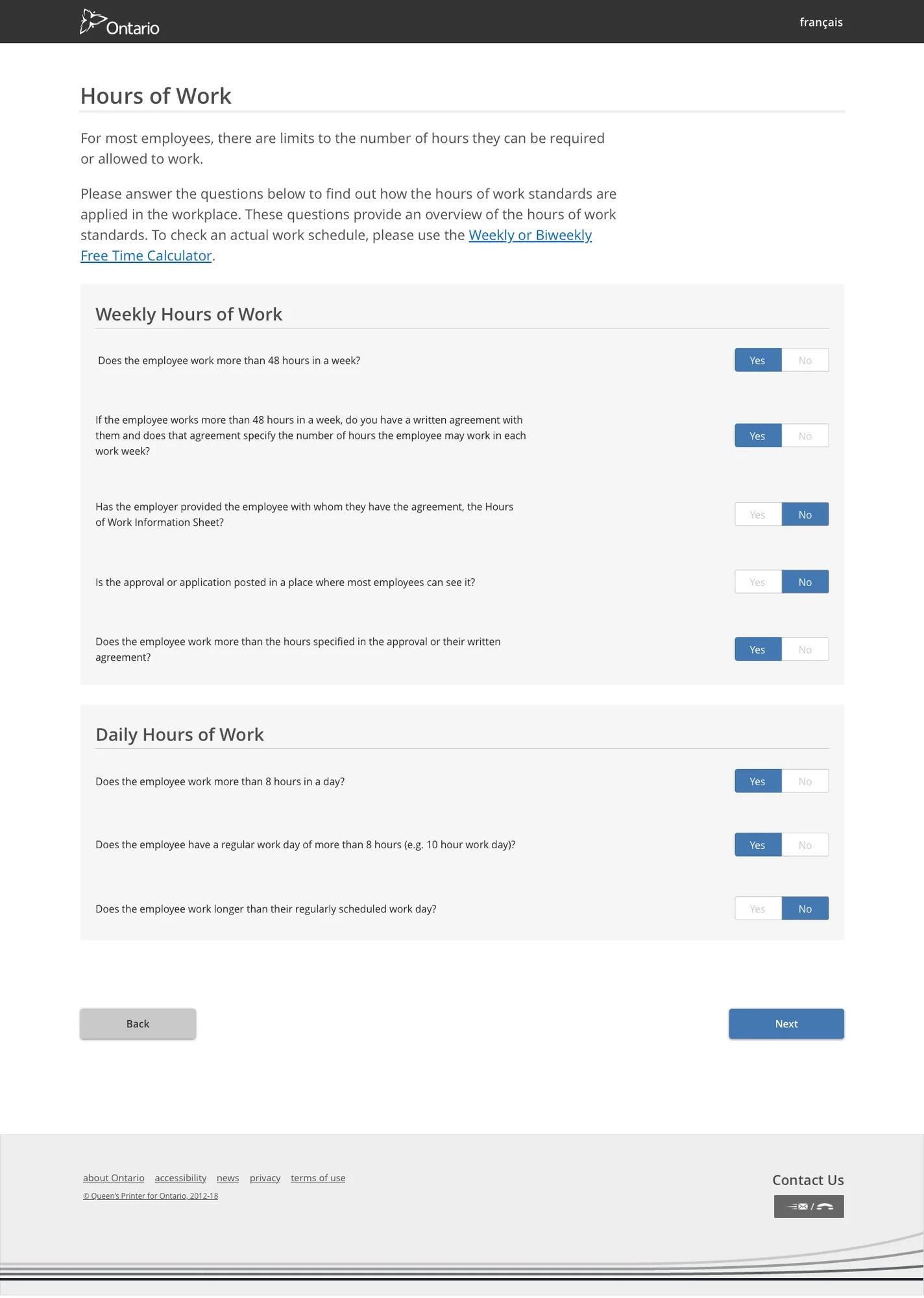
I designed a fully anonymous, self-serve compliance tool that lets any Ontario worker or employer check their entitlements for Public Holiday Pay, Overtime, Minimum Wage, and non-monetary standards.
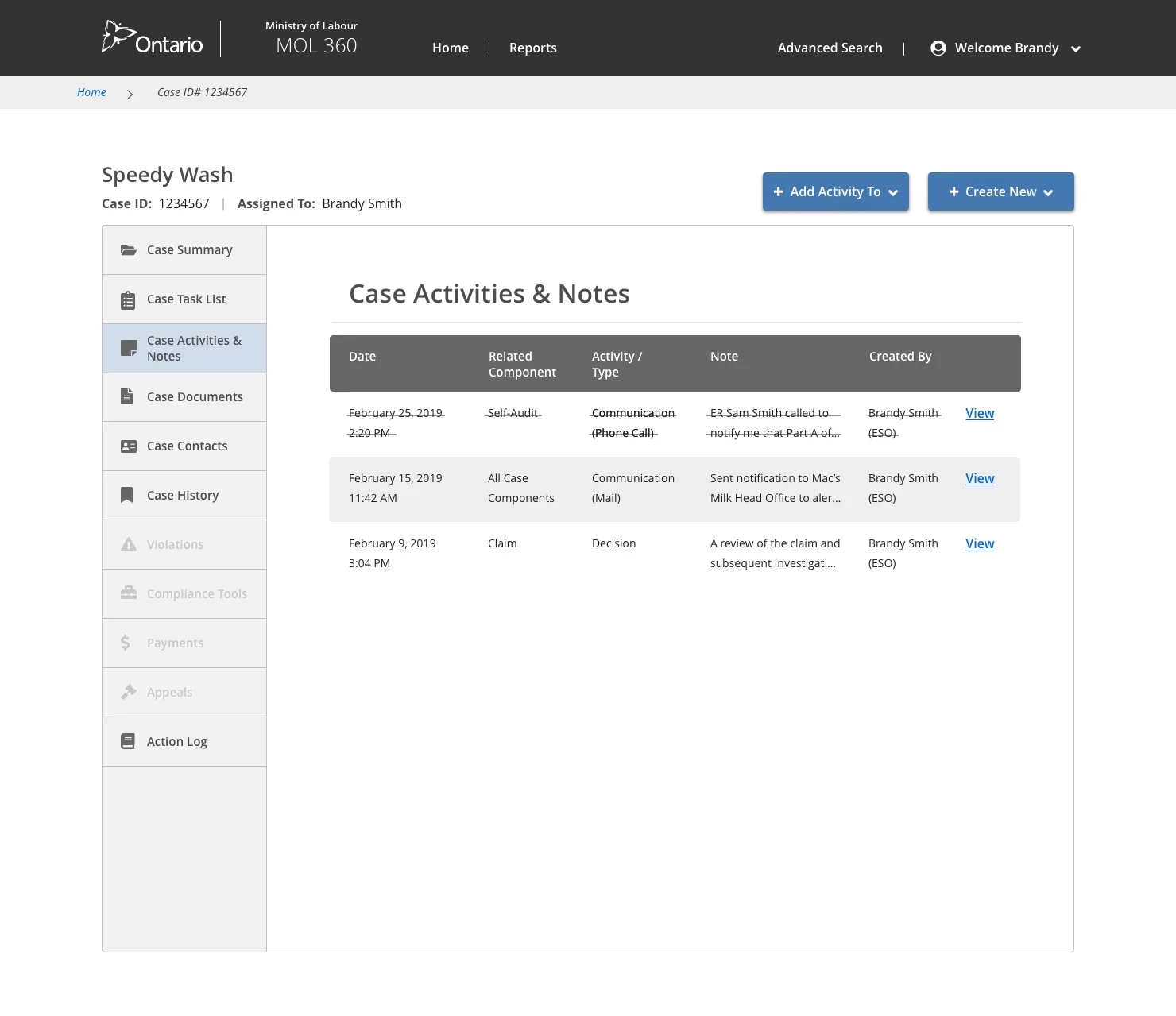
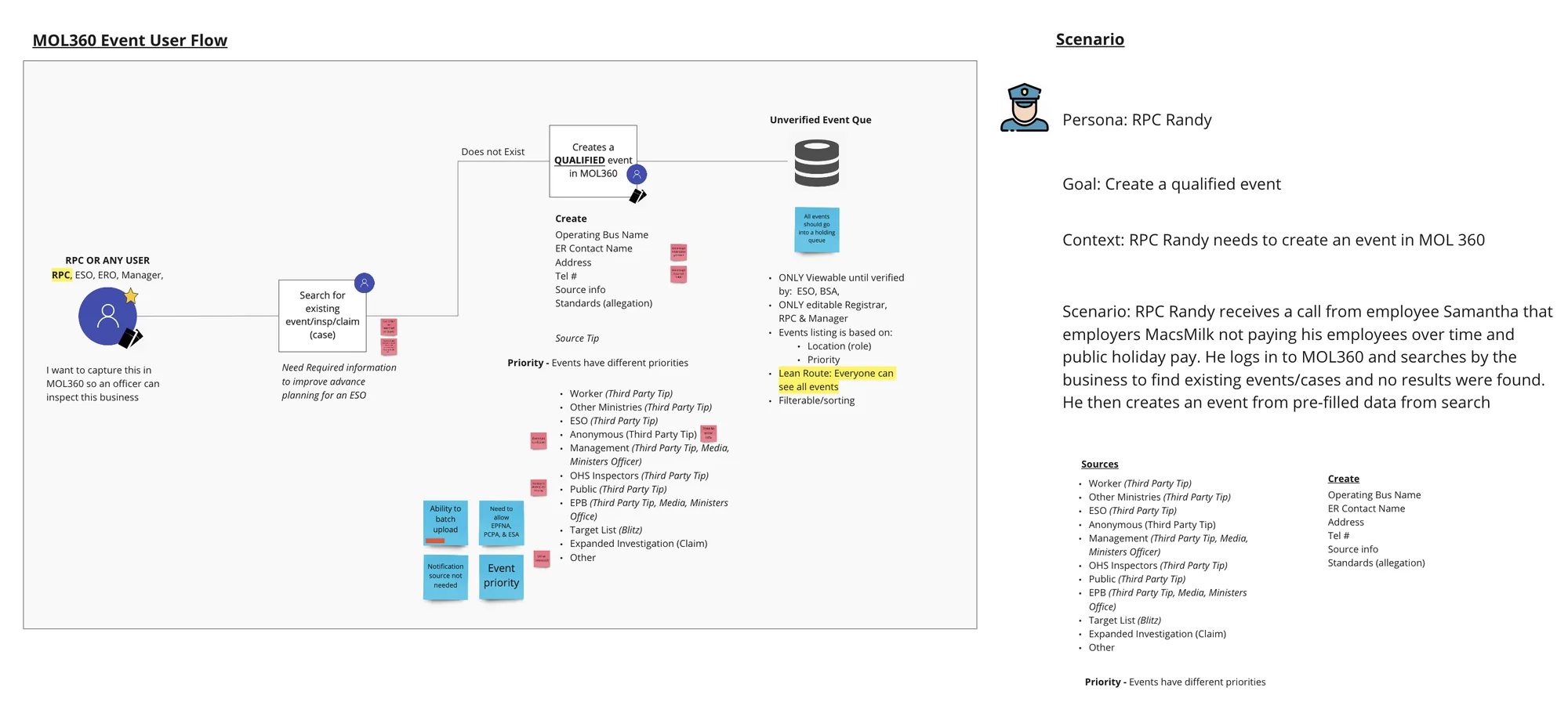
The Case Management system is the central tool used by Employment Standards Officers (ESOs) across Ontario to track cases, log correspondence, manage payments, generate letters, and store all data related to both inspections and claims.
I led the design of three interconnected products: the Officer case management tool, an executive dashboard for managers to assign and track cases across districts and regions, and an admin panel for Business Systems Analysts (BSAs).
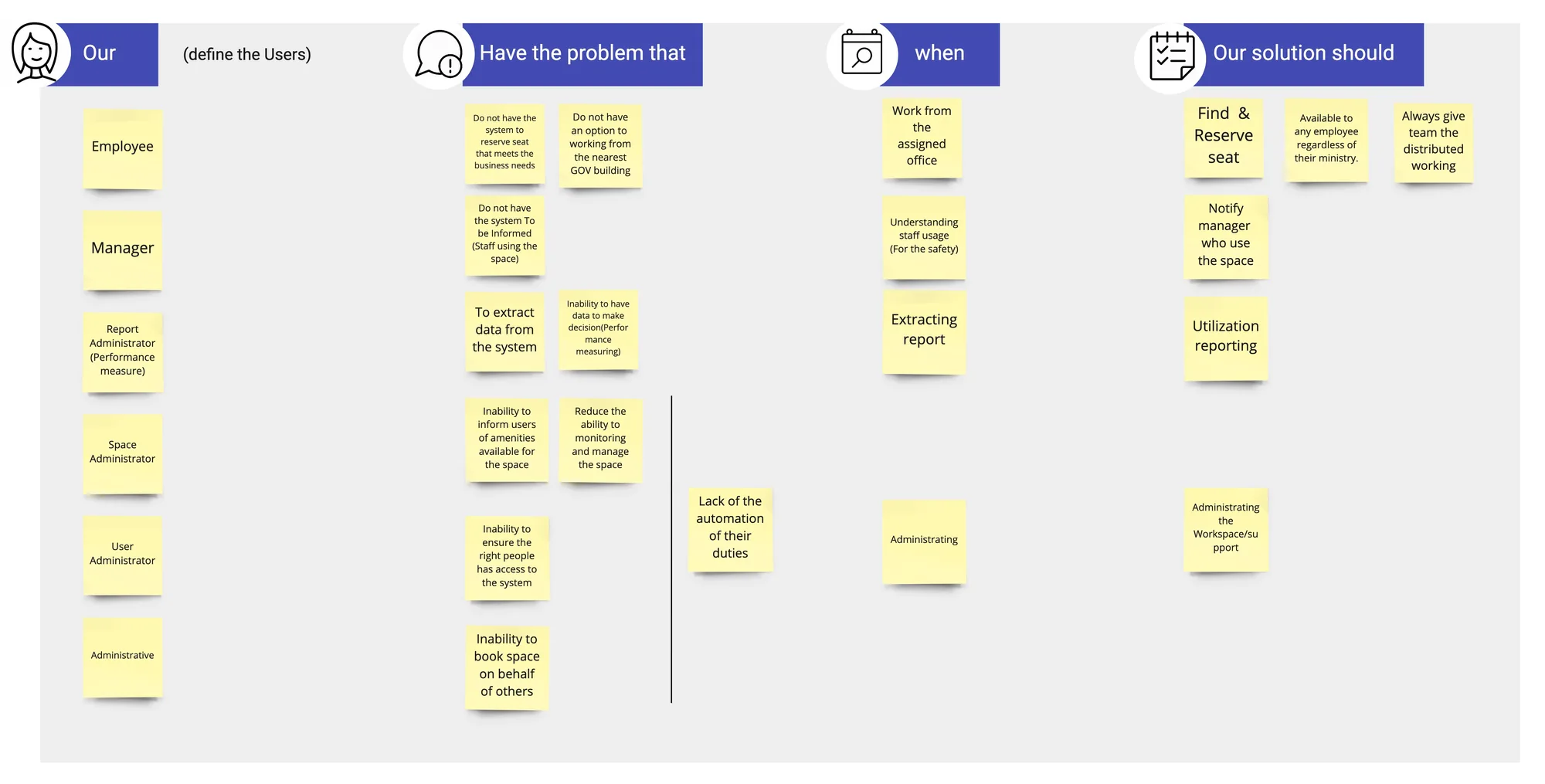
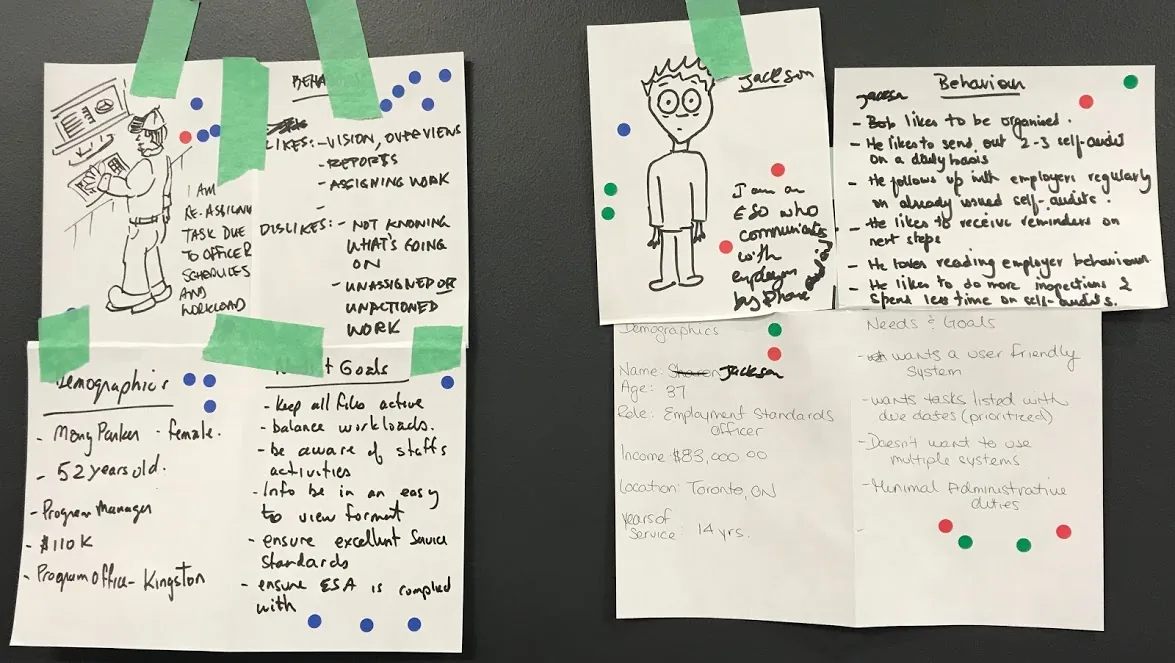
To gain a shared understanding of who was actually using this software, I ran a personas workshop — building empathy for users and visualizing their characteristics, motivations, and daily challenges across two core user types: Employment Standards Officers and Ministry Administrators.

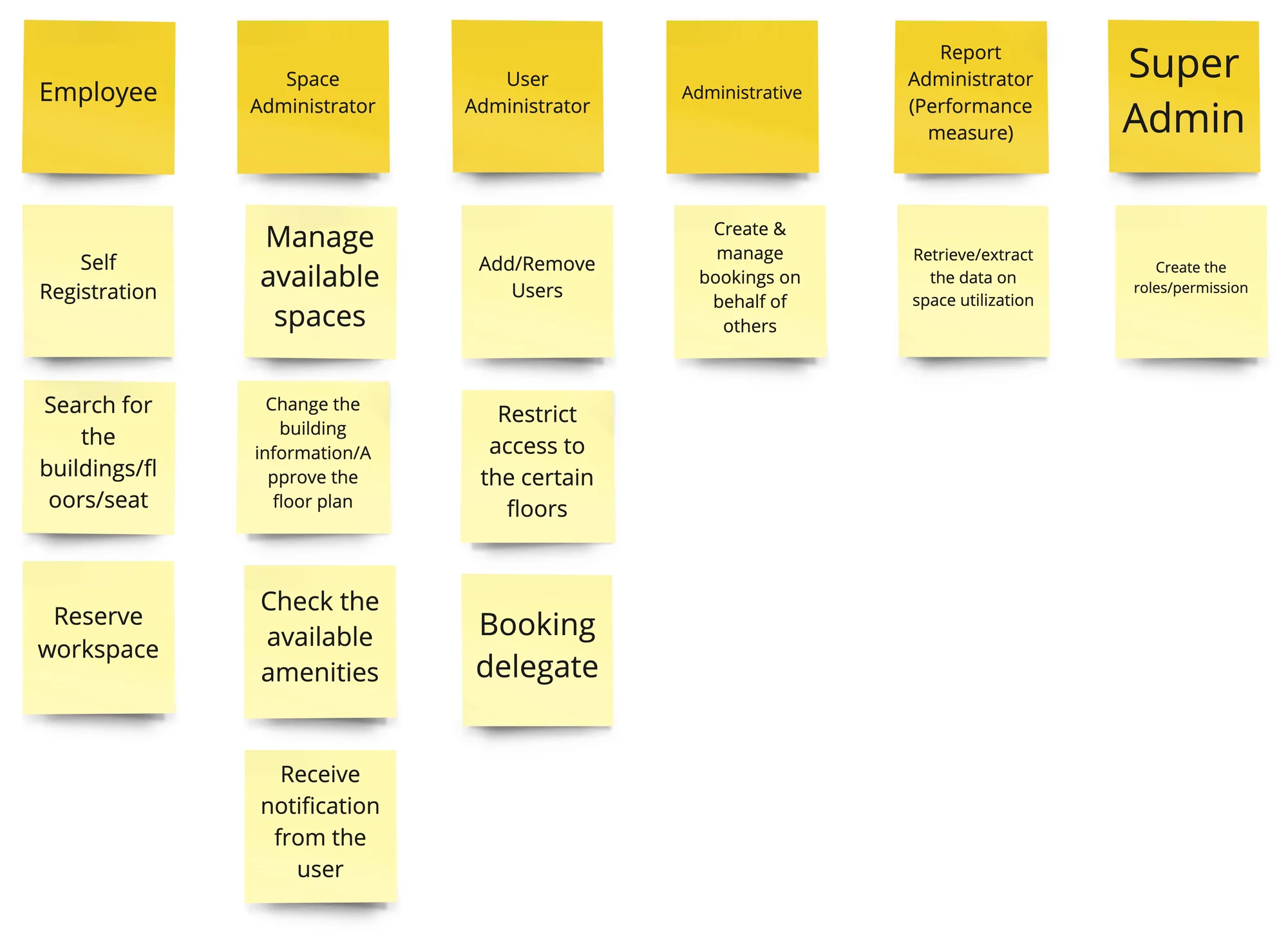
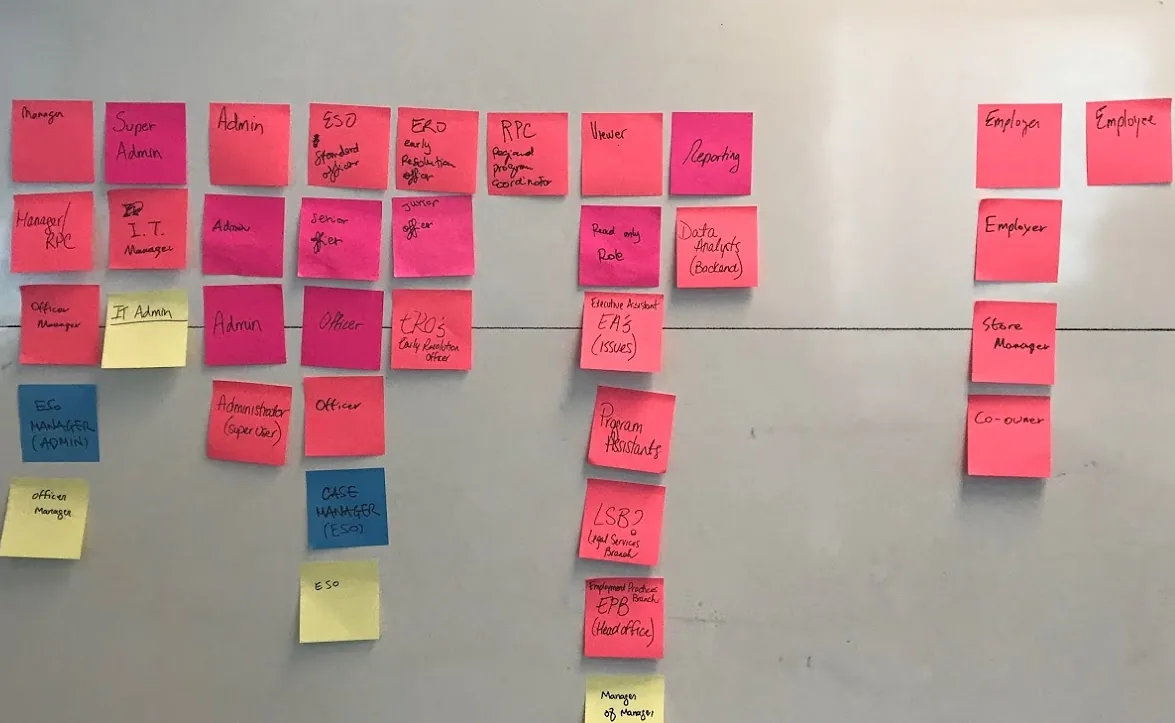
Before designing any screens, I led a session to map out user roles and their associated permissions — ultimately reducing the number of roles needed for the initial launch down to only those that were absolutely necessary. This exercise directly shaped the information architecture and access control model.

I organized interview questions into a topic map — clustering related questions around common themes so interviewers could have natural conversations with ESOs while covering key areas: a day in the life, the current system (ESIS), the claims process, employer interactions, and document management.

After every round of research, I guided a synthesis exercise to analyze interview findings. Results were color-coded by interview and grouped by key insight — making it easy to spot recurring themes across different ESOs and regions.

After prioritizing the highest pain points for Officers, I moved the team into framing — starting with scenario writing to define specific user situations, then group sketching to visualize potential solutions. I got the full team sketching before going digital, so everyone was aligned before a pixel was placed.
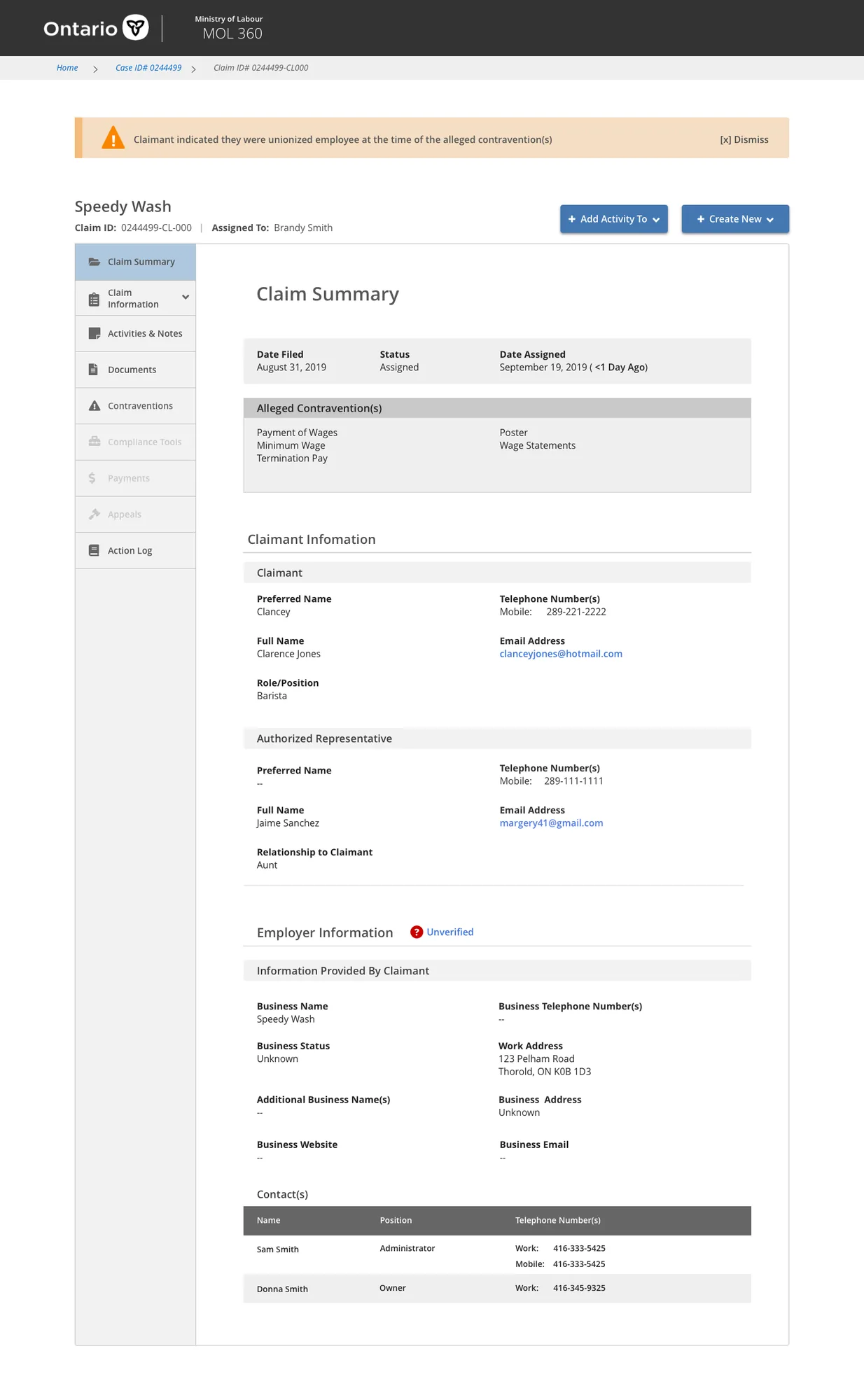
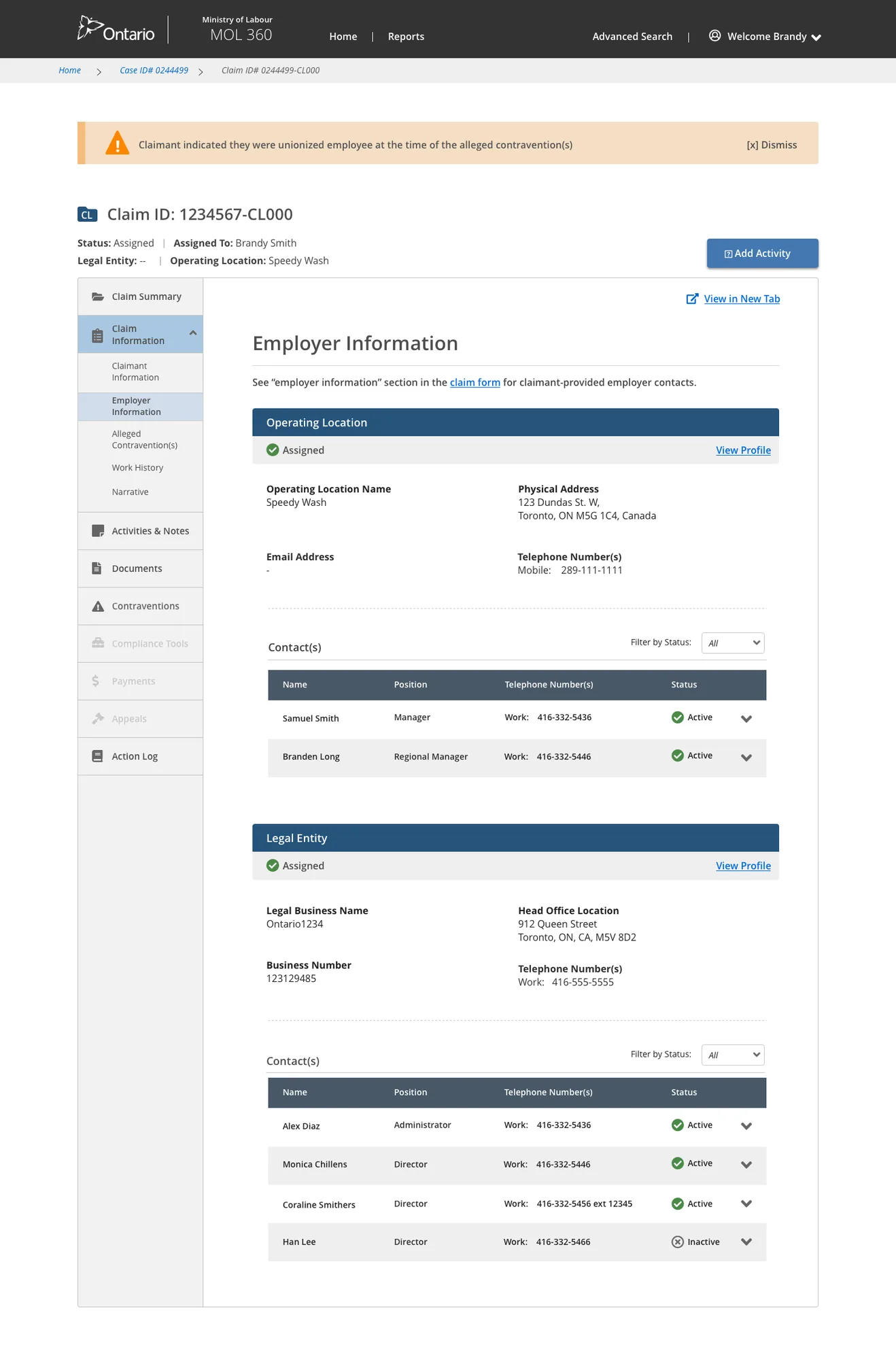
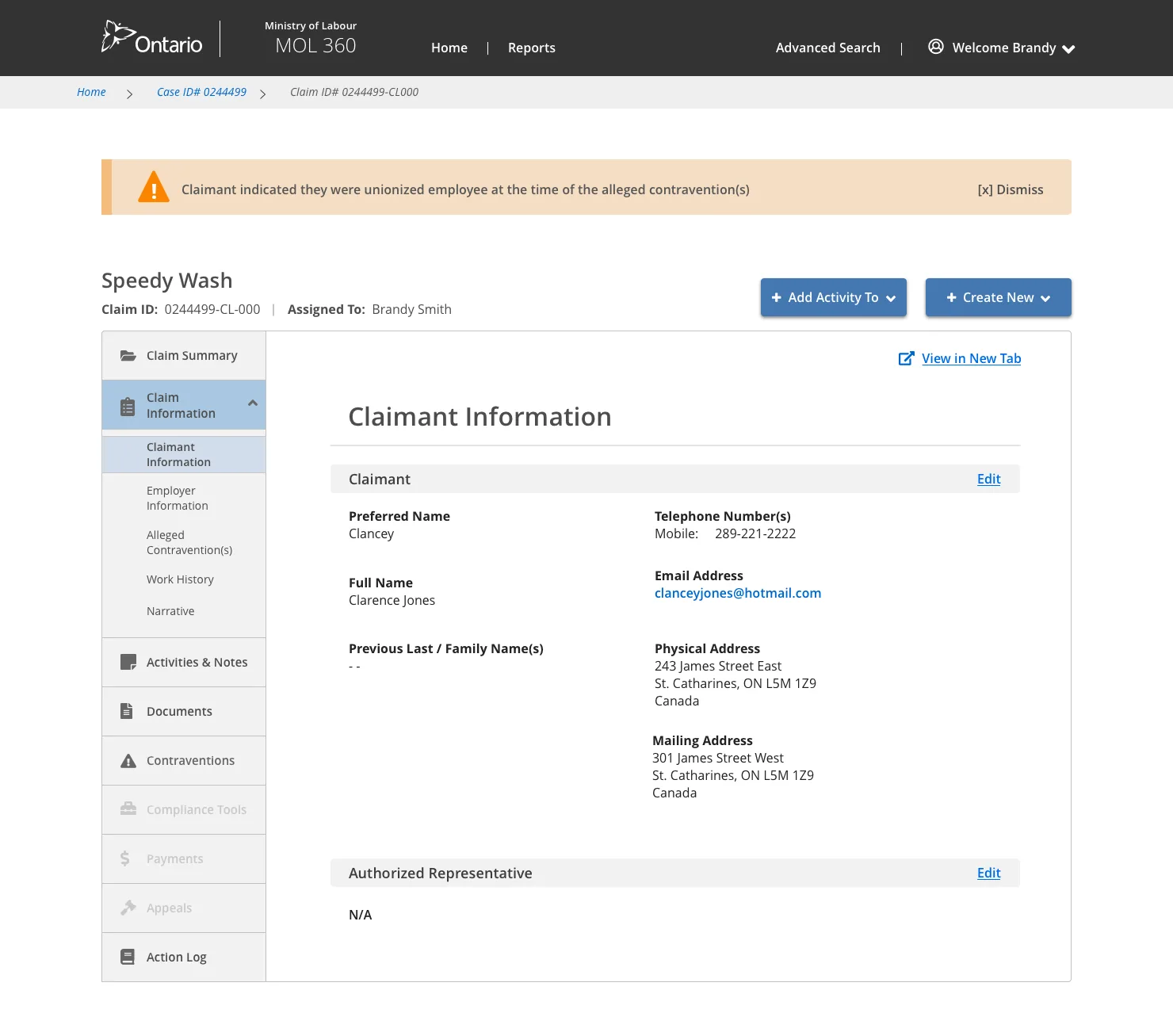
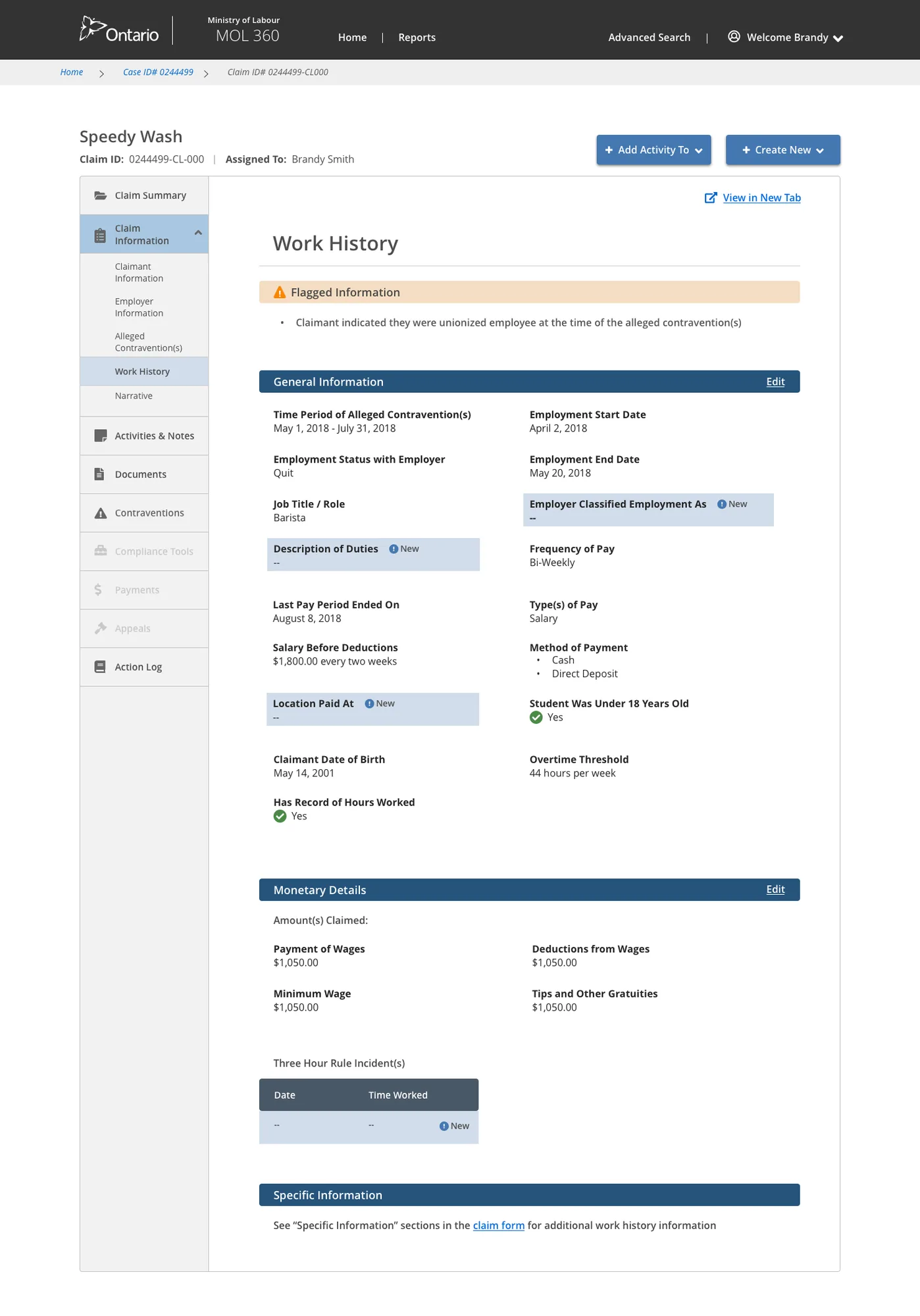
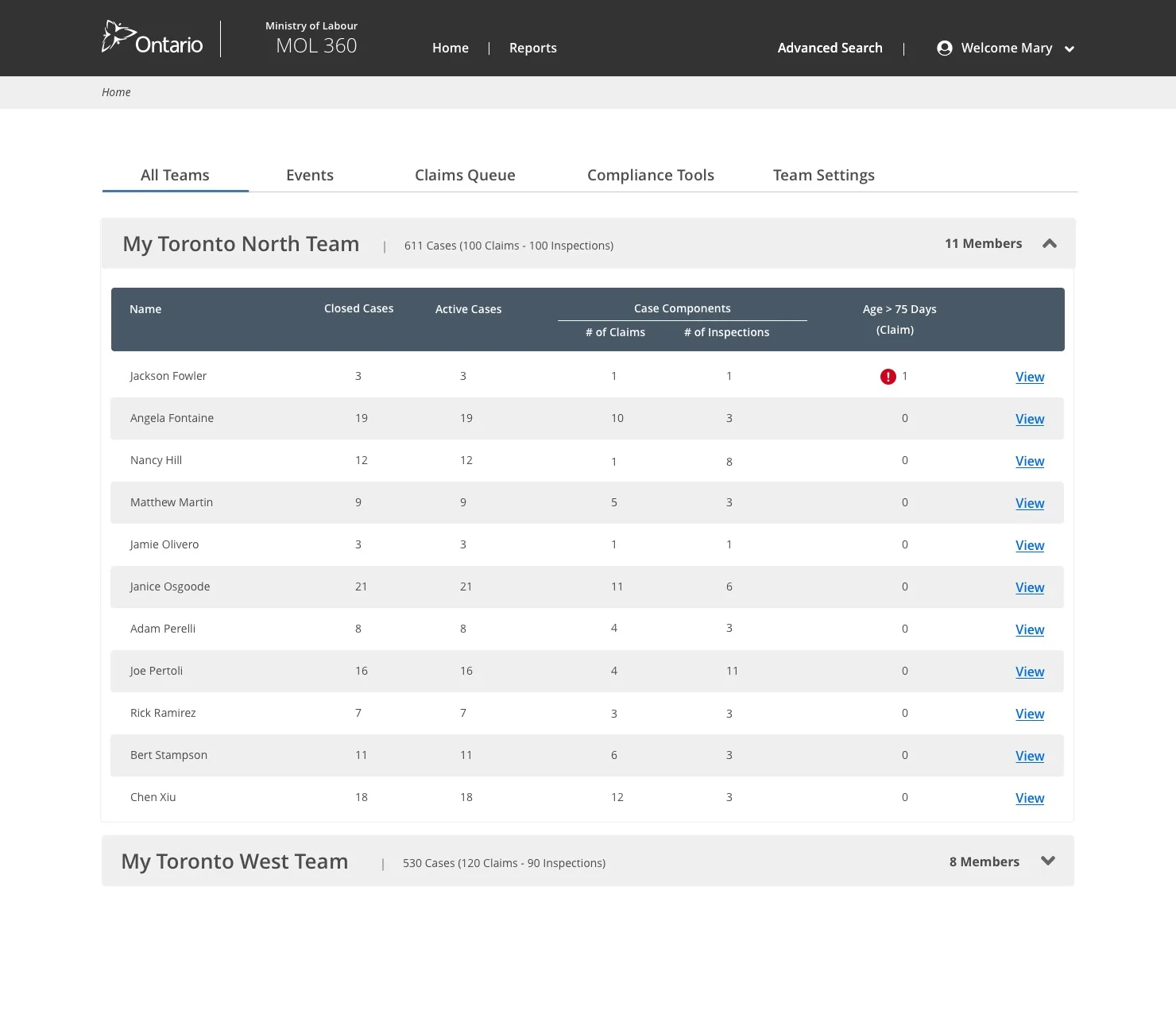
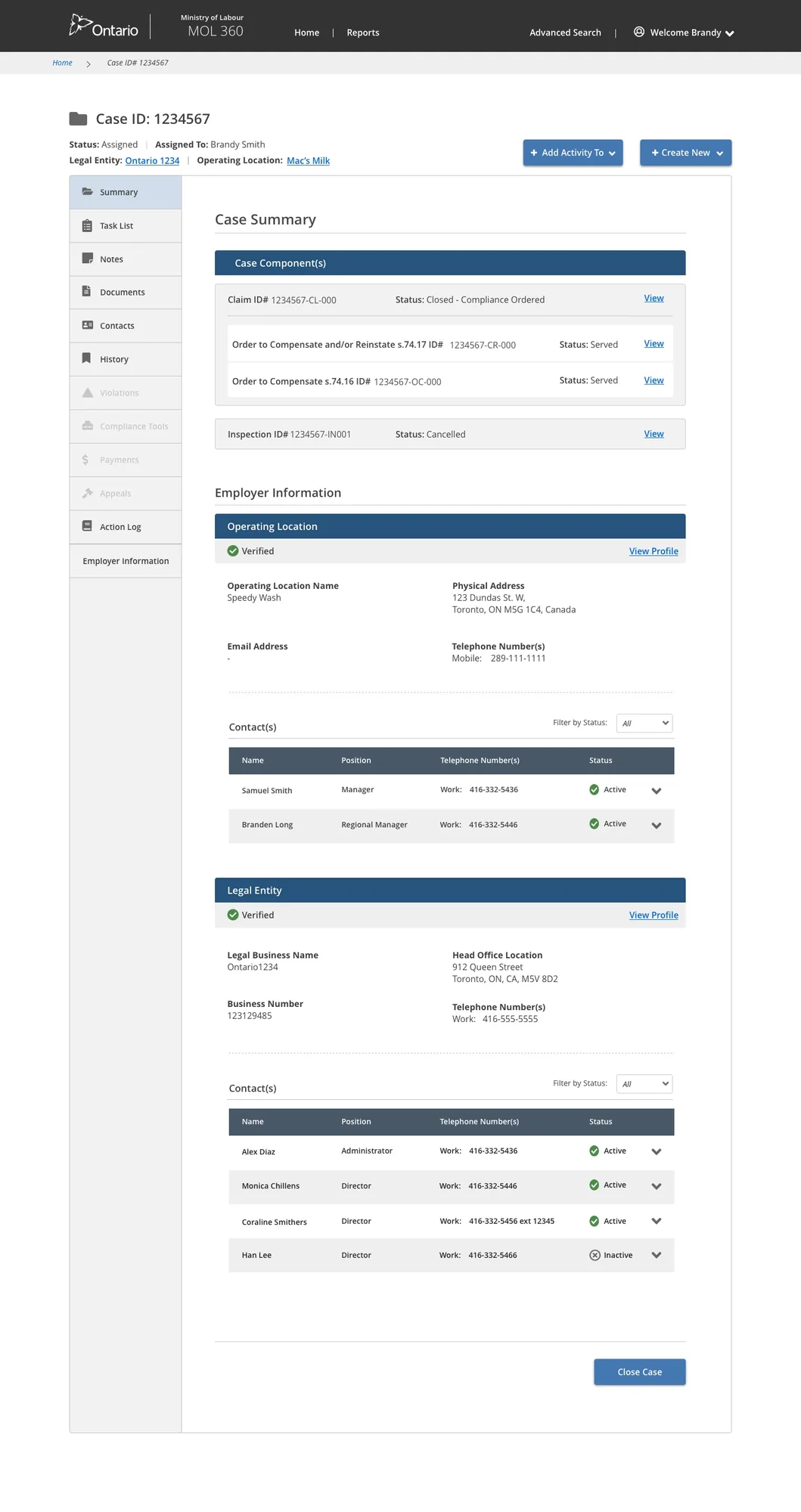
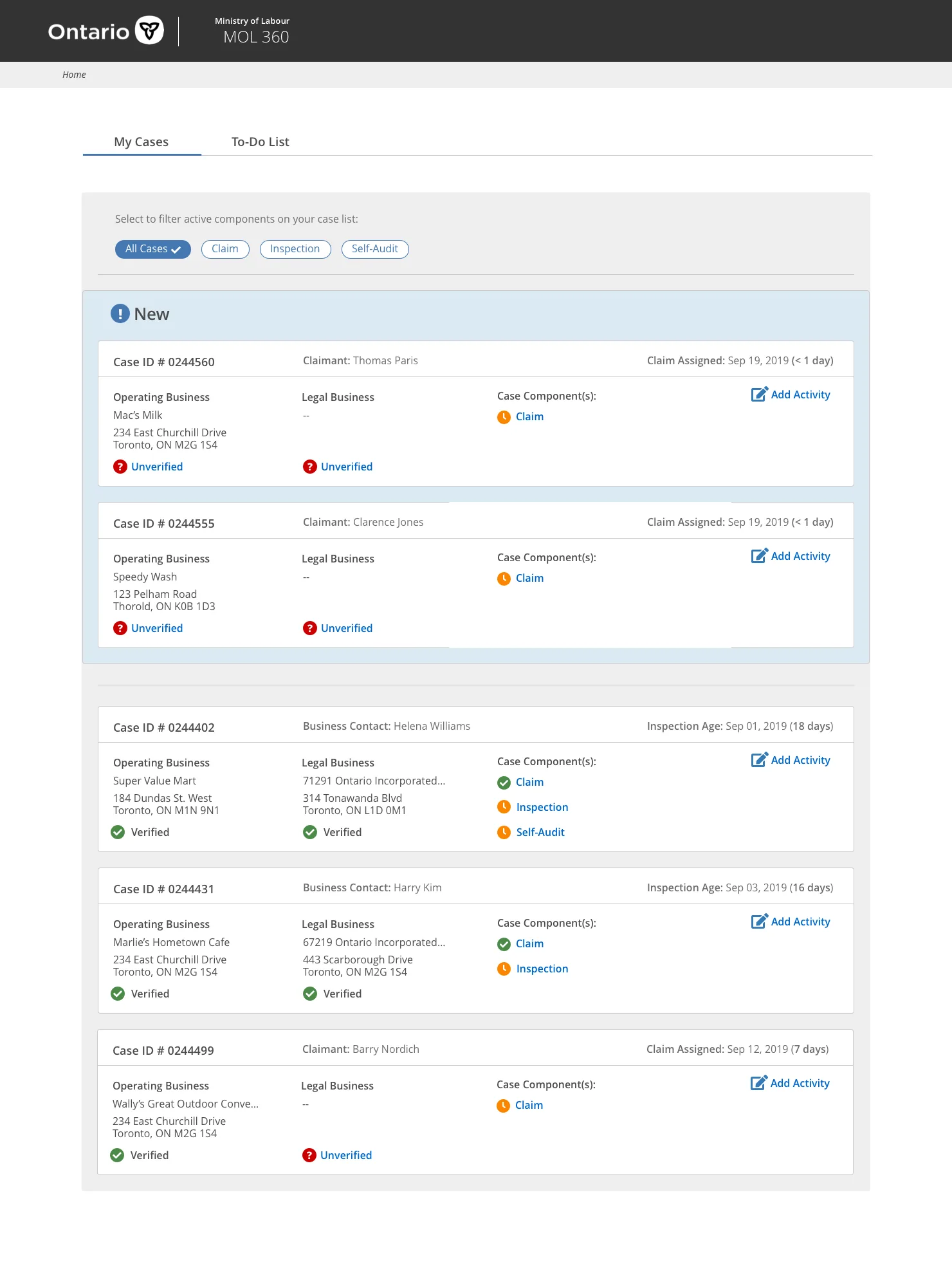
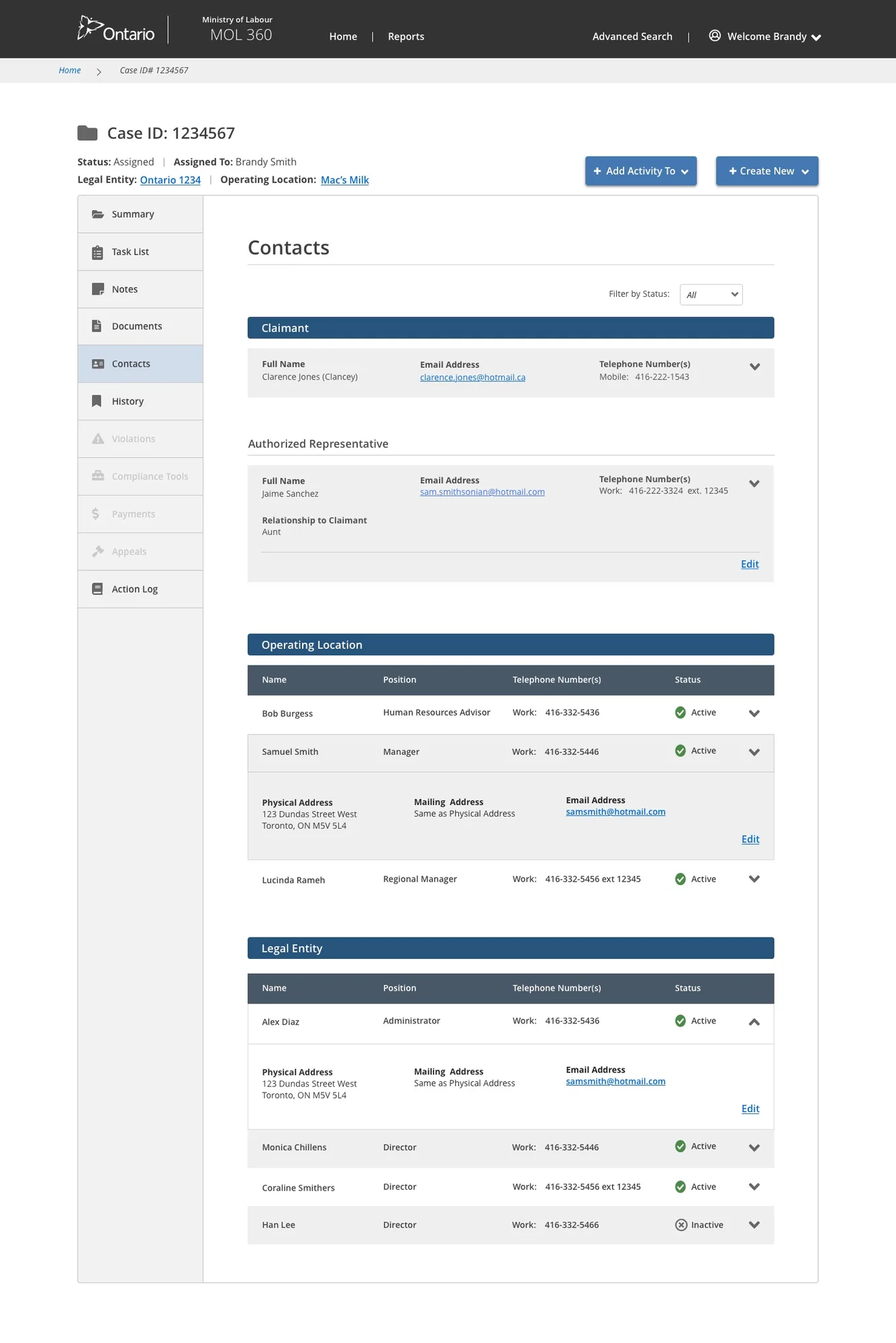
A selection of the final high-fidelity screens, spanning three distinct but connected interfaces — the Officer case management tool, the Manager executive dashboard, and the admin panel — each tailored to the specific role and workflow it served.
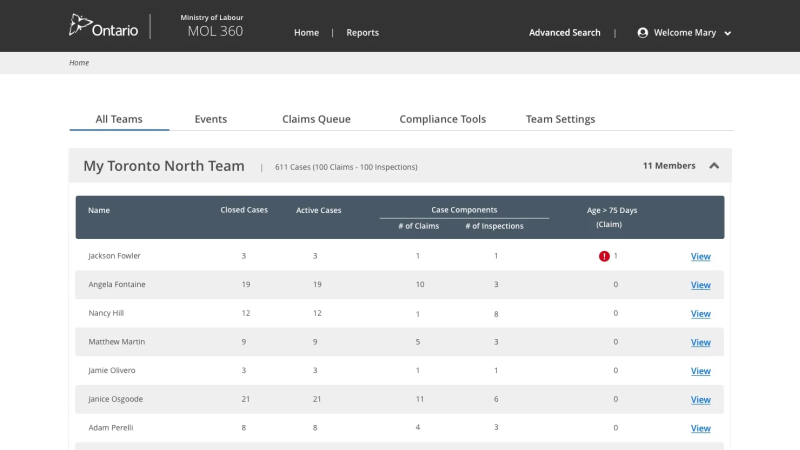
Gave regional managers a real-time overview of all cases across Ontario — with assignment controls, workload distribution, and district-level tracking.

The core Officer tool — a single view of everything on a case: dates, employer data, correspondence history, payment tracking, and quick actions for generating letters and logging notes.


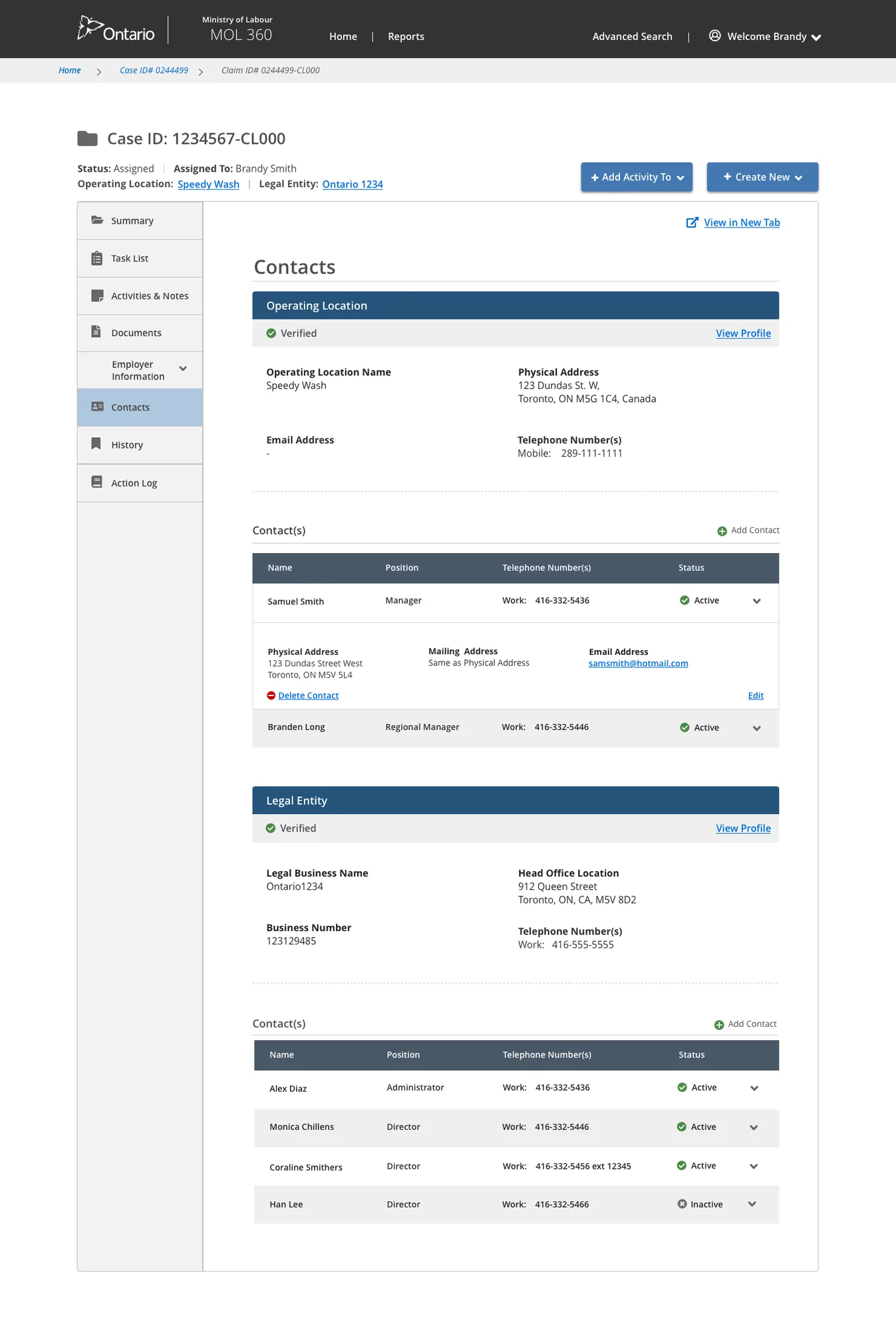
The Officer-facing dashboard surfaced the active caseload with priority indicators — and a contacts screen gave instant access to all employer and claimant information linked to each case.
A digital tool designed to streamline the employment standards inspections conducted by the Ministry of Labour. The project followed a Discovery and Framing methodology — identifying challenges and shaping an MVP through workshops and user research before development began.
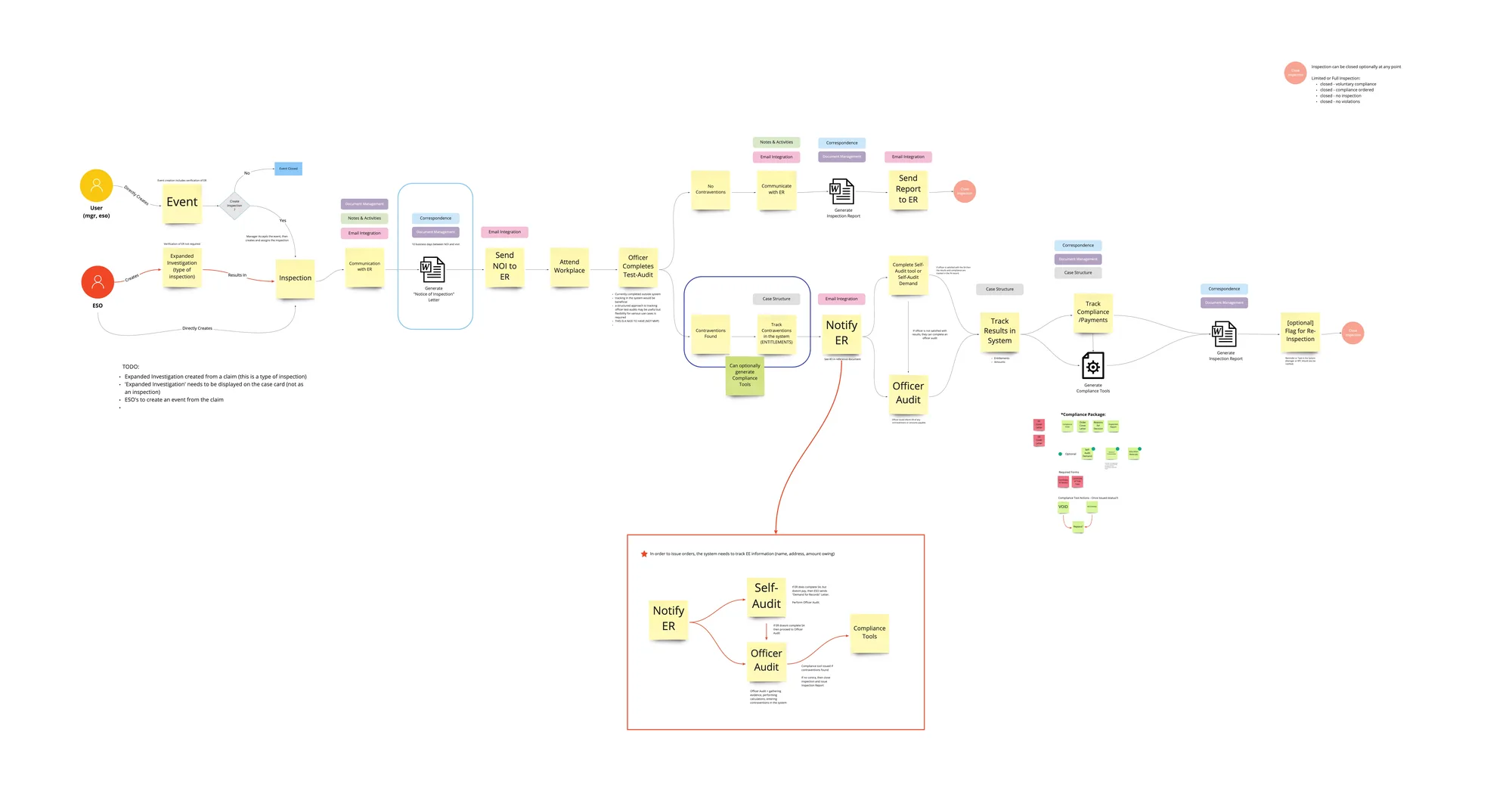
Before designing anything, I mapped the end-to-end inspection journey — from the trigger that initiates a case through to bringing an employer into compliance. These five stages framed every design decision that followed.

Discovery — I led the workshops and user interviews that surfaced the product's potential problems and challenges, then converged them into actionable priorities.
Framing — I led the sessions where we consolidated and prioritized the proposed solutions until the requirements and approach for the MVP were decided.

I led an early mapping session that identified the key decision-makers, product observers, those with veto authority, and external support resources — giving the team a clear picture of who needed to be aligned and when.
I led a session where the team named the risks that could derail delivery — and planned mitigations for each: data sensitivity around cloud storage, decision-making slowed by lengthy command chains, hard deadlines and compressed timelines, scope outsized for the time available, interference with other MoL360 applications, and resource constraints.
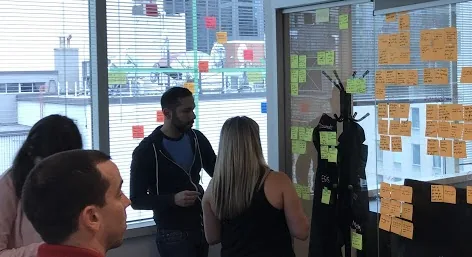
I led exploratory interviews to build empathy and surface recurring topics across conversations, then organized and synthesized the findings to refine the project goals and align the personas more closely with real end-user needs.

I led the synthesis, grouping findings across all interviews to determine the primary areas of interest and pain points and building affinity maps that surfaced the clearest opportunities for the product to focus on.

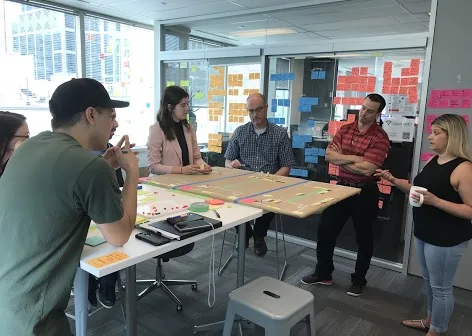
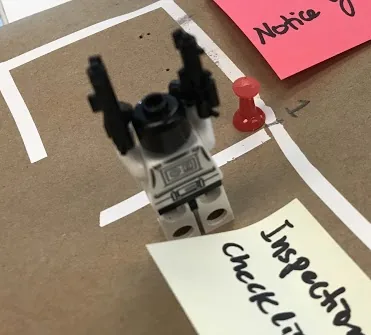
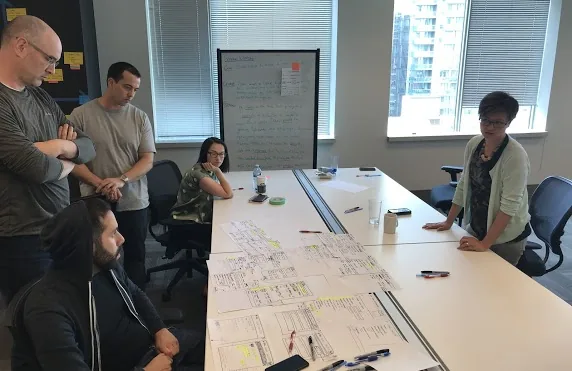
I ran a desktop walkthrough where a former Employment Standards Officer walked the team through a complete inspection scenario, chronologically. We mapped the many locations an inspection touches — office, parking lot, even a subway restaurant — divided the board by lifecycle stage, and documented the pain points and documents produced at each step to find the critical points of friction.

I led the team in prioritizing pain points on a 2×2 matrix — weighing the value gained from alleviating each issue (assessed by the Product Owner) against implementation difficulty (assessed by the Inspections sub-team) — to focus effort where it mattered most.
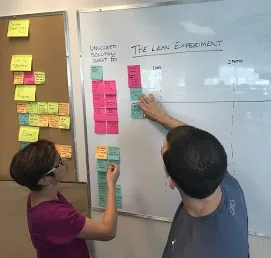
Throughout Discovery and Framing, I had the team collect ideas in a "locked solution chest" to avoid committing to an approach too early. Once enough research was gathered, I led the team in validating ideas against user insights and prioritizing them into a trial roadmap — exploring direction through iterative discussion rather than guesswork.

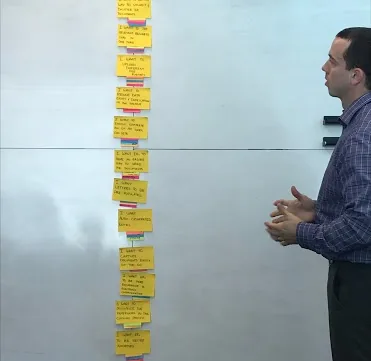
I wrote realistic scenarios describing how the tool would deliver value — intuitive enough that an officer could navigate the software without formal training. In the sketching workshop I led, team members produced storyboards in tight 10–15 minute rounds, then circulated sketches for peer review and voting. I consolidated the most popular sections and features into high-fidelity mockups.
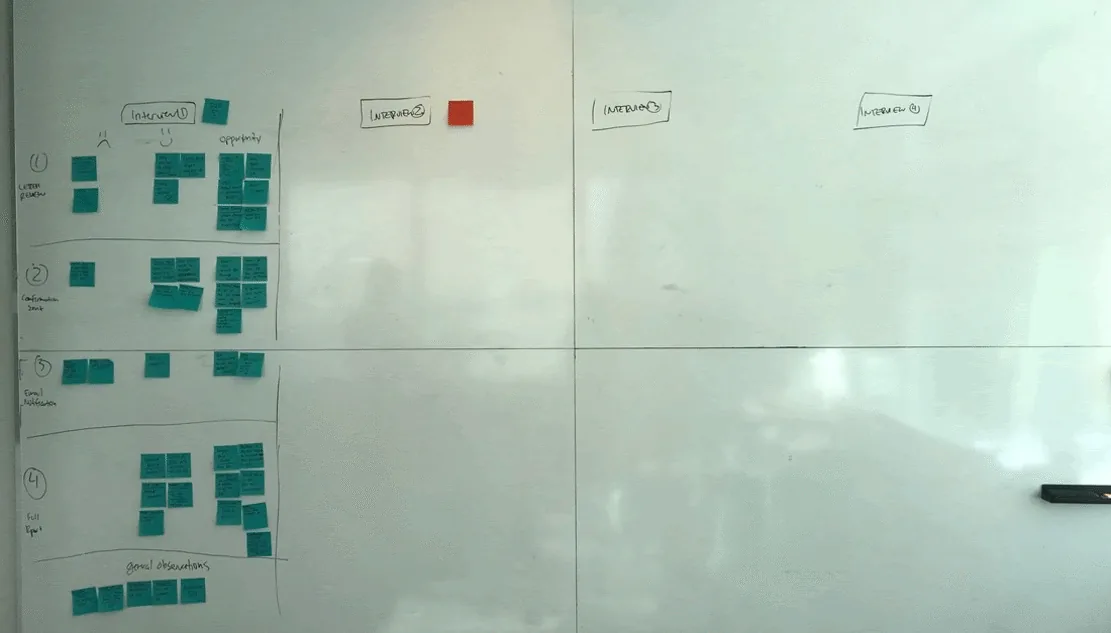
I led usability sessions and captured feedback organized by individual user (color-coded) and by sentiment — happy, sad, and opportunities — making it easy to spot patterns across every participant and feed them back into the design.
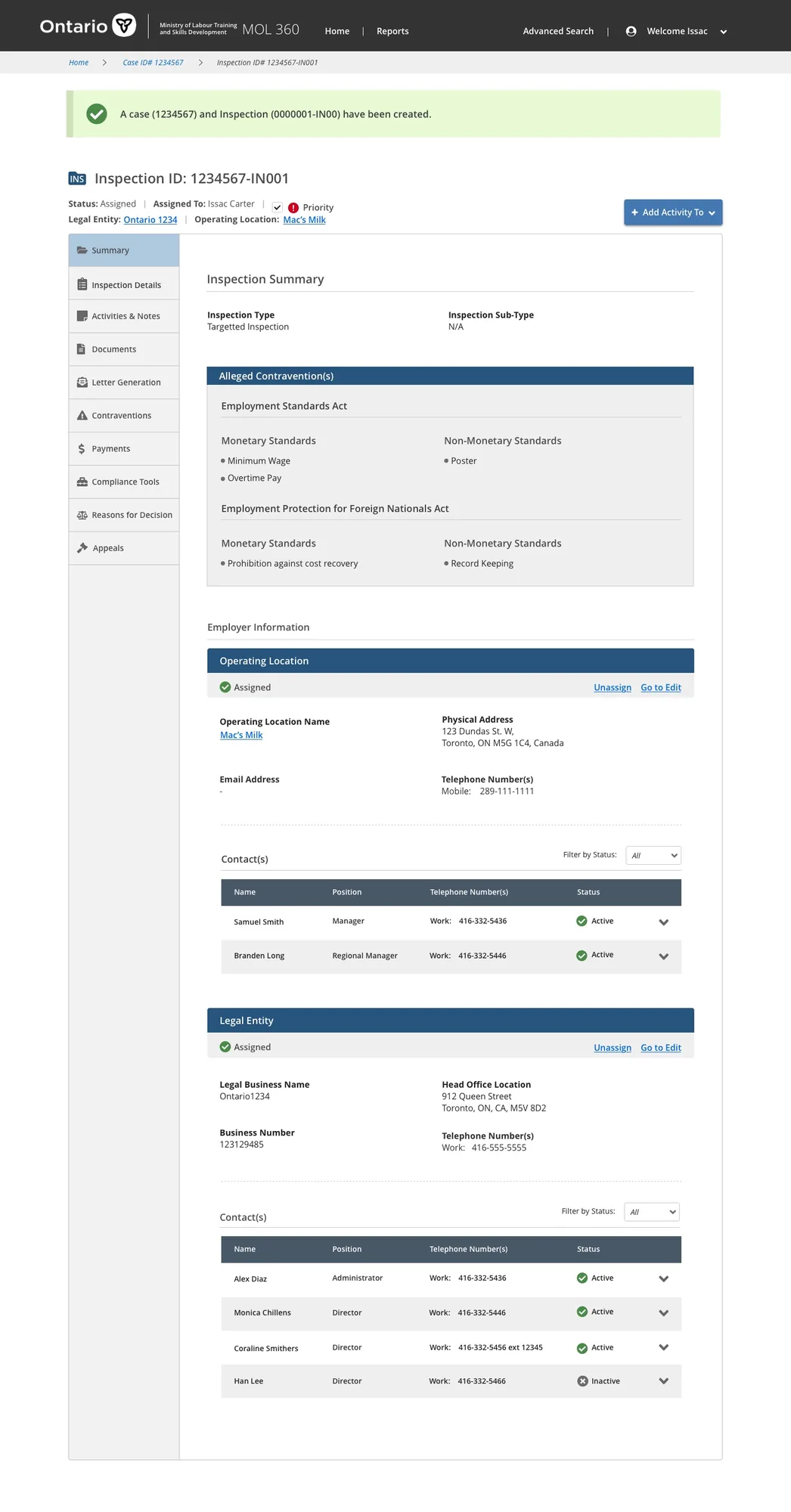
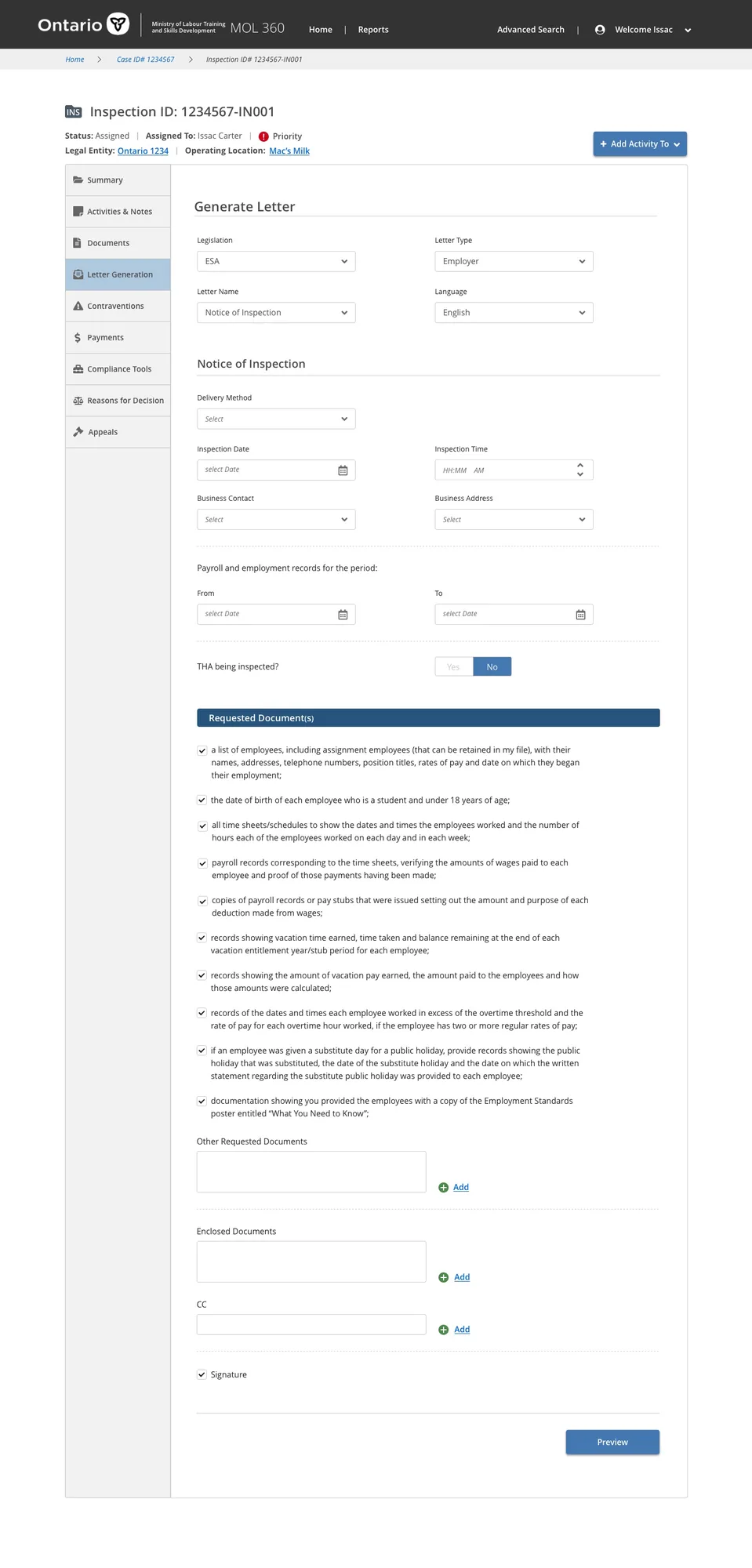
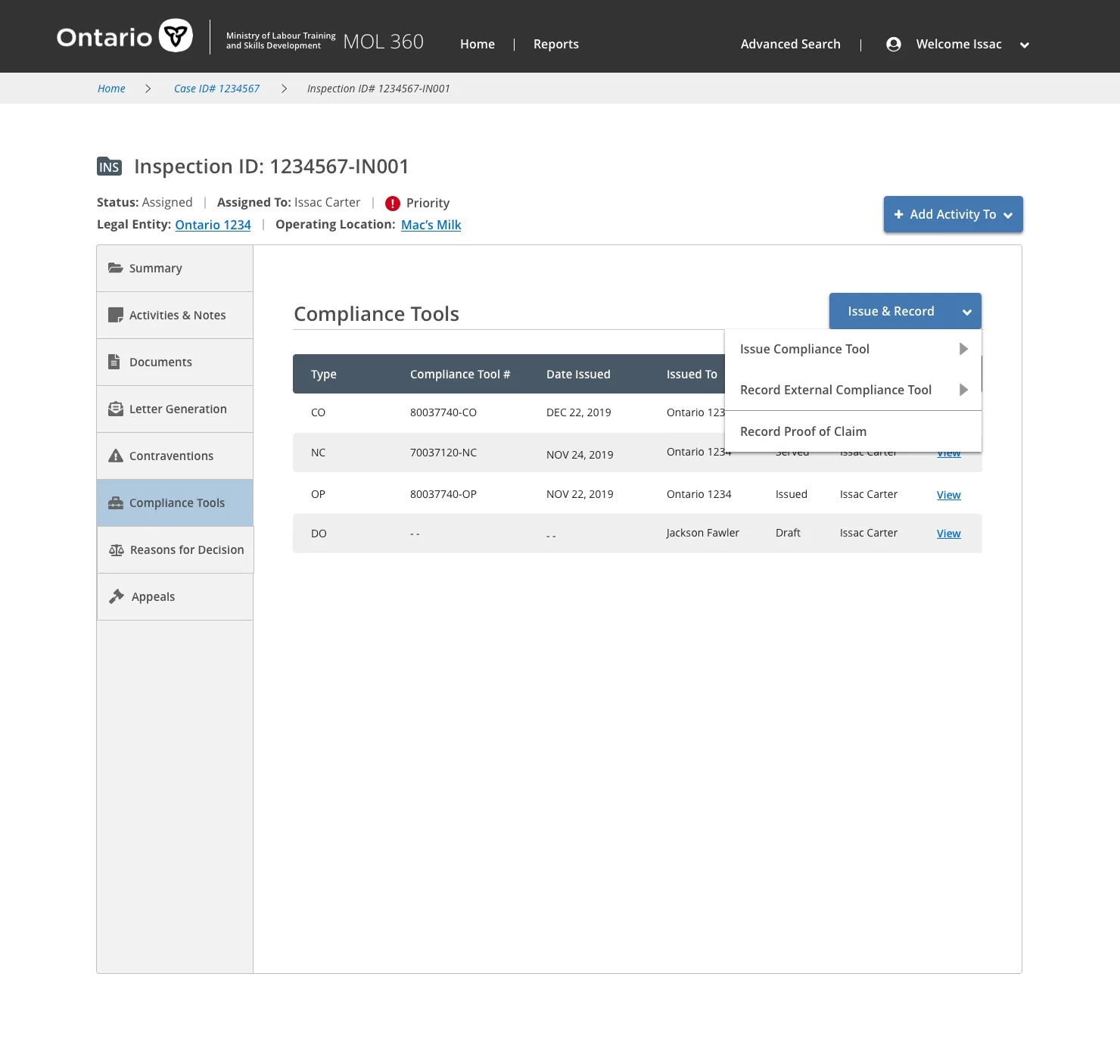
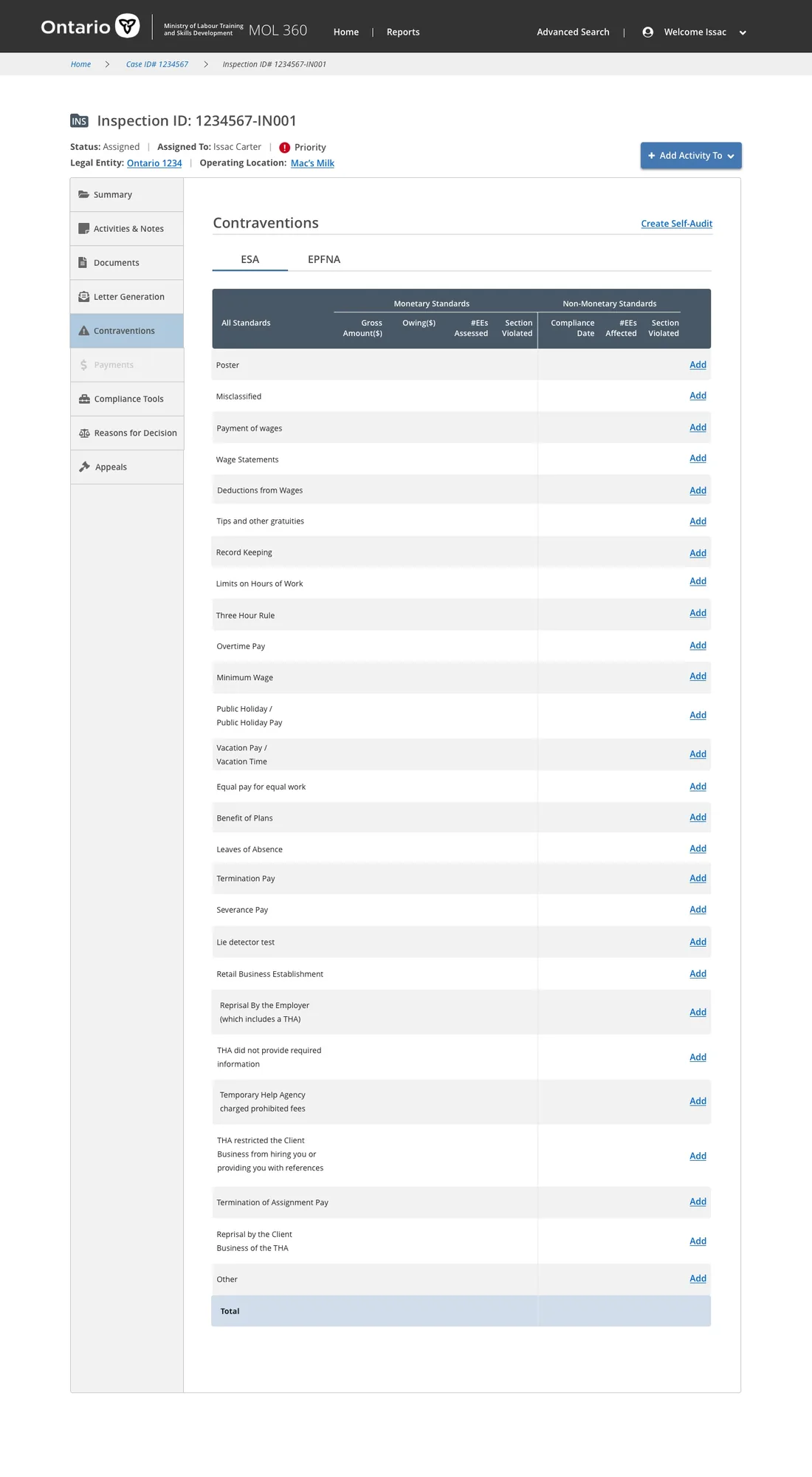
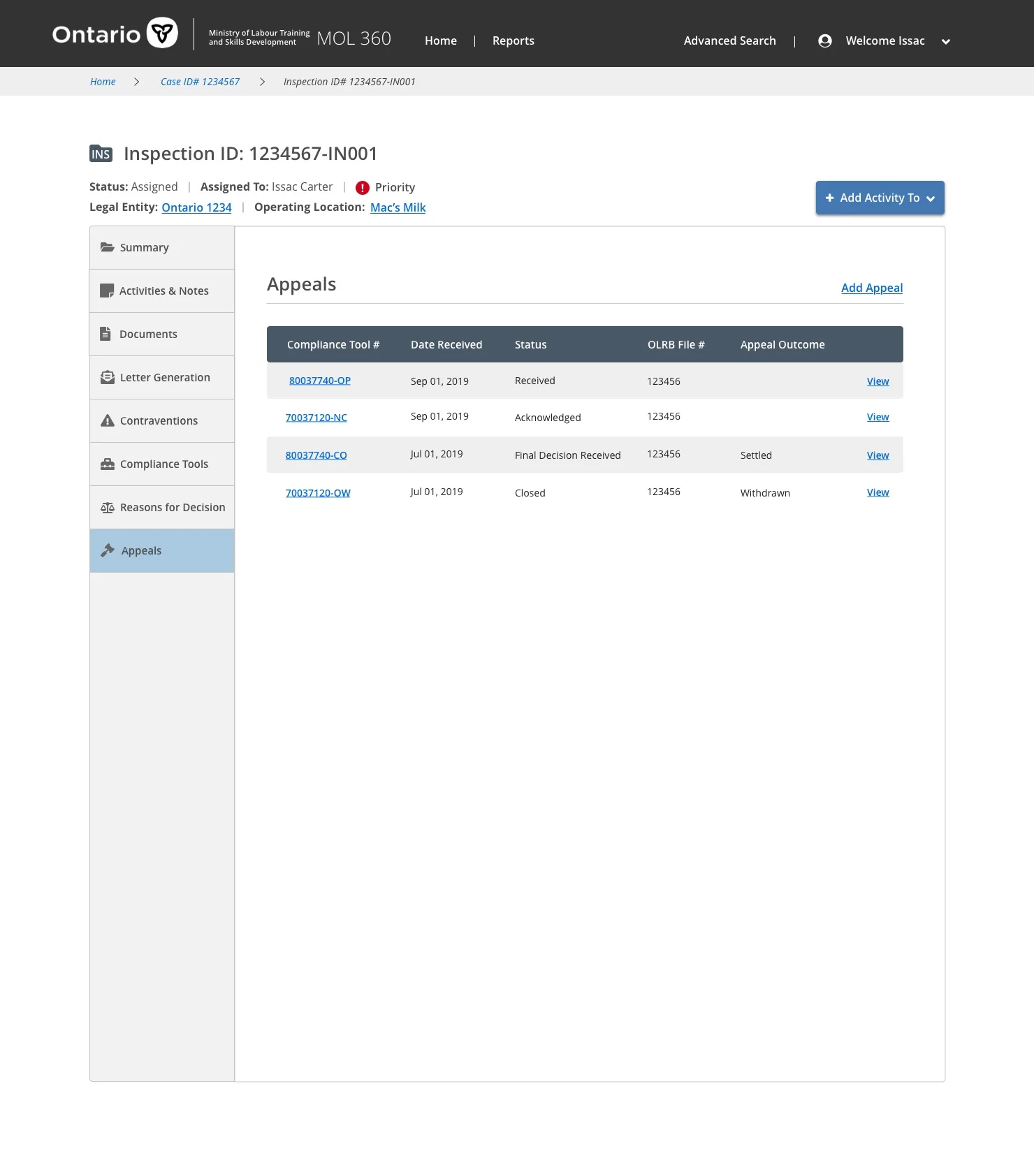
I designed the final screens that brought the inspection workflow to life across five connected interfaces — each tailored to a specific moment in the officer's process.
Configures the relationship between an operating location and legal entity — the foundation every inspection is built on.
The assessment interface where officers record findings against employment standards during the inspection.
A dashboard of the orders, notices, and actions an officer can issue to bring an employer into compliance.
Documentation and tracking of every contravention found, with the evidence and orders attached to each.

A table for managing the dispute process when an employer appeals an order or penalty.